







Most people use their Roku the same way every day: open an app, watch something, repeat. But that little remote hides some button combinations that unlock menus Roku never exactly advertised.
Some are genuinely useful when something goes wrong, offering diagnostic detail that the standard Settings menu doesn't come close to matching. Others are just deeply satisfying to discover, the streaming equivalent of finding a hidden door in a house you've lived in for years.
Whether you're troubleshooting a buffering issue or just curious what your device is actually doing under the hood, these five secret screens are worth knowing about.
1. Wireless secret screen

If your stream keeps stuttering or dropping out, this is where you want to start. The Wireless secret screen shows real-time signal strength, antenna info, glitch rates, and on-device logs — the kind of detail that actually helps you figure out whether the problem is your Roku, your router, or something in between.
To access this, press Home x 5, Up, Down, Up, Down, Up.
2. Reset and update secret screen
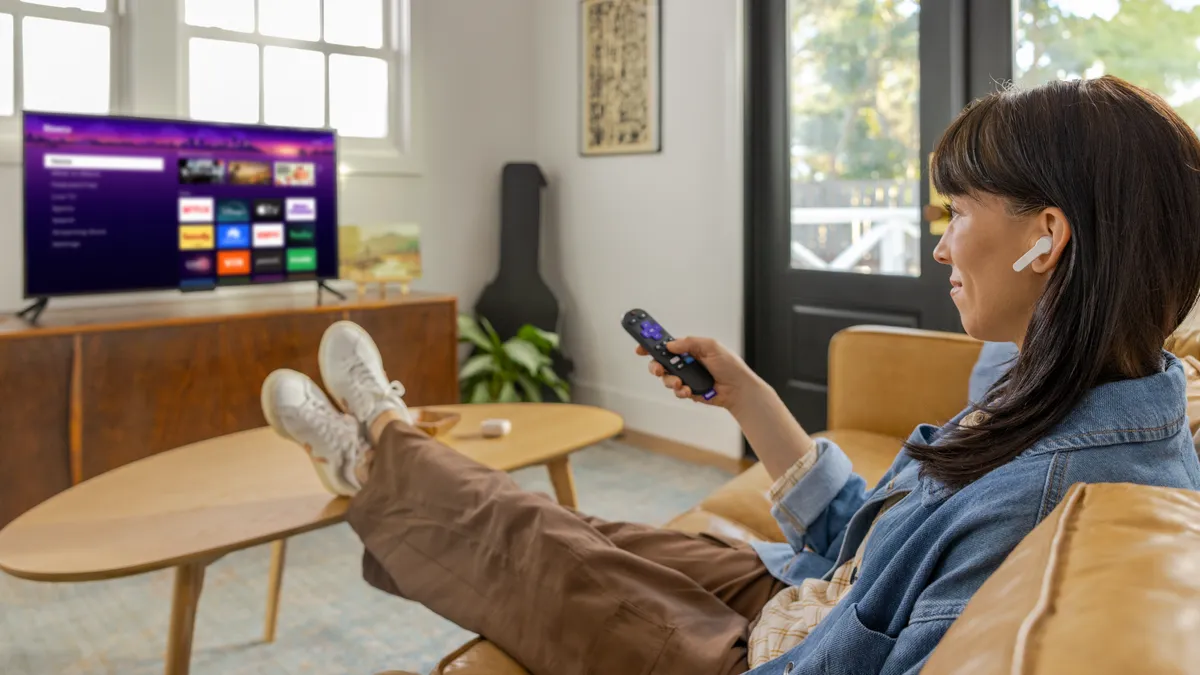
This one lands you directly on the Reset and Update menu, where a soft reset, firmware update check, and USB port tests are all a couple of clicks away.
Simply press home x 5, fast forward x 3, rewind x 2.
It's the same functionality you'd find buried in Settings, just much faster to reach when your Roku is acting up and you want to move quickly.
3. Platform secret screen
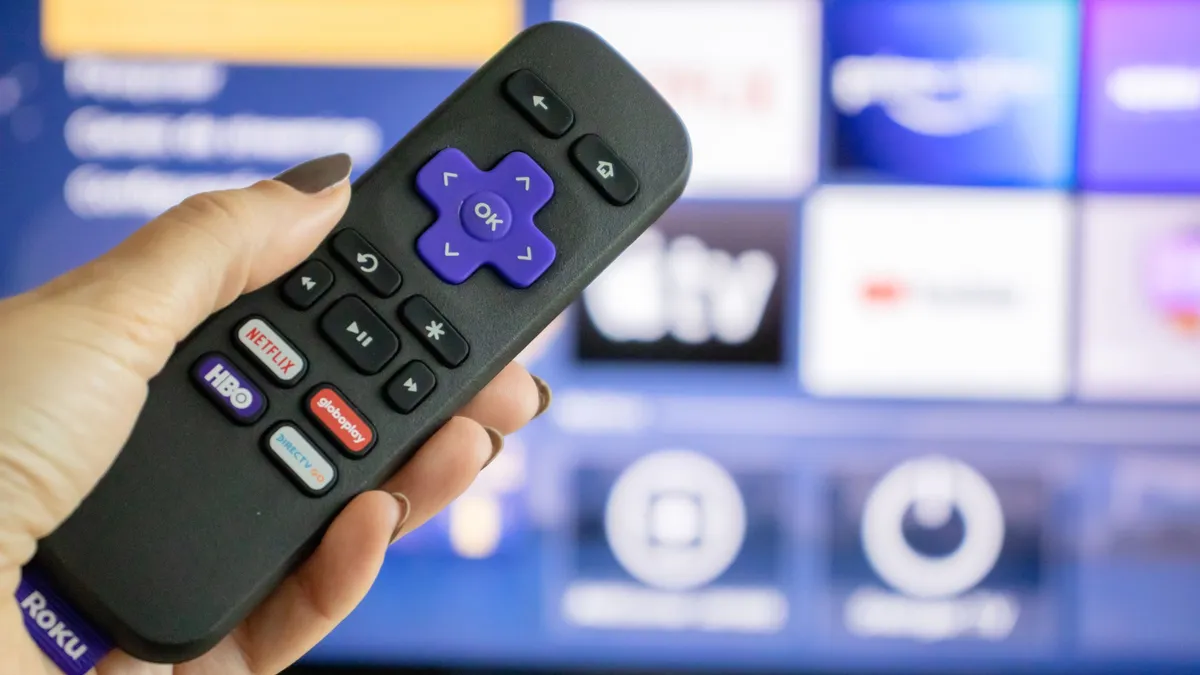
Of all the hidden screens, this is probably the most impressive to stumble across. CPU temperature, memory usage, voltage, connected remote battery levels, your current SSID — it's all here, updating in real time.
To find it, press home x 5, fast forward, Play/Pause, Rewind, Play/Pause, Fast Forward.
4. Channel info menu

This is useful for anyone who's ever had an app freeze, crash, or behave strangely without explanation. This menu lists every installed channel alongside its exact version and build number, so you can see whether you're running an outdated release.
Press home x 3, up x 2, left, right, left, right, left. Highlight any app in the list and you can uninstall it on the spot for a clean reinstall.
5. Reboot shortcut

A straightforward one to finish on. This sequence restarts your Roku immediately — the remote locks up for a second or two, then the device reboots and comes back to life.
To do this, press home x 5, up, rewind x 2, fast forward x 2. It's worth memorising this for the moments when things start running sluggish and you just want a quick refresh.

Follow Tom's Guide on Google News and add us as a preferred source to get our up-to-date news, analysis, and reviews in your feeds. Subscribe to Tom's Guide on YouTube and follow us on TikTok.
More from Tom's Guide
- Your Roku TV is watching you — 3 settings to change right now
- Try these Roku tips to instantly improve your TV experience
- How to fix Roku freezing and buffering — including a secret remote shortcut

