




I am a big fan of Lego, a fact that is plainly obvious to anyone who knows me, and I'm very much in the camp of build-and-display. I'm not creative enough to build my own sets, and playing with bricks is something that hasn't really interested me since I hit double-digits. Needless to say, I am not the target audience for Lego's new Smart Play system — powered by the Smart Brick.
As the name suggests, this is a hi-tech play feature, designed to add more interactivity to specific Lego sets — a fact that has caused a lot of controversy and furor among adult Lego fans. Since I was not the target audience, I initially settled in the camp of casual disinterest. I wasn't planning on buying a Smart Play set, but I also wasn't going to angrily scream into the social media void either.

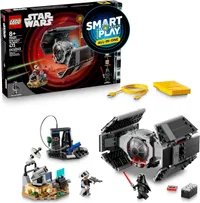
But here I am, talking about Smart Play. Why, you might ask? Because I actually learned about the tech inside the brick, and I have to say I was fascinated by what I heard. I had to try this out for myself, and after getting hold of the Smart Play TIE Fighter, complete with everyone's favorite Sith Lord Darth Vader, I found myself very impressed with what Lego has developed.
I'm still not the target audience, and Smart Play sets still haven't earned a place on my Lego Store wishlist. But if I were a kid, this is the kind of thing I would love to play with. The best part for any parents out there is that it doesn't involve screens.
Hands-on with the Smart Brick

From a building perspective, there isn't much to discuss with the Smart Play TIE Fighter. It's a little more rudimentary than I would expect from a lot of other Star Wars sets, and has clearly been designed to be a little more appealing for kids and playtime rather than sitting on a shelf gathering dust.
It wasn't challenging for an adult, but it's not supposed to be, and I can definitely appreciate the fact Lego didn't employ a single sticker in the set — only printed parts. That's the kind of child-friendly design I can get behind.
The Brick itself operates with a form of near field communication, and it's got a surprising amount of range. I would have guessed that its position in the back of the TIE Fighter would be too far away from Darth Vader when he's sitting in the pilot's seat — but I was wrong. The Smart Brick can communicate over roughly an inch of dead space, which means it can connect to both the Vader figure and the TIE Fighter Smart tag at the same time.
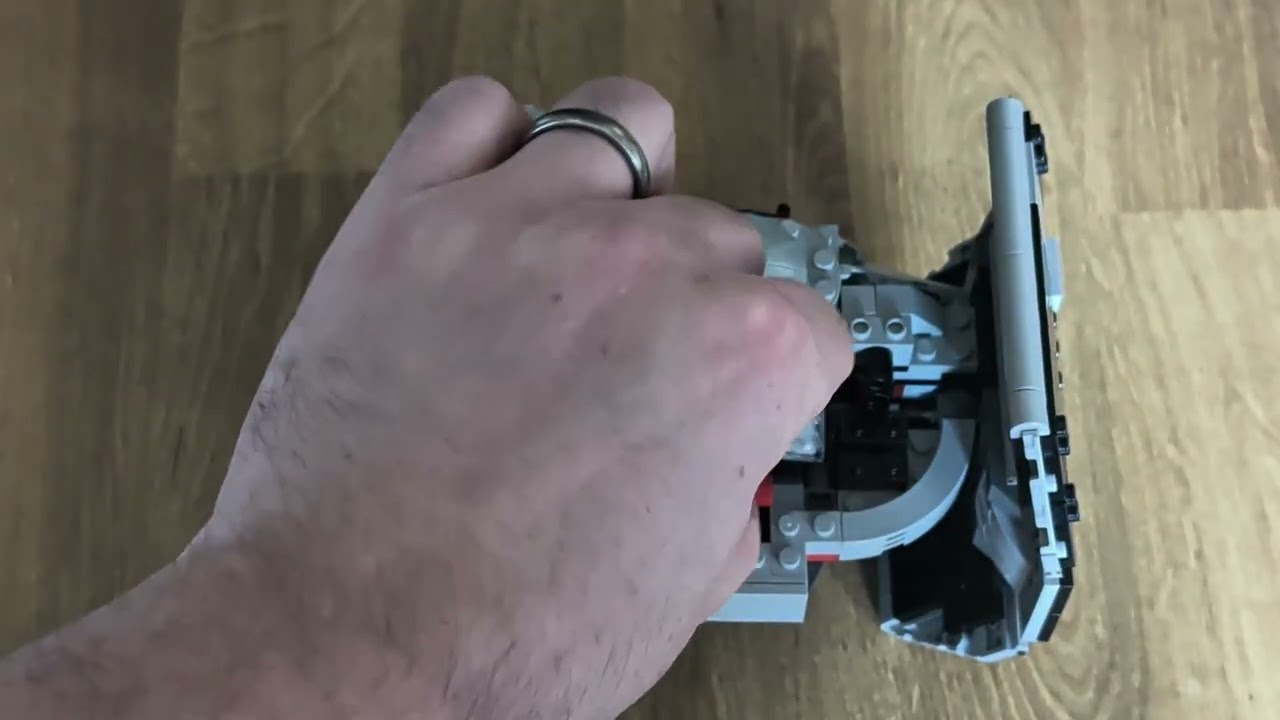
Stick the Smart Brick in the back, and it'll fire up the TIE's engines and play some Vader-specific sound effects — all played through a synthesizer on the Smart Brick. I was not expecting a lot from this, all things considered, but suddenly hearing The Imperial March blast out of the Brick was a very nice surprise.
The same goes for the breathing effect, which, while not a full rendition of Vader's iconic rasp, was close enough.
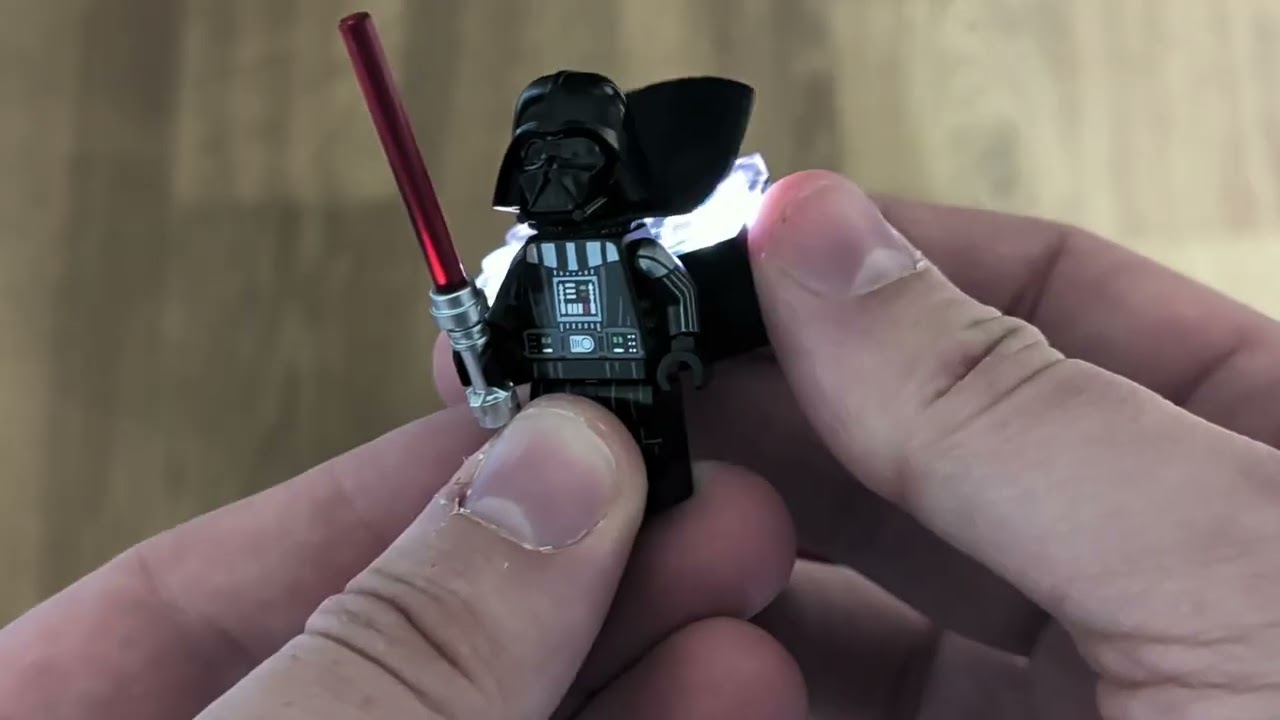
There are even voice effects, though they aren't voice effects from the Star Wars movies. Instead, it's a kind of simulated speech that reminds me of Simlish, the language from the Sims video games, or the voice effects in the oldest Lego Star Wars games. Lego games were better before they added full voice casts, and I will die on that hill.
The Brick features a heck of a lot of internal sensors, which enhance that play experience. Moving the TIE Fighter around activates various sound effects to simulate movement, including a power-down noise when you put the ship back onto the ground.
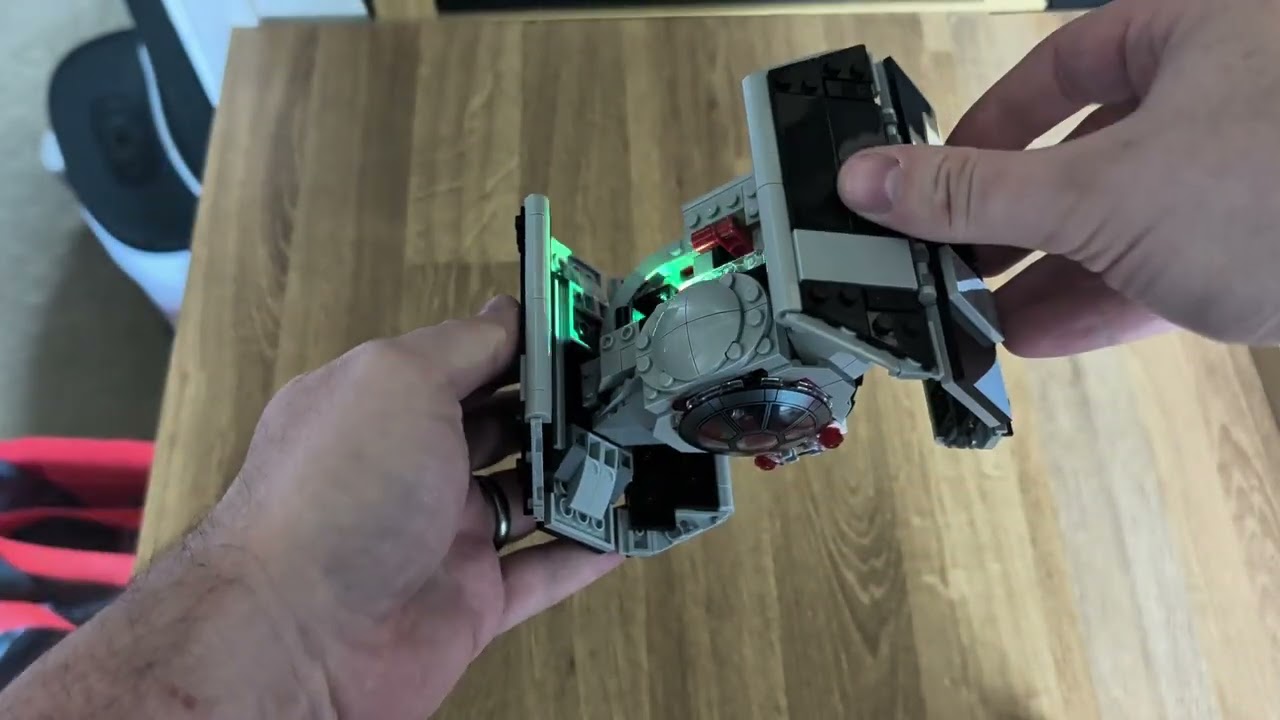
Spin it around with Vader inside and you'll even hear him react accordingly. There's also a color sensor on the side, which adds different sounds depending on what color it senses. Nothing too complex, but in the case of the TIE Fighter red activates the weapons, blue simulates refuelling and green is repairs.
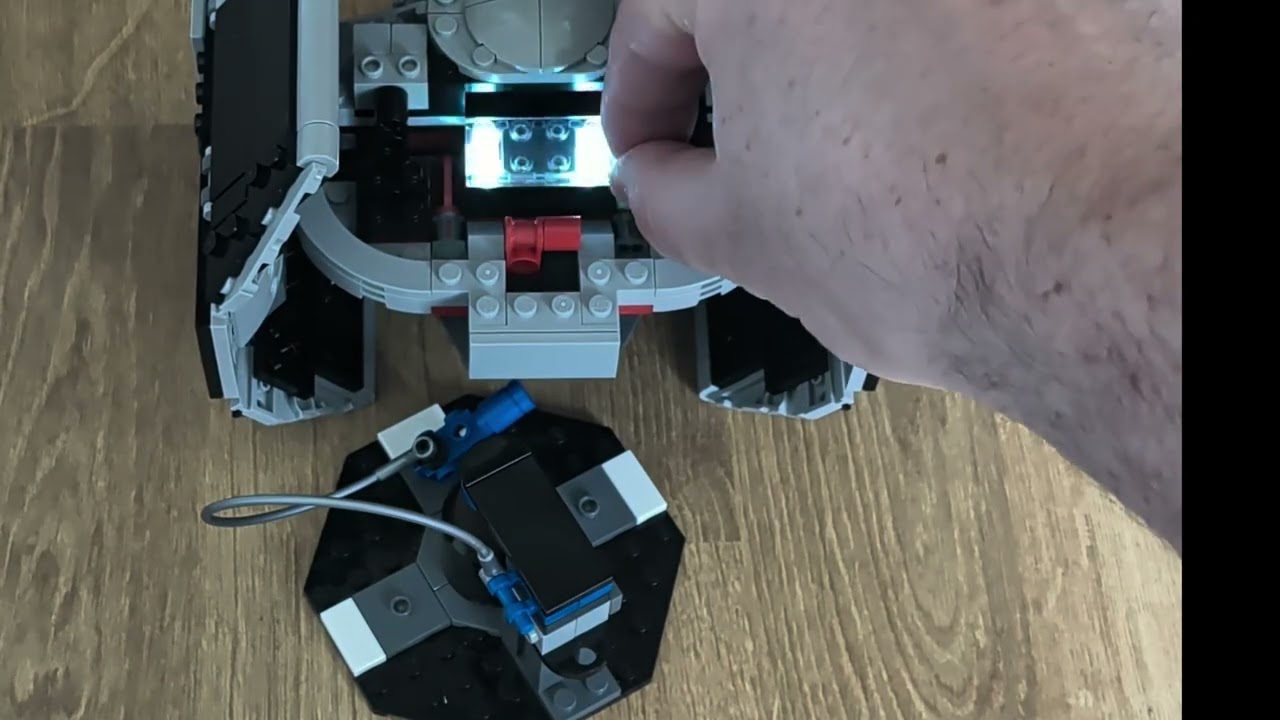
The red is, of course, the most important, which is why Lego added a trigger at the back of the ship that flicks red paddles in front of the light sensor. Flick the trigger, and you suddenly have Darth Vader trying to shoot down the rebels that keep trying to blow up the Death Star.
Lego's innovating, without resorting to apps and screens

One of the things that hit me as I was building the TIE Fighter is that Smart Play is quite different from a lot of the recent "innovation" Lego has done with its sets in recent years. Because it's a closed system that works independently of any other tech. There's no need to pair it to a smartphone app that might get discontinued in three or four years.
There is a Smart Play app, which links to your Bricks via Bluetooth, but this doesn't unlock any extra features or functionality. Not only does it not connect to your brick unless it's on the charging pad, the app only functions as a monitoring tool. It lets you check battery life, adjust volume and update firmware should that ever be necessary. Nothing else, beyond a list of FAQs that are also available on Lego's website.
There will come a day when Lego decides it's had enough with Smart Play. Whether it's one year from now or 10, retirement is inevitable. But that retirement doesn't mean Lego will be able to shut down Smart Bricks that have already been sold. They should still operate as normal until the Brick (or more likely the battery) wears out.
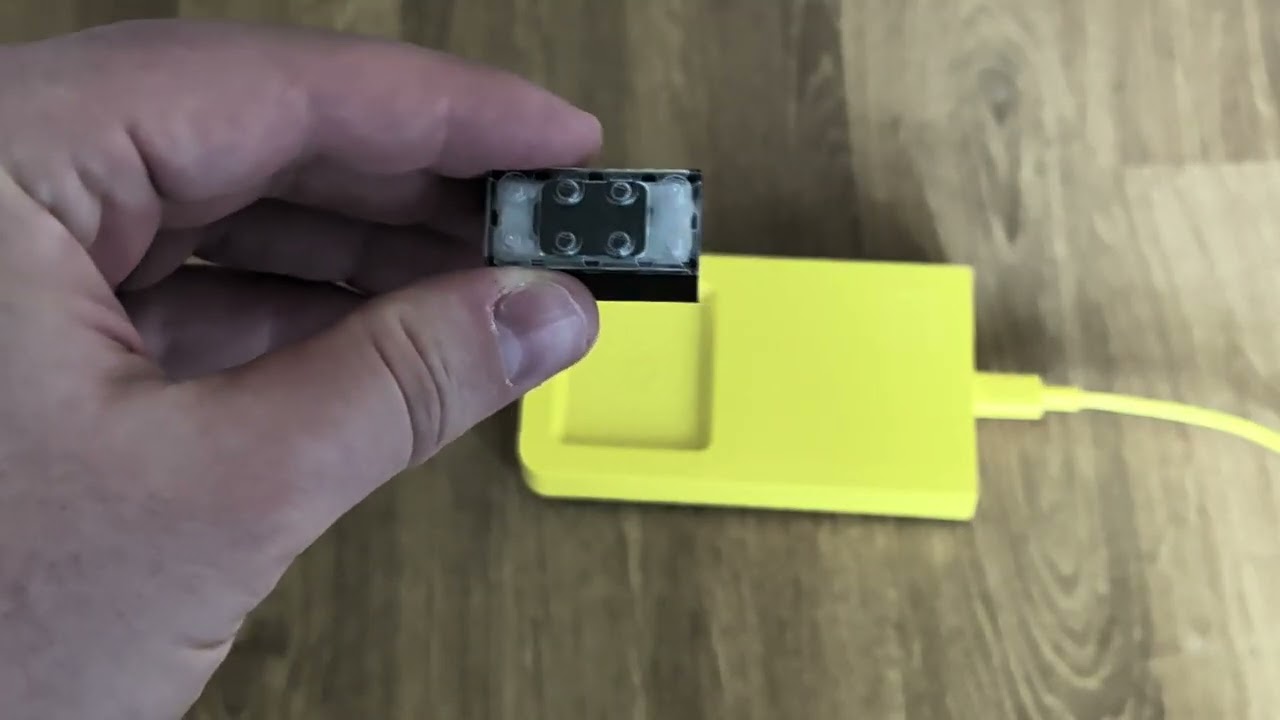
The Bricks already work straight out of the box, and they don't rely on any kind of connection to operate. Even if you don't have smart tiles or minifigures to pair it with, you can still use the Brick as a standalone play element using the built-in sensors. The only essential component is the charger — for obvious reasons.
Compare that to something like the Hidden Side theme, which used a companion app to add augmented reality elements to certain sets. The theme was discontinued in December 2020, and the companion app shut down in January 2023. The physical sets still existed, but the elements that made it unique are now gone forever.
Blending Lego and apps is a cool idea, but Smart Play shows how Lego doesn't necessarily have to go that route to utilize technology to enhance the play experience. Which keeps your kid's screen time down, and means they don't need to have a smartphone or tablet to get the most out of the expensive new set you just bought them.
The prices are a real downer

The elephant in the Smart Playroom is that these sets are rather expensive — even by Lego Star Wars standards. The Smart Play TIE Fighter is the cheapest "all-in-one" Smart Play set, and it costs $70. Also on sale is Luke Skywalker's X-Wing for $90 and the Emperor's throne room for $160.
For reference, the closest Lego set to the TIE Fighter on sale is the $65 TIE Bomber. Not only is it $5 cheaper than the Smart Play model, it's also larger and packs in more interesting minifigures. Sure, this set has the Smart Brick and charger, which won't come cheap, but it seems as though the Smart Play-compatible sets, which don't include those elements, carry a more premium price.
The Millennium Falcon Smart Playset is $100, whereas the mid-scale display Millennium Falcon is $85. It has no minifigures or play elements, but it is larger and more detailed despite costing $15 less. To make matters worse, the Smart Brick and charger aren't available to purchase separately. If you want to get the most out of your new compatible Lego set, you'll need to spend at least $70 for the TIE Fighter.
I understand these are tech elements that cost more to develop and produce than molded plastic bricks. But children famously don't have a lot of disposable income, and the price tags are going to impact how many parents are going to buy these for their kids.
I remember the crushing disappointment of being told a Lego set I wanted was too expensive for Santa to bring me, so I can empathize with any kids who are told they can't have a Smart Play set. Or, perhaps worst of all, get the set they want but without the essential Brick to make it worthwhile.
Bottom Line

I gotta say, I would have absolutely loved this Smart Play stuff as a kid. While part of the fun of playing is making your own sound effects, the way Lego has implemented more hi-tech features into its sets is quite astounding. There's no need to keep replenishing batteries, and the electronics are all contained within a single brick that can be used with other Lego sets.
Not only can you rip out the smart effects to try and use them elsewhere, that's an intended part of the design. The Smart Brick may be a little bigger than your standard 2x4 Lego brick, but it's still universally compatible with all your other Lego sets. You just need to make sure you have the right tags and minifigures to make it worthwhile — because the Brick doesn't do a whole lot by itself.
Lego just needs to sort out the price problem and try to make this a little more accessible. I get it, technology isn't cheap and neither are Star Wars sets. But the least it could do is make sure the Smart brick itself is available on its own, and not stuck between a $70-$160 paywall.

Follow Tom's Guide on Google News and add us as a preferred source to get our up-to-date news, analysis, and reviews in your feeds.
More from Tom's Guide

