

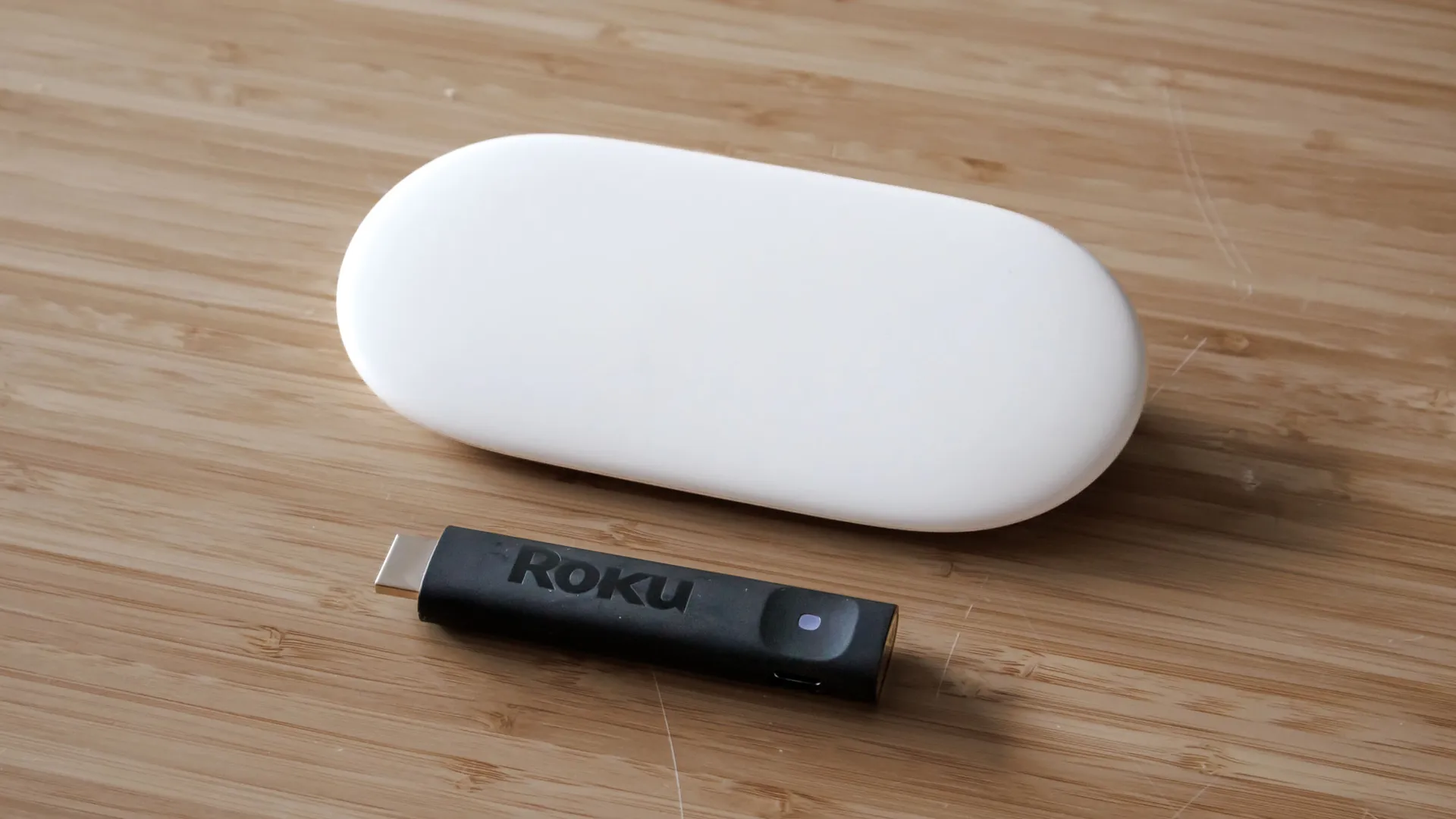
The best streaming devices are a relatively cheap way to upgrade your TV's streaming capabilities. If you have a non-smart TV, these HDMI-attached dongles and boxes mean you can use it to stream from all your favorite apps. But they're also a good option if you have a great TV with older software.
For most people, the best streaming device is the Roku Streaming Stick Plus. It has an app store, easy access to all your services and won't break the bank. If you're after a more polished experience (especially if you own an iPhone), then the Apple TV 4K (4th Gen) is your best bet, but it'll set you back a lot.
These two are not your only options, though. We've tested the best streaming devices available right now, including options from Amazon and Google, to help you upgrade your home viewing experience without breaking the bank, and saving you from needing to replace a perfectly good TV just to get new software.
The best streaming devices you can find today
Why you can trust Tom's Guide Our writers and editors spend hours analyzing and reviewing products, services, and apps to help find what's best for you. Find out more about how we test, analyze, and rate.
Best streaming device overall
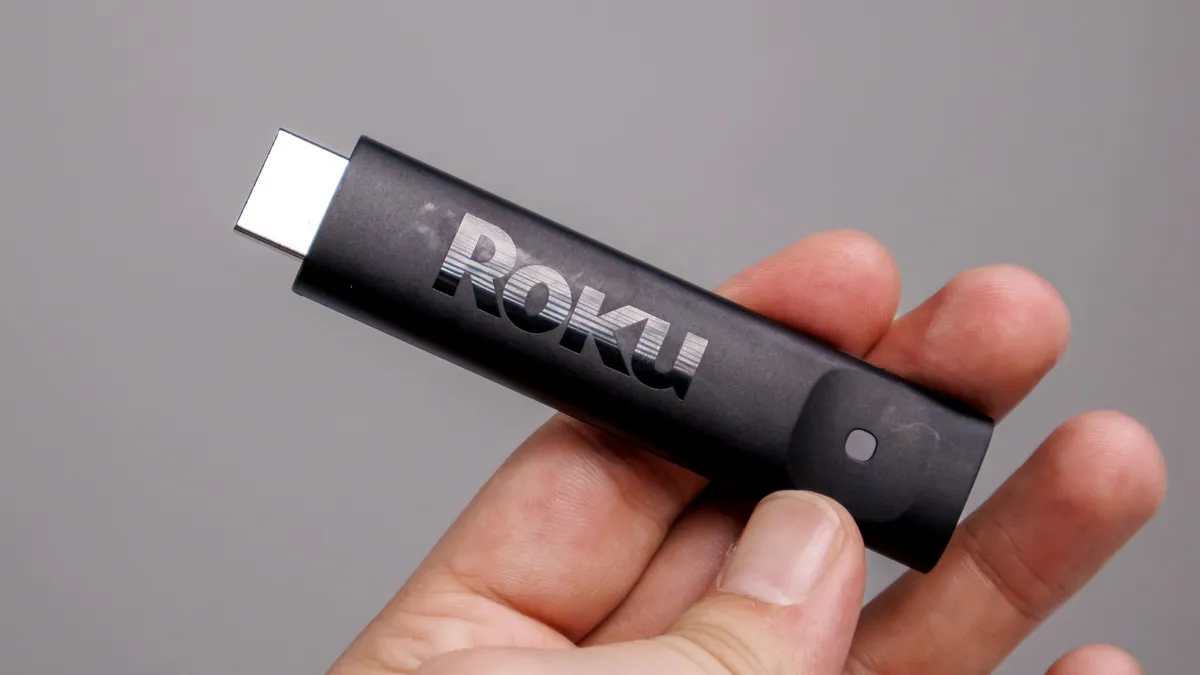

Roku's streaming devices have topped this list for a long time, and the latest Roku Streaming Stick Plus is only going to cement the brand's place at the top of the tree. The Streaming Stick Plus has loads of features that make it the best option around right now, from fantastic 4K streaming to a simple, slick UI.
This compact wonder brings powerful streaming without taking up loads of room behind your TV. Roku's user interface is among the best around, making searching through your favorite streaming services a breeze. The Roku remote that comes with it isn't the fanciest, but it's well laid out and simple to use, and supports voice commands.
The most important part, of course, is how good it makes your TV shows look. And, despite its lower price, we're happy to report that the 4K output is excellent. We combined it with a Samsung OLED TV, and it looked about as spectacular as you might expect.
Roku has slipped in some funky extras as well. We really like the screensavers — called Backdrops — that play when you're not using the TV. It avoids image retention and burn-in, which is a bonus, but it also makes what could be a big, black rectangle in your room something that actually adds to the decor.
The biggest drawback is the pesky ads. Make sure you turn off video autoplay, lest you be bombarded by irritating, noisy videos on startup. The ads are otherwise relatively easy to ignore. Despite the annoying ads, the Roku Streaming Stick Plus is an excellent streamer.
- Read our full Roku Streaming Stick Plus review
Best budget streaming device
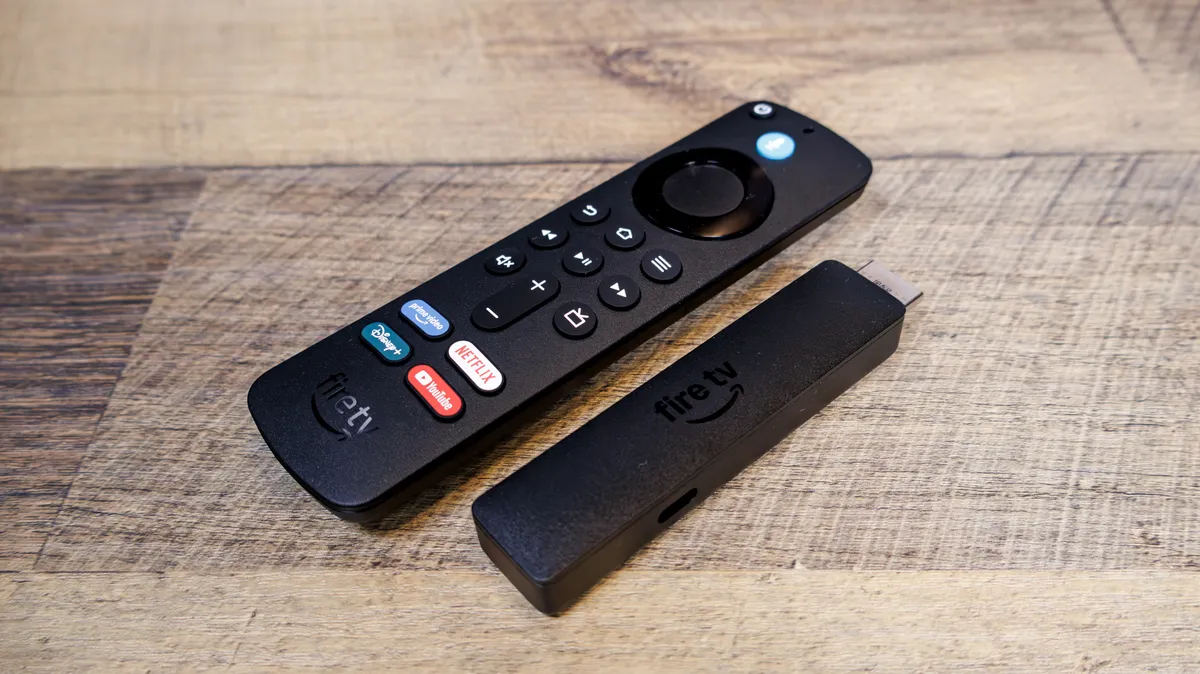
It's forty bucks. That's the pitch. It's just about the cheapest way to make your aging TV into a streaming powerhouse. There are fewer bells and whistles, and it doesn't have the highest resolution, but it doesn't cost much and means you can watch Amazon Prime, Netflix and more on your TV.
There are more features than you'd expect, though. While you won't get 4K, you do get some more premium sound formats like Dolby Atmos, should you be hooked up to a surround sound system. There are HDR formats galore as well, so the 1080p image will be super clear and colorful.
It's easy to set up and works speedily with the included remote control. It's not fancy, but it's cheap. And if you want to get the cheapest and easiest way to get streaming, there's not much better. Just don't bother if your TV is a smart TV — the built-in streaming is better.
- Read our full Amazon Fire TV Stick HD review
The best live TV streaming device
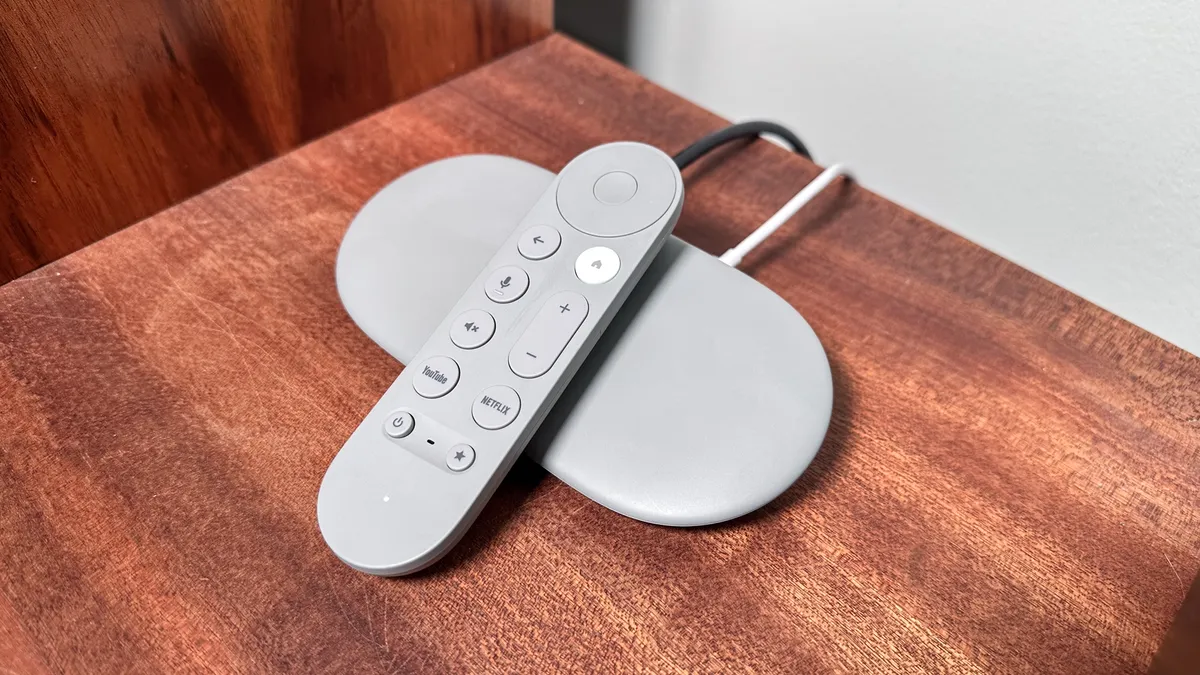
The Google TV Streamer is a huge improvement over the old Google Chromecast. Similar functionality and navigation remain — and now you get live TV integration, tons of free content, plus several live TV services to choose from (YouTube TV, Sling and Philo).
But now, it also packs 4K UHD streaming with support for HDR and Dolby Vision for excellent picture quality, and Dolby Atmos for immersive sound. And with Google TV, you have support for over 6,500 Android TV apps.
That's not all, as the TV Streamer has a slew of smart home integrations that make it stand out. Directly from your TV, you can now monitor and control all your smart home devices.
We were able to view live streams from our various home security cameras and video doorbells, and also see which lights were still on — and dim them, too. You can even check the temperature on your smart thermostat. It's a step up from what other streaming devices offer and will make smart home enthusiasts gush the world over.
As with most newer TV models, Google has also incorporated its Gemini AI into the TV Streamer. This will do a variety of tasks, like providing simple summaries of whatever content is on-screen and pulling in reviews from both critics and the general public — for better or worse.
You can also use Gemini to create screensavers. Think of (almost) anything and speak it into the remote, and Gemini will create it for you, to amusing (or horrifying) effect.
- Read our full Google TV Streamer review
The best streaming device for Apple users
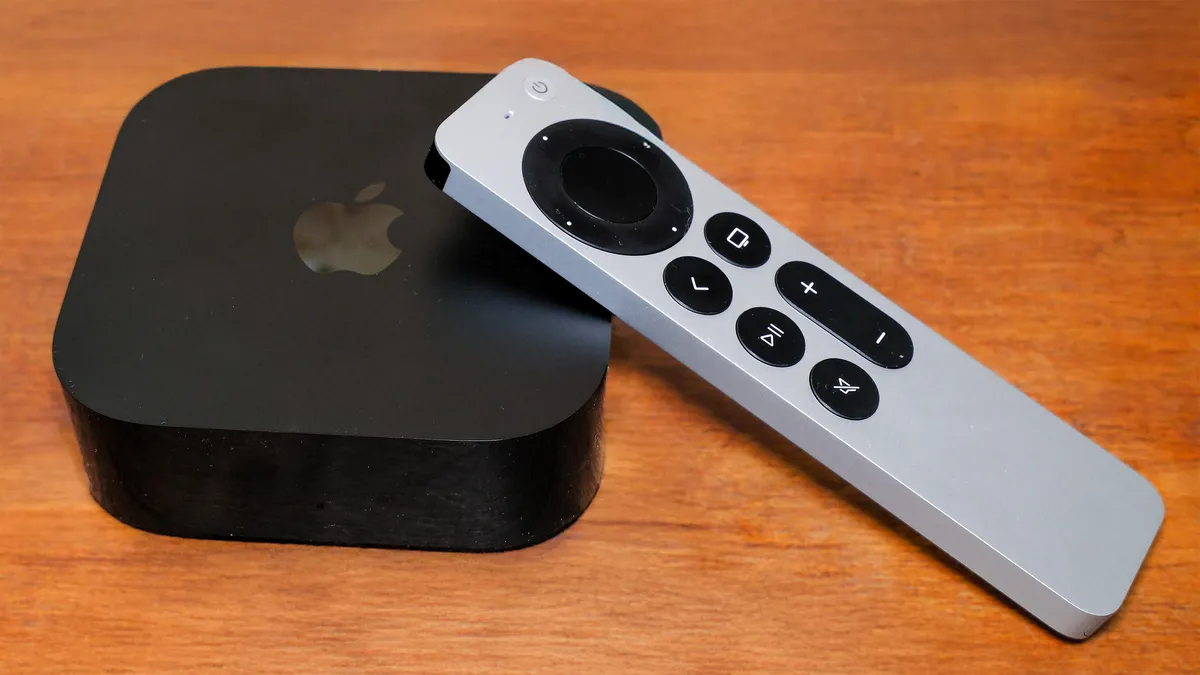
One of the most surprising things about the 2026 Apple TV 4K (4th Gen) is not that it now comes with AI, but that it is twice the price of the 2022 version. That's an incredible jump in cost, even considering the price hikes we've seen across all areas of our lives. Whether it's justified depends on how much you use Apple's services.
Taking price out for a moment, the experience of using the Apple TV 4K is fantastic. It's uncluttered and easily links up to your non-Apple streaming apps like Netflix. Of course, one of the main attractions is how seamlessly it integrates with Apple's services and hardware, which is why it's the best streaming device for iPhone owners too.
Which brings us back to the price. Unless you have an iPhone or heavily use the Apple TV streaming service, it's probably not worth the investment. But the quality-of-life features you get with an iPhone make the price easier to swallow. Some of the smallest features on tvOS (Apple's software) are actually the best.
The included Siri remote uses an iPod-like touch scroller, which is great for navigation but pretty useless for text entry. So when you tap a text box, an Apple TV keyboard pops up on your iPhone, so you can easily enter usernames and passwords. But in theory, the biggest addition to the 2026 model is Siri's Apple Intelligence upgrade.
It's not hugely exciting, but it is a step up from Classic Siri. We tried Classic and AI Siri voice commands, asking for lists of movies with certain actors. Classic wouldn't get it right, but AI-powered Siri did just what we asked. It's good, not great, and depending on your views on AI, might not be worth twice the price of the 2022 edition.
- Read our full Apple TV 4K (4th Gen) review
How we test the best streaming devices
We test streaming players by looking at both the content they can provide (most are very similar at this point) and how they deliver said content. Any streaming player worth its salt can load a 4K stream, but only a good one possesses straightforward navigation, robust search features and a wide variety of content to suit all tastes.
The first thing we evaluate is the setup, to see how quick and simple it is. From there, we take the user interface for a spin to see what content gets highlighted, what gets hidden, and how easy it is to navigate to our favorite channels.
As live TV service integration becomes a bigger feature in streaming devices, we look at how these sticks and boxes can place your favorites within closer reach.
We'll also watch a few different shows on a variety of channels to gauge the quality of the video and audio, to make sure they look good regardless of whether you have one of the best TVs or not.
After that, it's onto the extra features, like gaming, voice search and screen mirroring. These factors don't weigh quite as heavily toward the final score, but they're nice to have if they work well, and extremely distracting if they don't.
How to choose the best streaming device for you
The main reason to get a streaming stick is that your TV is either missing a feature you want, or you'd rather not replace a perfectly good television just because it doesn't connect to the internet and download apps.
These are both great reasons to invest in these small and relatively inexpensive devices. After all, even the best TVs under $500 are still a strain on your bank balance, and if there's nothing wrong with your existing set, why send it out to the trash when you don't need to?
But if you buy a TV, you'll end up using the software that comes installed on it. With the best streaming devices, you have a lot more choice. Roku, Amazon, Google and Apple all have great options that you can use on any TV, and you don't have to be invested in each ecosystem to enjoy them (though it can help).
Generally speaking, the cheaper devices are supported by ads or feature-locked subscriptions/upgrades. But if you want to get what I'd argue is the best streaming device for iPhone owners (that's the Apple TV 4K), you'll need to spend more, but it's an entirely uncluttered, ad-free experience.
Although for other tech devices, there'd be a lot more between them, the choice here really comes down to price, brand and software. All the devices we've featured have apps for the major streaming platforms, so you won't miss out. Not that I really recommend AI, but the Google TV Streamer is ideal if you're a big Gemini user.
Or if you want to go the other way, I'd advise the Apple TV 4K — not because it doesn't have AI (the 2026 box has the new AI Siri experience), but because it's not that interesting, so you won't ever feel compelled to use it. I'm being a little unfair; it works with Apple's own services, but it's less reliable for third-party apps and services.