When I started using my first Apple Watch to track my sleep, I thought I was doing everything I could to get the most accurate results possible; I always used the Apple Watch's vital settings for precise sleep data, for example. But I was completely oblivious to my bad Apple Watch habits that were secretly interfering with its accuracy.
As one of the best sleep trackers on the market, the Apple Watch offers key features that can boost your sleep. However, keeping your Apple Watch in top condition for optimal sleep tracking performance is all down to you.
I learned that the hard way, making little-known mistakes that I didn't realize were skewing my sleep tracker data — until I noticed some things that didn't add up. So, learn from my mistakes with this guide to avoiding bad lifestyle habits that get in the way of sleep tracking accuracy, plus how I'm keeping my Apple Watch in shape so it can live up to its potential.
5 Apple Watch habits to avoid for better sleep tracking accuracy
1. Not wearing your Apple Watch's band properly

Let's start with possibly the most common Apple Watch mistake: not checking the fit of the strap is right. Because while we all have comfort preferences, the wrong fit can impact your tracking data.
Your Apple Watch's strap should accommodate your wrist size, but an Apple Watch that fits too tight or too loose can impair the sensors' job.
According to Apple Support, you should wear the Apple Watch in a way that's "not too tight, not too loose, and with room for your skin to breathe."
Afraid that the watch would slip off in the night, I initially pulled my Apple Watch's strap so tight that it caused irritation. To fix this, I overcompensated by loosening the strap too much.
As a result of the loose fit, the Apple Watch's face (otherwise known as its monitor) started to slide down to my hand or to the bottom of my wrist — a huge problem as the sensors only work when it sits on the top of your wrist. Also, make sure your it's positioned above your wrist bone (towards your elbow rather than your hands).
Basically, the Apple Watch must maintain constant skin contact for accurate results, but not so tight that it causes discomfort or prevents your skin from breathing.
2. Charging my Apple Watch at the 11th hour

Now, it may seem obvious that your Apple Watch will need some juice to track sleep accurately (because it is obvious). But if you're anything like me, it's likely you have a habit of charging your devices at night while you sleep.
Nocturnal charging is all well and good for phones and laptops, but for accurate sleep tracking, it's not surprise you need your Apple Watch out of its charging nest and onto your wrist. The amount of times I've had to postpone my bedtime waiting for my Apple Watch to charge at the last minute is more than I care to admit.
To prevent the battery dying overnight, I've made charging the first step of my evening routine. Putting my Apple Watch on charge before I start my nighttime routine gives it enough time to gather the energy needed to track seven to nine hours of sleep.
Alternatively, set charging reminders on your phone to give you a nudge.
3. Forgetting to update

I allow my iPhone to automatically update while I sleep, as it's typically locked, connected to the WiFi and charging at this time. The Apple Watch needs the same settings to update — and I quickly discovered that it's not possible to automatically update overnight when it's strapped to your wrist.
I'm awful at remembering to update manually, and this can cause major issues. Software updates are important for accuracy: they improve the interpretation of sensor data, fix any bugs, and introduce new health metrics.
I now check my Apple Watch app's settings to see if there are any updates available and pay attention to my Apple Watch's reminders to install.
4. Forgetting to clean it after exercising

As it's more than just a sleep tracker, I often wear my Apple watch during the day; I love having it track my steps whenever I go for a walk.
However, daytime use can allow dirt, sweat, sun block, and natural body oils to accumulate on the back crystal, which Apple Support warns can impact sensor functionality.
When by chance I glanced at the back of my watch, I was surprised by how grubby it had become through everyday use.
To combat grime buildup, I follow Apple's cleaning advice: "Wipe your Apple Watch clean with a non-abrasive, lint-free cloth. If necessary, lightly dampen the cloth with fresh water."
5. Putting it on straight after showering or applying lotion

I'm a night shower-er — night showering is actually better for your sleep — and I often reach for my Apple Watch not long after stepping out of the shower.
But a build up of moisture and lotion can impact sensor readings, so putting my Apple Watch on a damp wrist covered in freshly-applied body lotion and lavender essential oil roll-on isn't a great idea.
I'm now in the habit of letting my skin absorb lotion for at least five to 10 minutes before donning my Apple Watch, to make sure my wrist is thoroughly dried. And I save my roll-on for my watch-free wrist.
3 good habits for Apple Watch sleep tracking accuracy
1. Cleaning weekly

You can make sure your sensors are clean enough to do their job properly by treating your Apple Watch to a once-a-week clean.
A quick wipe down with a lint-free cloth dipped in water is sufficient for day-to-day wear, but our guide on how to give your sleep tracker a 15-minute deep clean will have even the dirtiest Apple Watch performing better in no time.
2. Always keep it above a 30% battery

I mentioned before that forgetting to charge your Apple Watch is a major bad habit. However you may be wondering how much battery the Apple Watch needs to bring its sleep tracking a-game.
According to Apple Support, the bare minimum is 30%: "Make sure you charge your Apple Watch to at least 30% before bed with Sleep Tracking on Apple Watch enabled".
3. Try to wear it every night
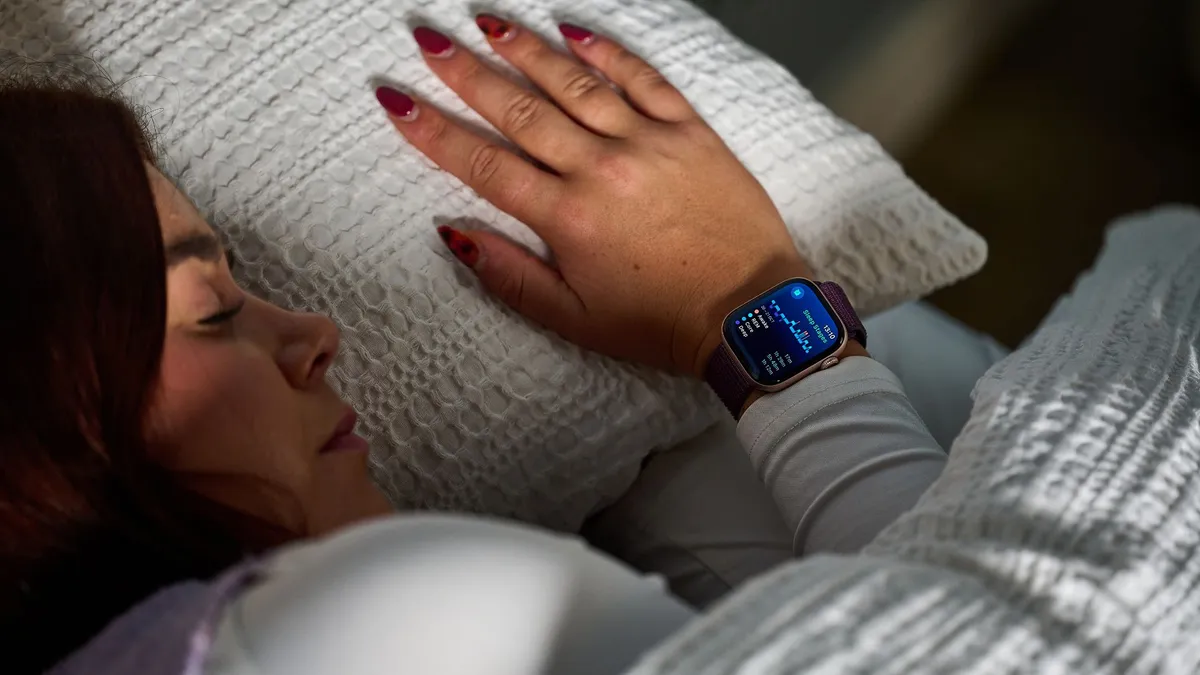
And the most important Apple Watch habit of all? Consistency.
Wearing your Apple Watch every night (with a few skips when it's really not possible) helps your watch to establish a baseline for your normal metrics, allowing the watch to highlight any anomalies and to get to know your sleep patterns better.