




Most people buy an Apple Watch for two reasons: tracking exercise and checking notifications. But if that’s all you’re using it for, you’re only scratching the surface of what’s on your wrist.
Beneath the standard watchOS interface lies a powerhouse of hidden tools designed to save you time, streamline your daily routines, and even protect your peace of mind.
Here are five deeply underrated Apple Watch features that will fundamentally change how you use your wearable every single day.
1. Protect your hearing

You probably don’t think about your hearing health until you’re at a deafening concert or using power tools. That’s where the Noise app comes in. It acts as a silent, background bodyguard for your ears, requiring zero daily effort after a one-time setup.
To turn it on, head to Settings on your watch, tap Noise, then select Environmental Sound Measurements to toggle on Measure Sounds.
Then go back to Noise Notifications and set your decibel threshold (80dB or 85dB is the sweet spot). Now, your watch will quietly monitor the room and give you a gentle tap if the environment gets dangerously loud.
2. Turn your wrist into a walkie talkie
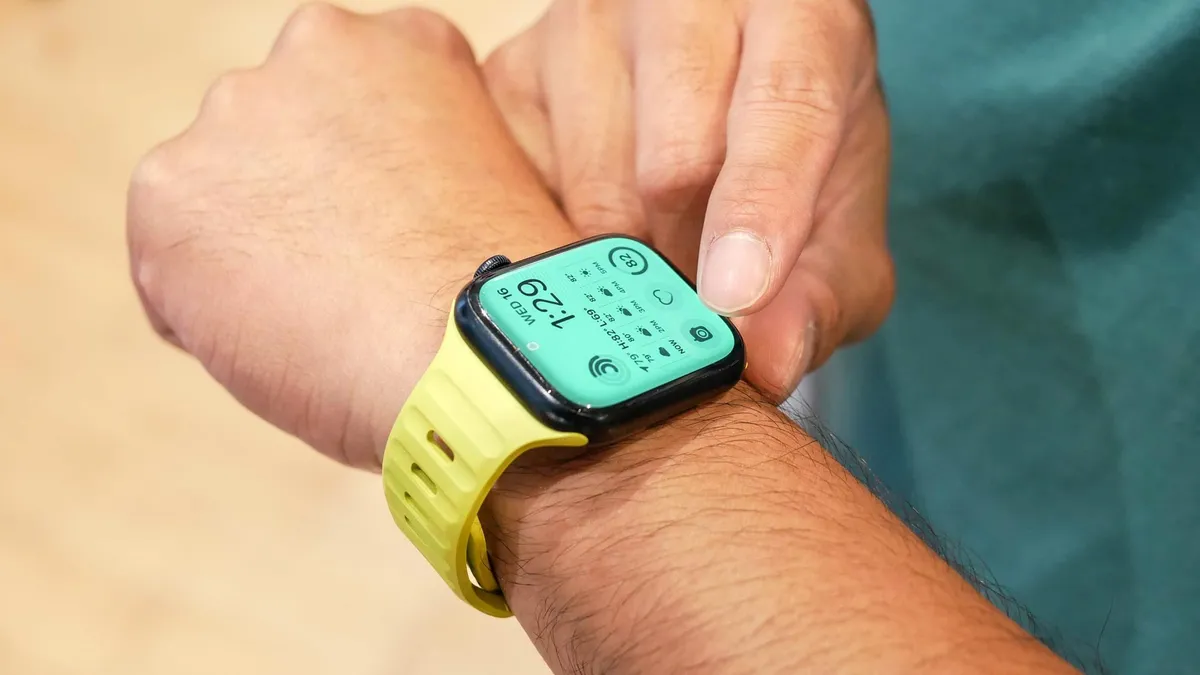
It’s easy to dismiss the Walkie-Talkie app as a gimmick until you actually use it. This feature lets you push-to-talk directly with another Apple Watch user in real time over Wi-Fi or cellular.
All you need to do is open the Walkie-Talkie app, send an invite to a contact, and wait for them to accept. Once they do, hold the talk button, speak, and your voice instantly plays out of their watch speaker.
If you can't find it, you may just need to head to Settings and Accessibility to make sure it's toggled on.
3. Check your heart

Apple introduced the ECG (electrocardiogram) feature way back with the Series 4, yet a surprising number of people still don't know about it. This tool on your wrist is capable of detecting irregular heart rhythms like atrial fibrillation.
To use it, sit comfortably, rest your arm on a table, open the ECG app, and hold your index finger against the Digital Crown for 30 seconds. Your watch handles the rest, giving you a clear reading you can log, add symptoms to, and instantly export as a PDF to share with your doctor if something feels off.
4. Browse the web

Apple famously left Safari off the Apple Watch, but the browser engine is actually hidden right inside the software. If you ever need to quickly look something up without pulling out your phone, you can force the watch to surf the web.
Just open the Messages app, start a text to yourself, type in a full URL (like google.com), and hit send. When you tap the link in the text thread, a fully functional web browser pops up on your wrist.
If a page looks strange, just tap the top URL bar to toggle between Reader View and standard Web View.
5. Snap a photo with a double-tap of your fingers

Trying to prop up your iPhone for a group photo usually involves a frantic 10-second sprint after hitting the timer. Instead, you can use the Double Tap gesture to control your camera completely hands-free.
While the double-tap gesture handles plenty of different tasks across watchOS, its best use case is acting as a stealthy remote shutter. Just prop up your phone, open the Camera Remote app on your watch to frame the shot, and casually pinch your thumb and index finger together twice.
Your watch instantly triggers the shutter, letting you take the perfect shot without anyone realizing you're controlling the camera.

Follow Tom's Guide on Google News and add us as a preferred source to get our up-to-date news, analysis, and reviews in your feeds. Subscribe to Tom's Guide on YouTube and follow us on TikTok.
More from Tom's Guide

