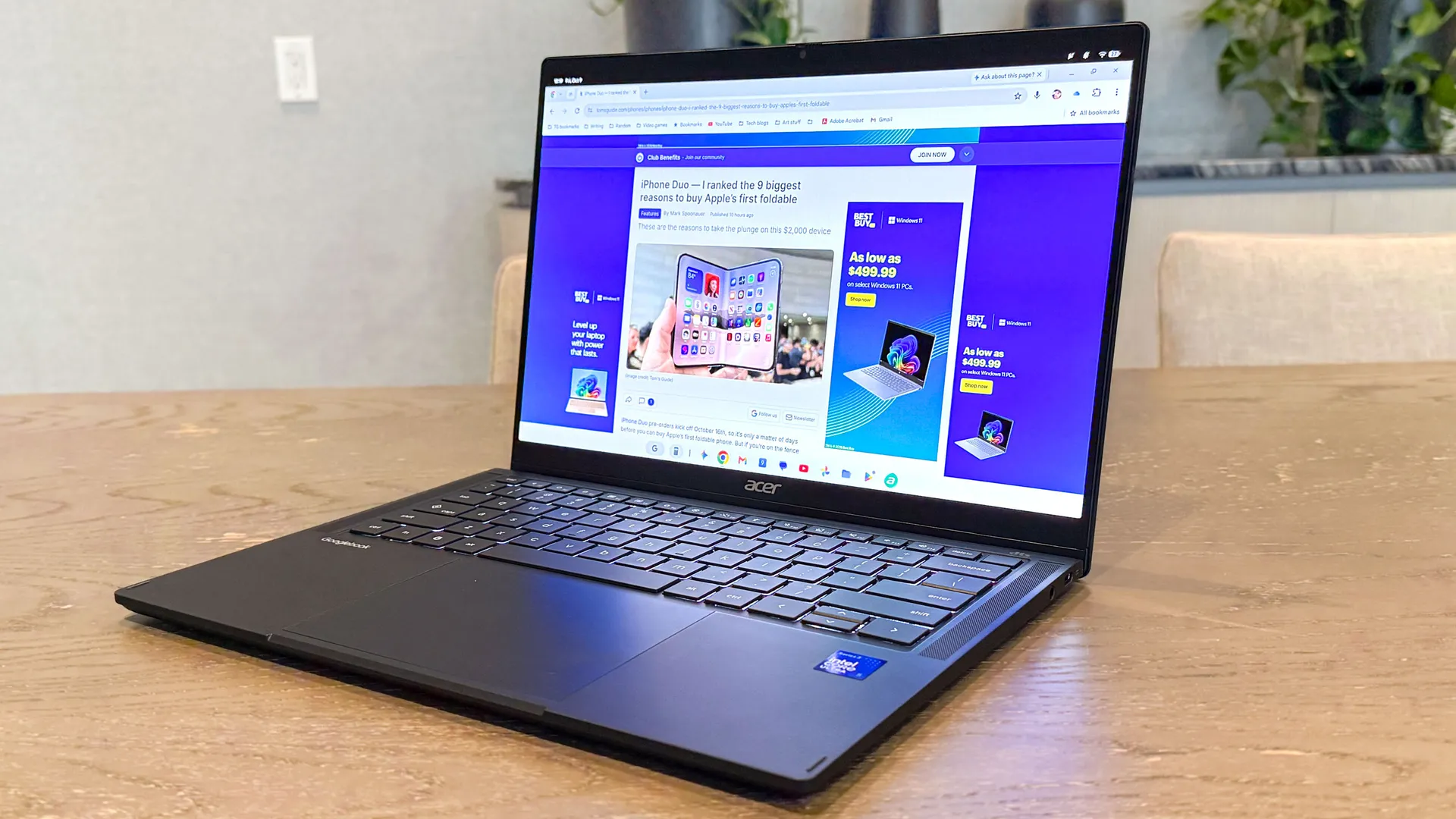
After my colleague Tony Polanco wrapped up his Acer Googlebook 14 review, he handed over the 2-in-1 convertible to me to put it through its paces and see what an Android phone power user thinks of Google’s new computing platform. One of the reasons a Googlebook appeals to me is how seamlessly it supposedly works with your Android phone, while offering you a rich desktop experience.
I know a lot about that PC-like experience, having tested some of the best Android phones and their desktop interfaces — namely Samsung DeX on the Galaxy S26 Ultra, Android 17 desktop mode with Pixel phones, and Lenovo’s Smart Connect on the Motorola Razr Fold. These are features that I like to refer to as an extension of my phone, mainly because of how they deliver that desktop experience when connected to external devices like a monitor or AR glasses.
After spending over three weeks with the Acer Googlebook 14, I learned a lot about the platform, including its advantages and disadvantages over using my Android phone with a desktop mode. Here’s what I found.
Supports multiple users
As much as I love falling back on DeX when I accidentally leave my laptop at home, I get annoyed that Samsung still refuses to bring back support for multiple users. This isn’t an issue with the Acer Googlebook 14, as it lets me set up separate user accounts — each with its own unique lock code and personalized desktop.
This is perfect because I would rather keep my work and personal accounts separate, and it’s also useful if you intend on letting your kids or other people access the laptop. That isn’t an option with Samsung DeX, which is one of its biggest limitations, though the Pixel’s desktop mode does let me switch profiles.
Split screen is limited to two apps
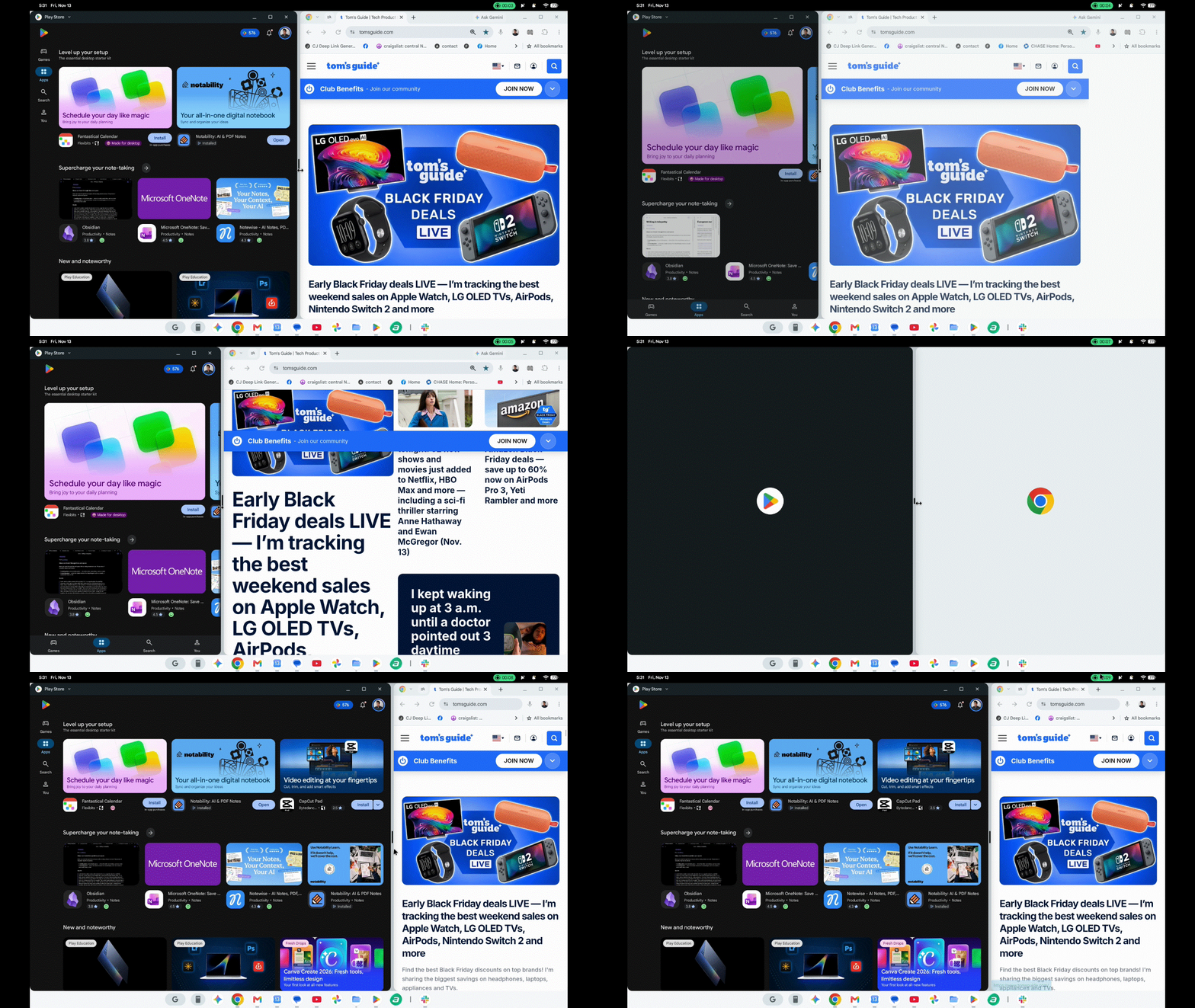
While the Acer Googlebook 14 handles basic multitasking well enough, its proper side-by-side window snapping is restricted to just two apps at a time — effectively making it no different from any phone desktop mode.
I appreciate how smoothly both windows resize in tandem when dragging the center border slider, which makes it easy to prioritize a browser window next to Slack while I’m working. However, as someone who regularly juggles multiple apps at once, I would much rather be able to pin up to four apps simultaneously in a grid.
Offers extension support with Chrome
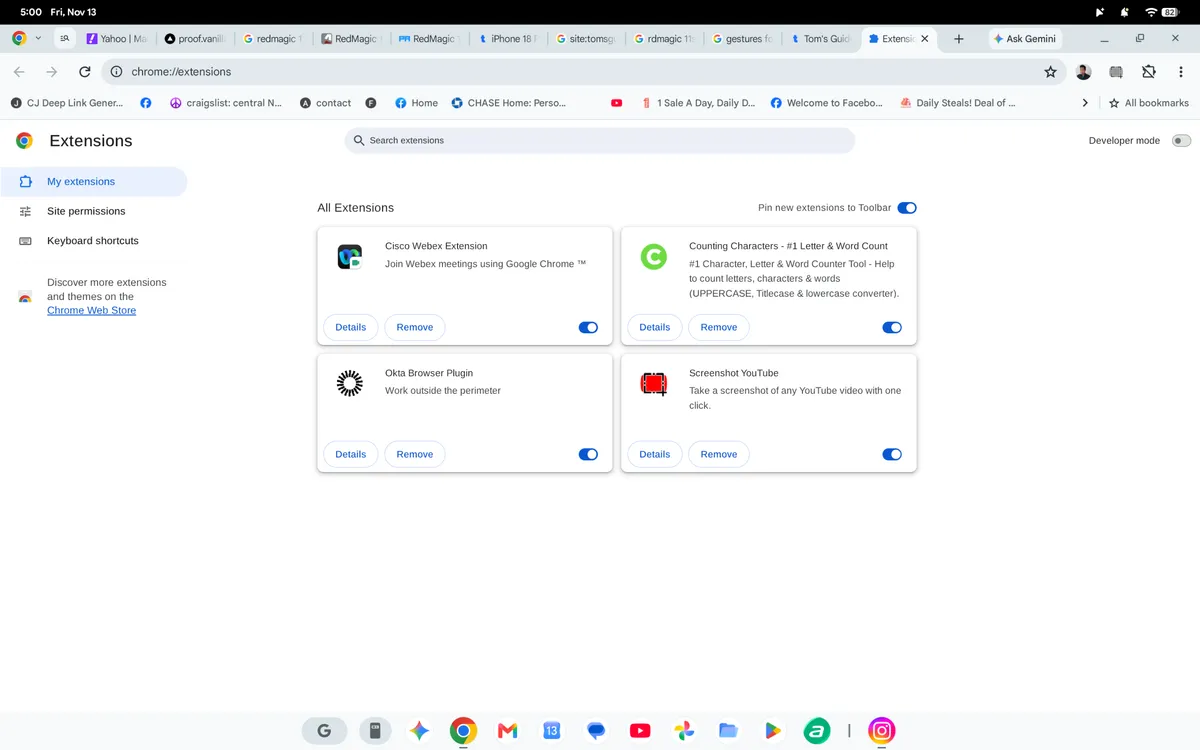
I use Chrome all the time, especially for doing work-related tasks. While I can lean on a phone desktop mode for most things related to Chrome, there’s simply one thing I cannot do: access the handful of Chrome extensions that are crucial for working with a content management system (CMS).
With the Acer Googlebook 14, I can run the exact same desktop Chrome extensions I rely on for work, including price-checking tools, grammar checkers, link generators, and more. Having those tools built directly into the browser makes it feel more like a true laptop replacement.
Multiple desktops, limitless apps
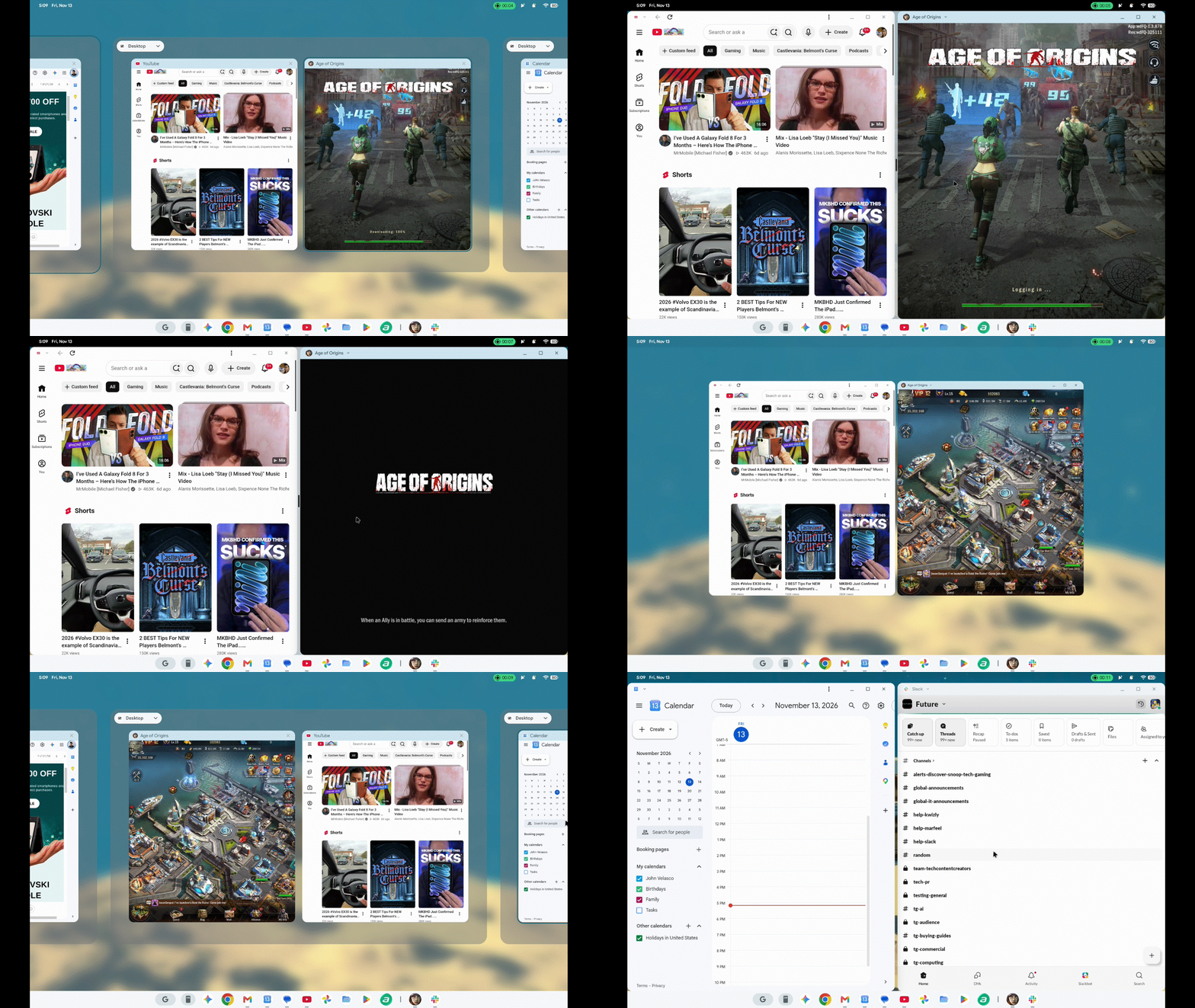
I’m more productive on a Googlebook than with my phone’s desktop mode thanks to how it supports multiple virtual desktops and virtually limitless apps. The beauty of having up to four desktops is that I can organize them based on my workflow — like keeping one dedicated to spreadsheets, another to social media, and the rest to all of my work-related apps.
Even though phone desktop modes also offer several desktops for me to organize, their main limitation is that they’re normally capped at five apps. This isn’t a major disadvantage per se, but having access to far more on a Googlebook is helpful when I need it.
Not all apps are available
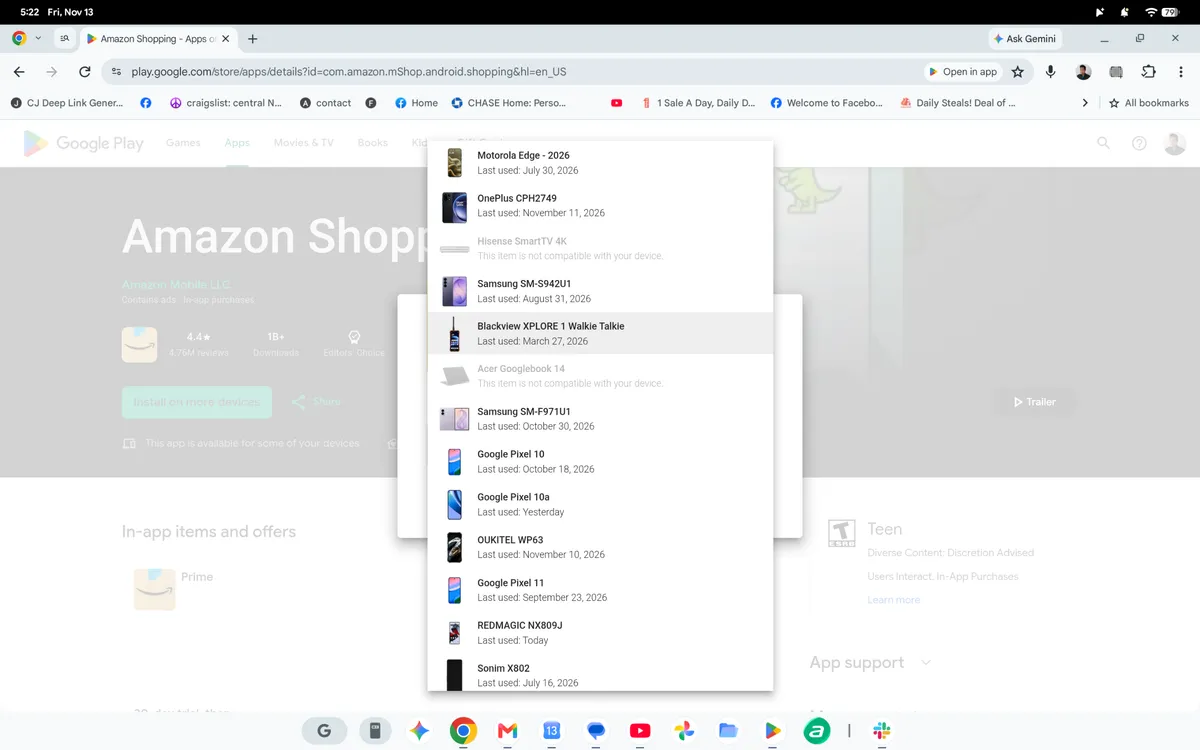
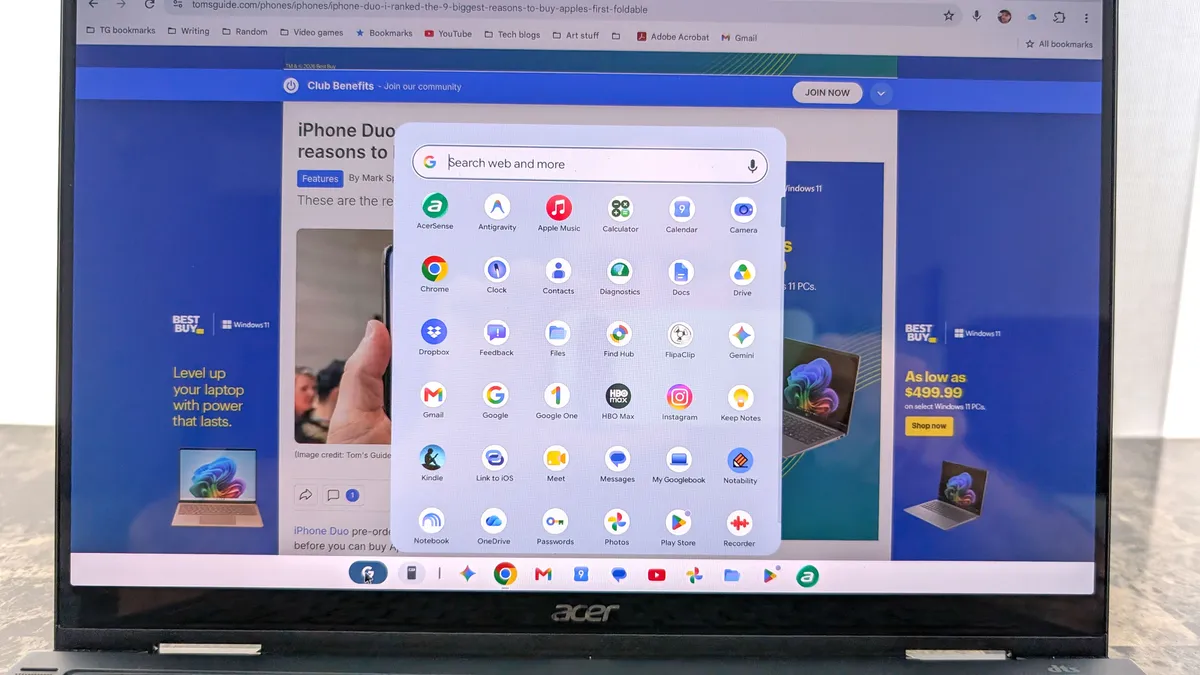
Despite Googlebook OS running on an Android foundation, I was surprised to discover that not every Android app from the Google Play Store is available for me to install. Several staples I rely on daily — including Amazon, Twitter/X, and CyberLink’s PowerDirector — simply aren’t available just yet.
I suspect it’s simply a matter of these developers optimizing their apps for this new laptop form factor. While I can easily fall back on the web versions for shopping on Amazon or scrolling through X, losing native access to a full-featured video editor like PowerDirector is a real setback. In contrast, when I use Samsung DeX or Pixel’s desktop mode, every app already installed on my phone is immediately accessible.
Bottom line
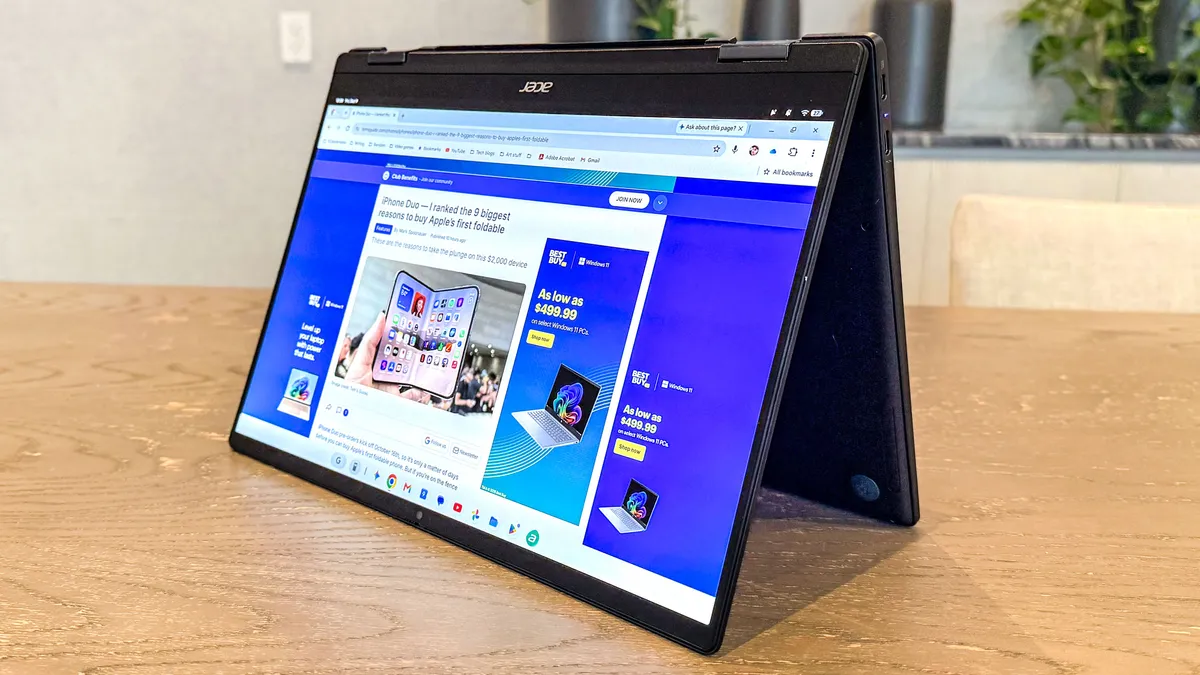
After putting in serious time with the Acer Googlebook 14, it’s clear that Googlebook OS has distinct advantages over phone desktop modes like Samsung DeX and Android 17’s native desktop experience.
With full Chrome extension support, multiple virtual workspaces, and multi-user profile switching, I’m noticeably more productive on it than when working off a docked phone. However, there’s still room for improvement — particularly around app availability gaps and window-snapping limitations — before it can permanently replace my Windows laptop.
Follow Tom's Guide on Google News and add us as a preferred source to get our up-to-date news, analysis, and reviews in your feeds.
More from Tom's Guide
- I’ve been using this gross hack to help unlock my phone as winter weather rolls in
- I tested the Google Pixel Tag and it’s the most findable tracker for Android phones — plus it does something Apple AirTag can't
- I tried the viral 'hand in frame' iPhone hack — and it actually made my photos more colorful