Winter is coming at long last, after an extended and outrageously hot summer. Sadly that means the usual winter problems are coming with it, including cold air that inevitably causes my hands to dry out. Normally this is more of an annoyance than anything, but over the last few years it's started affecting my phone use.
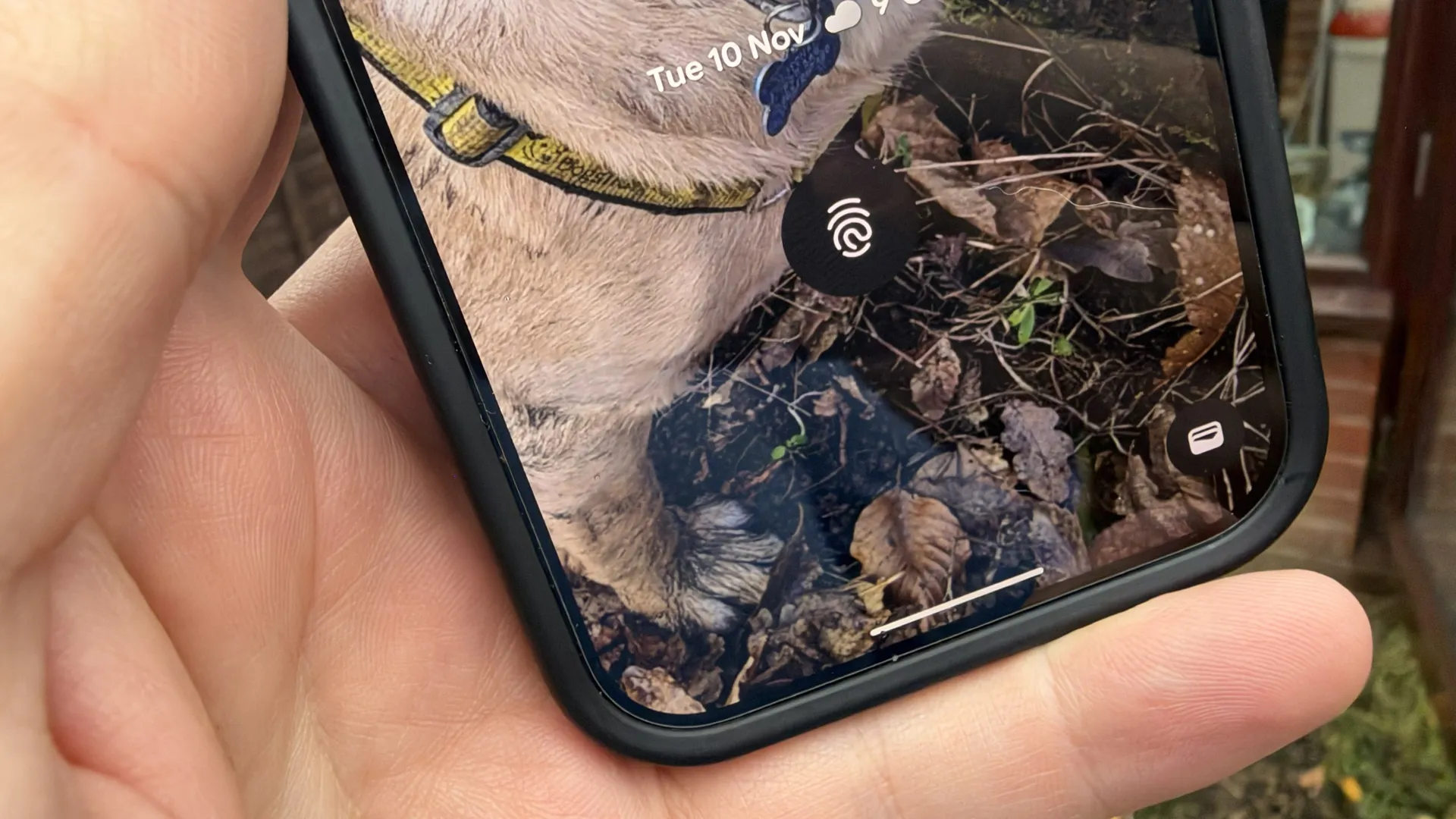
Yes, that's right, cold weather has been interfering with how I use my phone. Specifically the under-display fingerprint scanner, a feature that is almost universally available on premium Android phones. It turns out, dry skin can affect whether those fingerprint scanners can recognize your digits. Thankfully, there's a useful hack that can help you out in a pinch — even if it is a little bit gross.
Obviously the best way to stop dry skin is to keep them moisturized, by whatever method or product you prefer. But I always forget about this until the effects of dry hands start to affect by day, at which point anything I do is reactive rather than preventative. That's no good in a pinch, but you know what is? Wiping your finger across your nose.
Wait, what?!
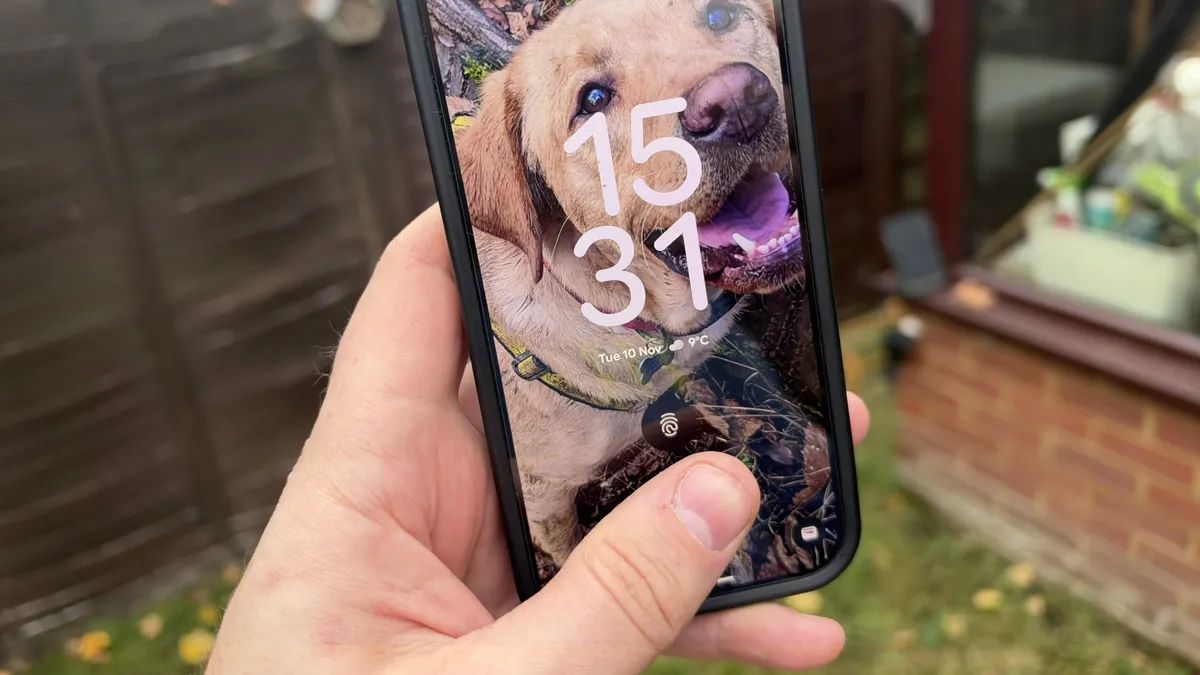
Yes, you read that correctly. It's a tip I first heard about back in 2023 after months of users reporting issues with the fingerprint sensor on the Pixel 6 and Pixel 7. Various users that experienced ongoing issues realized that dryness was the root cause of a lot of their problems, and somehow figured out that the oils in your face (which concentrate on your nose and forehead) were enough to briefly alleviate the issues.
At the time it was speculated that Google's use of the optical fingerprint scanner was a primary suspect in all the reported problems. Admittedly the ultrasonic fingerprint scanner that debuted on Pixel 9 works a lot better than the older scanners, but even that doesn't seem to be able to account for excess skin dryness that may occur during colder weather. Or, at least, that's been my experience using the Pixel 10 Pro.
The idea of using your own face grease to access your phone sounds gross, but the science behind it is pretty sound. Those oils on your skin act as a barrier to help prevent you from losing moisture.
I'm not sure whether it hydrates the skin directly, or if it just offers a small layer of moisture to facilitate the scanning process, but I'm not about to complain. Lotion apparently works too, assuming you tend to carry a bottle on your person at all time, but I haven't actually tested it myself. It's pretty rare that I go anywhere with my face fully covered these days, so the nose trick actually works pretty well for me.
I have to remind myself about this every fall
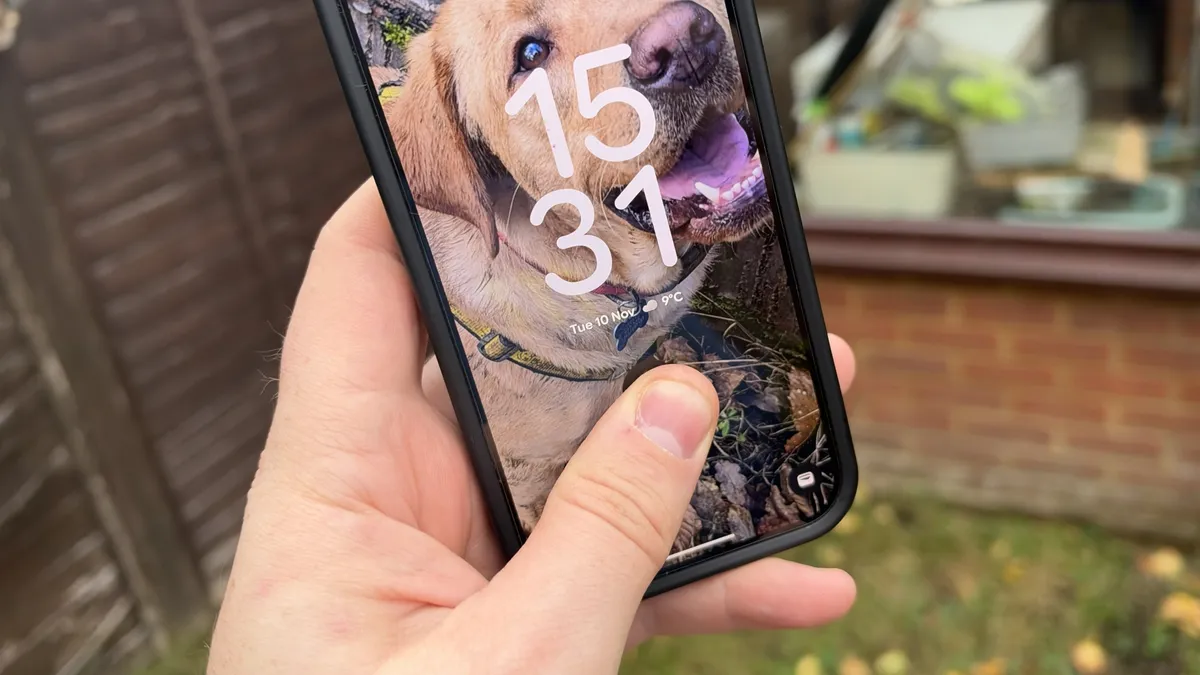
I first started noticing issues with my fingerprint scanner last week. My Pixel 10 Pro was straight up refusing to read my fingerprint, and failed so many times I had to resort to using my PIN to get into my phone. As simple as it is to type in a six digit number, it's nowhere near as convenient as slapping a finger or thumb onto the screen.
At first I wondered whether my screen protector was to blame. I dropped my phone onto a gravel path a couple of months back, chipping the edge of the protector and causing a crack to shoot across to the opposite side of the screen. Leaving a cracked protector for long enough means the damage inevitably spreads, and I assumed that this might have explained why my fingerprint scanner had suddenly stopped working 90% of the time.
Then I remembered the nose-touching hack, and figured it was worth a try. Lo and behold, the fingerprint scanner started working again. It wasn't back to 100%, but it was still enough to actually unlock my phone without hitting the fail limit and disabling biometrics in the process. I also discovered that touching my forehead, or anywhere else in the T-Zone, is just as effective.
In the short term, exploiting my own gross biology helped with unlocking my phone. In the long term, well, the only thing I can do is start moisturizing my hands more often and try to wear gloves when I'm doing work around the house.

Follow Tom's Guide on Google News and add us as a preferred source to get our up-to-date news, analysis, and reviews in your feeds.
More from Tom's Guide
- Samsung Galaxy S27 camera specs just leaked, and anyone hoping for major upgrades is going to be very disappointed
- I tried the viral 'hand in frame' iPhone hack — and it actually made my photos more colorful
- I've been testing the iPhone Duo for 3 weeks and I'm surprised these very popular apps aren't optimized yet