







I'm currently sitting here in the U.K., which is currently undergoing a monster heat wave with temperatures expected to exceed 100-degrees Fahrenheit later in the week. Needless to say, staying cool has been a priority, not just for me but for my phone as well.
Just like people, the best phones don't do so well in extreme temperatures. Batteries, in particular, are more prone to degradation when things get too hot, but temperatures like this can cause all sorts of problems, from overheating to damaged screens.
So, to help keep your phone safe from the heat, here are 9 things you should do to help keep your phone cool during a heatwave.
Avoid the fridge or freezer
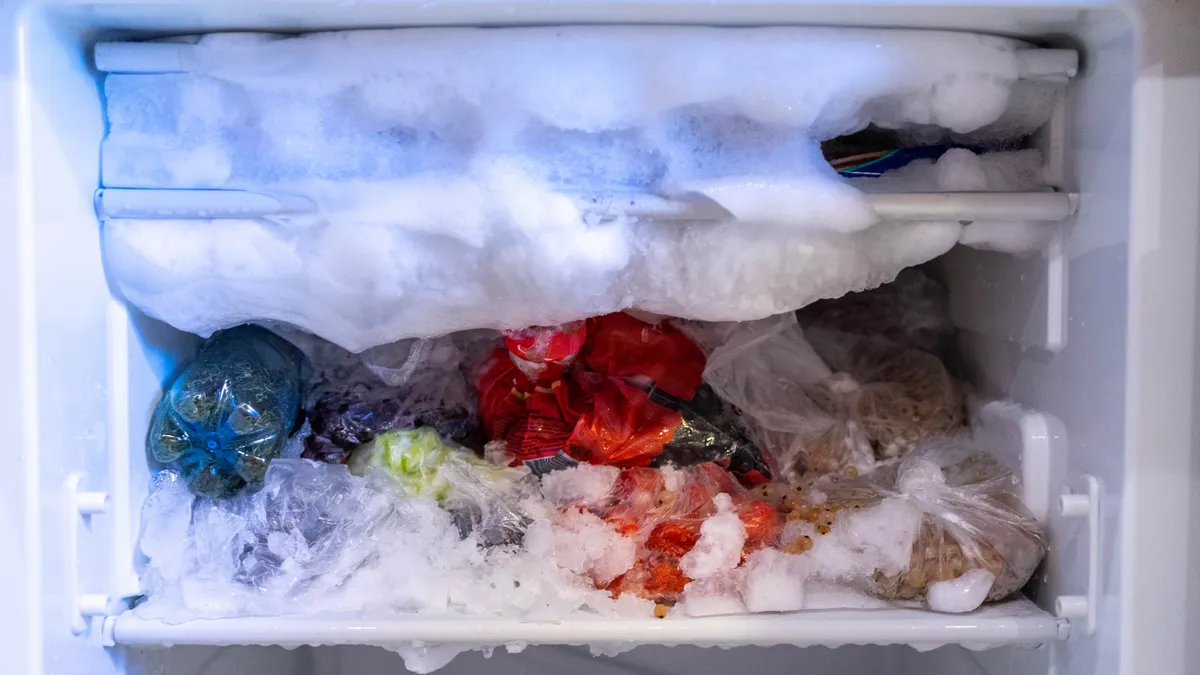
The absolute last thing you want to do is put your phone in the fridge or freezer, especially if it's already heating up. The first issue is that putting a hot phone into a cool environment runs the risk of causing thermal shock, the process by which rapid changes in temperature cause objects to break.
The main problem is the environment of the fridges and freezers themselves. Cold temperatures are just as bad for phones as hot ones, especially in the battery department. Fridges are also rather humid, which may eventually cause condensation to form in or around your phone. Water and electronics don't mix, so make sure to keep your phone out of the fridge.
Stick to cooler rooms

The most obvious way to keep your phone cool is to keep it in a cool room. Whether that means relying on air conditioning, blocking the sun by covering the windows in aluminum foil, or simply using a fan to create some kind of breeze. You should also make sure not to leave your phone in places you know will heat up rapidly, like your car.
It doesn't really matter how you keep the room cool, the important thing here is to ensure your phone is in a cool environment. That way you don't need to worry about it overheating, or things going wrong, because it's not getting the opportunity to heat in the first place.
Stay out of the sun

If you aren't able to stay in a cool room for the duration of the heatwave, then it's especially important to avoid spending too much time in direct sunlight. Direct exposure causes things to heat up quite rapidly.
That includes you and your phone, which is why you should avoid as much sun as possible. Stick to the shady areas where you can, and keep your phone inside a bag of some kind so that it has some insulation around it. Avoid pockets, because such close contact to you stops any of the built-up heat from escaping and makes the problem worse.
Don't cover your phone
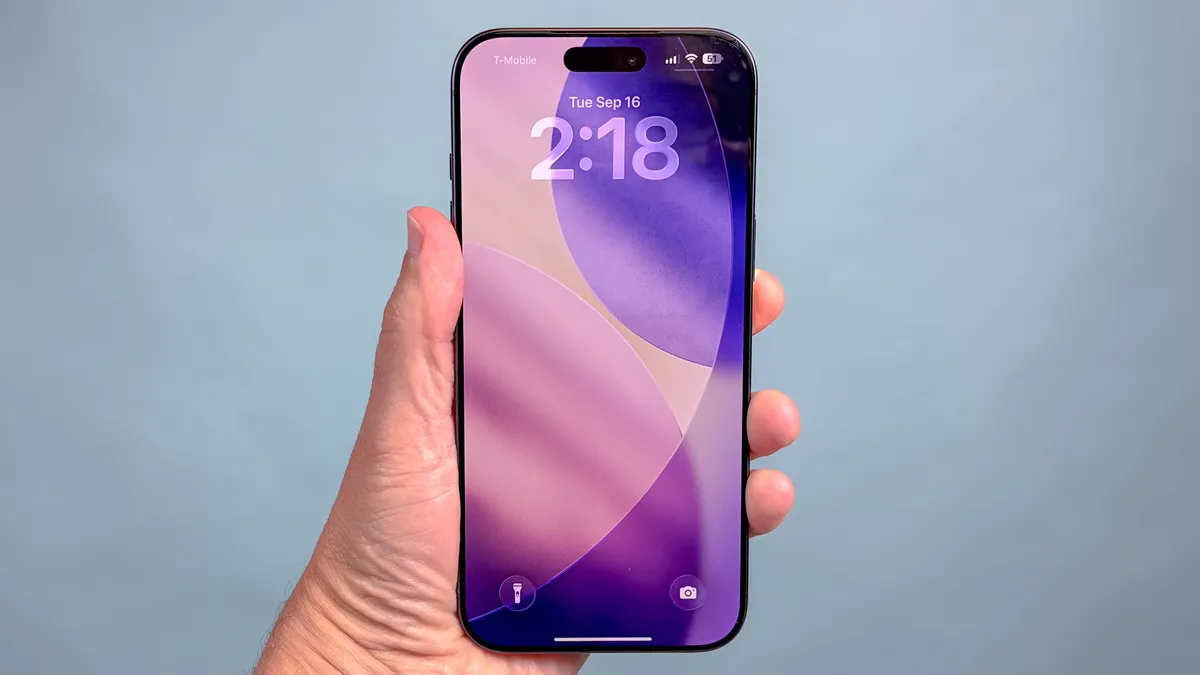
Heat build-up is only part of the equation, since you need to ensure that the heat surrounding your phone is able to escape off into the ether as well. For that reason, you should make sure your phone stays uncovered and has adequate ventilation.
That's a little ironic considering I just said to keep your phone in a bag if you're going out into the sun. But different circumstances have different needs. Whether you're inside or out, you should not be covering your phone with anything that would block airflow and prevent heat from escaping. Because, if it can't escape, the heat is just going to keep building up until it starts causing problems.
Remove accessories

Similarly, this is also a good reason to strip your phone down to its essentials by removing cases or other accessories that are stopping your phone from cooling down. I generally don't recommend keeping a naked phone, because even the most durable phone in the world needs some extra protection.
Still, all that extra protection can trap heat, and that's the last thing we want when the temperatures are this high.
Avoid fast and wireless charging

You can't avoid recharging your phone for days at a time, not unless you're still rocking a Nokia 3310 or some other late '90s handset. The problem is that recharging is not a perfect energy distribution system, and there is always some heat generation involved in the process. However, there are still ways to minimize the risk — and that means charging as slowly as possible.
Fast charging and wireless charging are both great, and very convenient features to have on hand. But they aren't very efficient, and they have a habit of producing a lot of excess heat during the charging process. For that reason, you can help protect your phone by avoiding both and using the slowest charging brick you have on hand. You should also avoid recharging in hot environments, especially direct sunlight.
Avoid performance heavy features

Charging may be one of the more common ways people heat up their phone without realizing it, but there's more to consider when the temperatures are on the rise. Your phone is very good at producing its own heat, particularly when it's involved in any high-performance features.
We're talking things like on-device AI, gaming, editing and even something as simple as streaming a movie or recording video. They can all cause your phone to work harder, which generates more heat in the process. That's why so many flagships have been adding larger vapor chambers, to help dissipate that heat more effectively and protect key components from excess heat build-up.
Invest in a cooling device

A fairly simple way to keep your phone cool in high temperatures is to invest in a specialized phone cooling device. These attach to the back of your phone, and use a system of high-powered fans to direct heat away from your phone and blow it away. This can lead to a noticeable decrease in your phone's temperature — which is what you want.
The only question is deciding which cooler is the right one for you. Some coolers have attached magnetically and are compatible with both MagSafe and Qi2, while others use grips or cases to stay in place. Similarly, some have their own reserve of battery power, while others need to stay plugged into an external power source.
Change some settings

You can help reduce the amount of heat that your phone produces by tinkering with some settings.
First up, you should turn your brightness down as much as you can. Not to the point where you can't see, but enough to dim the screen by a noticeable amount. Switch off adaptive brightness while you're at it too; otherwise, your phone may crank up the brightness again. Likewise, consider switching off mobile data or using Airplane mode if you don't plan on connecting to cell towers.
Both of these features can use up more power than you need them to, which in turn increases the temperature of your phone. Switching them off when you don't need them helps preserve that power, keeping your phone a tiny bit cooler and extending your battery life. If possible you should also switch off features like Bluetooth, GPS and anything else that you don't need right away — for much the same reason.

Follow Tom's Guide on Google News and add us as a preferred source to get our up-to-date news, analysis, and reviews in your feeds. Subscribe to Tom's Guide on YouTube and follow Tom's Guide Entertainment on TikTok and Instagram. Finally, you can visit our dedicated Tom's Guide Savings Squad hub for expert help on getting the best products for less.
More from Tom's Guide

