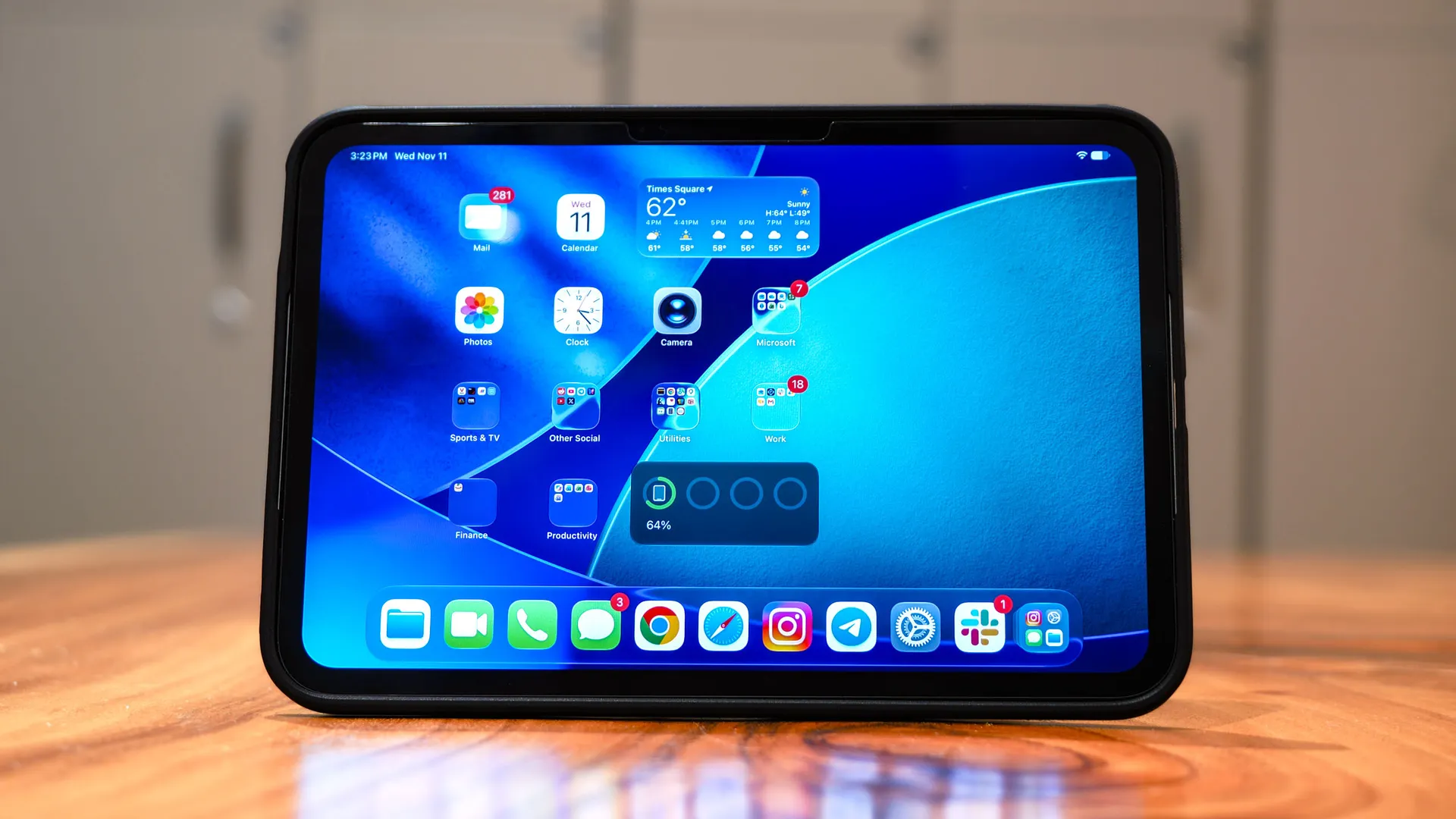
Every now and then, a product hits the Tom’s Guide testing lab that hooks me the second I start testing it. That’s exactly what happened with the iPad mini 8.
As a 12-inch iPad Pro with M1 chip owner, three features on the iPad Mini instantly won me over: the vibrant OLED screen, the compact footprint, and the power of the A20 chip. Paired with a solid trade-in offer for my older Pro, I couldn’t resist the urge to get one for myself.
When I posted about my switch on social media, people thought I was crazy to ditch a large, laptop-replacing tablet for a smaller screen. They were wrong.
After picking up the iPad mini and using it daily for a week, I’m left asking myself why I bought the iPad Pro in the first place. The mini is, hands down, the perfect tablet for how I actually live and work.
The trade-in difference
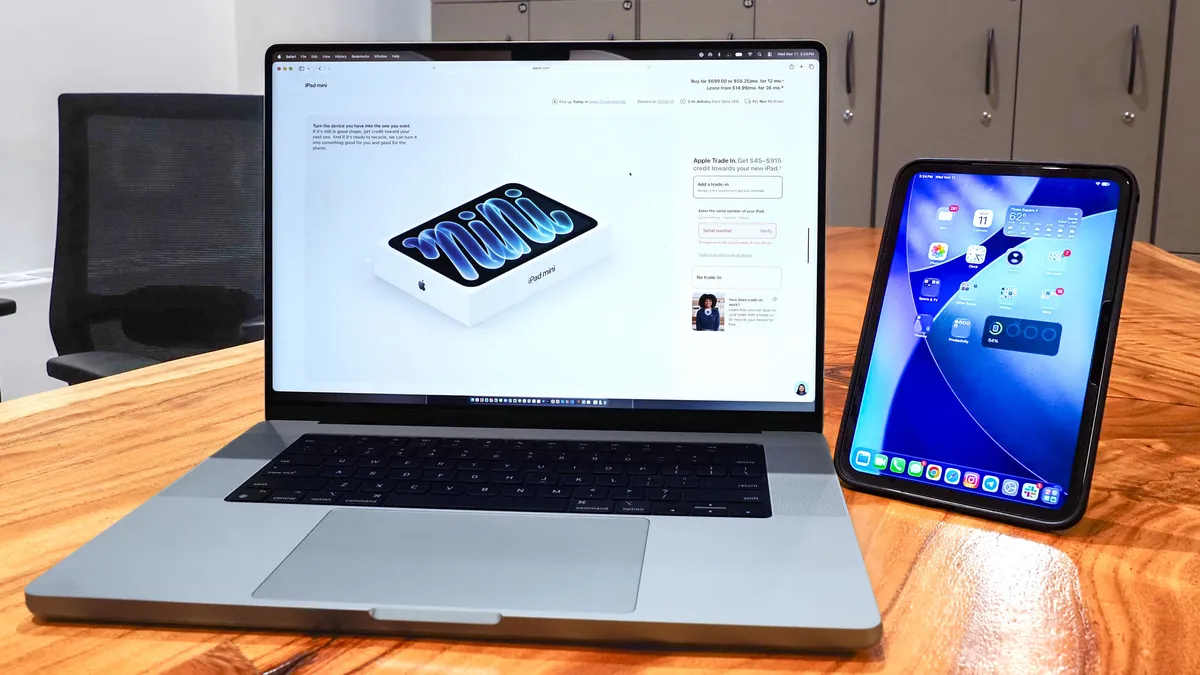
Buying new products from Apple can get expensive, so when I saw Apple increase its trade-in values ahead of the iPad mini 8's launch, I decided it was the perfect opportunity to upgrade. Apple offered me $440 for my 12-inch M1 iPad Pro, bringing the cost of a fully specced-out iPad mini down to around $660 (without the nano-texture display).
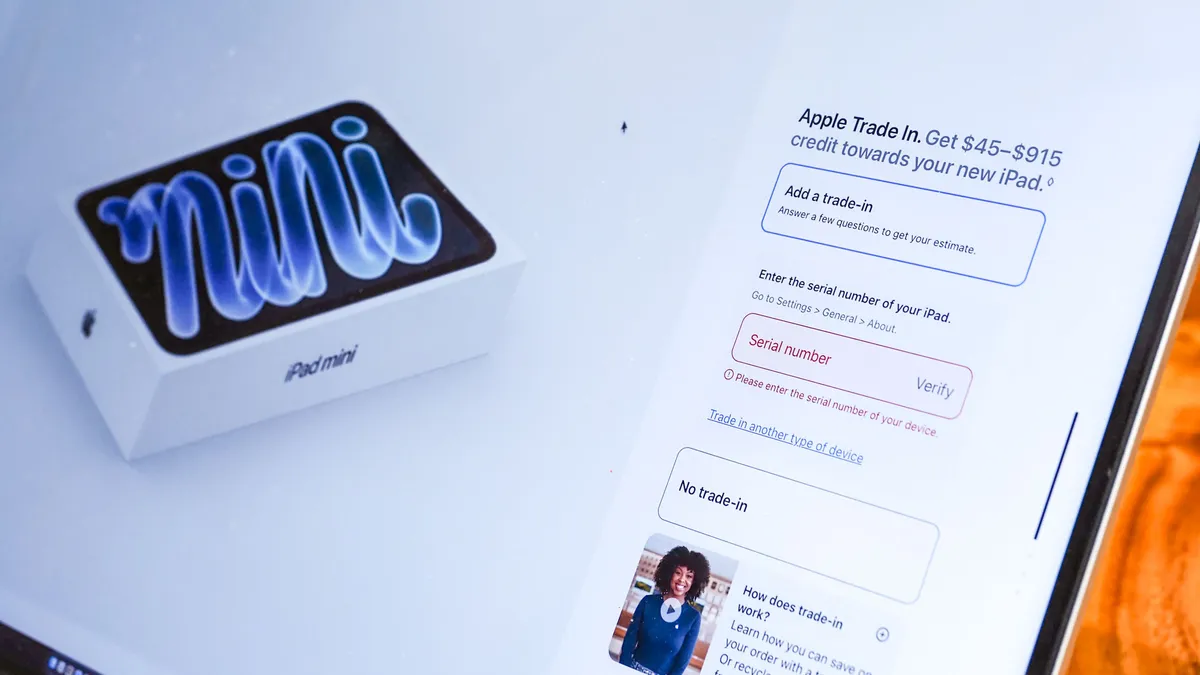
That was the biggest selling point for me, but I could have saved even more by opting for a lower-tier configuration with the standard 128GB of storage, which would have brought my out-of-pocket cost closer to $350. Getting a new iPad with a faster processor and a better OLED display for that kind of money felt like a steal.
The size matters

When I first bought my 12-inch M1 iPad Pro back in 2021, I was looking at it as a potential laptop replacement. I didn't own a MacBook at the time, so as a Windows user, the iPad became my go-to device for many of the things I now do on my Mac, including sending iMessages and making FaceTime calls.
It's a strange thing to say, but the smaller iPad finally made me feel like I was using an iPad the way I was supposed to.
That changed when I bought a 16-inch MacBook Pro with an M3 Max chip just two years ago. Suddenly, I wasn’t on Windows all the time, and I had a much more capable laptop.
Even before that, though, the 12-inch iPad Pro wasn't exactly the most comfortable device to take everywhere. It's smaller than a MacBook, but adding the Magic Keyboard gave it some serious heft. Holding it for extended periods or balancing it on my lap to watch YouTube videos and stream movies could also get awkward. My hands would get tired, and its size meant I often needed a case just to prop it up at a comfortable viewing angle.
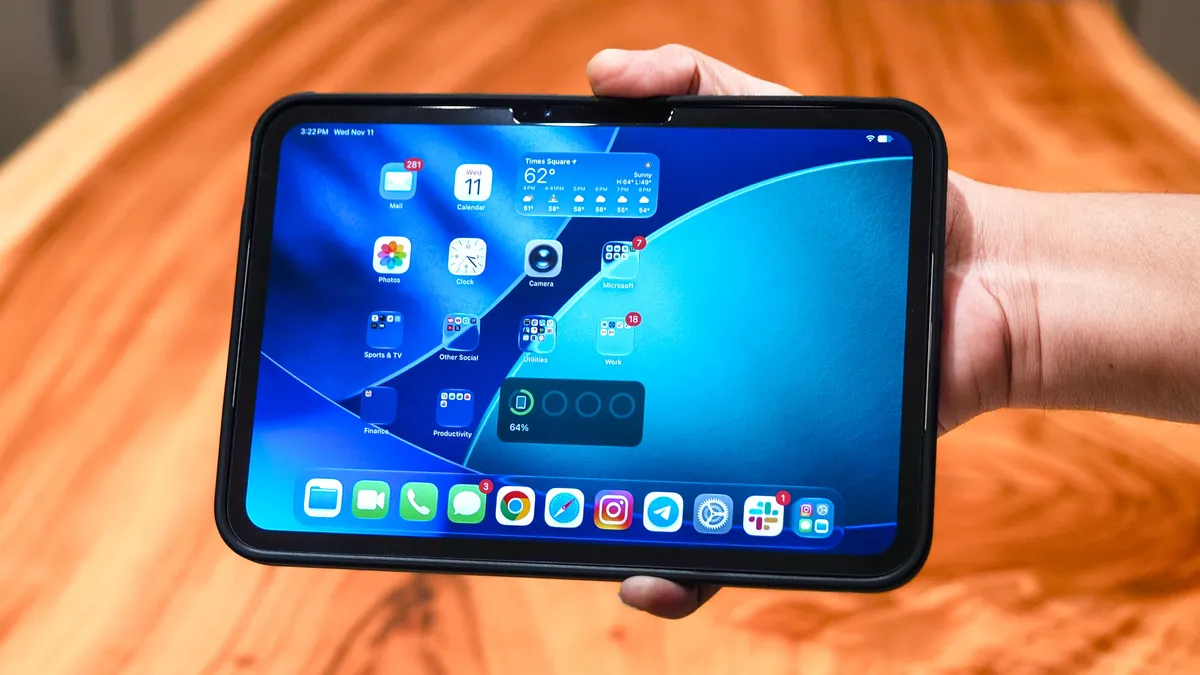
The iPad mini is a completely different experience. Its smaller footprint makes it much easier to use with one hand, and I can comfortably rest it on my lap while watching movies or catching up on videos. When I was playing *The Legend of Zelda: Ocarina of Time*, on my Nintendo Switch 2 for example, it was the perfect size to keep on my lap while following online guides and navigating puzzles.
It's a strange thing to say, but the smaller iPad finally made me feel like I was using an iPad the way I was supposed to. Rather than trying to replace my laptop, it feels more like a convenient and natural extension of the Apple and non-Apple devices I already own.
In the week I've had it, I've started carrying my iPad mini everywhere. It slips easily into my bag, whether I'm using it as a second display with Sidecar or keeping it alongside my work laptop as a convenient companion device. That's something I never really felt compelled to do with my old iPad Pro.
OLED vs Mini LED
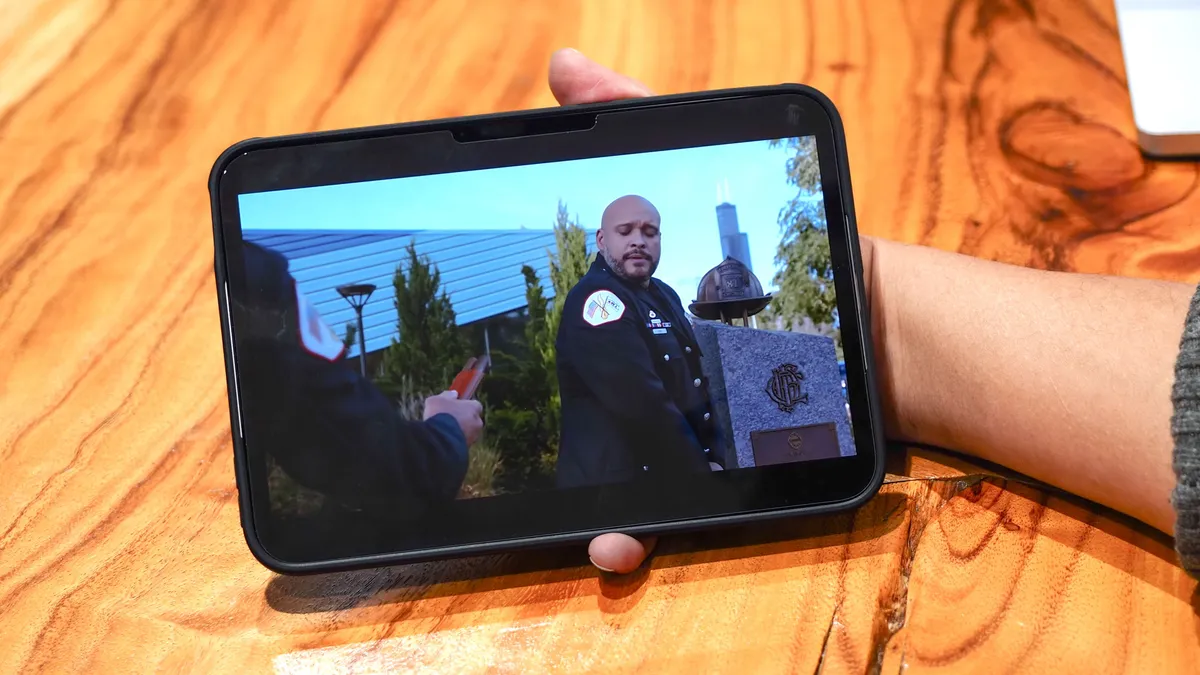
One of the biggest reasons I was willing to give up my iPad Pro for the iPad mini was the display. The new iPad mini features a fantastic OLED panel, and my colleague Tony Polanco goes into more detail about what makes it so impressive in his review. For me, though, the upgrade was in a similar scope.
Whether I'm watching YouTube videos or streaming shows like Chicago Fire on Peacock, the iPad mini's OLED screen is a huge step up from the Mini-LED display on my older iPad Pro. While it doesn't get quite as bright, I spent enough time reviewing TVs to appreciate just how much more vibrant and color-accurate the OLED panel makes my favorite shows look.
Take Chicago Fire, for example. The flames pop with rich reds and oranges, while skin tones look noticeably more natural. Even finer details, like the soot and ash on firefighters' faces, come through with impressive clarity and depth.
That's not to say the iPad Pro had a bad display, but the iPad mini's OLED screen is simply in another league when it comes to watching movies and TV shows.
And before you ask, I really don't miss the iPad Pro’s 120Hz refresh rate. For watching videos and handling everyday tasks, the difference between 60Hz and 120Hz isn't particularly noticeable. I can spot it when scrolling through websites or swiping around the home screen, but outside of those moments, I rarely think about it.
Wait, it can function as a full-blown computer?
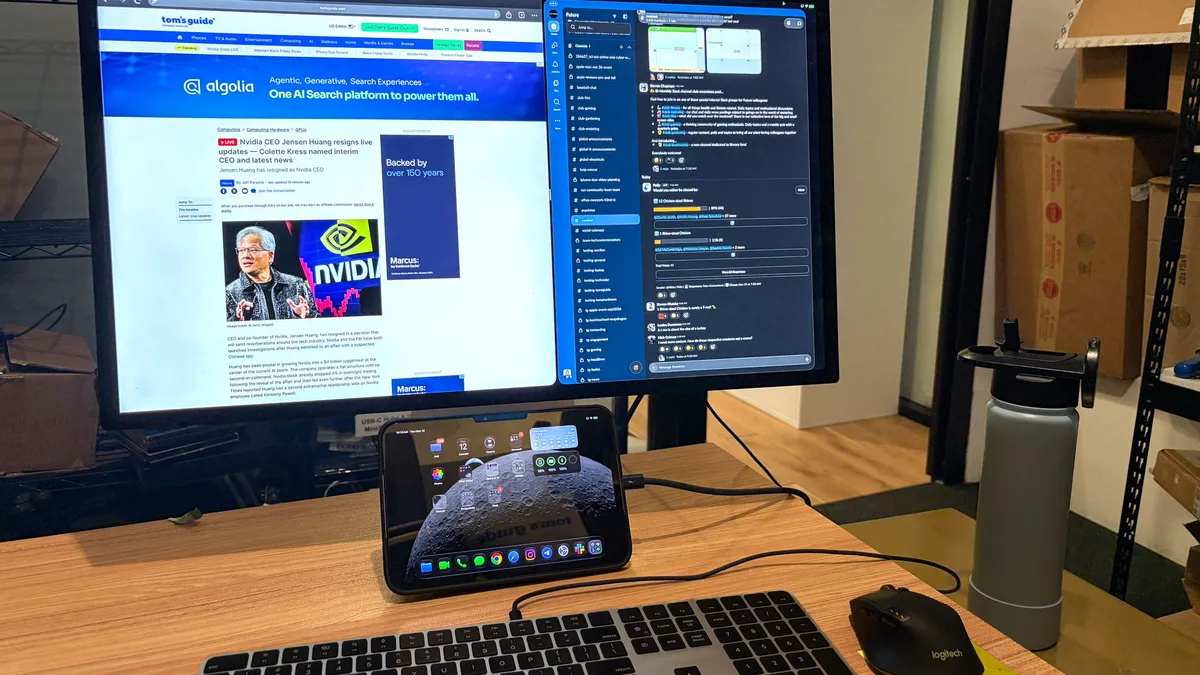
I mentioned earlier that the iPad mini finally feels like an iPad I'm comfortable using as a companion to my other Apple devices. But out of curiosity, I decided to see how well it could handle the kind of work I used to do on my older iPad Pro. After all, with an A20 Pro chip under the hood, this is still a seriously capable tablet despite its smaller size.
Much to my surprise, the iPad mini handled it just as well as my M1 iPad Pro. When I connected it to the Apple Studio Display in our lab, I was able to arrange apps in windows and use the monitor as an extended display. I even managed to get through a full workday this way, entering data into spreadsheets in Google Sheets Chrome, responding to Slack messages, and switching between Safari and Microsoft Edge.
It's pretty remarkable that such a small tablet can handle this kind of desktop-style workflow, especially when the iPhone Duo, despite featuring the same chip, can't do the same. Considering that extended-display support and windowed multitasking were once features largely reserved for iPads with Apple's M-series processors, it's impressive to see them make their way to a smaller, more affordable tablet.
A happy purchase
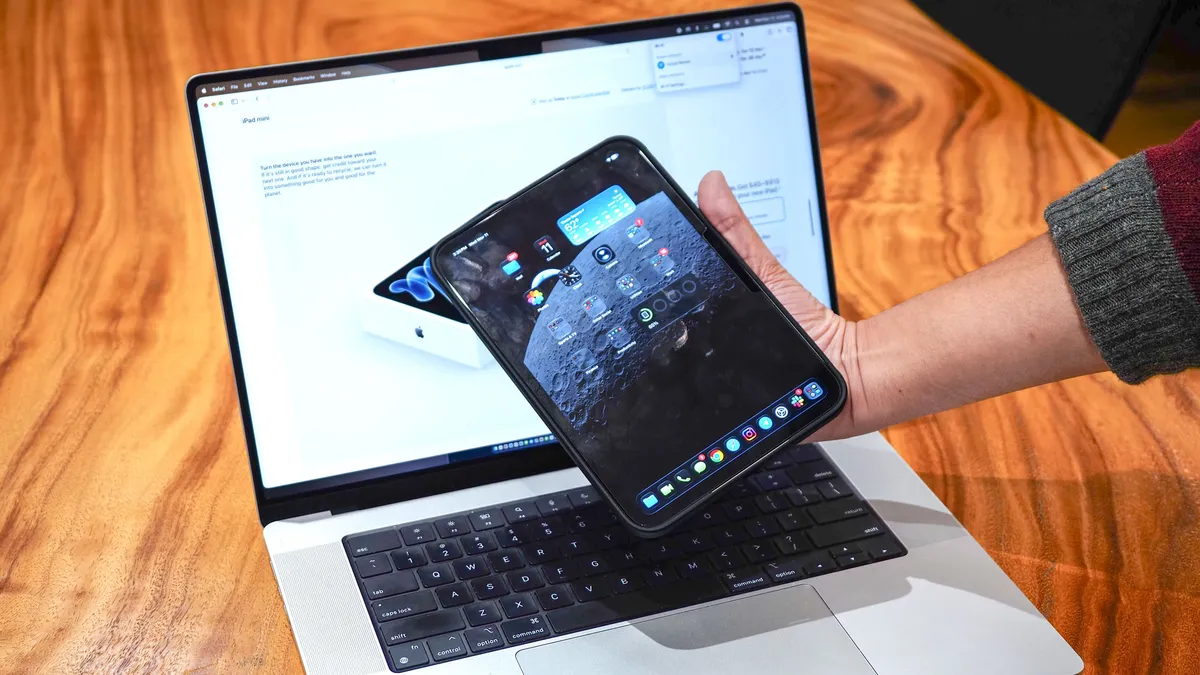
After a week with the iPad mini, I can honestly say I am glad I traded in my iPad Pro. What started as an opportunity to get a great trade-in deal turned into a much bigger upgrade to how I use my iPad.
The smaller design makes it far more comfortable to carry around and use, while the OLED display is a massive improvement for watching movies and TV shows. And despite its compact size and A20 chip, the iPad mini is surprisingly capable when I need to get some actual work done when connected to an external monitor.
Of course, there are compromises here that you’d want to keep in mind if you want to go my route. The screen is much smaller than the iPad Pro, and the lack of a 120Hz refresh rate might be noticeable for some people.
But those are trade-offs I'm more than willing to make for a tablet that's easier to take everywhere and genuinely enjoyable to use.
I bought the iPad mini because Apple's trade-in offer made it an incredibly tempting deal. But after using it for a week, I think I've discovered something more important: I just need an iPad to be a great iPad. And with that, this tiny Apple tablet is great.
Follow Tom's Guide on Google News and add us as a preferred source to get our up-to-date news, analysis, and reviews in your feeds.
More from Tom's Guide
- I reviewed the new M6-powered Mac mini and iMac: Here’s how to pick the right Apple desktop for you
- 19 early Black Friday Apple deals to shop now — MacBook Air M5 hits all-time low, AirPods drop to $89, and more
- Cancel your iPhone Duo pre-order: Here's why I think the iPad mini 8 and iPhone 18 Pro combo is cheaper and better