



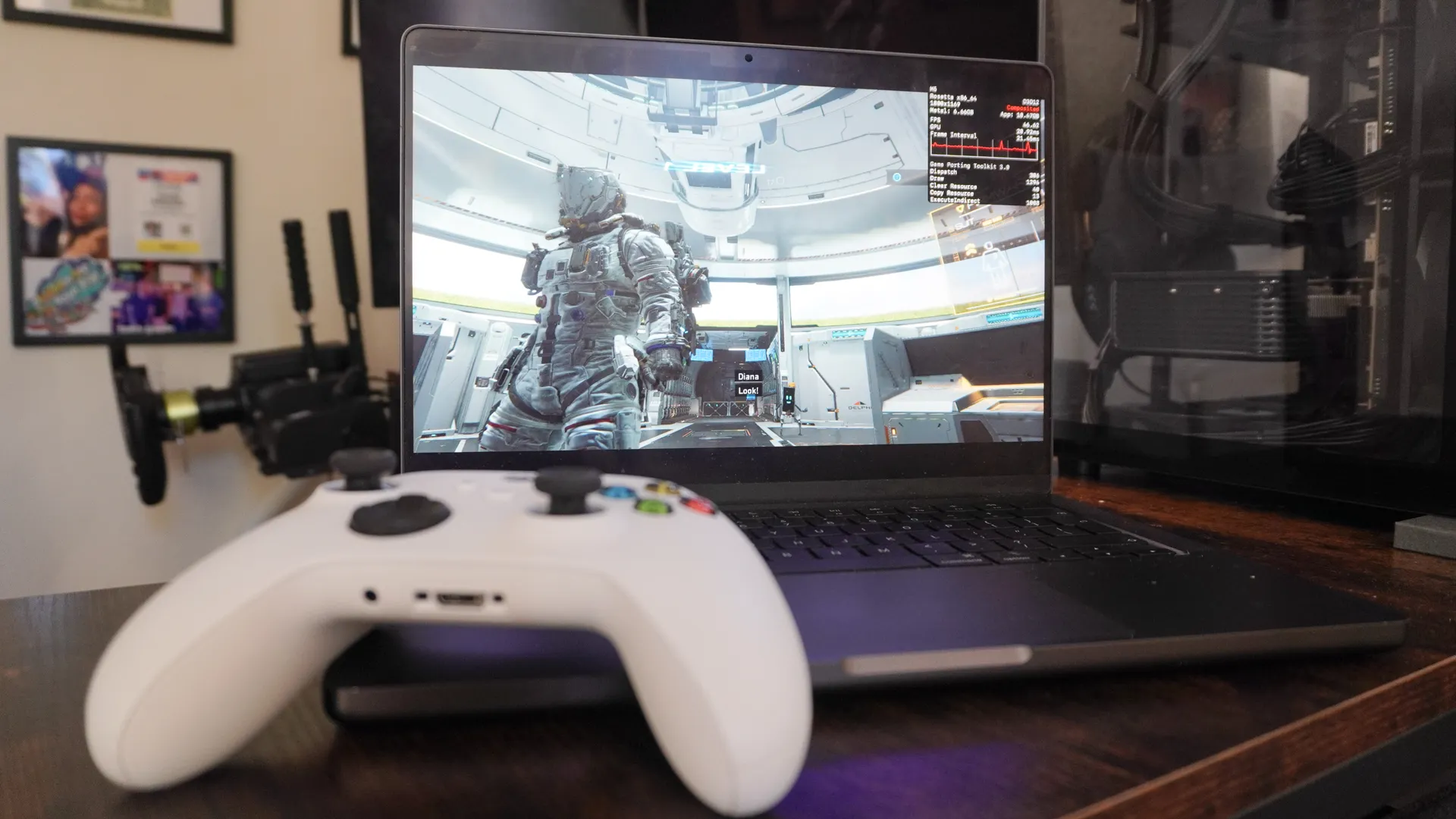
When I’m traveling, I take my M5 MacBook Pro for work and a Steam Deck for play. This setup doesn’t bother me normally, but I can’t help but feel jealous of the one guy who whips out a gaming laptop that’s capable of doing both in one machine.
It’s certainly true that Apple has made some significant strides when it comes to Mac gaming, but there’s much more to do to get your entire Steam library working on here. But that is where GameHub comes in — promising to be the service that can let you do exactly that.
I’ve been testing the beta for a week, and while there are plenty of issues (more on those soon), when it works, it’s the missing piece of the puzzle to make my M5 MacBook Pro the machine for everything. Let me explain.
This is just a beta: Now, I must be clear. GameSir has invited us onto a beta test program for this, so there were a fair few bugs and a large amount of compatibility issues. There are finicky ways around some of them, which I’ll talk about.
Under the hood
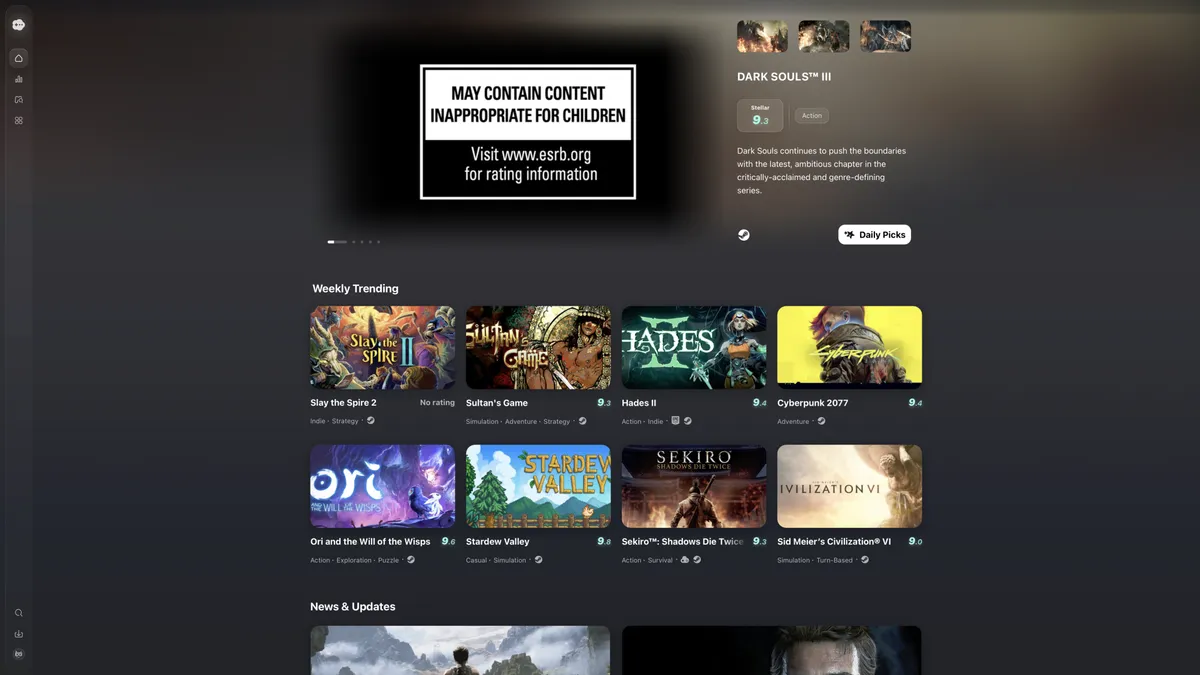
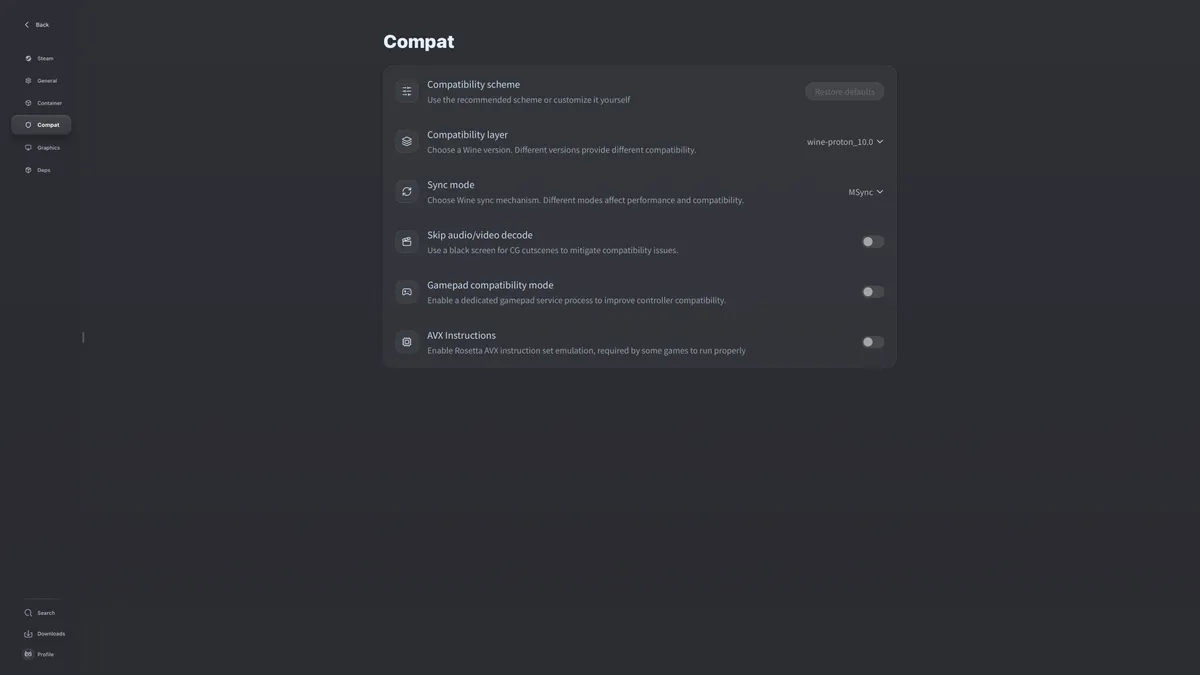
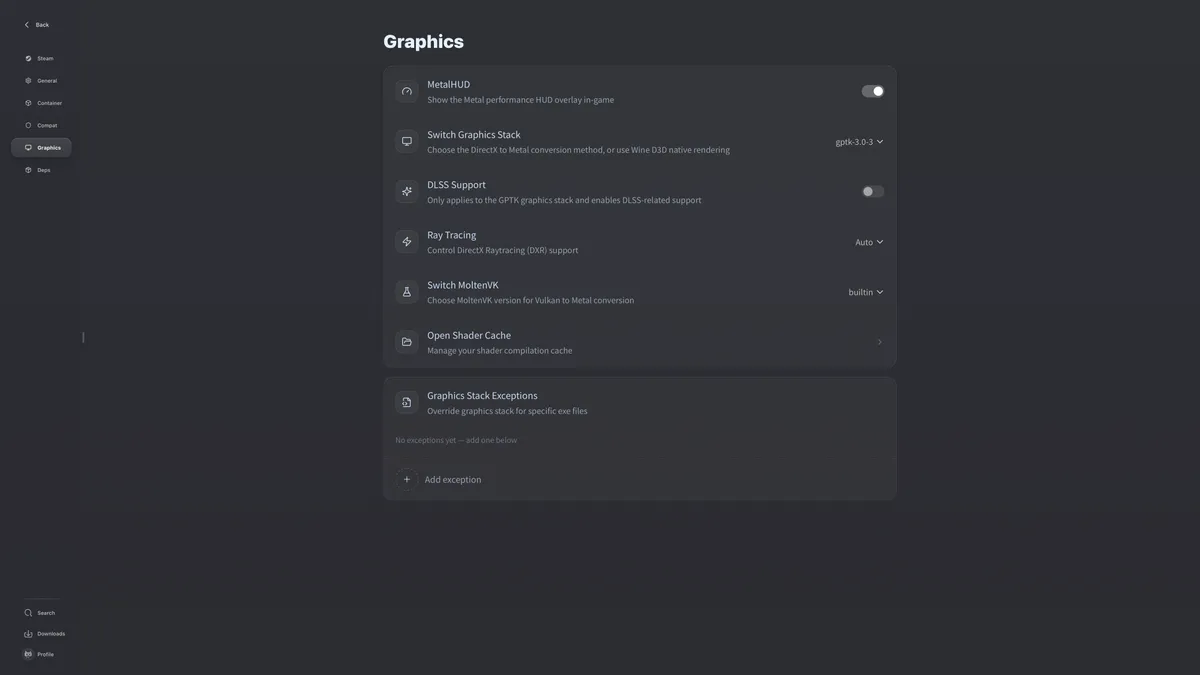


At the fundamental level, think of it like Crossover but with a far nicer gaming-centric UI. GameHub works by using tools like Wine and Proton to run Windows games natively on Apple Silicon.
For those not in the know, Wine is a compatibility layer that translates Windows API calls to run on POSIX-compliant OSes (like macOS in this situation or Linux). But unlike standard Wine, mixing it with Proton (the tech powering the Steam Deck) means better support for a game’s complexity and controller outputs.
But the most impressive part is how all of the gaming smarts that Apple’s been quietly working on come together here. For example, you can import the company’s Game Porting Toolkit for translating DirectX 12 (and 11) graphics into the Mac’s native Metal 3 gaming API. On top of that, there’s even an AI frame generation and super resolution possibilities here too — done by hooking into MetalFX upscaling (Apple’s version of DLSS).
So while the interface is sleek, the real work happens behind the scenes. There are many instruments in this orchestra, and GameHub is the conductor that allows Windows code to speak “Mac.” In my time testing, it works a lot better than I anticipated.
By the numbers
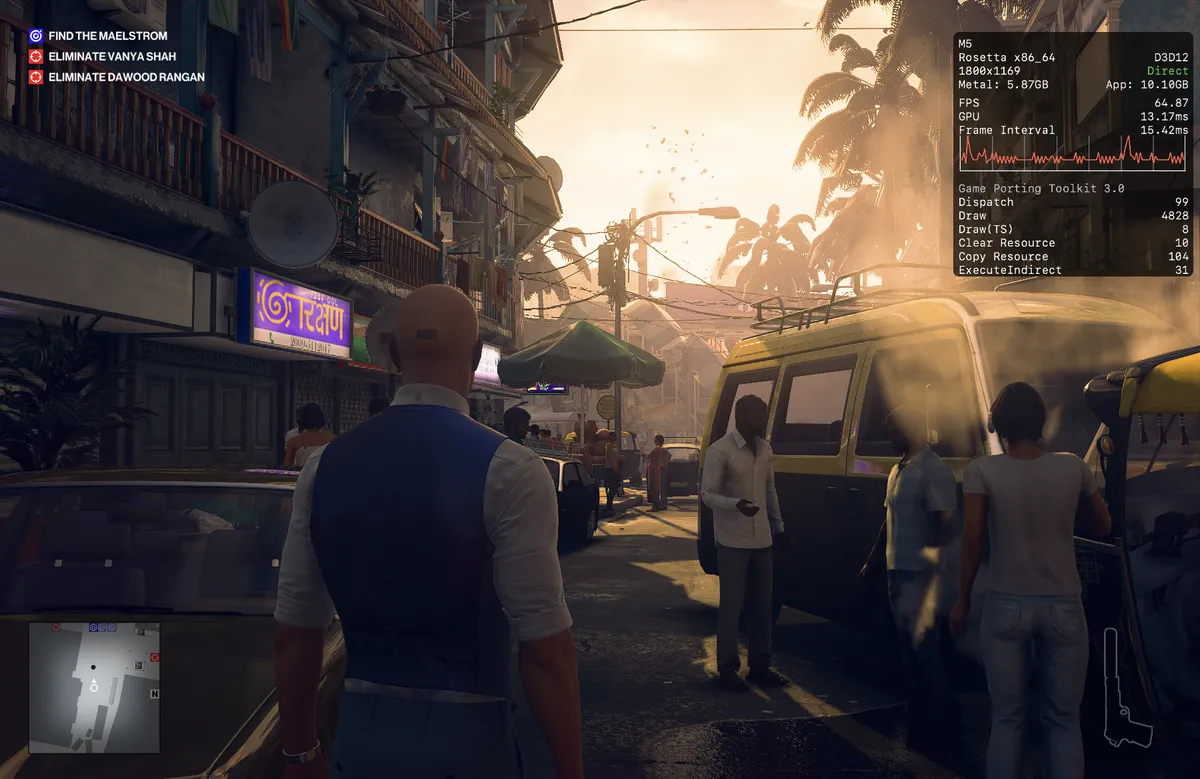
So for full context, I’m testing this on an M5 MacBook Pro with 16GB of unified memory. I do have other machines that I will be testing on (including the MacBook Neo), but for a first go, I’ve gone for my daily driver.
And ultimately, while dedicated gaming hardware like a gaming laptop will always get far better performance and visual fidelity, I’m still getting good numbers out of this.
Game |
Resolution/settings |
Average FPS |
1% lows |
Experience |
|---|---|---|---|---|
Persona 5 Royal |
1800 x 1169 - Maxed out |
82 FPS |
78 FPS |
Perfect |
Hitman: World of Assassination |
1800 x 1169 - Medium/High |
65 FPS |
52 FPS |
Stable |
Pragmata |
1512 x 945 - Medium |
42 FPS |
28 FPS |
OK (slight stutter) |
Resident Evil Requiem |
1800 x 1169 - Low |
52 FPS |
15 FPS |
Dicey/stuttery |
I’ll get the perfect performer out of the way quickly. Persona 5 Royal is much more stylized in graphical representation rather than a stress test for any system, so to see it running at 82 FPS on maxed out settings with very similar 1% lows is impressive.
Let’s move on over to the AAA titles. Starting with Hitman: World of Assassination, I opened it at the default settings (1800 x 1169 resolution, Medium detail preset and a range of Highs and Ultras in other options) and hit a very rock steady 60 FPS with a damn good-looking game. Most exciting about this is that I don’t have to pay again to get the macOS version of Hitman — I can just use this!
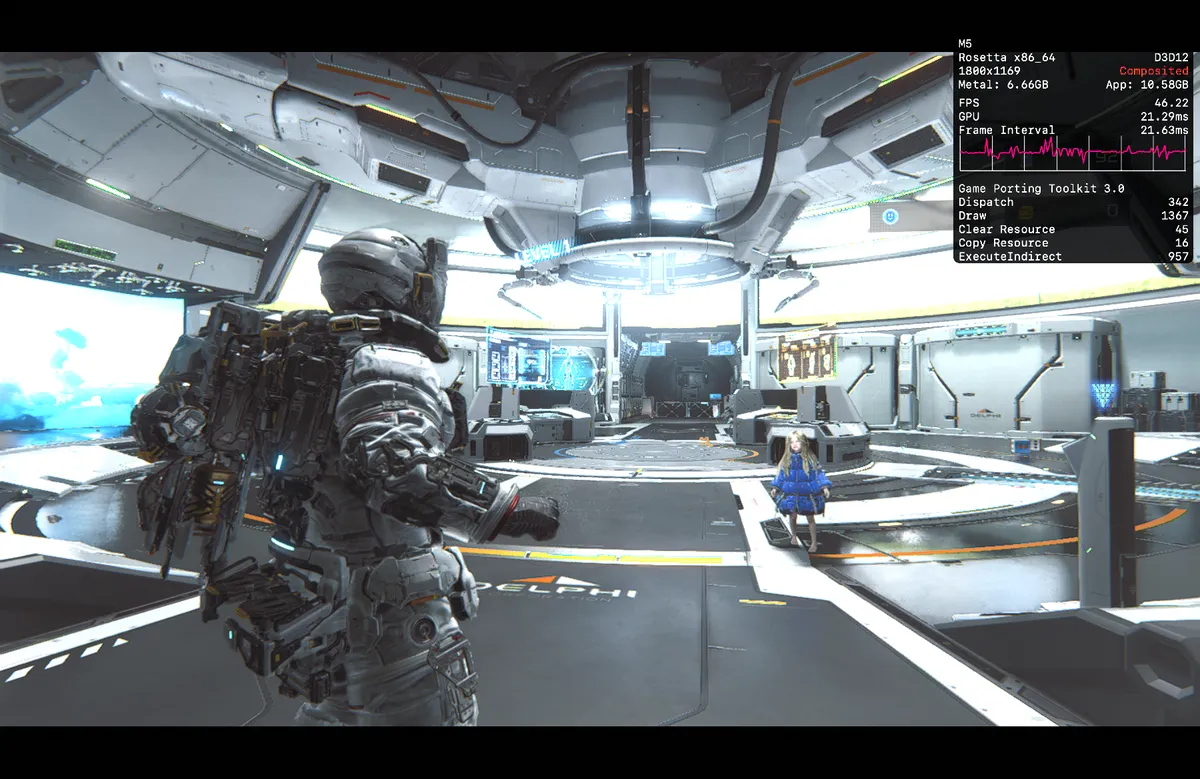
Pragmata may not have the same path traced shine as you’d find on an Nvidia gaming system, but it still looks pretty enough here and runs sort of alright. At first it didn’t work, but changing the game-specific graphics settings to run Game Porting Toolkit 3.0 rather than the version bundled with GameHub fixed the issue. (The same was true with a lot of games). When running, that 1% low does indicate some stuttering, but 42 FPS for a slower-paced shooter like this is OK.
But in Resident Evil Requiem, things get a little too dicey. No matter how much I turned down the settings, I couldn’t break 52 FPS; combined with a very stuttery experience that stops and starts with every room you walk into, and it was a less than satisfying experience.
So all-in-all, consider it a work in progress!
Plenty to work on
Beyond the choppy framerates in some AAA titles, one of the biggest issues here is compatibility. The list of reasons why spans longer than my arm. I’ll simply say that while GameHub is good, every conductor has its limits.
Forza Horizon 5 is an incredibly complex symphony that requires specific ‘notes’ that no amount of compatibility layers or dependencies can manage. Just because the conductor is standing at the podium doesn't mean the show is ready. Sometimes the sheet music is just too complex, and the orchestra falls out of sync.
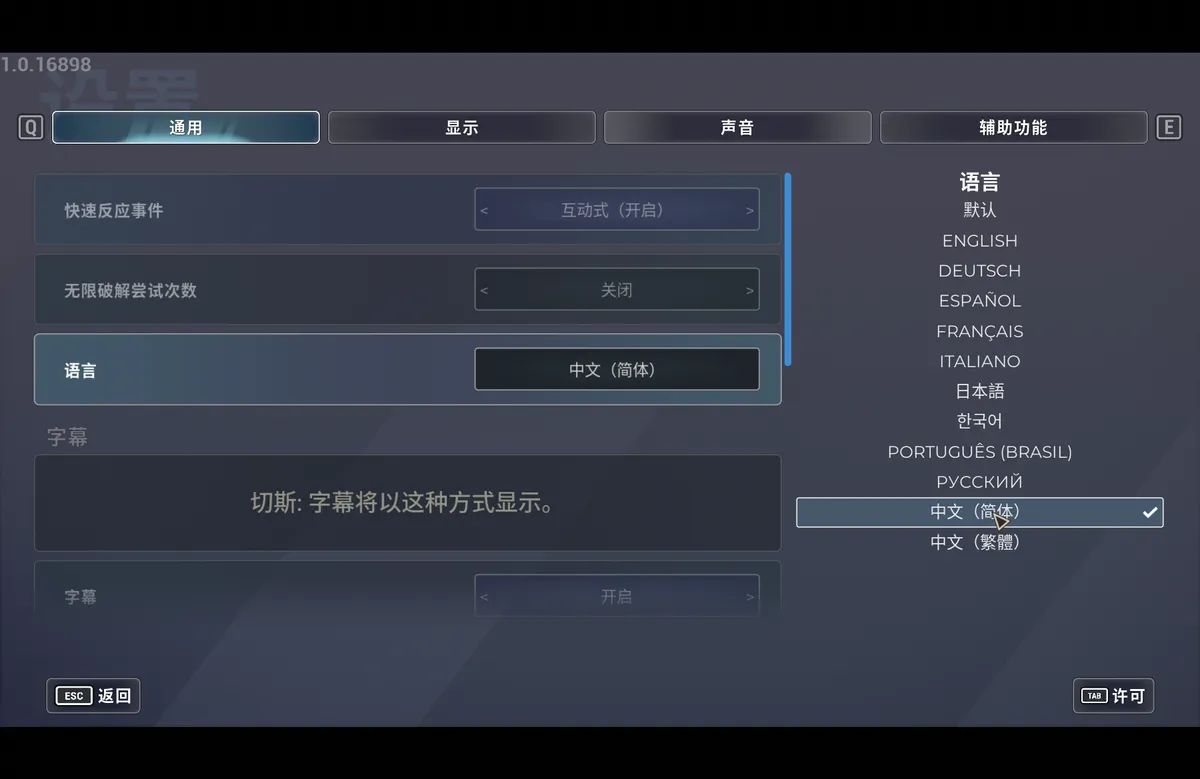
I noticed this in a few games, so there’s definitely an element of trial and error. On top of that, you may run into an issue sometimes where the game launches in Mandarin. Given GameHub is developed by GameSir (a Chinese gaming hardware firm), the company’s app configures the Wine environment to alter the locale and run the game. Sometimes it happens (like in Hitman), but it’s limited.
And finally, as smii77y pointed out on Reddit, there are some potential red flags in the user agreement and privacy policy. If you are conscious of this, note a few different things:
- You don’t actually own your account — GameSir gives you permission to use it.
- Connection logs and IP addresses are sent to third parties to process.
- Account data is stored in Guangzhou, China, which puts it under the laws of the People’s Republic of China.
- And there’s an odd loophole where the privacy policy says you can delete your account data if requested by email, but the user agreement allows them to keep data forever after termination.
So if you do plan to use it, don’t upload any sensitive data and assume anything will stay even after you’ve deleted it.
Outlook
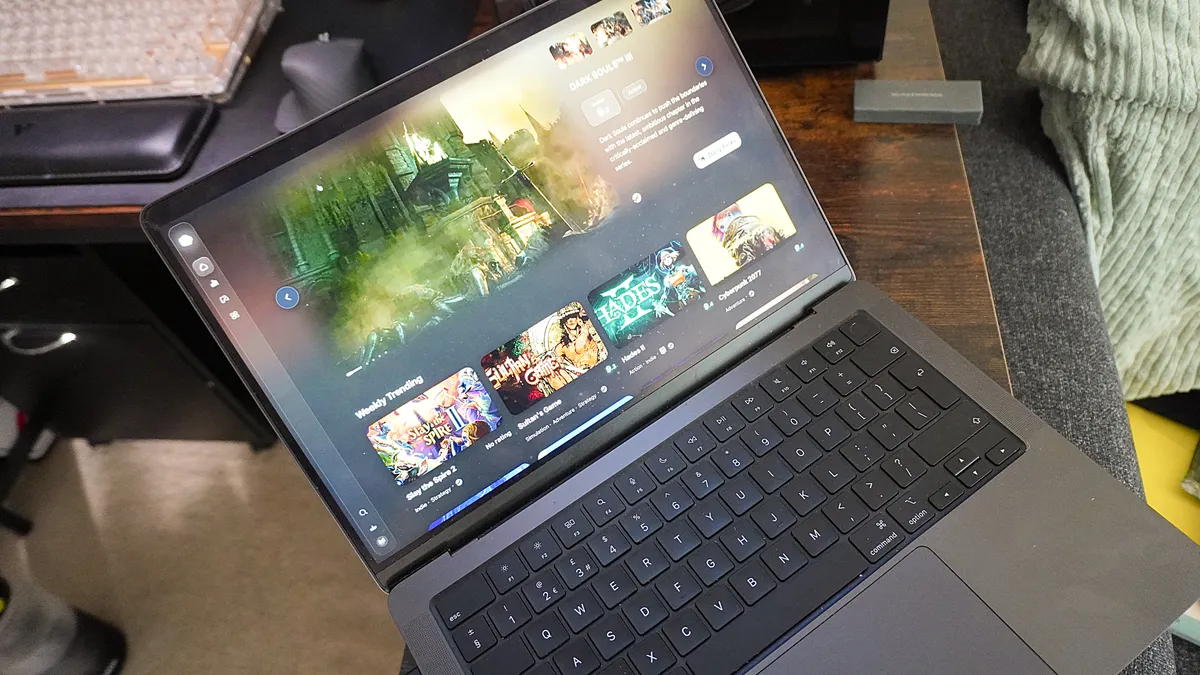
I can only hope the privacy issues and broader compatibility problems are resolved in the future, because GameHub is a rather fun service to use. Like I said above, my standard daily carry combines a MacBook for work and Steam Deck for play; with this, I can finally break out from the Apple game library limitations and take my Steam library on the road.
I’m not quite ready to sell my Steam Deck just yet, but for the first time, my MacBook Pro feels less like a workstation and more like a playground. GameHub isn't a perfect conductor, but at least the music has finally started playing.

Follow Tom's Guide on Google News and add us as a preferred source to get our up-to-date news, analysis, and reviews in your feeds. Subscribe to Tom's Guide on YouTube and follow us on TikTok.
More from Tom's Guide

