







Is there a four-word phrase more terrifying than “rail replacement bus service?” I doubt it. Whatever plans you had for the day (for me, it was meetings with Nvidia and Logitech for reasons I can’t tell you about just yet) are thrown into a chaotic race against time to get to where you need to be (London for me).
In this situation, I have two choices: sit and stew with frustration while lashing out about how I’m seeing more of Market Harborough than any human should (sorry not sorry, people who live there), or get stuff done like this article.
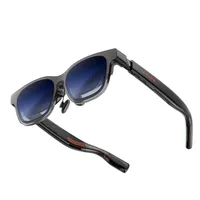
Well, this is where the $549 Viture Beast have come in clutch — whisking me away from my predicament and into my work and play with a massive field of view, a gorgeously sharp, vivid picture quality, and some real nice usability features to create a workstation wherever you are.
So instead of getting mad about my predicament, I’m just going to talk to you about the Beasts. Because it’s only fair that while I told you that the Beasts were not ready for primetime back in January, that I come back and tell you that if you’ve been waiting, now’s the time to buy. Think of it as an early review before the actual review.
Ultimate immersion
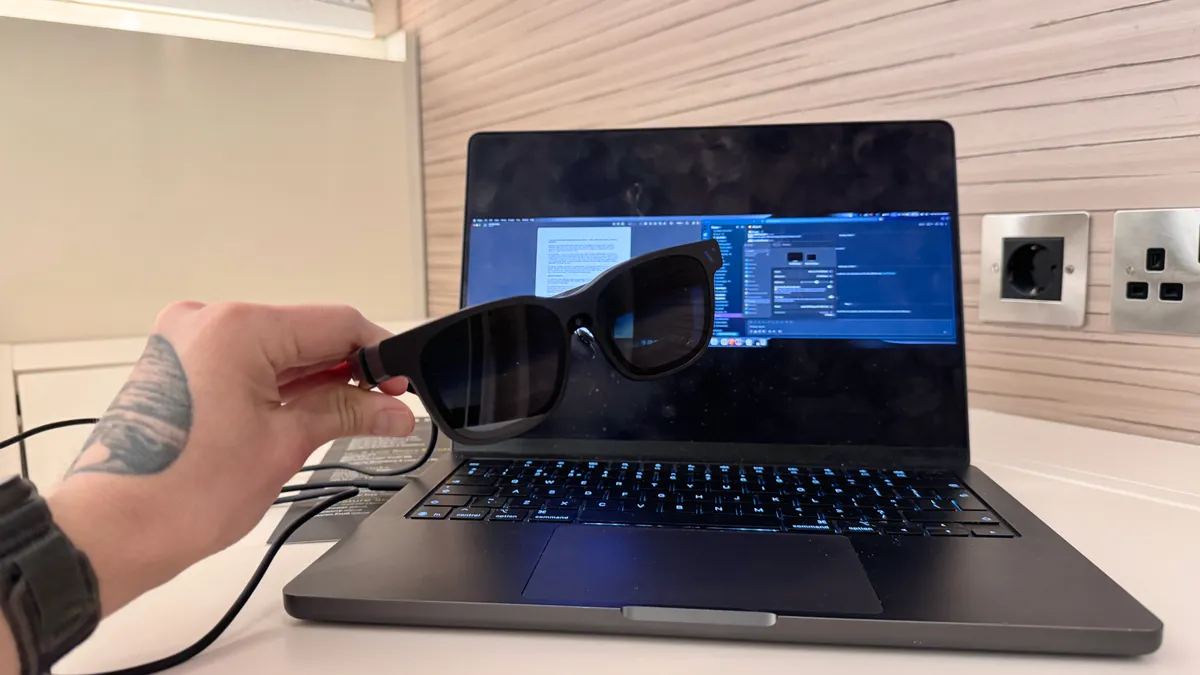
As I found out when talking to Viture’s co-founders, the Beast are having a grand (re)launch on Best Buy, Amazon and Viture’s own website — with CMO Emily Wang calling them “a mature, refined version of the Beast.”
The glasses started on shaky ground back at the beginning of the year, missing features and lacking some of the sharpness I saw in the demo units way back at AWE 2025. But now, it’s all here, and the end result is a picture quality that’s a step above anything else I’ve seen (dethroning the Xreal One Pro in my picture hierarchy).
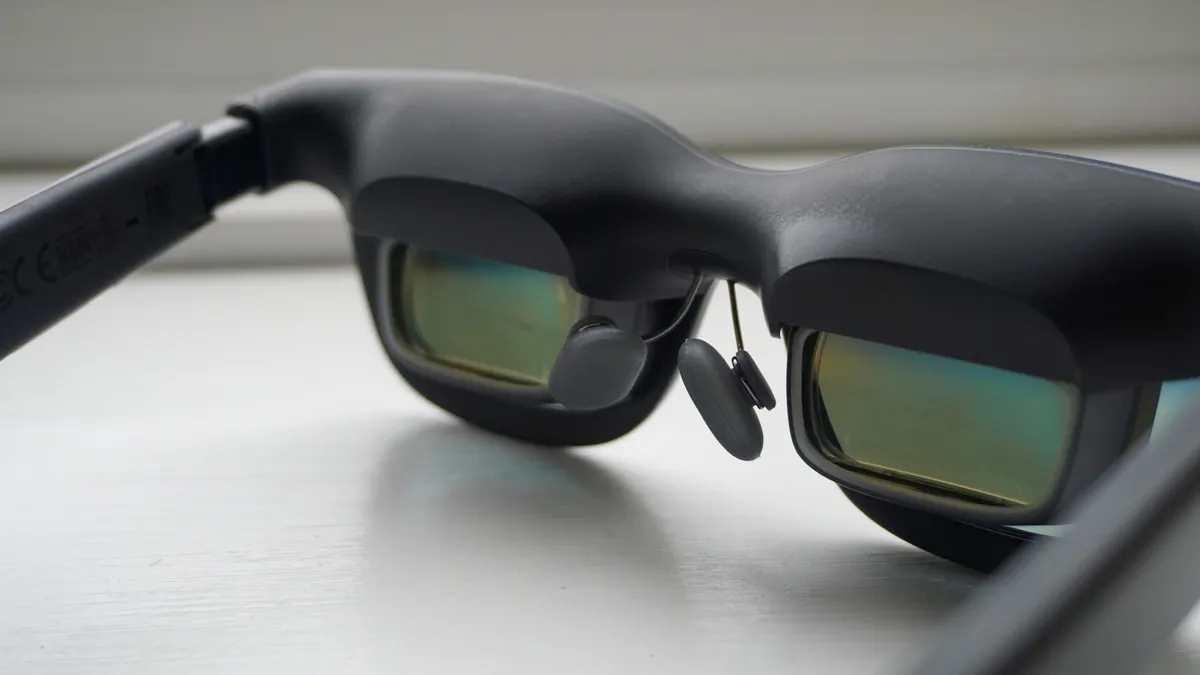
Wearability is real nice here, with the stems curved for a nice comfort on the ears and even weight distribution at the front with cushioned notepads giving you hours of strain-free wear. Then you throw in the on-device screen tuning methods and things get real interesting.
And no, you won’t get what Xreal offers via its on-device chipset giving you an ultra wide, view but there are a plethora of options here. On the glasses themselves, you’ve got screen sizing, anchoring options (the 3DoF tracking is so good here — the picture doesn’t even move on a couple flights I’ve taken), and refresh rate alterations.
But its when the Spacewalker app comes into play where things get interesting, as beyond that 32:9 ultra wide, you’ve got triple monitors in horizontal or vertical, the chance to color tune your display in any way you see fit and more. So far, I’ve got a warmer preset for gaming on my Steam Deck, and greater accuracy for any video work I do on my MacBook Pro.
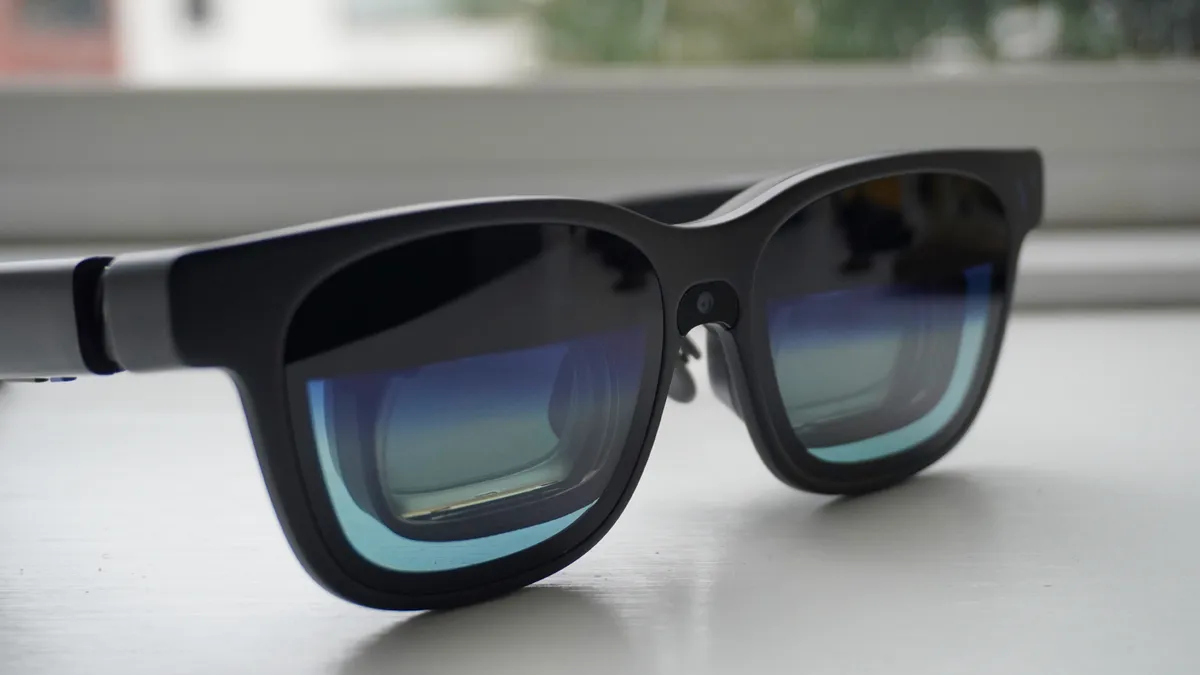
It can quickly become a tinkerer’s paradise, and once your past it, you’ll embrace the super dark electrochromic lenses giving you a private screening wherever you are. Before I knew it, Market Harborough was a distant memory — 90 minutes felt more like nine.
A couple of frustrations
That’s not to say the Viture Beast is completely without issues — two hardware-based and one that I hope can be resolved with a firmware update.
Starting at the top, the move from Viture’s magnetic port for the display cable to USB-C can make these a little awkward to sit on the face just right. That tugging based on the cable tension can move them slightly off-angle.
Viture does offer a USB-C to magnetic connector extender (meant to make these compatible with the Neckband Pro, but can be used for display connection too. But I would’ve preferred to have this built into the stem.
Second, there isn’t built-in IPD dials in the Beasts like other Viture glasses, so picking the right size is absolutely critical here to get the perfect picture. Make sure you do measure your own pupillary distance to get it correct, but word to the wise, most of you reading this will need the Medium-sized glasses. Even with my big head, the large was too big.
And finally, the gigantic field of view of that display is quite the test of those prisms at the furthest edges, as there are some hints of chromatic aberration around the sides. The same thing happens in the One Pro, and if you want complete perfect clarity across the entire picture, reduce the screen size everso slightly.
However, at max size, while it can be noticed, it’s not a deal breaker personally at all.
My next favorite AR glasses

So there’s my review before the actual review in a few days time, and now my journey is (finally) almost over. I’m sitting here realizing that the past four hours have just melted by a mix of immersed, focused work and all-encompassing entertainment.
The Viture Beasts aren’t just great boredom busters, they’re a glimpse of where AR glasses as a whole are going — brute forcing almost VR-esque experiences with a mix of strong hardware and well-crafted software to turn even the most cramped of bus seats into a personal cinema.

Follow Tom's Guide on Google News and add us as a preferred source to get our up-to-date news, analysis, and reviews in your feeds. Subscribe to Tom's Guide on YouTube and follow us on TikTok.
More from Tom's Guide
- I traveled 5,000 miles with Rokid Glasses — this Meta Ray-Ban Display rival impressed me
- Snap CEO dunks on Ray-Ban Metas and teases Snap Specs as his 'alien vision' for the future of computing — sounds weird, but I’m on board
- I’ve worn smart glasses for over 5 years — here’s the best AR and AI glasses

