To celebrate 25 years of Xbox, Microsoft has rolled out Xbox Playback. Similar to Spotify Wrapped, the feature pulls together a highlight reel of your gaming history, including your very first game, total hours played, top years, and longest play streak.
Whether you have been playing since the original Xbox era or jumped in more recently, checking your stats only takes a minute on either your console or a web browser, provided you know where to look and meet a few quick eligibility rules before the feature disappears at the end of the year.
Xbox Playback requirements and regional limits
Before checking your stats, keep a few rules in mind. To unlock a recap, your profile needs at least 1 Gamerscore, 1 achievement, and 1 minute of qualifying gameplay — plus at least 1 minute of gameplay on that console if you want to watch it directly on your Xbox dashboard.
It is a bit disappointing that Microsoft has limited the rollout to just 15 countries, especially for longtime players outside those regions hoping to celebrate the 25-year milestone.
Xbox Playback is only live through December 31, 2026, across Argentina, Australia, Brazil, Canada, Colombia, France, Germany, Hungary, Italy, Mexico, Poland, South Africa, Spain, the UK, and the US.
How to find your Xbox Playback
On your console
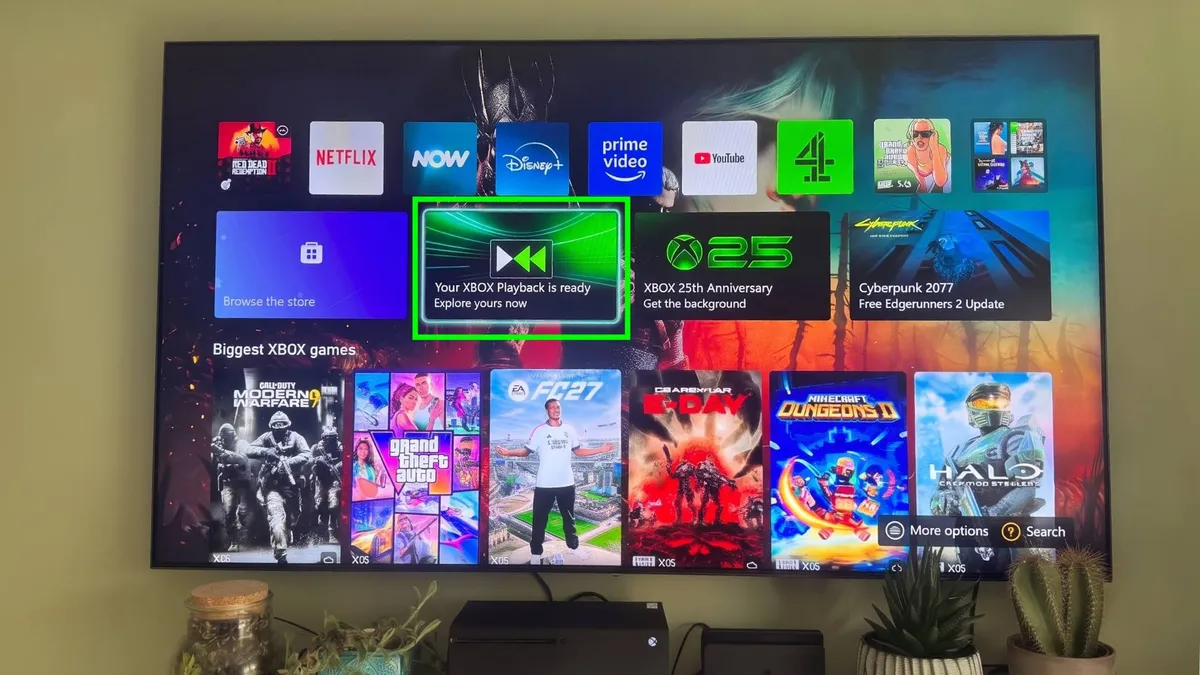
To launch the recap from your console, power on your Xbox, select your profile, and look for the Xbox Playback tile directly on your main home dashboard.
If it does not appear immediately at the top, return to the home screen and scroll down to the Xbox 25 Years section to select Playback from there. You can also press the Xbox button on your controller, head down to the Store, and search for Xbox to find and launch the Playback tab.
On the web or mobile
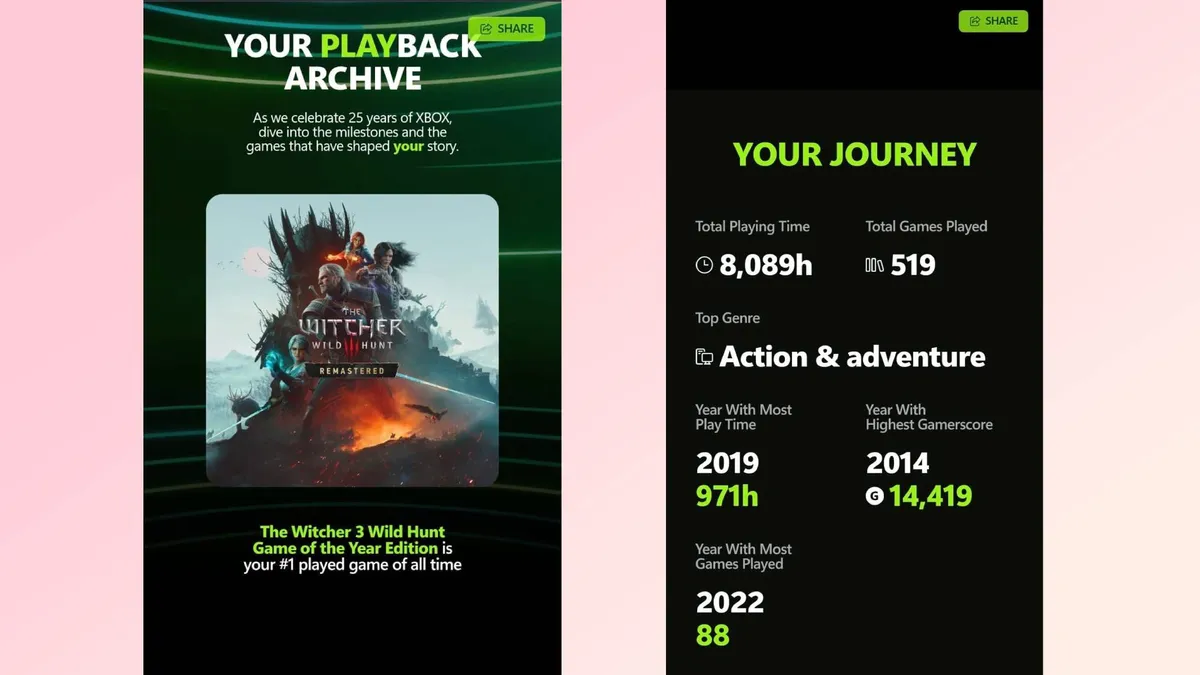
If you are away from your console, you can watch your recap on a phone or computer by heading to the Official Xbox Playback Page.
Simply sign in with the Microsoft account linked to your Xbox profile, then press Play to watch your personalized 25-year gaming story, complete with your first game, total hours played, top years, and longest streak.
Pulled up your Playback yet? Share your top stats in the comments below, from the very first game on your profile to the title that stole the most hours of your life.

Follow Tom's Guide on Google News and add us as a preferred source to get our up-to-date news, analysis, and reviews in your feeds. Make sure to click the Follow button!
More from Tom's Guide