Apple’s latest watchOS 27 software is officially out and available for free download, as long as you have a compatible Apple Watch (more on that below). The new operating system adds all sorts of new health and fitness features, AI tools, and usability improvements.
I’ve been exploring watchOS 27 all day — loaded up on my Apple Watch Series 11 — and it’s a modest yet welcome improvement to watchOS 26. That said, there is one notable downside to upgrading.
Read on for everything you need to know about watchOS 27, including compatible models, installation steps, the seven coolest new features to try first, and more.
Which Apple Watches support watchOS 27?

Apple is generally pretty good about supporting older Apple Watch models with new software. Unfortunately, this time around, the list of models compatible with watchOS 27 is frustratingly short. It includes the latest Apple Watch Series 12 and Apple Watch Ultra 4 (duh), along with:
- Apple Watch SE 3
- Apple Watch Series 9
- Apple Watch Series 10
- Apple Watch Series 11
- Apple Watch Ultra 2
- Apple Watch Ultra 3
Most notably missing from the list is 2022’s original Apple Watch Ultra model
How to update to watchOS 27

To update your Apple Watch to watchOS 27, you’ll first need to update your paired iPhone to the latest iOS 27 software. After that, navigate to the Settings menu, either on your Apple Watch or via the Watch app for iPhone, and open General> Software Update.
You might need to reload the update screen a few times by swiping down, but an option to download the latest watchOS 27 should eventually appear. When it does, tap Download, punch in your passcode if prompted, accept the TOS, and wait…
Depending on your internet connection, the whole installation process could take up to several hours. One more thing: Ensure your Apple Watch is on its charger during the update process and keep your paired phone close.
7 new watchOS 27 feature to try first on Apple Watch
With watchOS 27 up and running on your Apple Watch, now it's time for the fun part: exploring all the cool new features. Here's what I recommend checking out first.

1. Siri AI with dedicated Siri app
Ladies and gentlemen, a true-blue AI-powered Siri is finally available on the Apple Watch. With watchOS 27, your Apple Watch now has a dedicated Siri AI app that supports a more conversational style of interaction. The voice is also more natural and expressive, making interactions feel less awkward.
Perhaps most importantly, Siri is now actually good at answering even complex, context-based questions. The question is, can Apple's on-wrist Siri AI compete with Google Gemini AI voice assistant (as found on the latest Pixel Watch 5)? I look forward to testing both head-to-head in a coming article.
2. The Dynamic App Grid
Meet your new default home screen, the Dynamic App Grid. When you press the Digital Crown once, your Apple Watch will automatically display your five most frequently used and/or relevant apps, saving you the effort of scrolling around. As the name suggests, these update dynamically throughout the day.
But what if the app you want isn't one of those five? Simply swipe down/scroll to view the full app view.

3. New Siri Modular watch face
Apple's latest Siri Modular watch face is a personal favorite. Highly customizable, it automatically displays a complication for quick access to the most recently used widget in your Smart Stack. Best of all, this complication also updates dynamically. The new watch face additionally offers a complication to open the Siri app with a tap.
Of course, users can further customize the appearance of the Siri Modular watch face to their heart's delight with the complications and time format of their choosing.
4. Single-tap gesture control to open Smart Stack
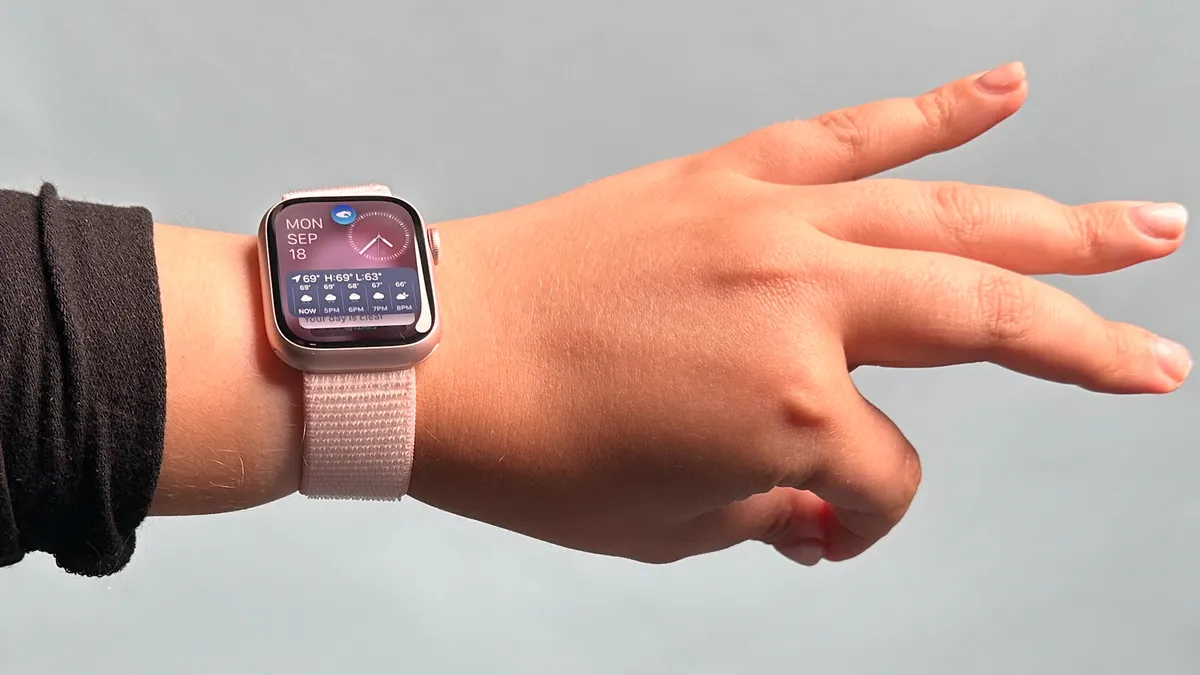
The latest watchOS 27 introduces a handy new way to open the Apple Watch's Smart Stack and select one of the dynamic widgets: The Single Tap gesture control. Apple launched the Double Tap gesture in 2026, where users press their index finger and thumb together twice on their watch-worn hand to perform an action, like answering a call.
The new Single Tap gesture works exactly the same way, minus the second tap.

5. Call Context and Smart Stack suggestions
Apple's AI-powered Siri shows up in more places than just the dedicated Siri app. For instance, two new features, Call Context and Smart Stack suggestions, use Siri to automatically surface relevant information on the watch display when it might be useful.
The Call Context feature is designed to display relevant details when brought up during a phone call. For example, if I casually mention an upcoming flight while chatting with my mom, Call Context should then show my itinerary on the Apple Watch screen for me to reference (stay tuned for testing).
Smart Suggestions, meanwhile, generates reminders in your Smart Stack for things you might otherwise overlook/miss, like a friend's birthday, a low balance on a transit card, changes to an upcoming flight departure, and more.
One of my favorite watchOS 27 improvements is the updated Find My app, where people, objects, and devices are all consolidated into one easy-to-navigate map view.
6. New Find My app
One of my favorite watchOS 27 improvements is the updated Find My app, where people, objects, and devices are all consolidated into one easy-to-navigate map view.
I love to travel and use AirTags to keep tabs on all my luggage and bags. Now, instead of having to pull out my phone to make sure that my suitcase actually made it back home to Seattle and isn't still chilling in Amsterdam, I simply need to tap on my Apple Watch a few times and glance down at my wrist.
7. Improved indoor workout tracking
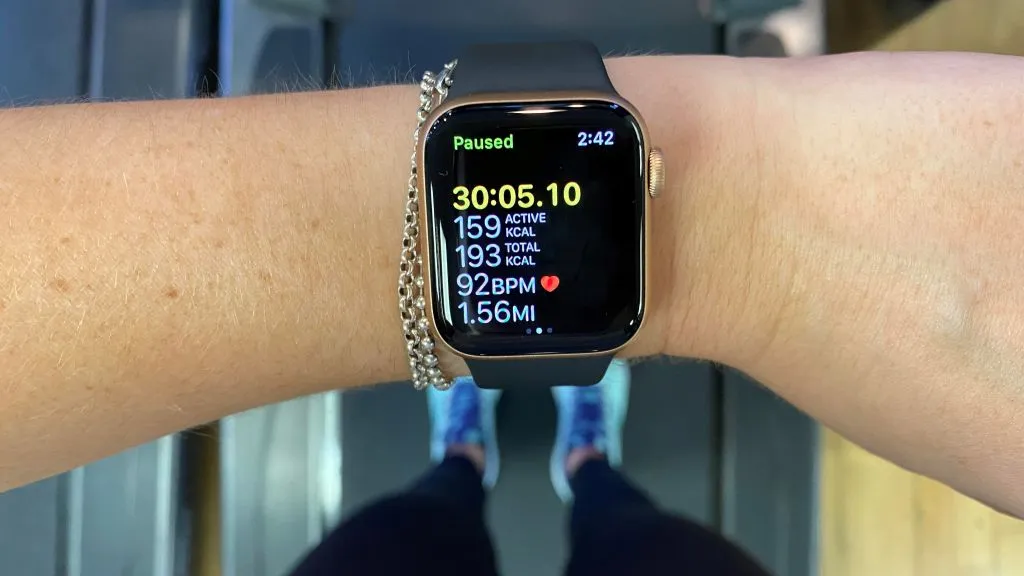
Last but not least, workout tracking accuracy for indoor activities like walking and running should be improved with the latest watchOS 27 release. While I'm not much of a treadmill guy — I prefer to walk and run outdoors, weather be damned — you can count on us fully testing these claims in the coming weeks.
As a big fan of Apple's overall approach to on-wrist fitness tracking, any accuracy improvements are welcomed with open arms.
Now, if only Apple would provide individual step counts for logged workouts...
watchOS 27: Goodbye Walkie-talkie app
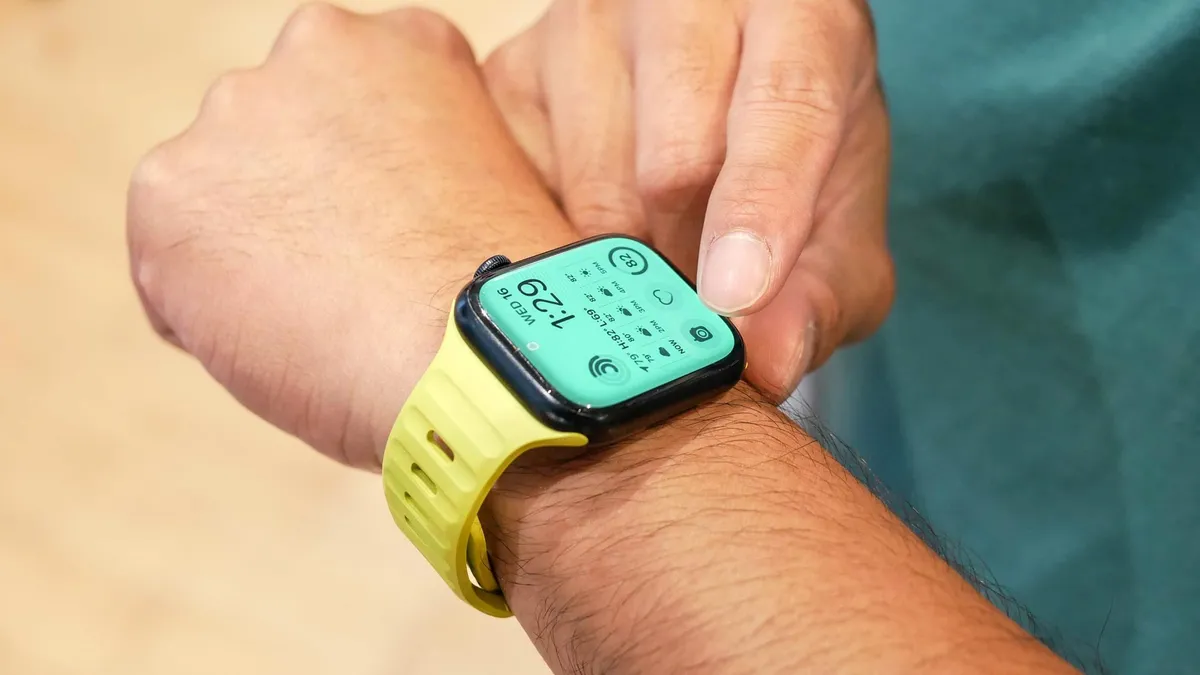
With the good comes the bad. While watchOS 27 is brimming with a lot of cool, new features and design improvements, Apple sadly killed off one fan-favorite app in the latest release: the Walkie-Talkie app for Apple Watch.
What are your thoughts on the new watchOS 27 software, and what features are you most excited to try? Let me know in the comments below.

Follow Tom's Guide on Google News and add us as a preferred source to get our up-to-date news, analysis, and reviews in your feeds. Alternatively, you can read our content on the Tom's Guide app available now for iOS and Android.
More from Tom's Guide
- Apple Watch Ultra 4 first impressions: 5 reasons to buy and 2 reasons to skip Apple’s new rugged model
- We asked 368 people what they want from the Apple Watch Ultra 4. Here’s the resounding answer (and it’s not AI)
- I’ve been writing about the Apple Watch for the past decade: Here’s the rumored update I’m most excited about for the Apple Watch Ultra 4