Apple talked about a lot of great new stuff shown off at WWDC 2026, especially where iOS 27 was concerned. But if you watched the keynote address, you may be under the impression that the iOS 27 update consists mostly of AI updates and changes to Siri — but that's far from the case.
Now that we've had some time to dive into the iOS 27 developer beta, it's clear that there are a lot of new updates that Apple didn't tell us about. Obviously, the company can't cover every last little upgrade in an hour-long presentation, especially when you have several different operating systems to showcase. But even now, over a month since WWDC and the beta release, there are still features that Apple has stayed oddly quiet about.
From the features that were only mentioned in passing, to the ones Apple hasn't even acknowledged the existence of, here are seven of the best iOS 27 features Apple didn't tell you about.
1. Landscape mode in more apps

The iPhone has a funny history with landscape mode, and it's been impossible to rotate the home screen since the release of iPhone X back in 2017. That's still not possible in iOS 27, but what Apple has done is enable more first-party apps to appear in landscape orientation. That way, you're not restricted to keeping your phone in a lengthy, vertical position during use.
Such apps include Apple Music, Fitness, Health, Podcasts, Reminders, Home, Shortcuts, Find My, Voice Memos, Apple Watch, Weather and even the Apple TV remote. All you need to do is orient your phone sideways, and everything will rotate and appear in the correct positions. Some of them even get a left-aligned sidebar, which is rather nice.
It's speculated that the iPhone Ultra may be responsible, on account of its larger, iPad-style display. While that hasn't been confirmed yet, it's still nice to be able to have more choice in how you interact with apps.
2. An all new Drawing app for Messages
Speaking of sideways rotation, Apple seemingly killed off a feature in the Messages app that let you send handwritten texts by sliding your phone into landscape mode. Obviously, nobody likes losing features when the new version of iOS rolls around, but thankfully, that hasn't happened.
Instead, Apple has added a new Drawing applet for iMessage, which perfectly emulates the sketching feature that you'll have previously seen in Apple Notes and other apps. This is a much more bountiful way to draw, with different colors, styles, shapes and stickers all built directly into each specific chat.
3. Updates to Apple Wallet

Apple Wallet doesn't always get a lot of love, but iOS 27 has added two new features that could prove incredibly useful. The first is the ability to scan your dinner bills (or receipts from the store) and assign different items to people in your group. Wallet will then calculate the totals for each person, and give you the option to send Apple Cash requests to make sure they pay you back promptly.
Apple also helped Wallet catch up with Android rivals by adding the ability to create your own digital passes. This is useful for all those times you have tickets or membership cards that don't have native Apple Wallet support.
All you need to do is scan it into the app, and Apple Wallet will convert it into a virtual equivalent that works in exactly the same way as its physical counterpart. It's really convenient and means you're one small step closer to never needing to carry your wallet ever again.
4. Dual cameras in Facetime

Apple added a dual capture feature to the iPhone 17's camera, which lets you record videos from the front and rear cameras simultaneously. iOS 27 expands this feature and adds it to FaceTime, letting you make video calls while utilizing both your phone's cameras. Provided you're calling another iPhone with iOS 27, that is.
The potential use cases for this are pretty varied. For starters, it means you can show people exactly what you're looking at without having to cut the view of your face — which you definitely don't want to deprive people of seeing.
Alternatively, it's a way for calls to include even more people, since both cameras could be used to feature larger groups of people. Just be aware that the folks visible on the rear camera obviously won't be able to see what's happening on screen.
5. Changes to location sharing
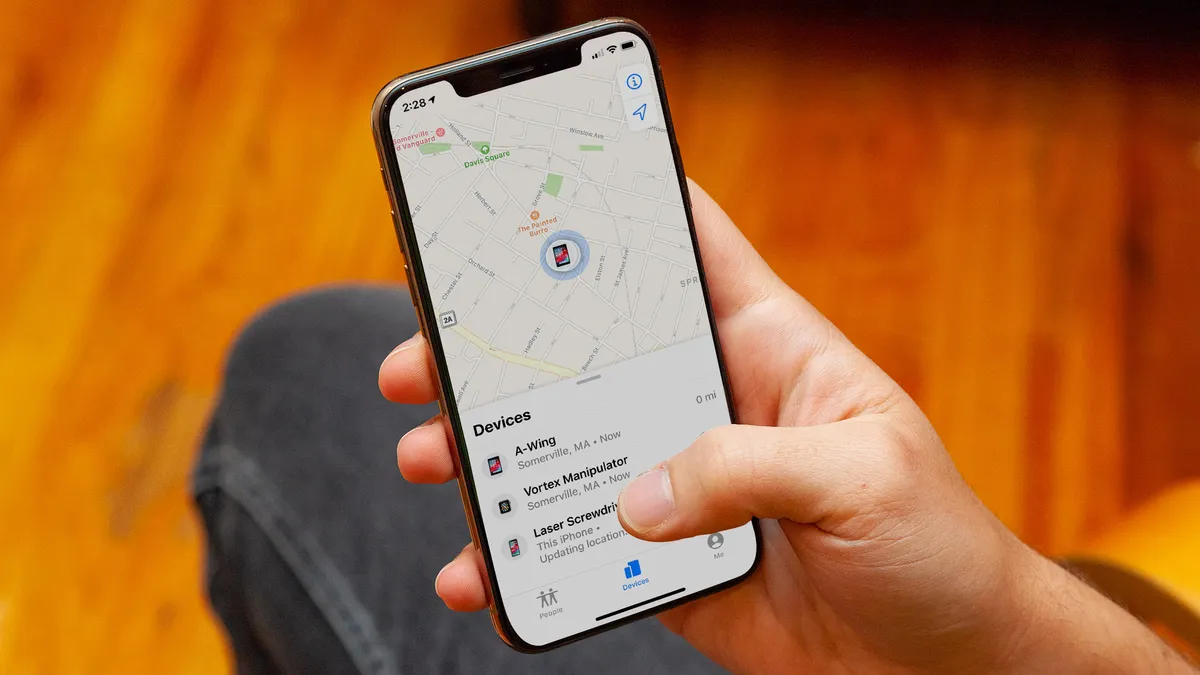
Being able to share your location with friends and family has its uses, but there are some ways it could have been made better. iOS 27 has included a couple of extra options to facilitate that.
The first is the ability to customize how long you're sharing your location with a particular person, rather than having to choose between a single hour and until the end of the day. Now, you have full control with iOS 27, and you can automatically stop sharing your location at a predetermined date and time.
Apple's also given you the ability to stop sharing your location with a person without them getting a notification. There are plenty of reasons to not want to continuously share your location with people, but it can be awkward to try and explain why -- especially if that person is an overbearing parent or partner.
6. AI generated Safari extensions

Apple told us all about the new AI-powered tab organization in Safari on iOS 27, but it didn't mention that Safari is also getting a new feature that lets you create custom extensions. So if there's something you need Safari to do, and there isn't an official extension available in the App Store, you can simply ask Safari to make it for you.
You do get given some ideas on the kind of extensions you can create, or you can go completely free and simply tell Safari what you want it to make. There are limits to what it can do, and what you ask for doesn't always come out correctly in the current beta, but it at least offers something that you don't typically get in mobile browsers -- with the option to personalize your browser even more.
7. New AirPods software

Yes, believe it or not, the AirPods app got some cool new features that Apple didn't really feel the need to tell us about. One such feature is a new slider inside the AirPods app, which lets you adjust the level of Active Noise Canceling and Transparency mode.
It's only one slider, so reducing ANC increases transparency, and vice versa. However, it does mean that you no longer have to have each mode set to maximum all the time.
There's also a new custom EQ mixer, which lets you adjust various aspects of your AirPod sounds, including bass, midrange or treble. That way, you can personalize your music in a way that sounds good to your ears. However, this feature is only available on the latest AirPods earbuds, including AirPods Pro 3, AirPods Pro 2 and AirPods 4.

Follow Tom's Guide on Google News and add us as a preferred source to get our up-to-date news, analysis, and reviews in your feeds. Subscribe to Tom's Guide on YouTube and follow us on TikTok.
More from Tom's Guide