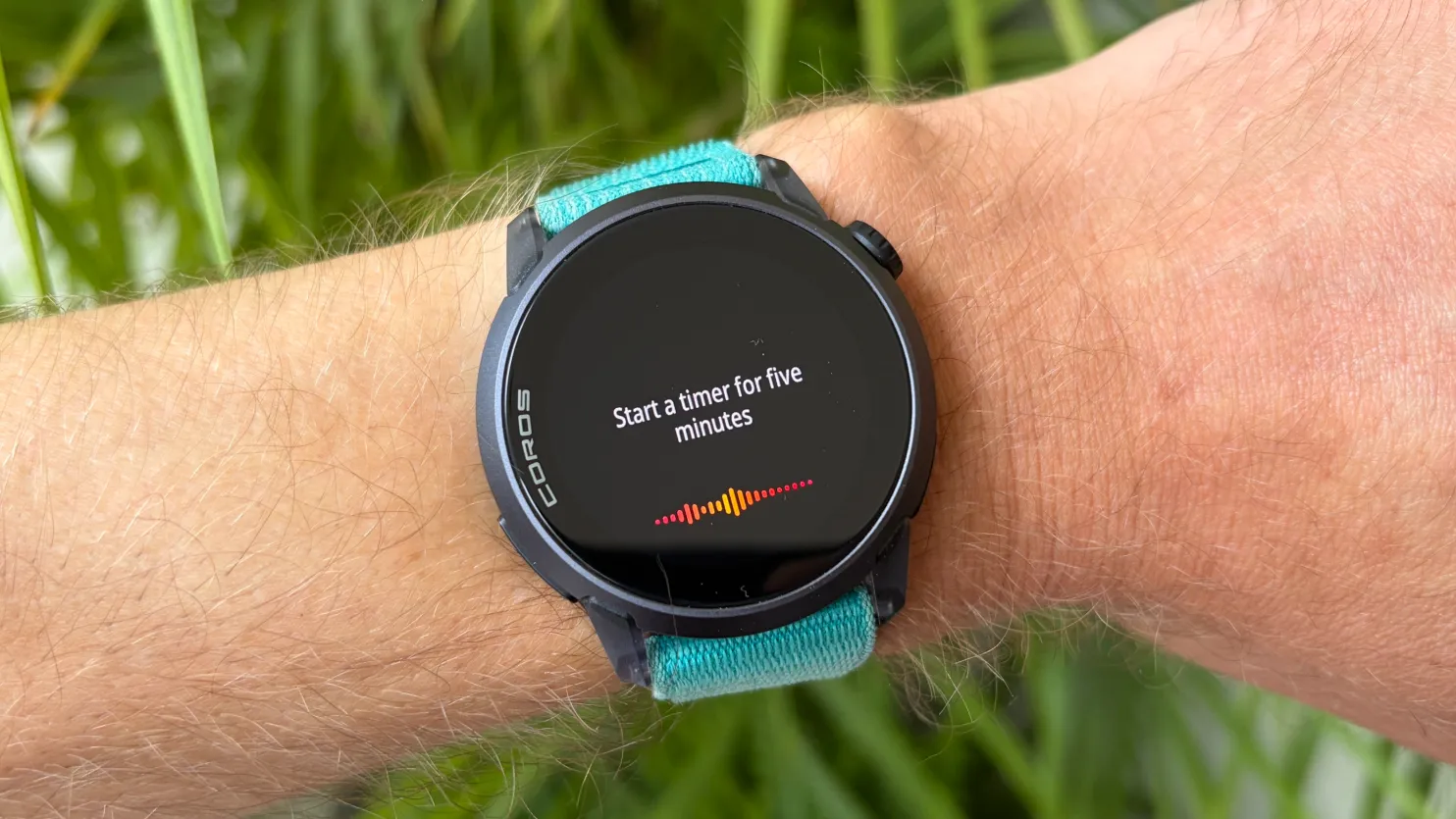
Coros is firing on all cylinders right now. Not only has it released some eye-catching new designs of the Coros Pace 4, including a gold and black model inspired by Jakob Ingebritsen, it’s also pushing out regular software updates to improve its watches.
The May software update contains several upgrades for Coros’ latest watches, with the most exciting of them being a voice control feature that I think looks genuinely useful for runners in particular.
I’ve been testing the update out in beta on the Coros Pace 4, one of the best running watches available from any brand, and I’ve outlined the new features below in order of how excited I am by them.
Which Coros models get the update?
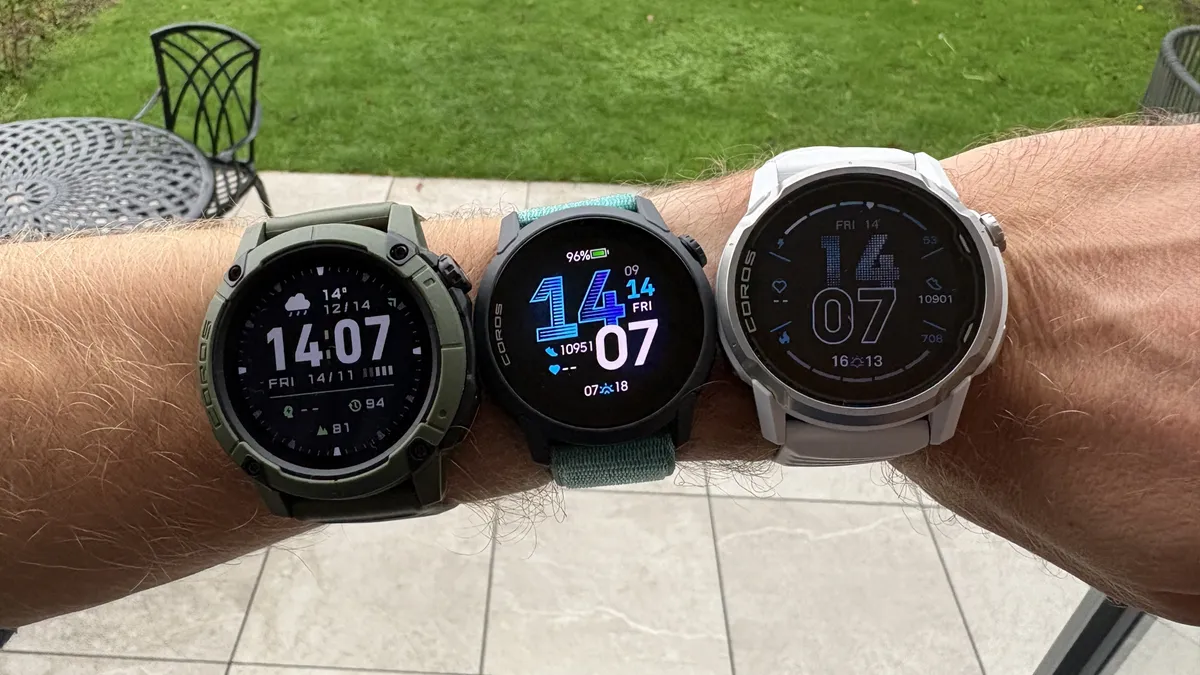
Some new features are available to all Coros users, but only the latest Coros watches get every update, because some require both the microphone and action button added to the most recent launches from the brand:
- Coros Pace 4
- Coros Apex 4
- Coros Nomad
The update will roll out automatically through the Coros app, so keep checking in there to download it to your watch via Wi-Fi or Bluetooth.
You can get more info on all the updates coming on the Coros website, but here are the six updates I'm most excited by.
Voice control
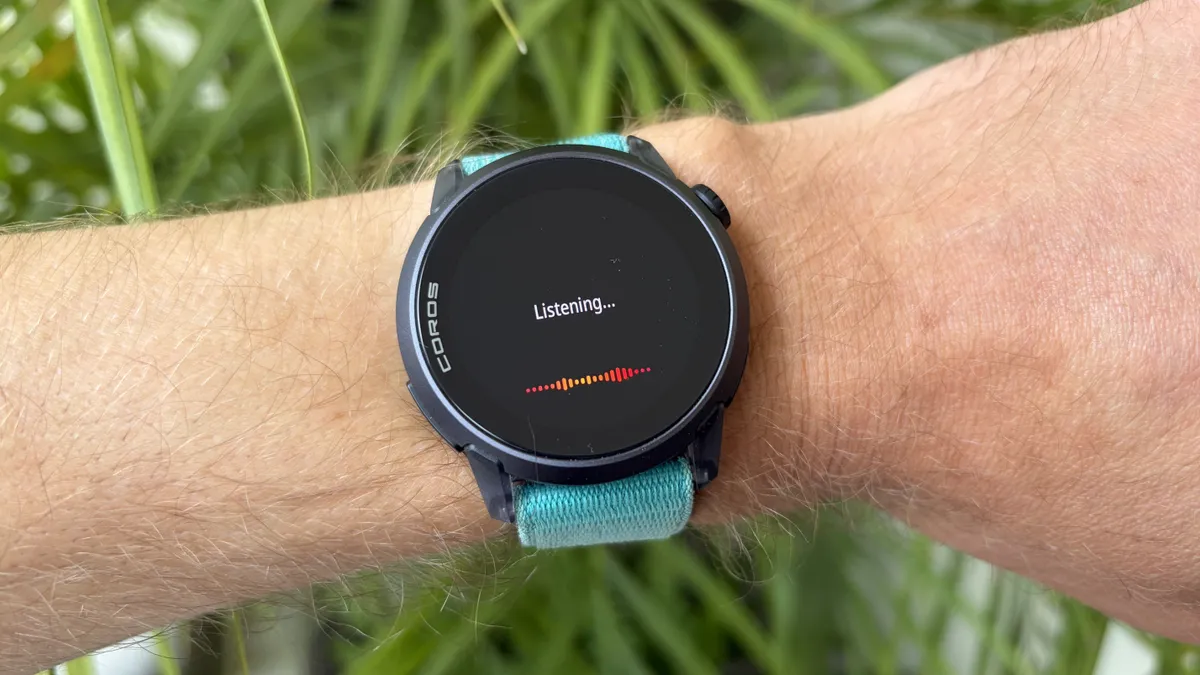
You can now hold the action button on compatible Coros watches to bring up a voice control feature. This is nothing new with smartwatches, but the variety of commands you can give your Coros watch is impressive.
Outside of workouts you can use it to start timers, set reminders, open widgets and start a training session, but what I’m more excited about is the commands you can give it during workouts.
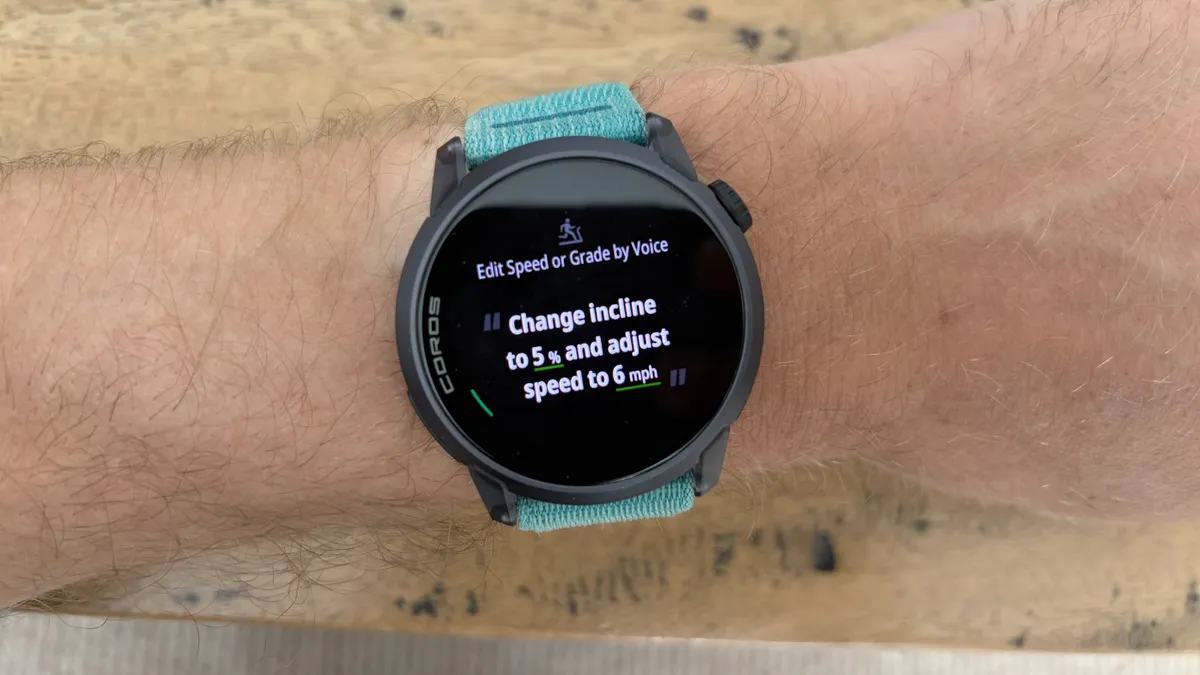
Coros watches have a handy feature that allows you to set the speed and grade of your treadmill during indoor runs so the data on your watch matches the machine, and you can now change the speed and incline using the voice feature rather than having to fiddle in the settings.
When running on a track you can also use the voice control feature to change the lane you’re using, once again saving the bother of fiddling with buttons while trying to run.
I use these settings on indoor and track runs regularly and once you get the hang of using the voice control, it’s much easier to change them with spoken commands.
Custom photo sharing
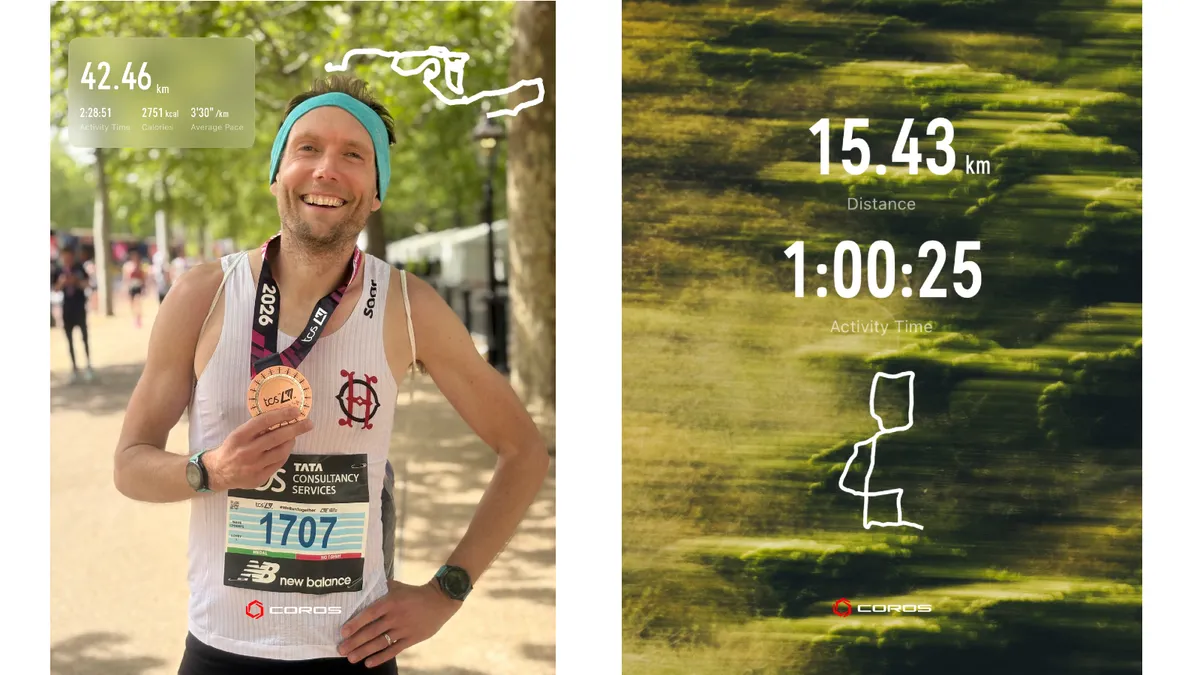
This feature is available for all Coros users through the app, and allows you to share your workout details superimposed on a photo you took during the session, as an overlay on a video, or on top of template image.
The feature is easy to use and creates content quickly to share on social media or elsewhere.
Coros official MCP
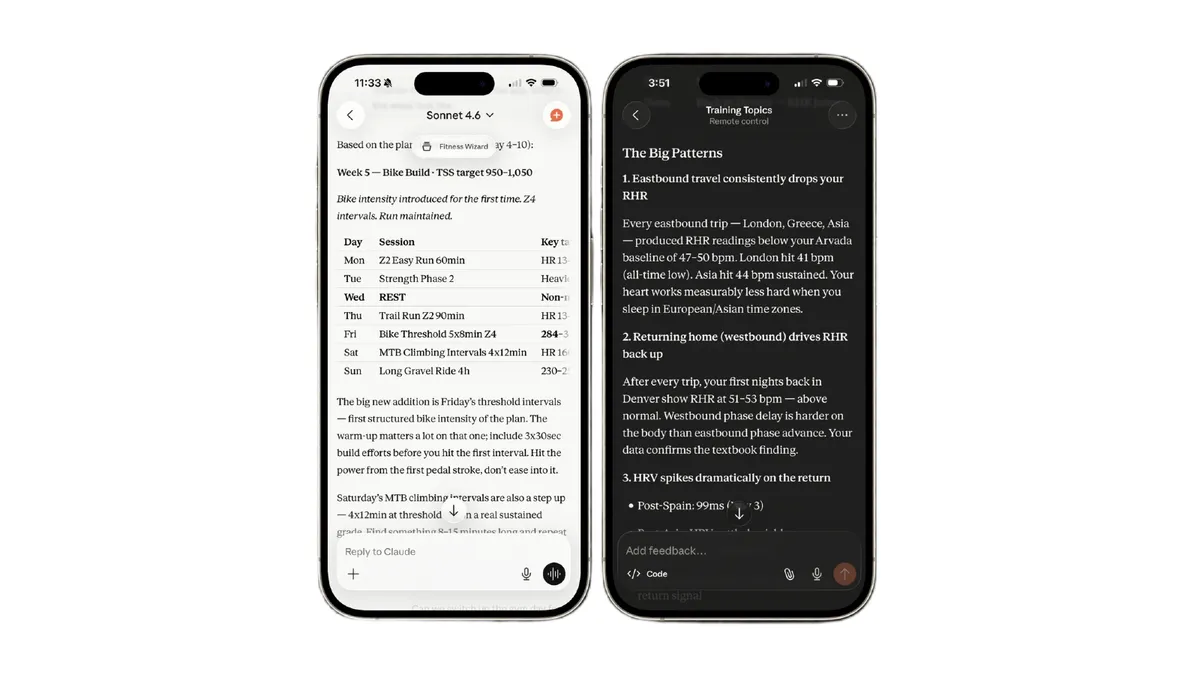
A Model Context Protocol (MCP) is a tool that allows AI platforms to read your Coros workout data securely so you can then ask the AI questions about your training and get advice on how to optimize it.
The Coros MCP requires a subscription to ChatGPT Plus or Claude Pro, but if you have one you can now get easy insights into your training, like how travel affects your recovery stats, or what kind of training you should do in the coming week.
A watch face that shows your weekly mileage
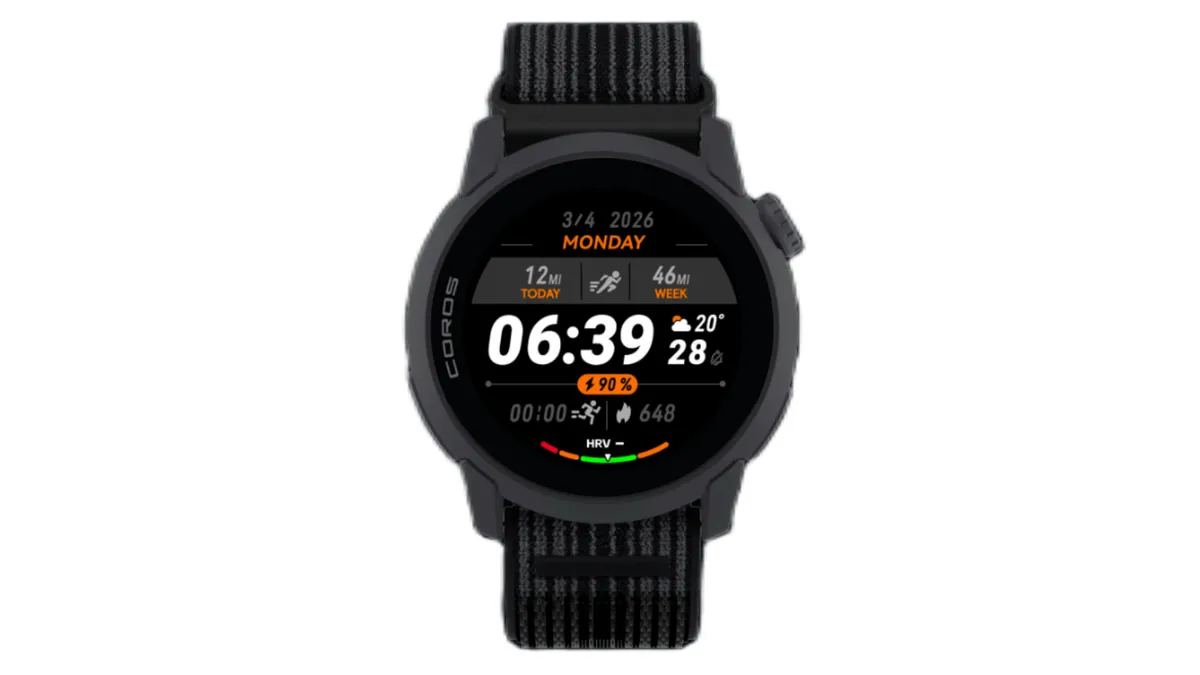
This is a small update, but one I’ve wanted from Coros for a long time. The new multidata watch face shows your weekly mileage for running or cycling, something that I always show when using a Garmin or Apple Watch.
It would be even better if weekly mileage became a stat you could show on any Coros watch face through a customizable data field, but I’ll take this for now.
Improved auto laps for running
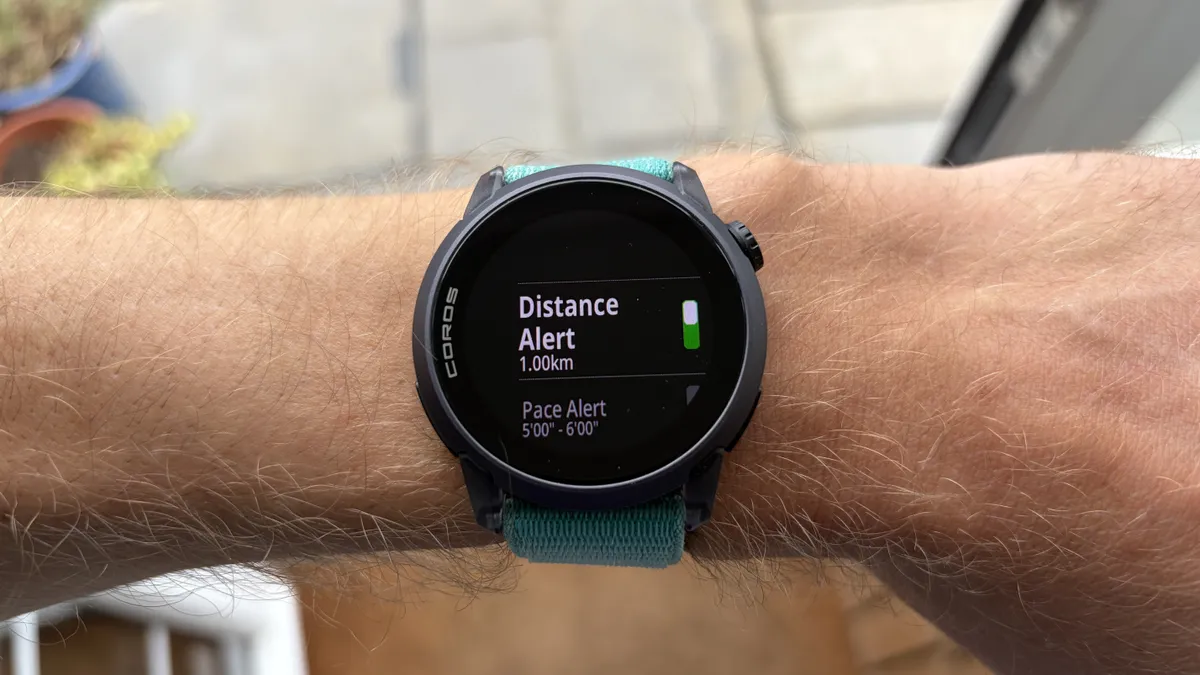
This is a small update but one I value highly and it allows you to set a recurring distance alert for your runs alongside your manual laps.
This is handy for me as a runner because I regularly do running workouts with long sections that I break up with manual laps, and during those long reps I can now get distance alerts to help keep my pacing on track.
Strength workout tracking improvements
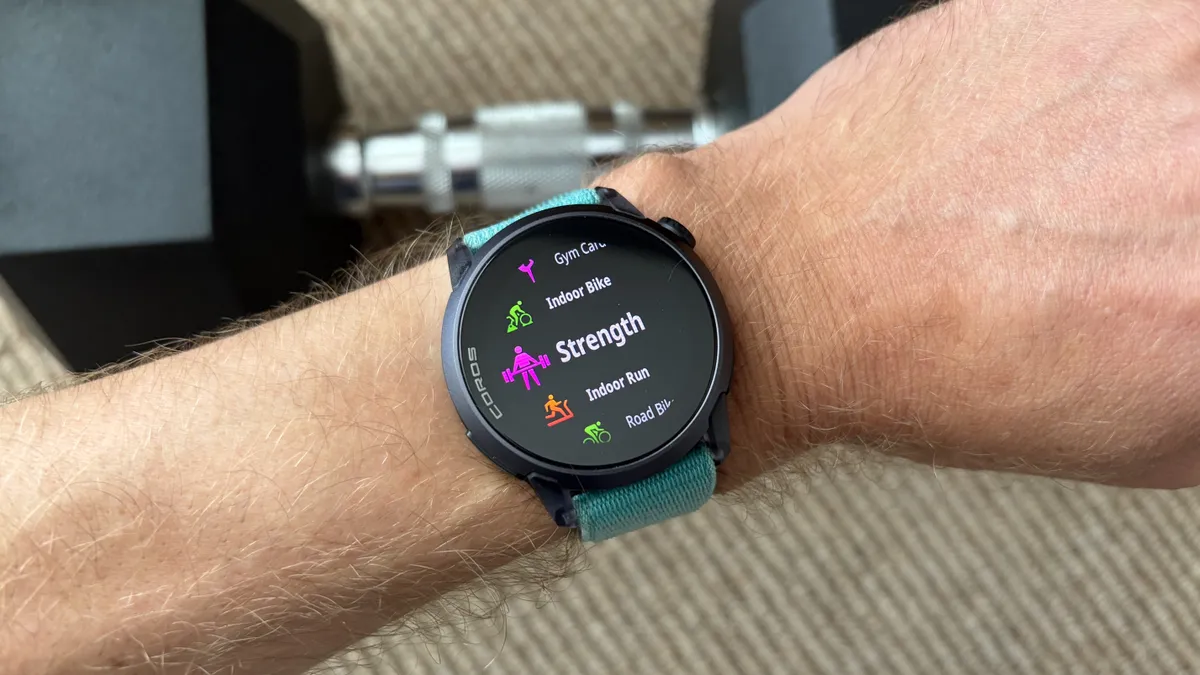
You can set up strength workouts in the Coros app including the details on the exercises and sets and reps you plan to do, and your reps will be automatically counted by your watch.
With the updates you can now edit the reps and intensity of your sets on your watch or in the Coros app afterwards, re-order your exercises (in the event the gym is crowded and you can’t do them in the order you set beforehand), and create custom exercises with info on the muscles worked.
Follow Tom's Guide fitness on Instagram for more workouts, routines, tips, and tricks.

Follow Tom's Guide on Google News and add us as a preferred source to get our up-to-date news, analysis, and reviews in your feeds.
More from Tom's Guide