Many of the best wireless routers you can buy offer a choice between two types of Wi-Fi connection: 2.4 and 5 GHz. And, if you plan on using your smart TV’s wireless capabilities (or those of your dedicated streaming devices), you’ll likely run into separate options for the 2.4 and 5 GHz versions of your home network.
If you've been trying to figure out how to stop your smart TV from buffering, you might've found yourself wondering about these two options. As it turns out, there are tradeoffs to both, but one of them might be a better option for your home.
The difference between 2.4 and 5 GHz
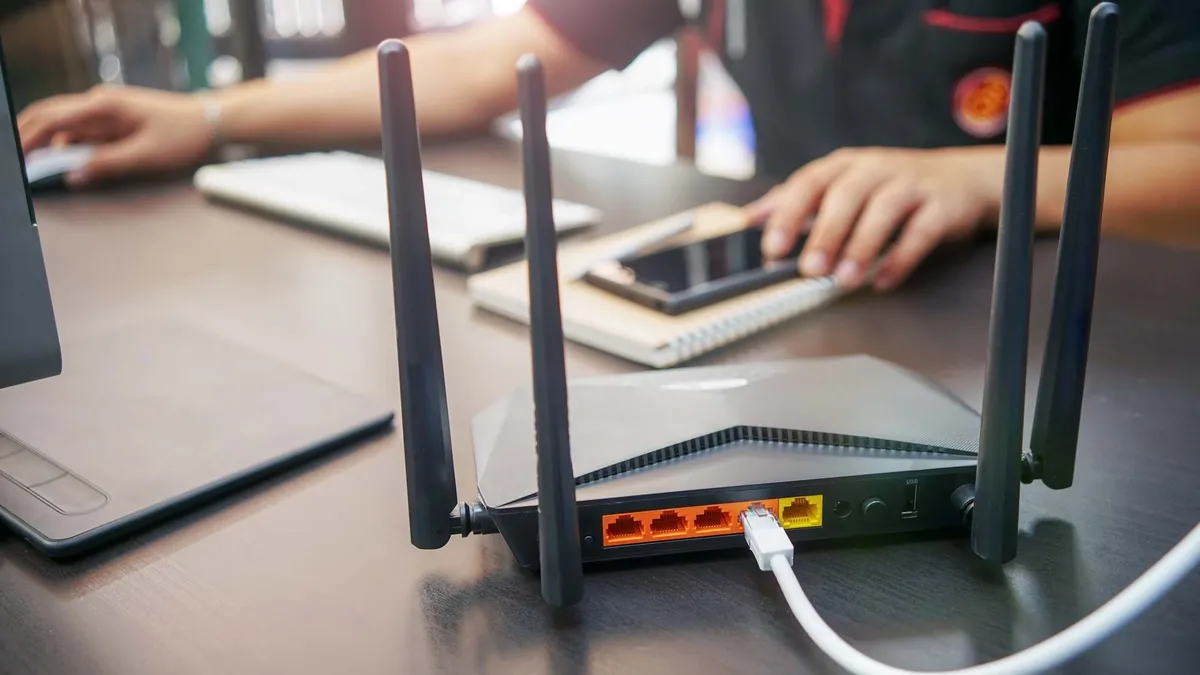
2.4 and 5 GHz networks differ in their frequency bands. But while you might assume that the 5 GHz band is better on account of its higher numeral designation, that's not always the case.
Each of these frequencies offers a mix of upsides and downsides. A 2.4 GHz band is capable of covering a larger area and is better equipped to penetrate walls, doors and objects that might be between your router and TV.
However, a 2.4 GHz band isn't as fast as a 5 GHz band. In addition, you're more likely to encounter frequency interference due to overlapping networks from nearby, neighboring devices.
Each of these frequencies offers a mix of upsides and downsides.
A 5 GHz band is capable of delivering better speeds than 2.4 GHz. It's also less prone to interference from nearby devices.
On the other hand, the area of coverage associated with a 5 GHz network is much smaller than that of a 2.4 GHz network. 5 GHz bands are also not as adept at passing through solid objects, so a network's reliability may fall off past a certain distance from your wireless router.
Wireless routers that support the newest Wi-Fi 7 standard are built different. These devices support Multi-Link Operation (MLO), which allow users to connect to multiple bands simultaneously. This often results in a faster, more-reliable connection.
Choosing between 2.4 and 5 GHz Wi-Fi: Which is better for streaming?
Now that we're clear on the differences between 2.4 and 5 GHz networks, there's a simple way to think about them in the context of streaming movies and shows on your TV. It all comes down to how you've arranged your living space.
I recommend using a 2.4 GHz band if there's significant distance between your wireless router and your smart TV or streaming device. For instance, if you're using a Roku streaming box on a TV in your bedroom and it's connected to a wireless router a floor below, a 2.4 GHz band is better equipped to pass through walls and ceilings.
If your wireless router is stashed in a spot that's relatively close to where you do your streaming, I recommend taking advantage of the increased speeds of a 5 GHz band. As someone who keeps their modem and router next to my media console, I connect my smart TV to a 5 GHz network.
In either scenario, you ought to have enough bandwidth to stream 4K movies and shows without any issues. If you do experience slow speeds, dropped connections or excessive buffering, try switching to the other band.

Follow Tom's Guide on Google News and add us as a preferred source to get our up-to-date news, analysis, and reviews in your feeds.
More from Tom's Guide