




I'm a big fan of the new Privacy Display feature on the Samsung Galaxy S26 Ultra, thanks to all the protection it offers for your sensitive info, but it's become clear that there are some trade-offs involved. Based on our testing the Galaxy S26 Ultra's brightness is lower than the S25 Ultra, even with Privacy Display switched off, and now our testing confirms it can also impact battery life.
There isn't a lot of difference in the overall endurance,; we're talking less than 20 minutes in the most extreme cases. But that doesn't change the fact that switching on Privacy Display may drain your battery faster than if it were switched off. Which is rather odd, because we were expecting the exact opposite to be true.
| Row 0 - Cell 0 | Battery life (hrs:mins) |
Privacy Display Off (Adaptive) |
16:10 |
Privacy Display On (Adaptive) |
16:05 |
Maximum Privacy Protection On (Adaptive) |
15:56 |
Privacy Display Off (Standard) |
16:40 |
Privacy Display On (Standard) |
16:40 |
Maximum Privacy Protection On (Standard) |
N/A |
Our custom Tom's Guide battery test involves surfing the web over 5G with the screen set to 150 nits of brightness. As you can see in the table above, running the Galaxy S26 Ultra through this test saw the battery last 16 hours and 10 minutes with the adaptive refresh rate switched on. Turning the refresh rate to standard (60Hz) increased that time by half an hour, with 16:40 of battery life.
Once you switch the Privacy Display on, with its default setting, battery life drops to 16:05 with an adaptive refresh rate, but remains the same 16 hours and 40 minutes with the standard refresh rate.
Switching on the Privacy Display's "Maximum Privacy Protection" mode, which decreases how much of the screen can be seen from side angles, saw the battery life drop to 15 hours and 56 minutes with the adaptive refresh rate switched on.
That's a 16-minute dip compared to keeping the Privacy Display switched off. We were unable to test Maximum Privacy Protection with the standard refresh rate setting, so we don't have another figure to compare.
Why doesn't battery life increase with Privacy Display?
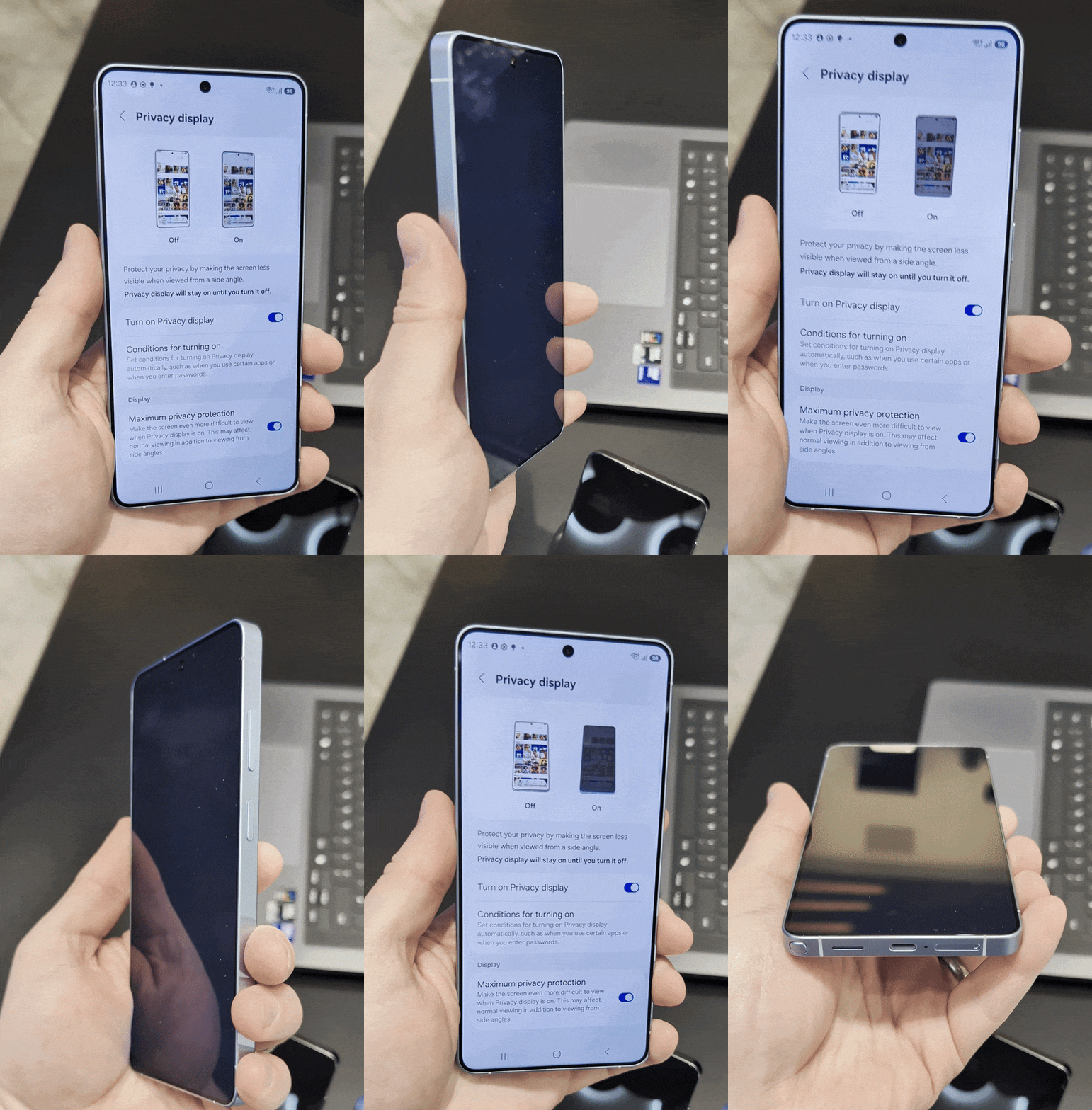
Now, here's the weird stuff. The first is that it's a little surprising to see that Privacy Display caused the battery life to decline at all. The Galaxy S26 Ultra uses a combination of pixels that emit either narrow or wide-angle light, and when Privacy Display is switched on, the wide pixels are switched off, leaving the narrow pixels to cut off the view from side angles.
Since the Galaxy S26 Ultra has an OLED display, this would mean cutting power to those pixels and saving energy in the process. You would think this would actually decrease the phone's power consumption and improve the overall battery life, but that's not happening to any noticeable extent.
A 16-minute drop in battery life is not something to worry about by any means. When your phone can last over 15 hours on a single charge, that sort of dip is still within a reasonable margin of error. But considering the Privacy Display works by cutting power to portions of the display, it's really strange to see the figures trend downwards.
There's clearly something in the S26 Ultra that is draining the battery when Privacy Display is switched on. Something that uses more power when the refresh rate can switch between 1Hz and 120Hz. I don't understand that either, but the inner workings don't change the facts. Privacy Display will affect your battery life by a small amount, and potentially more so if you use the Galaxy S26 Ultra's adaptive refresh rate.
I'm not saying you shouldn't use the feature. The fact that it can hide the contents of snooping bystanders is definitely a good thing — and a feature I would regularly take advantage of. But it appears that you won't save any endurance in the process.

Follow Tom's Guide on Google News and add us as a preferred source to get our up-to-date news, analysis, and reviews in your feeds.
More from Tom's Guide

