Buying a new phone? Here's how to avoid paying for pricey storage upgrades
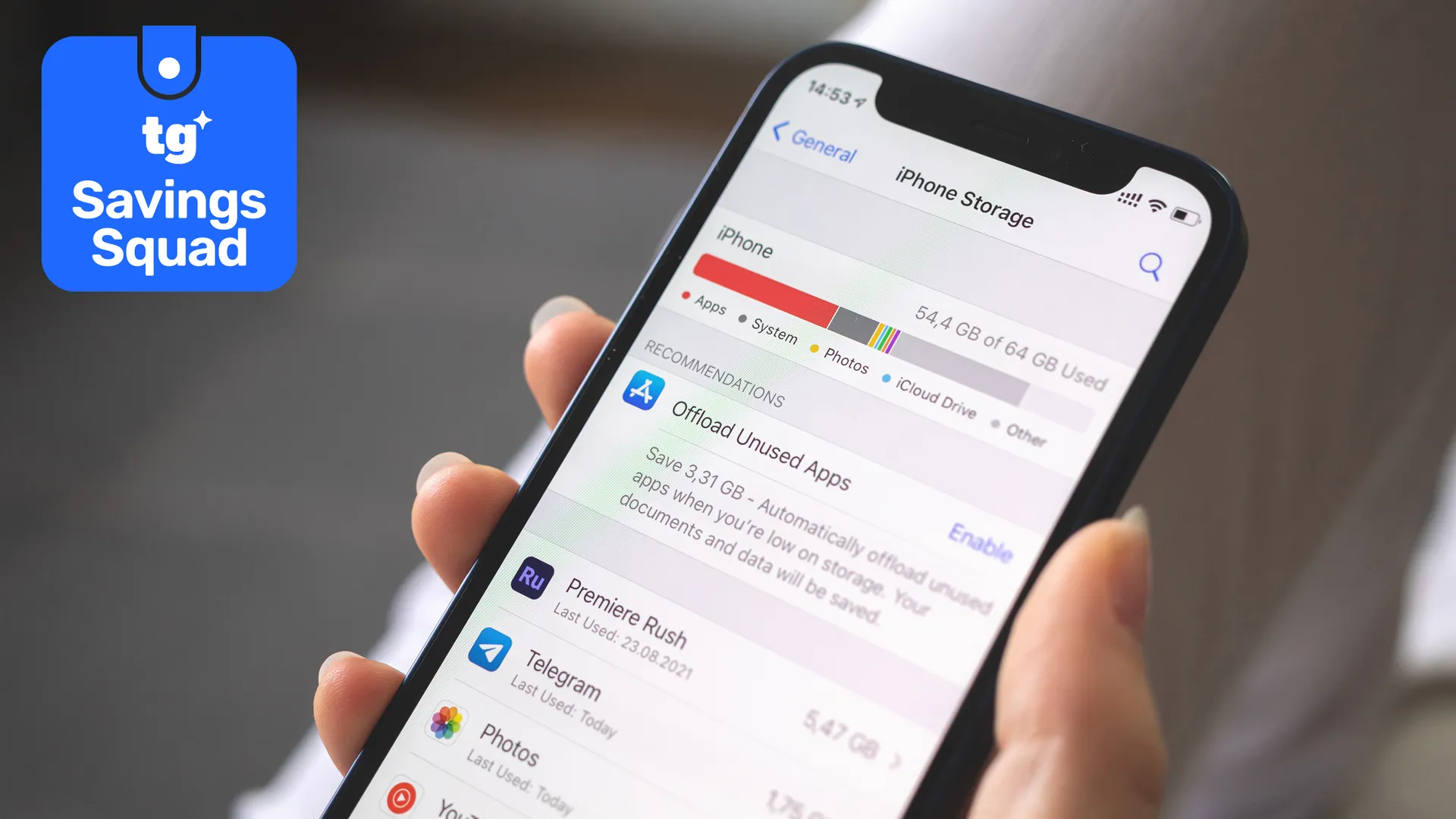
We do a lot of stuff on our phones, and having an abundance of storage space can really come in handy — especially if you're finding your old 128GB of free space doesn't cut it anymore. But those storage upgrades can get very expensive if you're not careful, and the worst part is that you can't take them with you next time you buy a new phone.
A 256GB iPhone 17 costs $799, but a 512GB model is $200 more. That's $200 extra that you'll need to pay every time you buy a new iPhone, and all so you can maintain that same level of storage. Luckily, you don't have to pay for extra storage, and there are alternative options available that could save you money in the long run.
Cloud storage

I will caveat this particular point because cloud storage subscriptions are another kind of trap. It's one of the easiest ways to offload files and photos from your phone, but it also locks you into an ongoing subscription that you'll need to maintain for the immediate future. The cheap storage option you start with may start to fill up within a few years, at which point your options are to pay for more storage or end up back at square one.
But investing in a cloud subscription is an easy way to avoid the expensive storage upgrades, at least in the short term. For example, a 200GB iCloud Plus plan is $2.99 a month in the United States, or $35.88 a year.
You don't get quite the same amount of storage as upgrading to a 512GB iPhone 17, but you're also paying considerably less up front. It'd take five and a half years for your total subscription costs to hit the $200 mark, by which point you may be ready to buy a new iPhone anyway.
iCloud isn't the only option for iPhone owners, but it is the most convenient since it's owned by Apple. But if you're willing to forgo that convenience, you may be able to find a better deal with one of the best cloud storage companies instead.
Just remember that you need to maintain your cloud storage subscription indefinitely if you want to retain access. Stop those monthly payments, and you stop being able to upload new files — or in some extreme cases, you may lose access to the stuff you already uploaded.
Trading one recurring cost for another monthly bill is not always the most prudent financial choice you can make. Thankfully, there are other, more cost-effective options available.
It's also worth noting that cloud storage is an excellent tool for backing up your phone automatically, which can be a lifesaver in the event your phone veer gets damaged, stolen, or accidentally erased.
Buy a phone with a microSD card slot
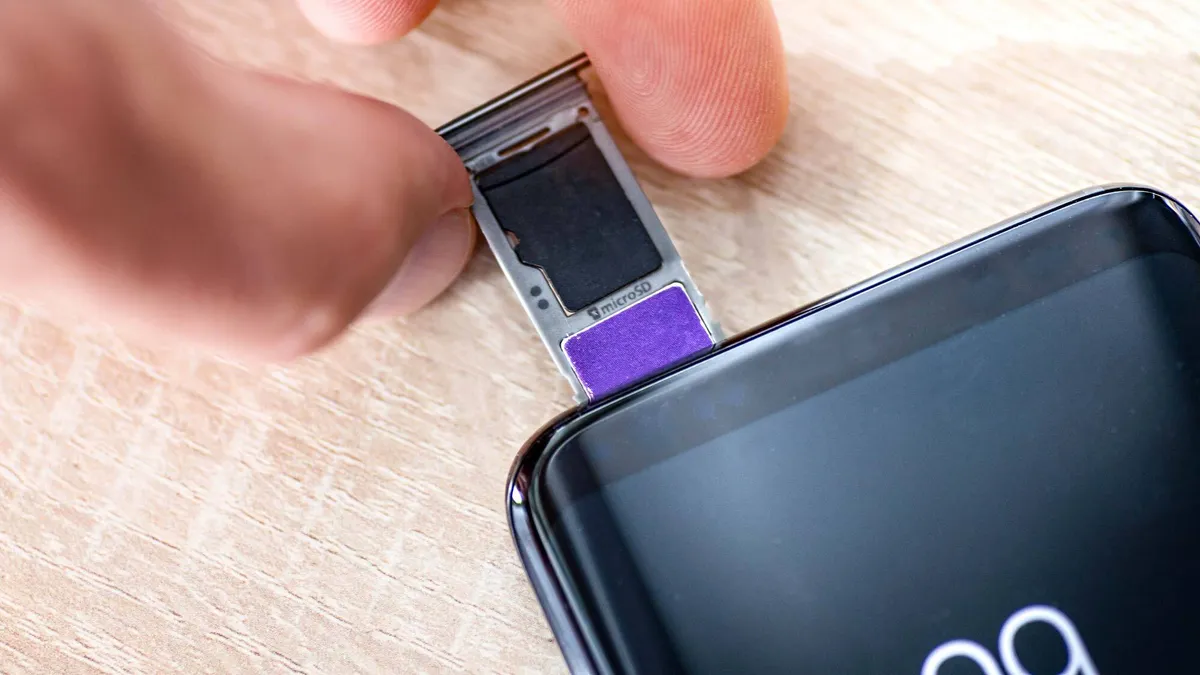
These days, finding a phone with a microSD card slot is easier said than done. There are no premium phones that still offer expandable storage the way some of them used to, but phones with microSD card slots do still exist. One of our favorites is the Moto G 2026, which costs less than $200.
The downside is that these are often some of the cheapest phones you can buy, and have all the sacrifices and compromises that come with paying such a low amount for your phone. In some cases, that even means that you have no higher storage options, because there's only one variant actually on sale.
Then again, consistently picking a phone with a microSD card slot means that you never need to worry about transferring files to a new device ever again. You simply need to pop the memory card out of your phone and slip it into the replacement — a process that takes less than a minute. microSD cards are also portable, easy to upgrade and can be plugged into other devices if needed.
Considering these phones are already on the lower end of the pricing spectrum, you're technically saving even more than you would have done if you bought a flagship device. Just remember that you will need to be happy with the lower performance and weaker cameras that come with cheap phones.
Offload to external storage drives
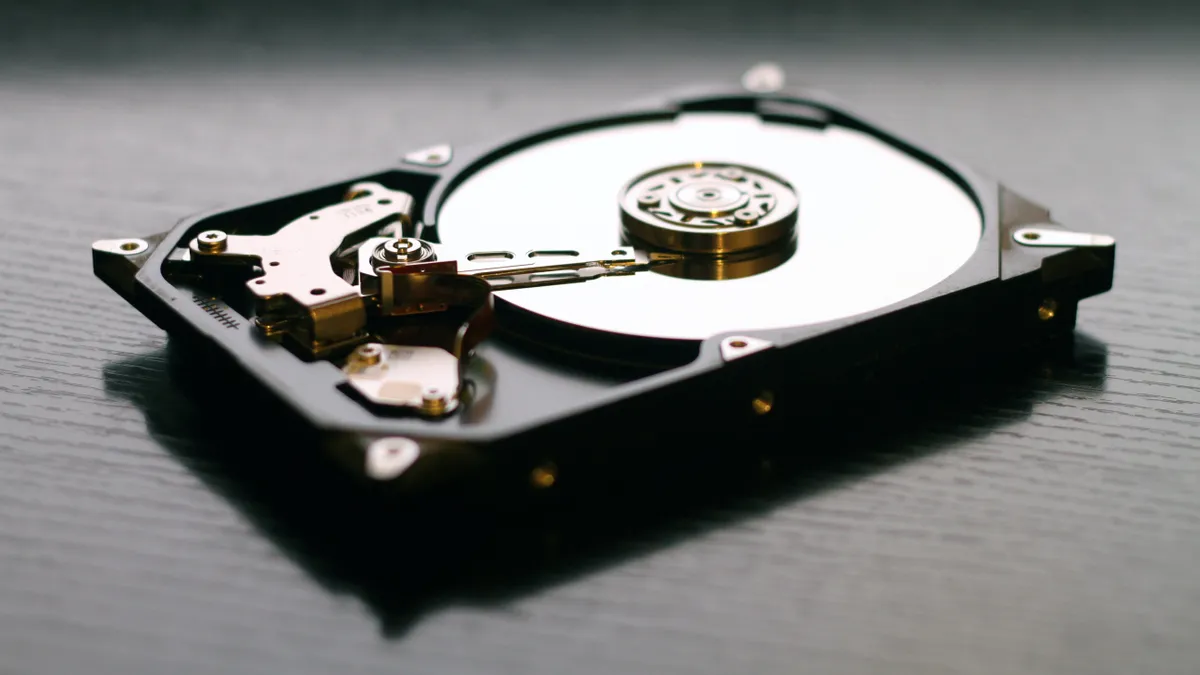
The most cost-effective way to avoid having to continually buy high-storage phones is to invest in some external storage. Here, there are two routes: a network-attached storage, or a simple portable hard drive.
A network storage system will cost more upfront, but most can be configured so that you can back up your phone automatically to the drive, and then access it via the cloud, wherever you are. NAS drives also have other functions, like being able to store your music and movie collections, so it's more than just a one-trick pony.
The less expensive option is to purchase a portable hard drive or one of the best SSDs, ideally with a USB-C cable. A 1TB portable hard drive can be purchased for under $100 if you go with a lesser-known brand. Even the more well-known names, like Western Digital, Seagate, or Samsung, don't charge a whole lot more for similar levels of storage.
Just about every modern phone or tablet can connect to external storage of some kind, meaning you can plug your drive straight into your phone and offload files without using a desktop machine as an intermediary. Older iPhones with Lightning ports may be a little more awkward to handle, but that's due to slow transfer speeds and the shape of the port itself. But most of your issues will be alleviated with either an adapter or a Lighting-equipped USB cable.
The main downside here is that external storage is typically kept offline. While cloud storage is accessible anywhere, via the internet, offloading photos and files to a hard drive means you need physical access to the drive to reclaim your saved files.
Remote access can be an option with the right equipment and know-how, but it isn't a default feature. Likewise, there are hyper-compact SSDs out there that can snap onto the back of your phone via MagSafe, if you need regular access.
But then again, how often do you urgently need access to older photos and files? I'd wager that it isn't very often, which means external storage isn't quite so bad after all.
Learn to manage your existing storage
It doesn't matter what method you choose to avoid paying a premium for high-storage phones; you should always take the appropriate steps to ensure that the storage you have on your phone is adequate. After all, if you always have enough room on your device, then you don't need to spend money on extra storage — regardless of whether it's an external hard drive or an ongoing cloud subscription.
The best way to do this is to keep your storage requirements as low as possible and not fill it up with superfluous stuff that you don't need.
One part of this is keeping the number of saved photos under control, which can be handled in a number of ways. The main one is to make sure you delete downloaded content that you don't intend to keep, including any memes or files sent over via instant messaging apps. The files themselves may not be very big, but they all add up over time.
It's also possible to reduce the resolution of any photos you take with your camera. While high-resolution photos and videos may sound good, they take up a lot of space and the difference in quality usually isn't that noticeable to the casual observer. For instance, a 12MP photo I took on my Pixel 10 Pro is 1.9MB, while a 50MP shot is 8.6MB.
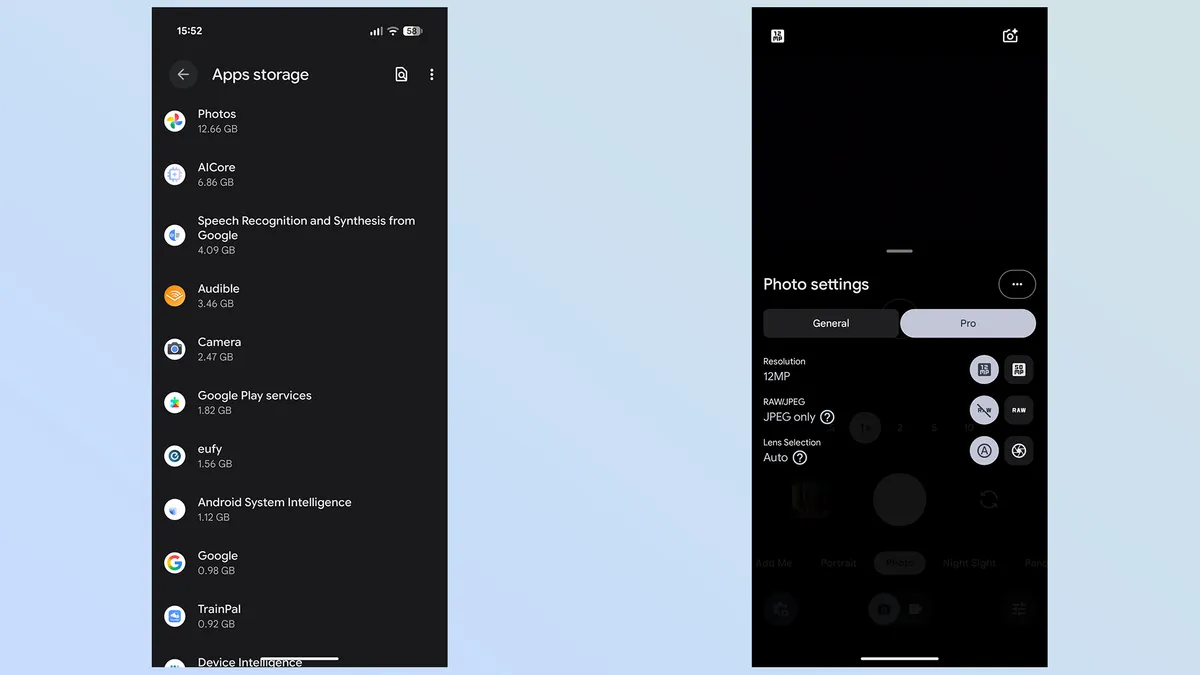
Shooting in RAW mode also means higher storage requirements versus JPEG. In my case, 12MP and 50MP RAW shots take up 12MB and 35MB, respectively. That single hi-res RAW shot takes up more space than 18 12MP JPEGs.
You also need to remember that mobile apps take up a lot of space, too, as do the various pieces of information they store. It's always worth checking the Apps menu of your storage settings and seeing which pieces of software are using up more space than they should. For instance, my camera currently takes up 2.47GB of space, with 1.09GB vaguely labeled as "User data," while Audible is taking up 3.46GB — 3.26GB of which are various downloaded audiobooks.
Try to give these apps a purge every once in a while, but since you often can't pick and choose which stray files get deleted, make sure that you don't end up erasing something that can't be recovered. Google Photos takes up almost 13GB of space on my phone, but since clearing the storage would also mean deleting precious photos and videos, I leave it well alone. So, if in doubt, let the app take up the space it needs.

Follow Tom's Guide on Google News and add us as a preferred source to get our up-to-date news, analysis, and reviews in your feeds. Subscribe to Tom's Guide on YouTube and follow us on TikTok. Finally, you can visit our dedicated Tom's Guide Savings Squad hub for expert help on getting the best products for less.
More from Tom's Guide