
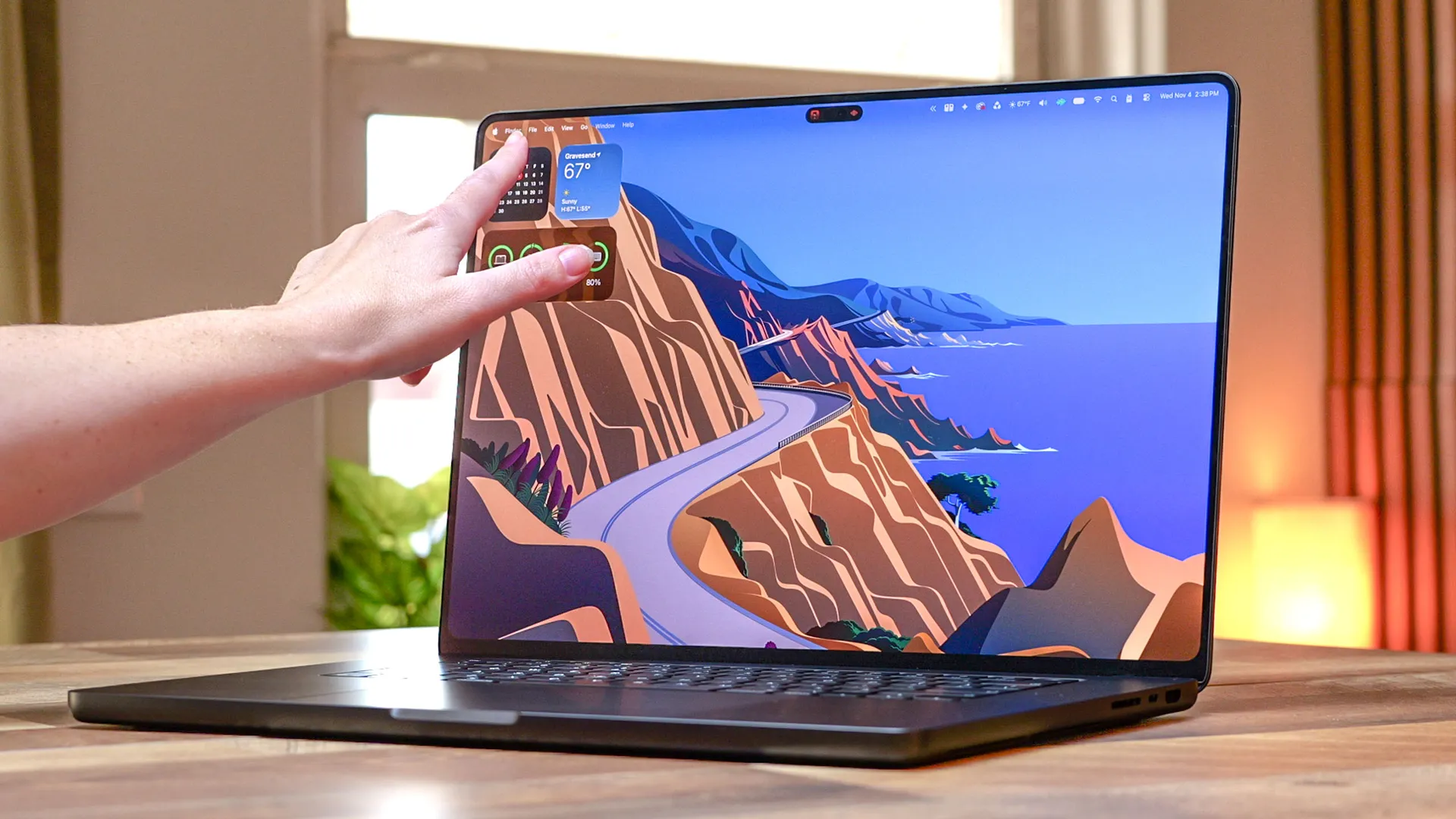
Apple has long opposed releasing a touchscreen MacBook, with Steve Jobs himself calling touchscreen laptops “ergonomically terrible” and saying that “touch surfaces don’t want to be vertical.” As recently as 2021, current Apple CEO John Ternus stated that “the Mac is totally optimized for indirect input” and that Apple hadn’t “felt a reason to change that."
Now, in late 2026, Apple has reversed course by releasing the MacBook Pro with PROLED XDR Display — its very first touchscreen MacBook.
Touchscreen laptops have been around for almost two decades, so Apple is decidedly late to the party here. That said, the wait has arguably been worth it for touchscreen lovers, as the feature works as well as Apple has advertised. As someone who has tested dozens of touchscreen laptops, I can tell you that the MacBook Pro with PROLED XDR Display is easily among the best.
In my MacBook Pro with PROLED XDR Display review, I discussed the laptop’s touch functionality. However, I want to go into more detail here, as the touchscreen experience has been more useful than I expected. I won’t say it’s converted me into a touchscreen laptop enthusiast, but it has certainly made a strong case for a feature I’ve typically dismissed in the laptops I’ve reviewed.
Below, I’ll detail how the MacBook Pro OLED’s touchscreen works and what it’s like to use for everyday tasks. I’ll also cover some of the drawbacks, as this touch display isn’t without faults. With that said, let’s dive in.
How touch on the MacBook Pro works
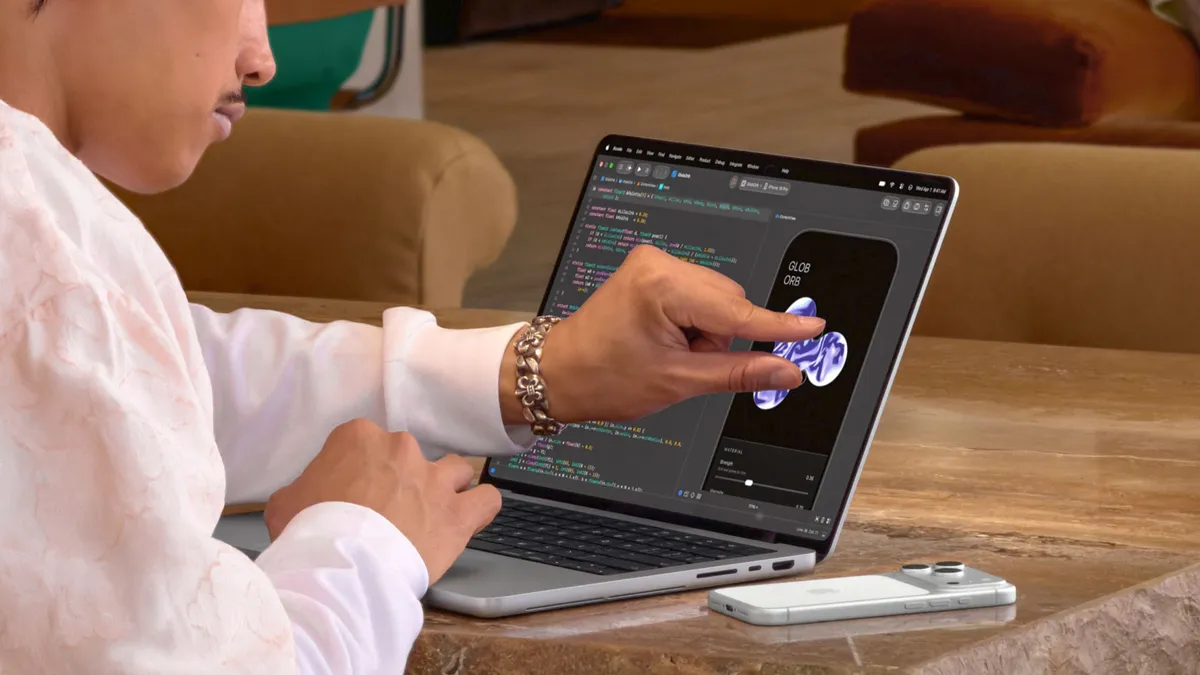
Most laptops like the Dell XPS 16 (2026) use a separate digitizer to support touch input. But with the PROLED, Apple built the touch sensor directly into the display panel rather than layering it on top. This reduces latency and delivers higher-precision touch controls. The display supports the common gestures you’re used to, such as swiping, pinch-to-zoom, drag-and-drop, and double-tapping.
In practice, the touchscreen feels snappy and intuitive. Again, I test a lot of touchscreen laptops, and I immediately noticed how much faster the MacBook Pro responds to touch than its competitors. Using the touchscreen feels more like interacting with an iPad. I didn't notice any input lag.
Though I initially had to consciously use touch controls because I’m so used to doing everything on the keyboard and touchpad, I eventually switched between both. For example, I’d open apps by clicking the touchpad and then use my fingers to rearrange them on the touchscreen. I especially like how the red, yellow, and green window dots get bigger when you hold your finger over them, which also brings up the window-tiling options.
I mostly use Google apps like Docs and Drive for work, and so far I haven’t run into any issues with touch controls. Apple says many third-party applications already take advantage of touch controls, but some might not work as well. So far, I haven’t encountered any.
Even though I test touchscreen laptops, I don’t often use touch controls. I always assumed it was because I could do anything I needed with keyboard shortcuts and the touchpad. But given how much I use touch controls on the MacBook Pro with PROLED XDR Display, I wonder if I just didn’t like how (relatively) unintuitive the experience was on those Windows machines. Whatever the reason, I think it’s a small miracle that this laptop has made me use a feature I previously all but dismissed or ignored.
The trade-offs
Touch controls work well on the OLED MacBook Pro, but they have some drawbacks.
First, the touchscreen doesn’t support the Apple Pencil Pro. This is especially baffling since Apple itself says you can draw on the screen. While you can technically draw with your finger, I don’t think most artists would want to. Not only would it be uncomfortable, but a stylus offers more versatility than your natural digits.
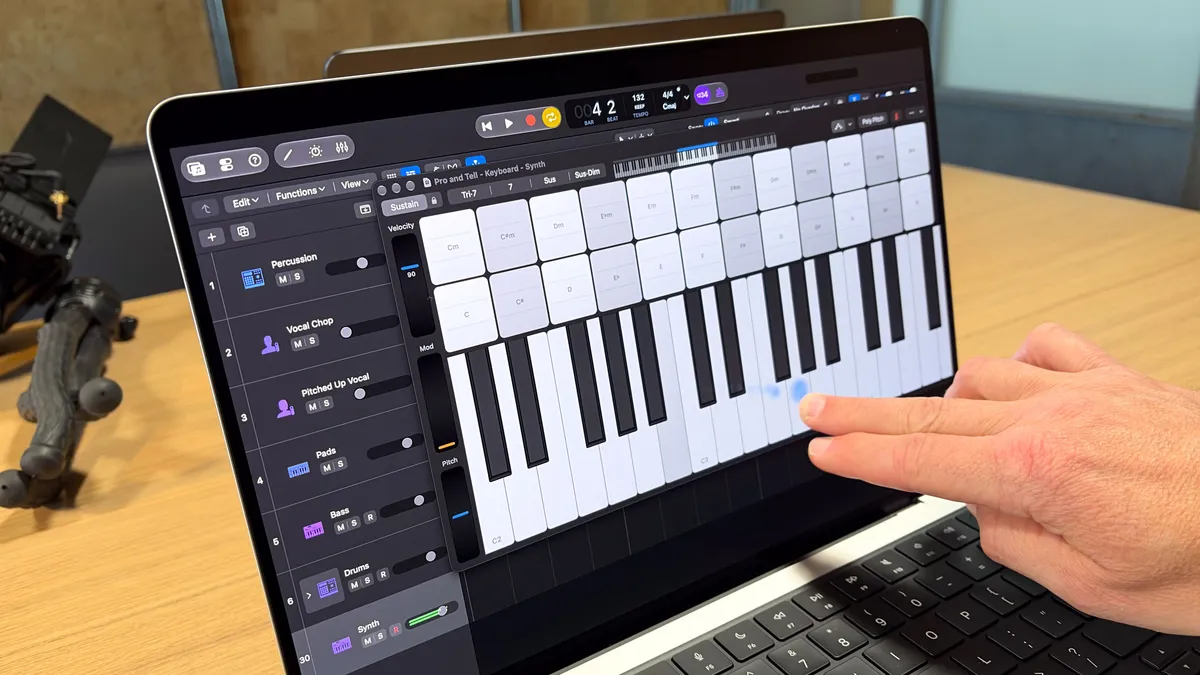
Speaking of comfort, I also can’t imagine musicians opting to play a virtual piano/keyboard on the touchscreen. Again, this is technically possible, but I imagine it would be murder on your back and shoulders if you do that for extended periods.
On a related note, I found it interesting that many folks on YouTube asked us whether the PROLED MacBook Pros are iPad replacements. I’m not sure where that idea came from, especially since the display doesn’t flip like a 2-in-1 convertible laptop. Sure, the touchscreen is as responsive as on an iPad, but the laptop’s form factor alone prevents it from being an iPad replacement. And again, without Apple Pencil support, you wouldn’t get a 1:1 iPad experience anyway.
Outlook
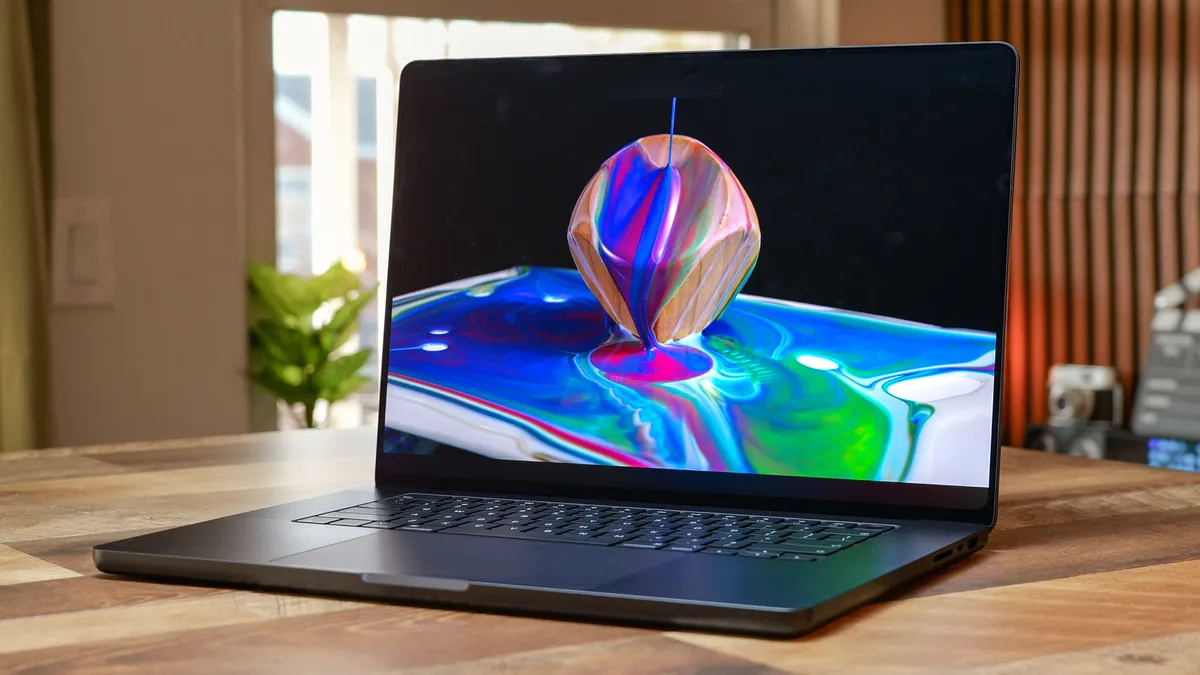
Even if Apple was hesitant to introduce touch to MacBooks, I think it’s ultimately good that the company now gives customers the option. Yes, that option also comes with a steep price tag of $2,899 for the 14-inch MacBook Pro with PROLED XDR Display, but it’s there for folks who can genuinely use it—even with some of the inherent flaws I detailed above.
Now that touchscreen MacBooks are real, I wonder how much further Apple will push things. For instance, will the company eventually release 2-in-1 MacBooks that are better suited for iPad-like use? We can’t know for sure, but the door seems open now that Apple has reversed its stance on touchscreen laptops. Who knows what to expect?
While the touchscreen on the MacBook Pro with the PROLED XDR Display lacks Apple Pencil support and can be awkward at times, it mostly works as advertised. That might change with more testing, and I’ll report on it if and when it happens. Right now, though, I’m going to consider the MacBook Pro touchscreen a success.

Follow Tom's Guide on Google News and add us as a preferred source to get our up-to-date news, analysis, and reviews in your feeds.
More from Tom's Guide