




Newly discovered malware DroidLock can wreak havoc on your Android phone, taking over your lock screen — even changing your login info — to prevent victims from being able to get into their devices.
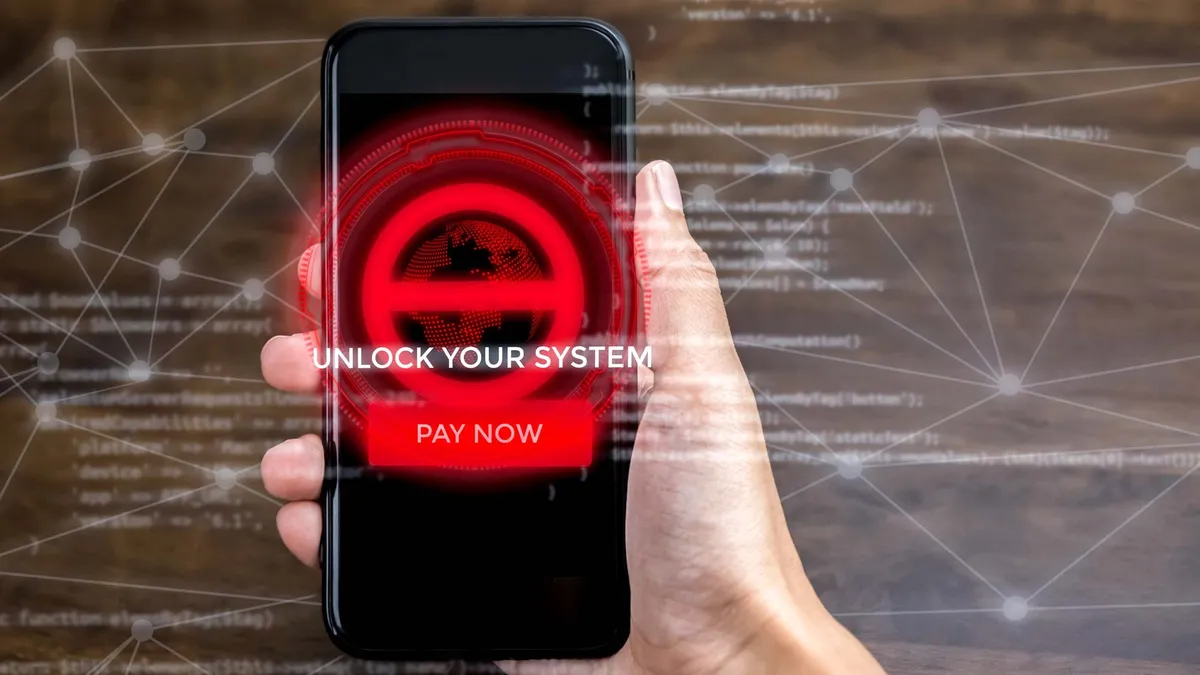
According to researchers at Zimperium, the malware can lock victims' screens in order to demand a ransom, change the PIN, password or biometric data to prevent the user from accessing their own device, access complete control over the device including text messages, call logs, contacts and audio recordings. The ransomware overlay will instruct the victim to contact the attacker at a Proton email address within 24 hours, otherwise it will permanently destroy the files on the device.
The researchers say the malware is being distributed through malicious websites with links to fake apps that mimic legitimate programs. The infection begins with a dropper that tricks the users into installing an app that contains the malware. These apps then request permissions for Device Administrator and Accessibility Services via an update, which allow it to perform additional malicious actions.
Currently, the targets are largely Spanish-speaking users, but as with most malware, there’s no reason it couldn’t be scaled up.
The DroidLock malware supports 15 commands that let it send notifications, place an overlay on the screen, mute the device, reset it to factory settings, start the camera or uninstall apps. It can use the same malicious APK to place a different overlay onto the phone to steal the lock pattern; when the user draws the lock pattern on their handset, it gets sent to the attacker.
How to stay safe from ransomware
The good news is that because Zimperium shares its malware findings with the Android security team, Play Protect detects and blocks this threat from devices that are up to date.
That means if your Android device is keep current with updates, you’re in the clear – and this is precisely why we stress again and again that users need to keep their devices up to date.
The bad news is Android users are additionally recommended to avoid sideloading APKs from outside the Google Play store – unless the publisher is a trusted source. So, if you like sideloading apps, make sure to check out the publisher and the URL extensively before you download.
Also, always check to see if the permissions required by an app serve its purposes, and doesn't overstep. Be particularly wary of anything that is asking for accessibility permissions, as this is often a way that malware will try to sneak in access to your handset. And periodically scan your device with Play Protect. Keep in mind, that the best Android antivirus apps can also be of assistance here in scanning and protecting your phone.
More from Tom's Guide
- NordVPN's new email protection feature can stop phishing in real time
- New Spiderman phishing kit lets hackers instantly spoof banking sites to steal passwords and take over accounts — how to stay safe
- 4.3 billion job documents left unsecured online — names, emails, phone numbers and LinkedIn data exposed

