
By now, OpenAI has made it clear that ChatGPT is so much more than a chatbot. This week, OpenAI announced ChatGPT Space: a dedicated workspace for presenations, documents, spreadsheets and websites, currently rolling out globally to Plus subscribers.
Previously available to Pro, Business and Enterprise subscribers, Space is now accessible to Plus users across web, desktop and mobile. That means for $20 a month, users can create documents that automatically update themselves using information from connected apps such as Gmail and Slack.
If you've ever struggled to keep a project organized or stay on top of a seemingly endless stream of emails, this could be one of the most useful ChatGPT upgrades yet.
What is ChatGPT Space?
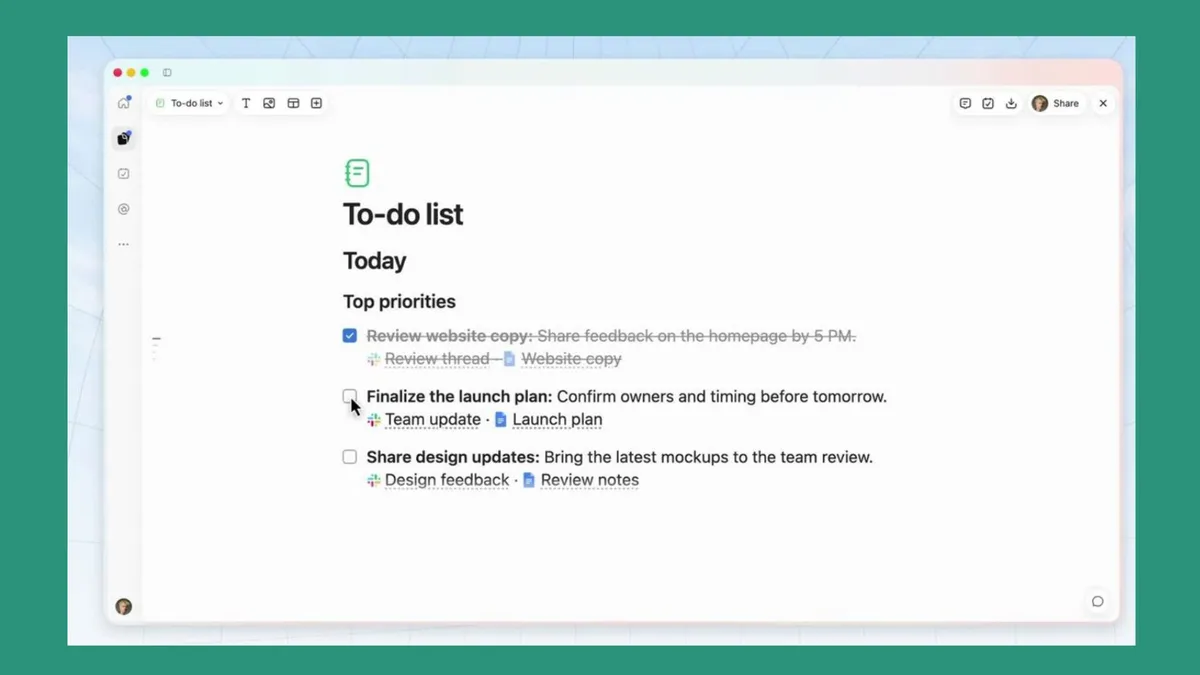
Think of ChatGPT Space as a digital workspace that combines some of the best features of Google Workspace, Microsoft 365 and Notion with the intelligence of ChatGPT.
Rather than digging through old conversations to find something ChatGPT created, you can organize your work in one dedicated location.
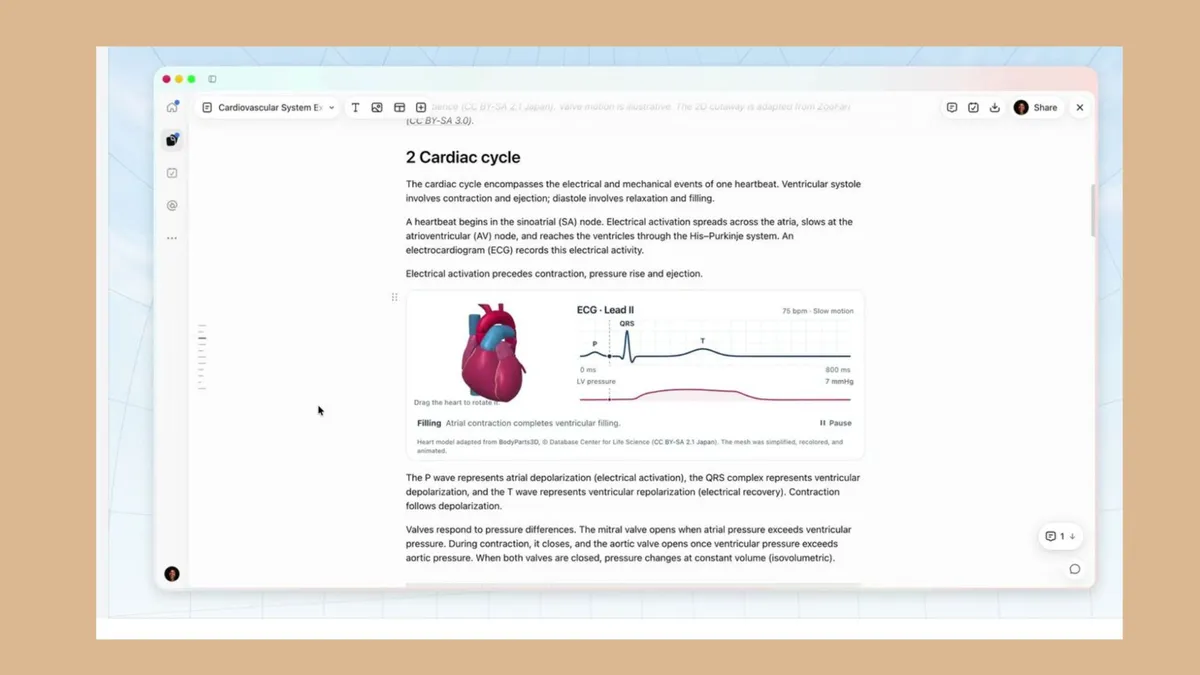
At the heart of Space is a feature called Pages. These interactive documents can include text, images, charts, tables and even interactive tools. You can edit them yourself, ask ChatGPT to make changes or invite other people to collaborate.
You can also turn an existing ChatGPT conversation into a page without starting from scratch.
Your documents can now update themselves
One of the biggest frustrations with using AI for productivity is that the information it generates can quickly become outdated.
ChatGPT Space aims to solve that problem with automated document updates. You can tell ChatGPT what information to update, which connected apps to consult and how frequently to check them.
For example, you could create:
A weekly family planner that incorporates school announcements and upcoming appointments.
A daily to-do list that pulls action items from your emails.
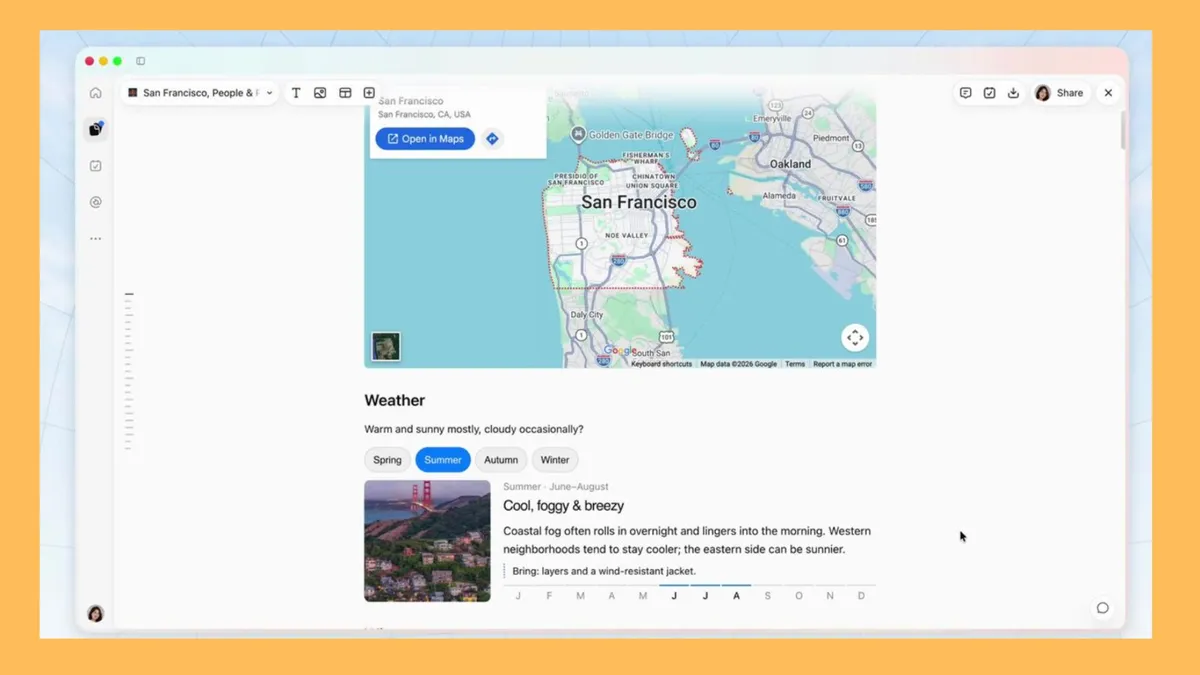
A vacation itinerary that reflects new booking confirmations.
A job search tracker that incorporates responses from potential employers.
A project dashboard that reflects the latest conversations in Slack.
Instead of repeatedly asking ChatGPT for the same information, you can return to an existing document to review what's changed.
ChatGPT can create PowerPoint presentations, too
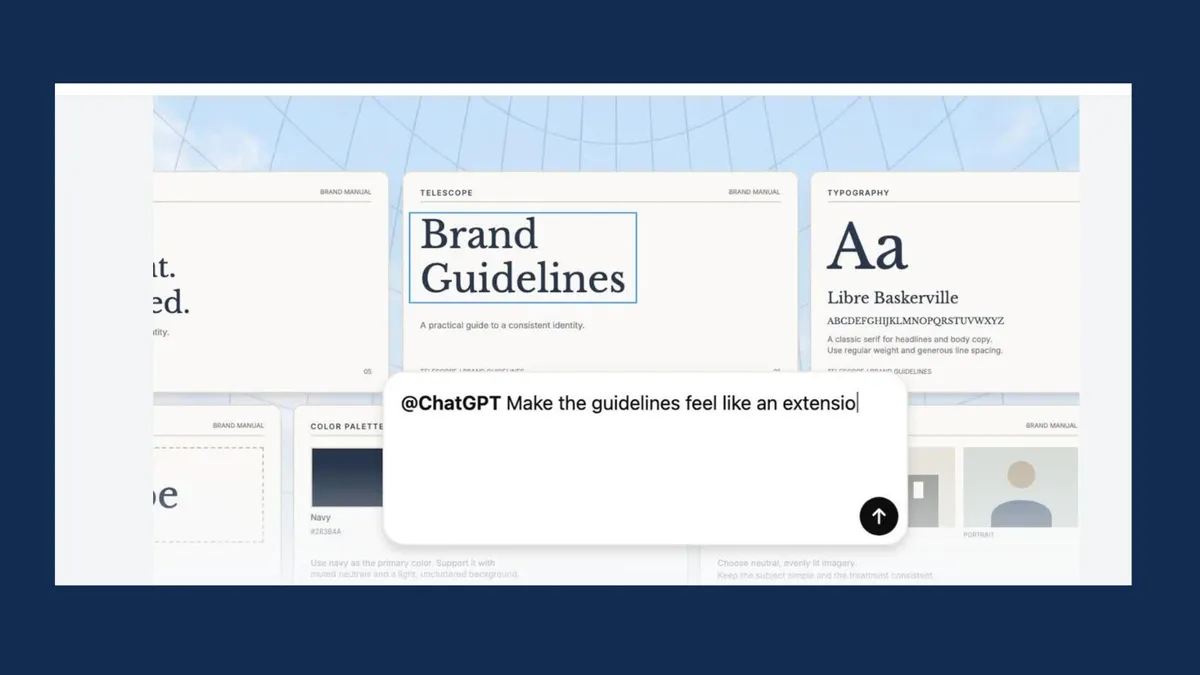
OpenAI is also bringing ChatGPT Slides to Space. Powered in part by Imagegen 2.6, the feature lets you create polished presentations, collaborate with others and ask ChatGPT to incorporate feedback.
Additionally, ChatGPT generates editable charts rather than static chart images. You can modify individual elements, export your presentation to PowerPoint and edit the underlying chart data in Excel.
For anyone who's ever spent an entire afternoon tweaking a PowerPoint presentation, this alone could make Space worth exploring.
How to try ChatGPT Space
If you are a ChatGPT Plus subscriber, you can expect ChatGPT Space to reach your account soon, if it hasn't already. Once it reaches your account, you'll find it in the left-hand navigation menu.
You can start with a blank page, choose a template or turn an existing conversation into a document.
Try giving ChatGPT a prompt like this: Create a weekly personal dashboard with my upcoming commitments, outstanding tasks and important emails. Set it up to refresh every Monday morning using my connected apps.
You'll need to connect the relevant services and configure the recurring updates.
Pro subscribers also have access to OpenAI's persistent AI agents, Dots, which can revise documents and respond to feedback within Space.
Bottom line
While much of the competition between ChatGPT, Gemini and Claude focuses on which AI model is smarter, Space now seems like a step toward making AI more useful in everyday life.
I'm particularly interested in the potential for documents that stay current without requiring constant attention. As someone who uses AI every day, I rarely struggle to create a to-do list, research document or project plan, but keeping it all organized is a different story.
Have you tried this new feature yet? Let me know in the comments what you think and how you're using it.

Follow Tom's Guide on Google News and add us as a preferred source to get our up-to-date news, analysis, and reviews in your feeds. Subscribe to Tom's Guide on YouTube and follow Tom's Guide Entertainment on TikTok and Instagram.
More from Tom's Guide