-
-

I tried out Samsung’s Project Moohan headset — Android XR won me over
-

Computex 2025 live — Next-gen gaming handhelds and more mind blowing discoveries from the world's largest computing event
-
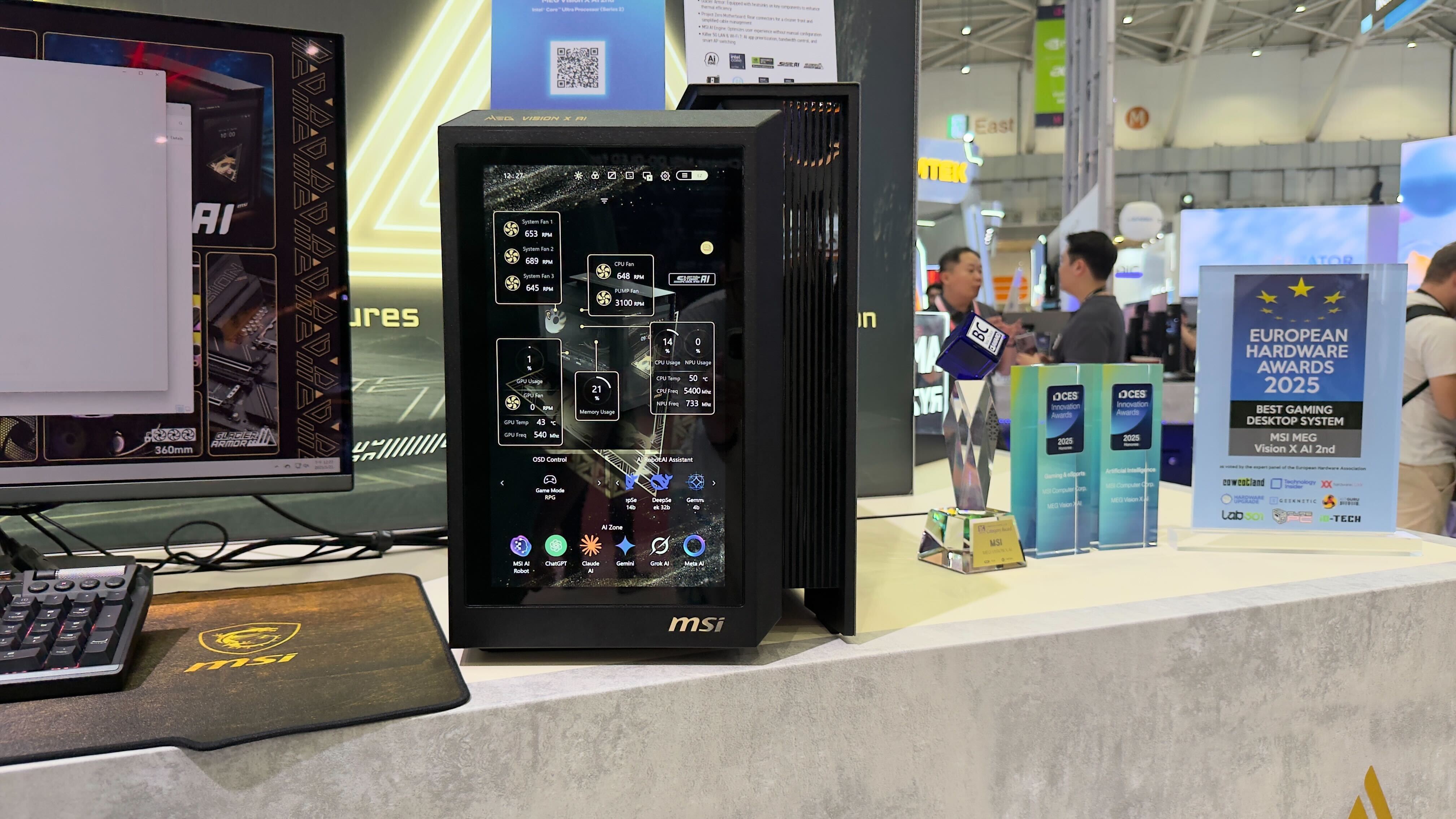
I watched this beast of a gaming PC turn into an AI power house — but the dashboard-like second screen is its coolest feature
-
Intel demos Panther Lake CPUs at Computex 2025 — here's everything to know
-
Best Chromebook deals and prices in May 2025
-
I spent two weeks with MSI’s 4K OLED 240Hz monitor — and it’s a beast for gaming and productivity
-
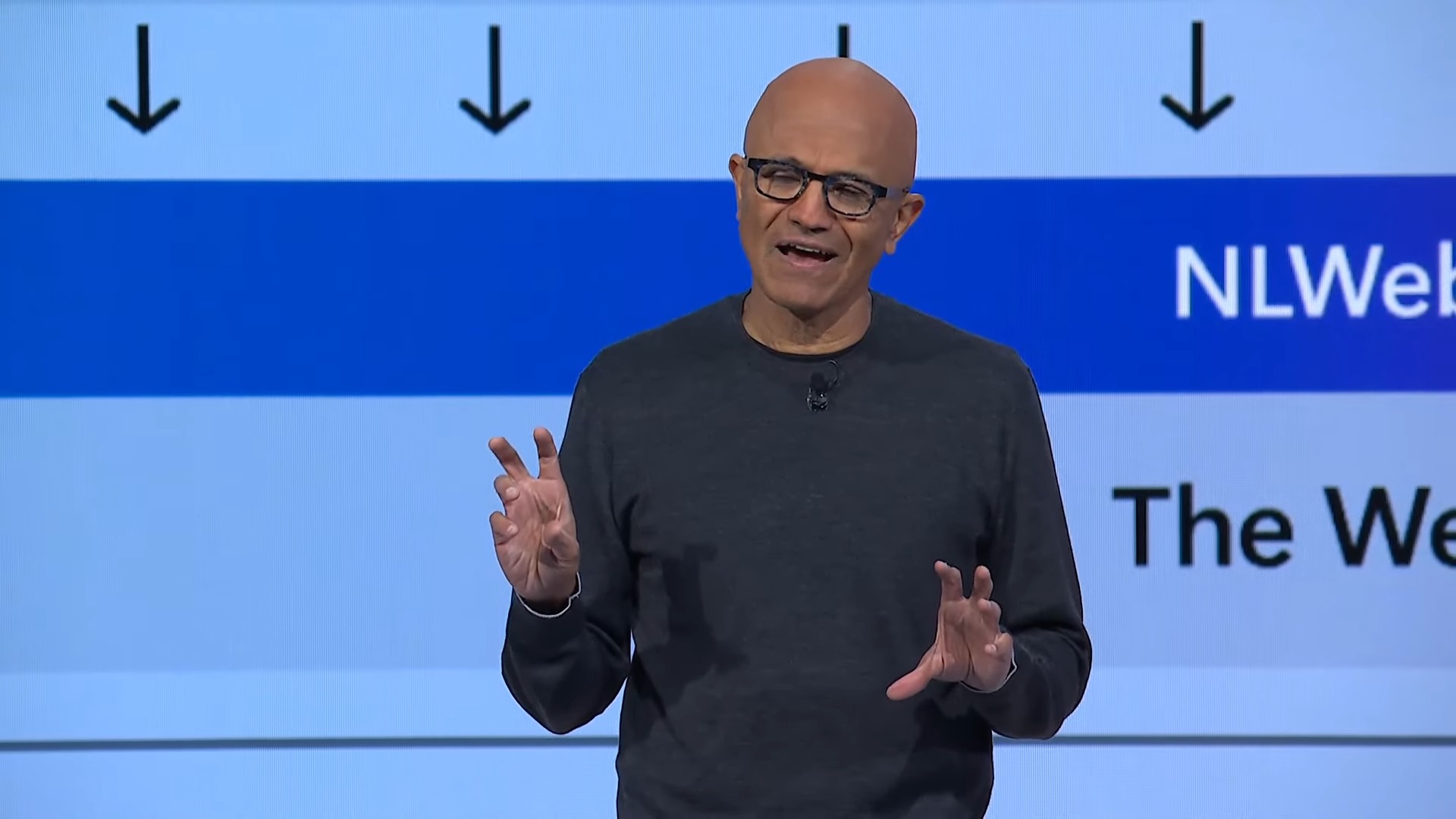
Microsoft Build 2025: All the big AI news announced
-


-
-
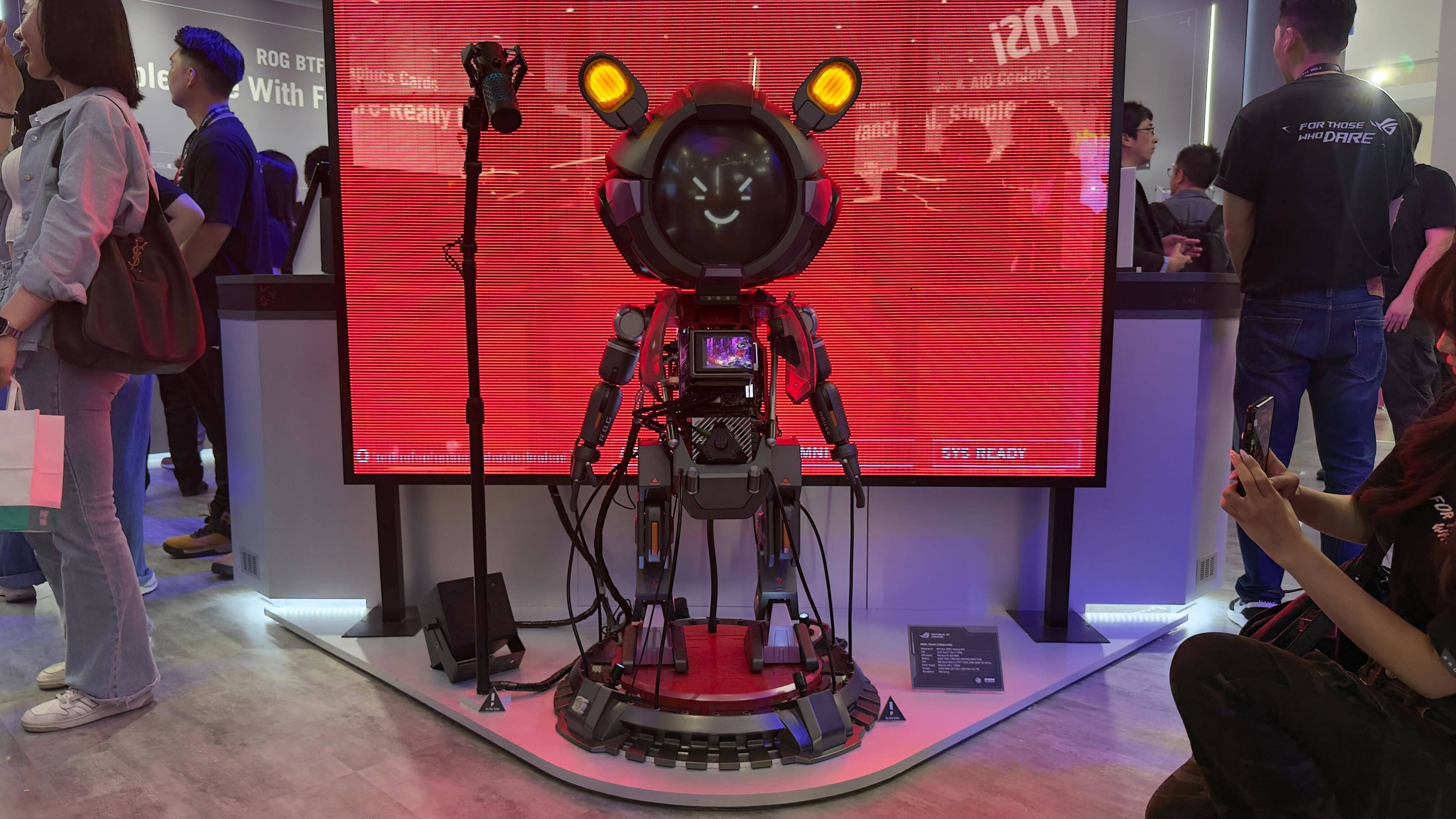
Best of Computex day 2 — here's 5 new gadgets from the show floor you need to see
-

Asus just revealed GeForce RTX 5060 Ti ahead of launch — here's your first look
-
 $20 OFF
Newegg Promo Codes
-
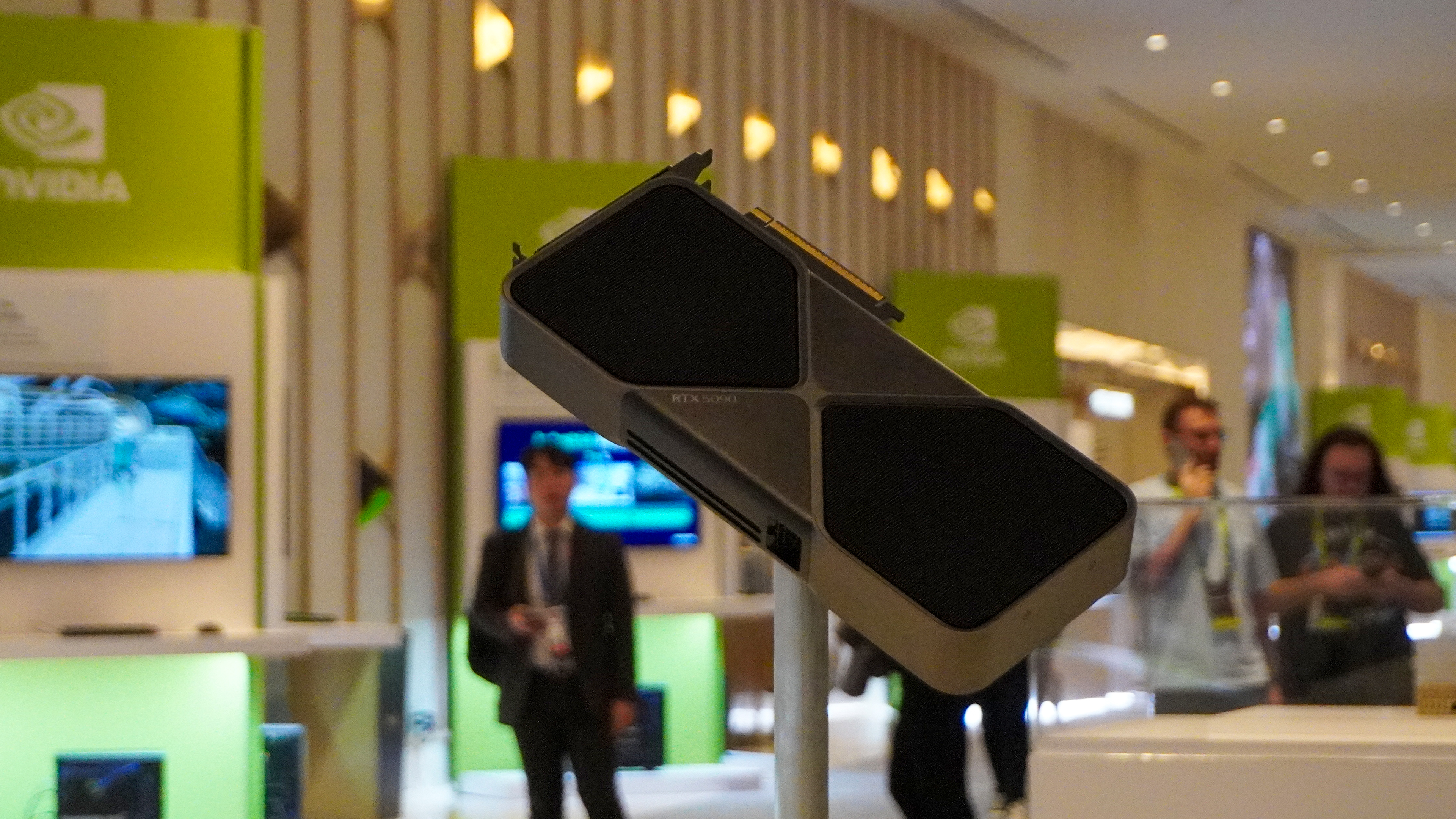
Looking for an RTX 5090? Scalpers are happy to sell you one for a shocking price
-

Intel wants to replace traditional laptops and PCs with a more environmentally friendly solution
-
AMD claims its Ryzen AI Max+ 395 APU outperforms Nvidia’s RTX 4070 laptop GPU — here are the numbers
-
Nvidia RTX 5090 custom GPU prices leak — the cost is what we all feared
-
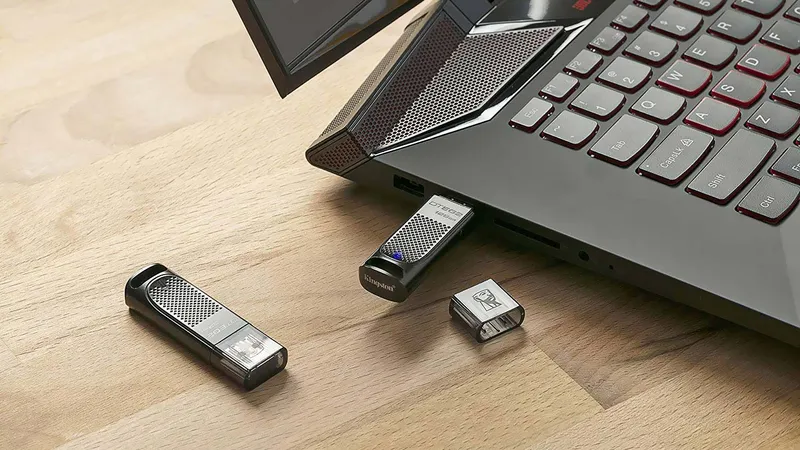
Best USB flash drives in 2025: top USB memory sticks
-
The best external SSDs and hard drives in 2025
-



-
-
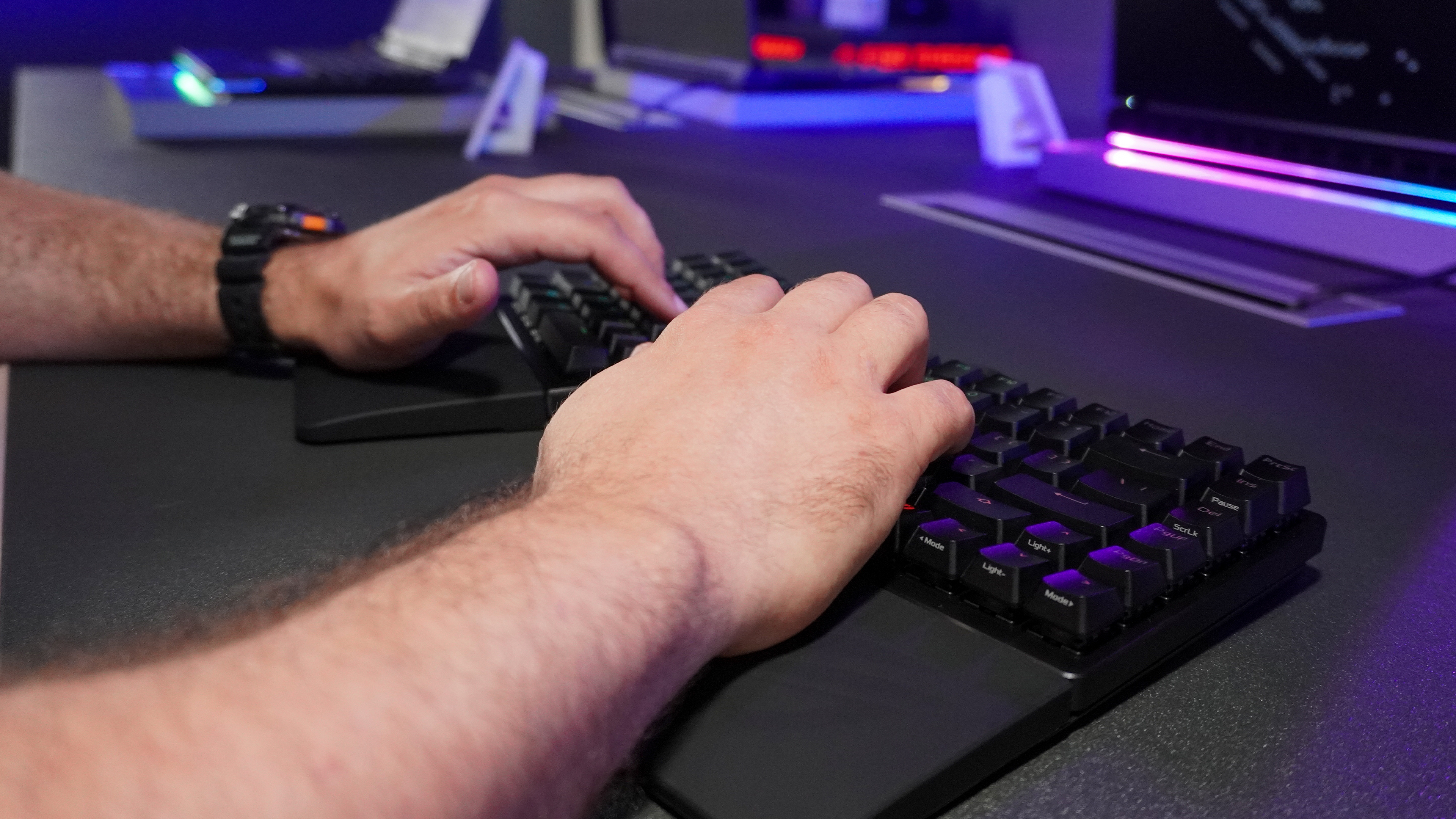
I finally tried magnetic key switches, but I never thought I'd find them in a split keyboard that's also wireless
-
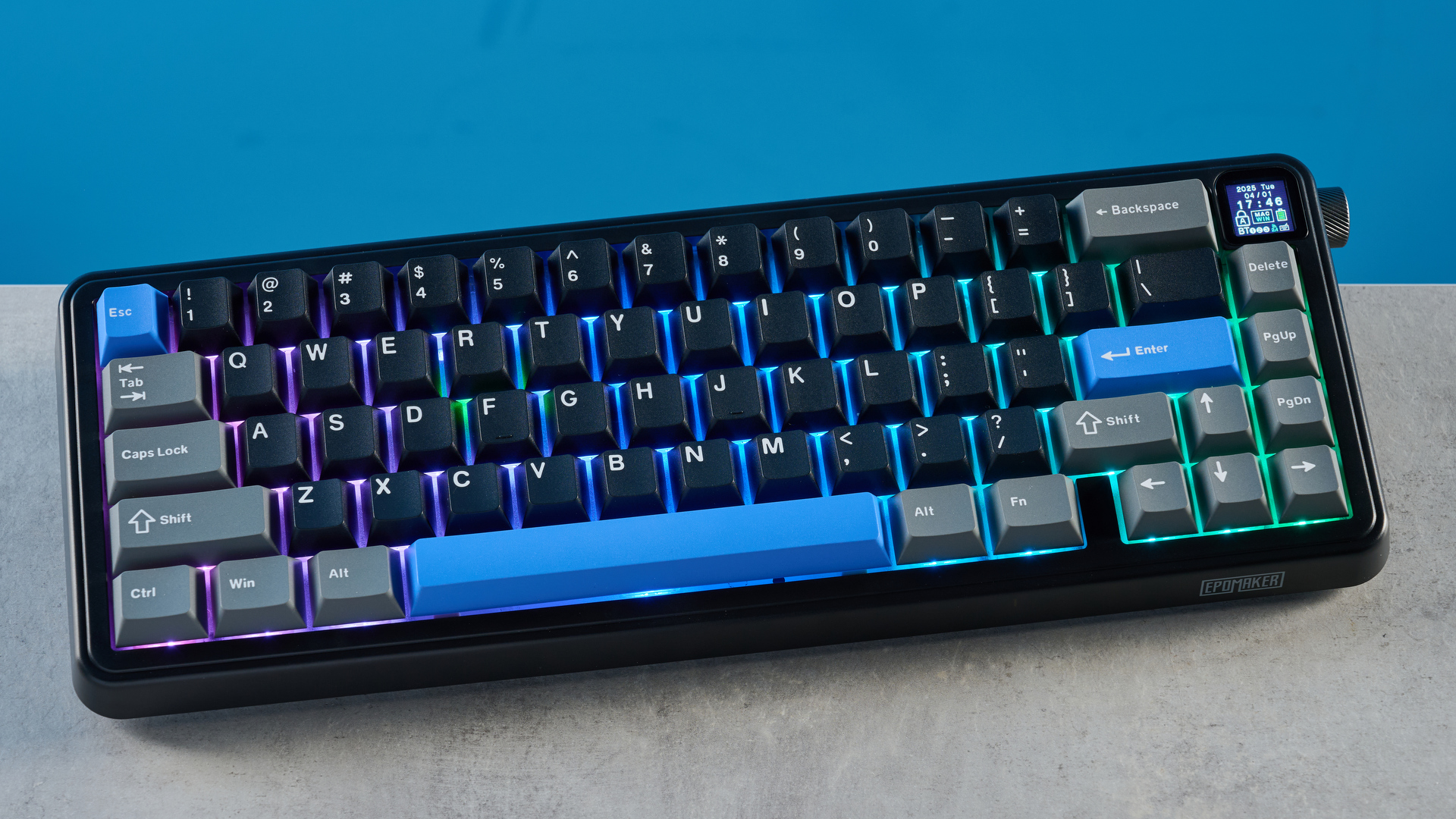
Epomaker HE65 Mag: A budget gaming powerhouse
-
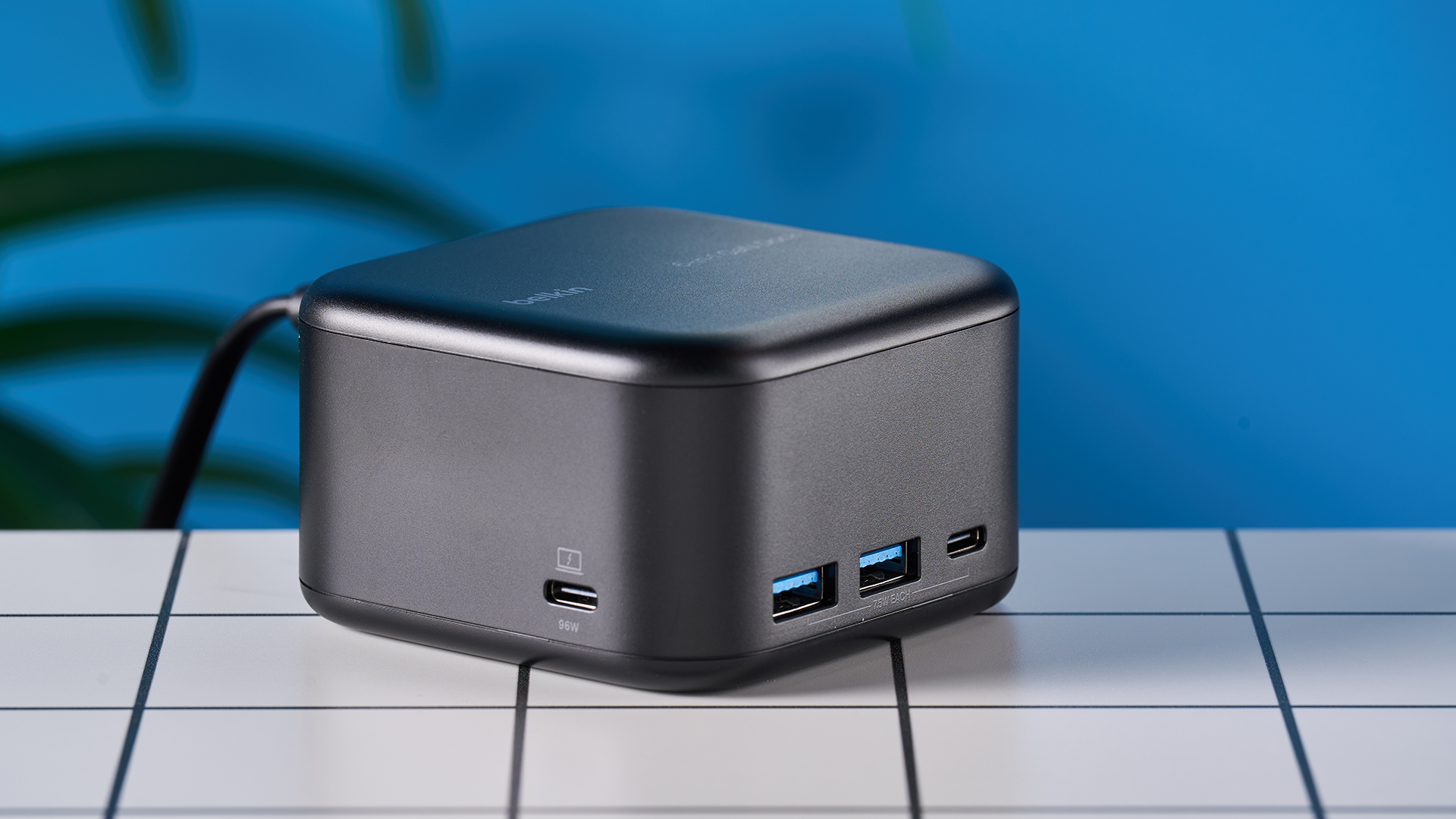
Belkin Connect 6-in-1 Core GaN 130W USB-C Dock review
-

Cherry XTRFY M50 Wireless review: A powerful mouse for work and play
-
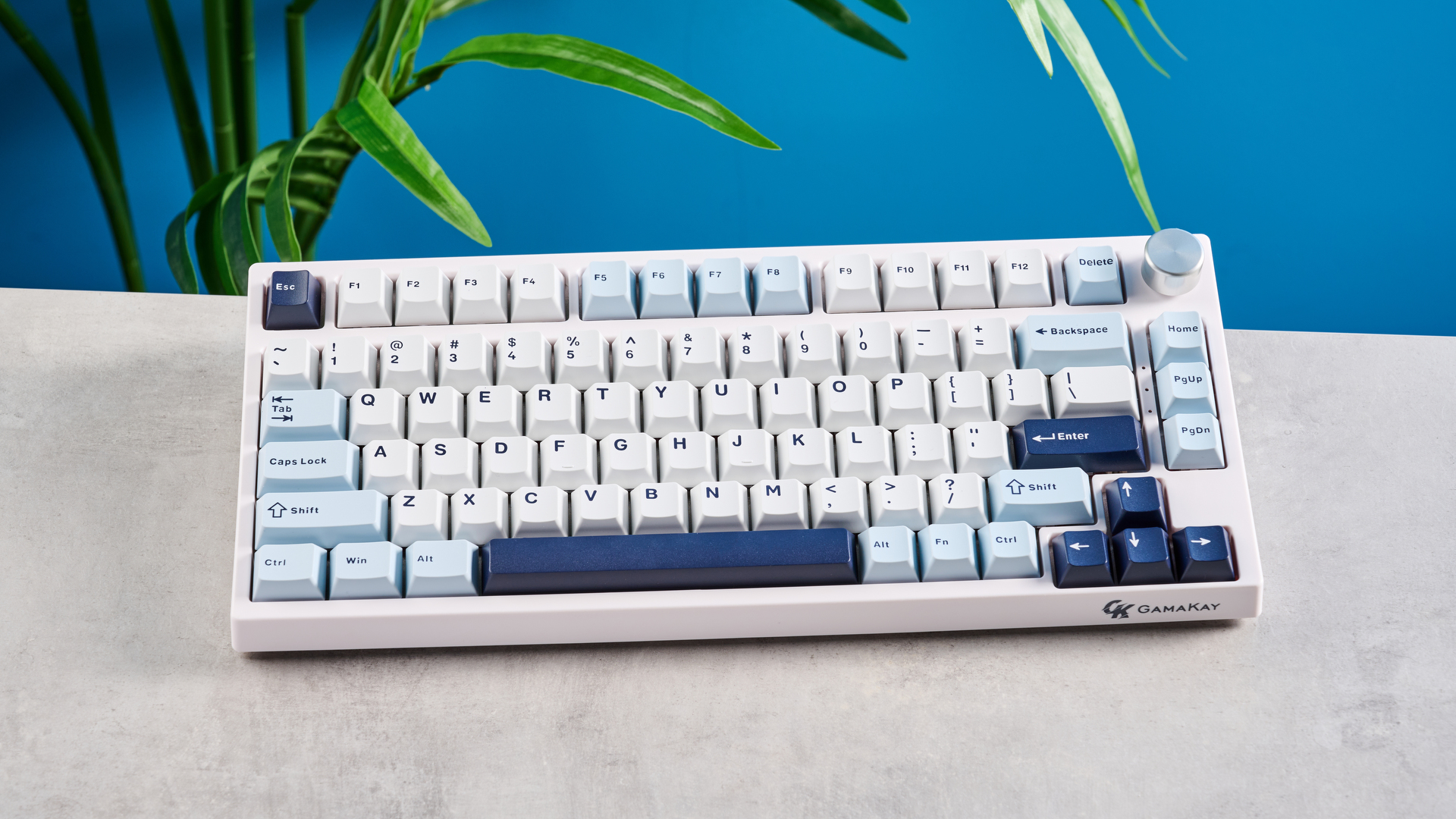
Gamakay TK75 HE review
-
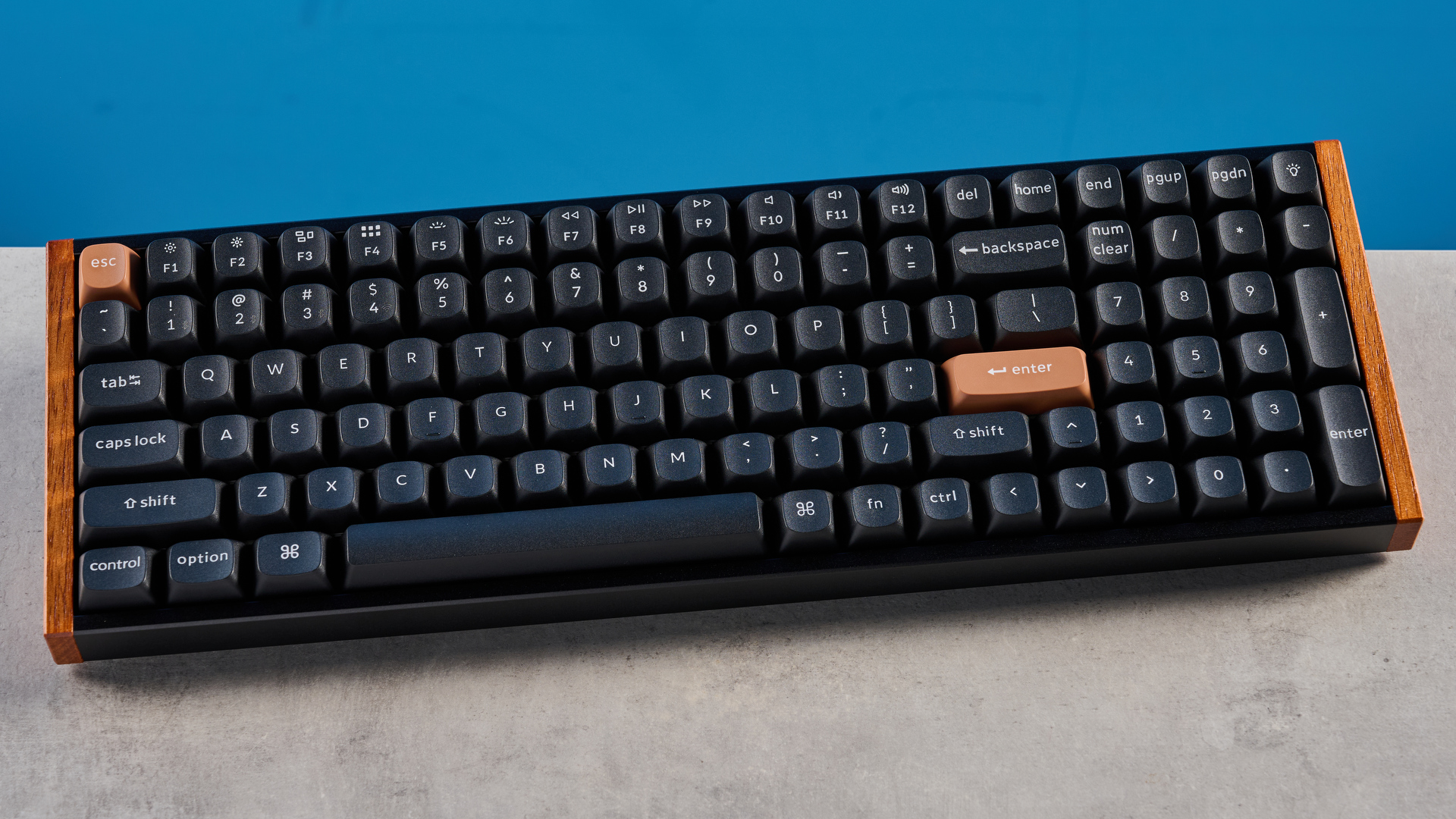
I thought magnetic keyboards couldn't get any better — the Keychron K4 HE proved me wrong
-
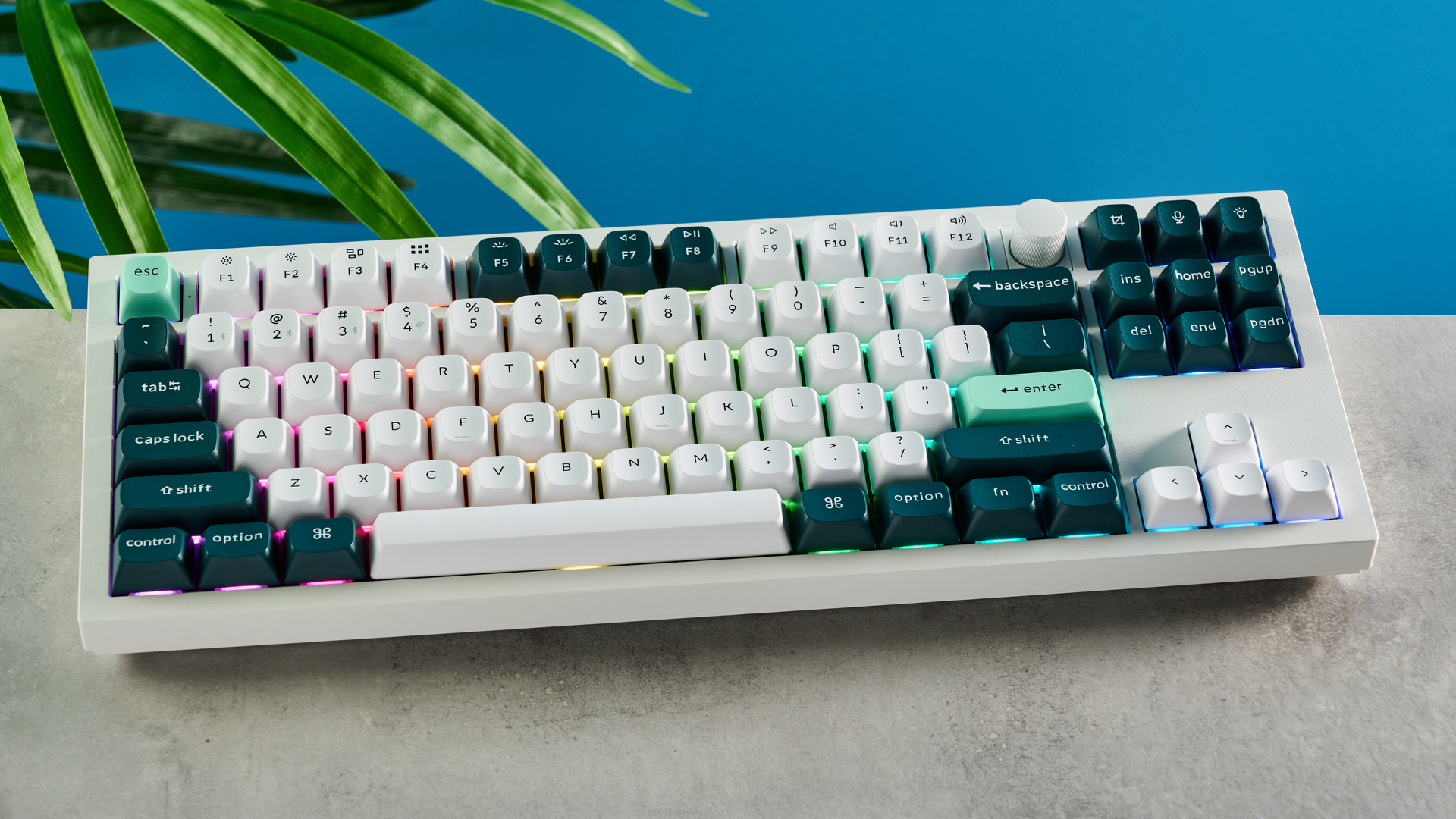
Keychron Q3 HE review: Style, substance, and a couple flaws
-
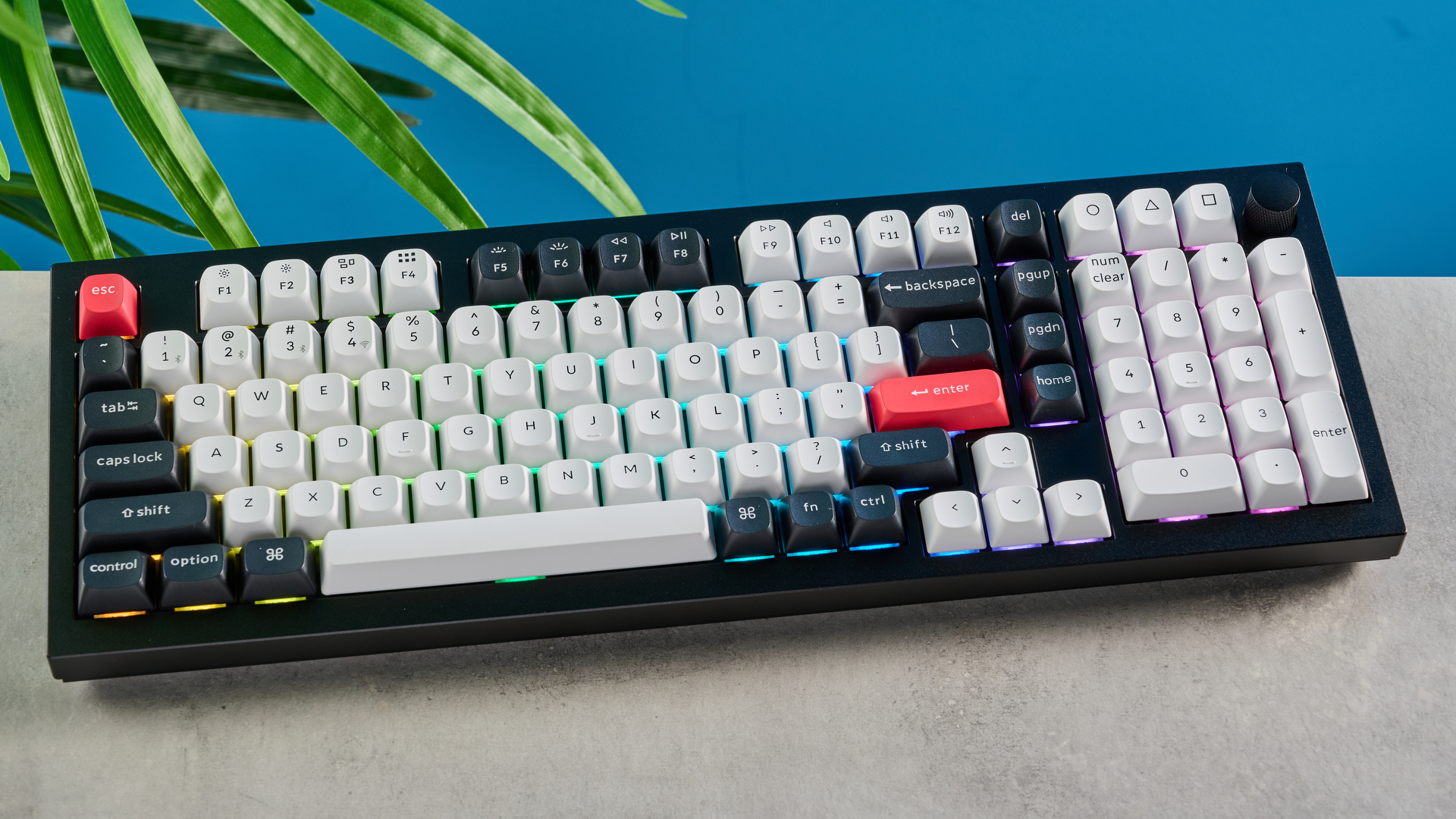
Your next keyboard should be the Keychron Q5 HE — as long as you don’t mind making a couple of sacrifices
-
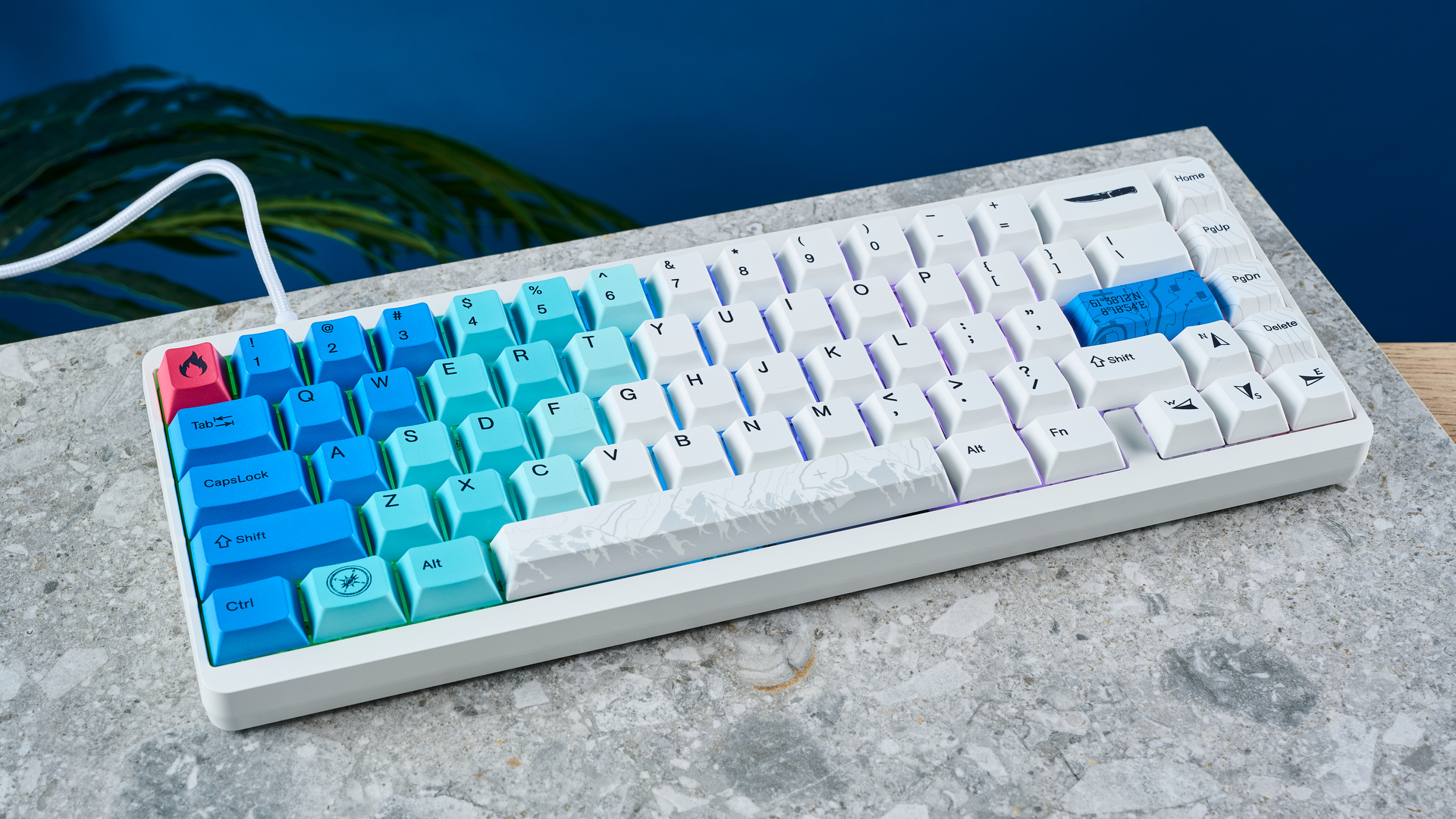
Varmilo Muse65 HE review: Looks alone can’t save this magnetic keyboard
-


-
-
I watched this beast of a gaming PC turn into an AI power house — but the dashboard-like second screen is its coolest feature
-
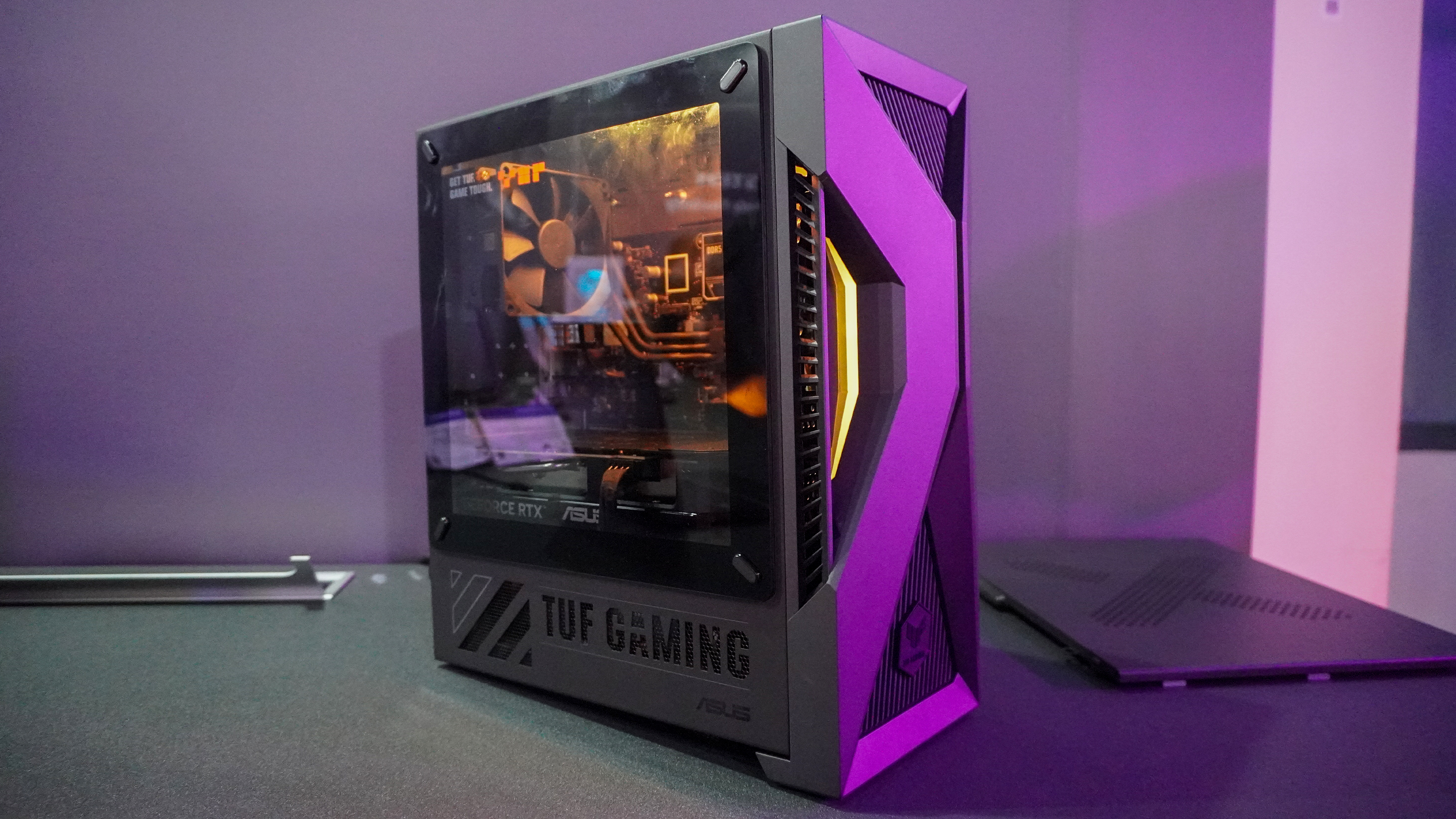
Meet the weirdest gaming PC I’ve ever seen — desktop GPU with a laptop CPU!?
-
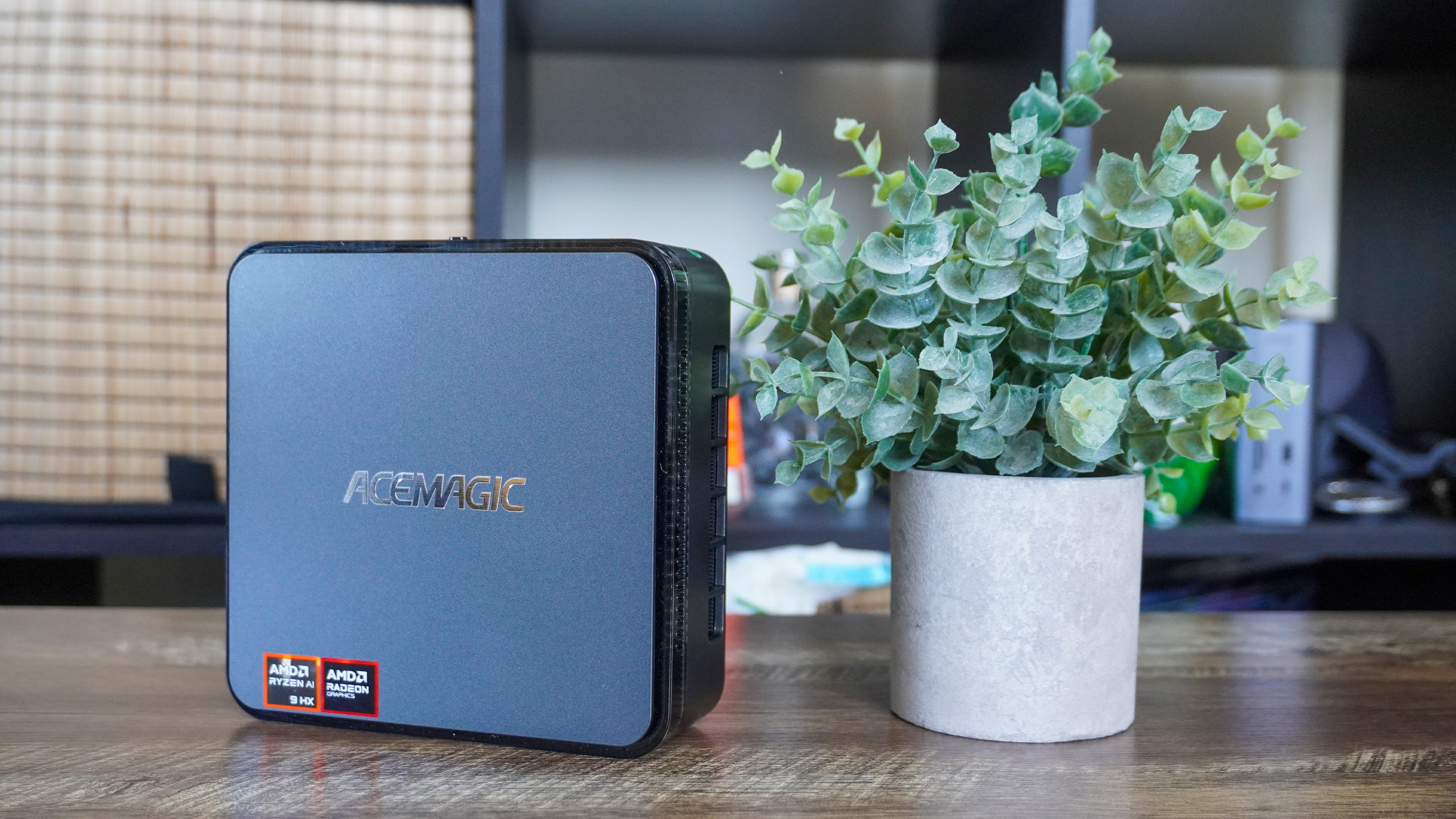
I replaced my desktop tower with the AceMagic F3a mini PC for 7 days — here are my pros and cons
-
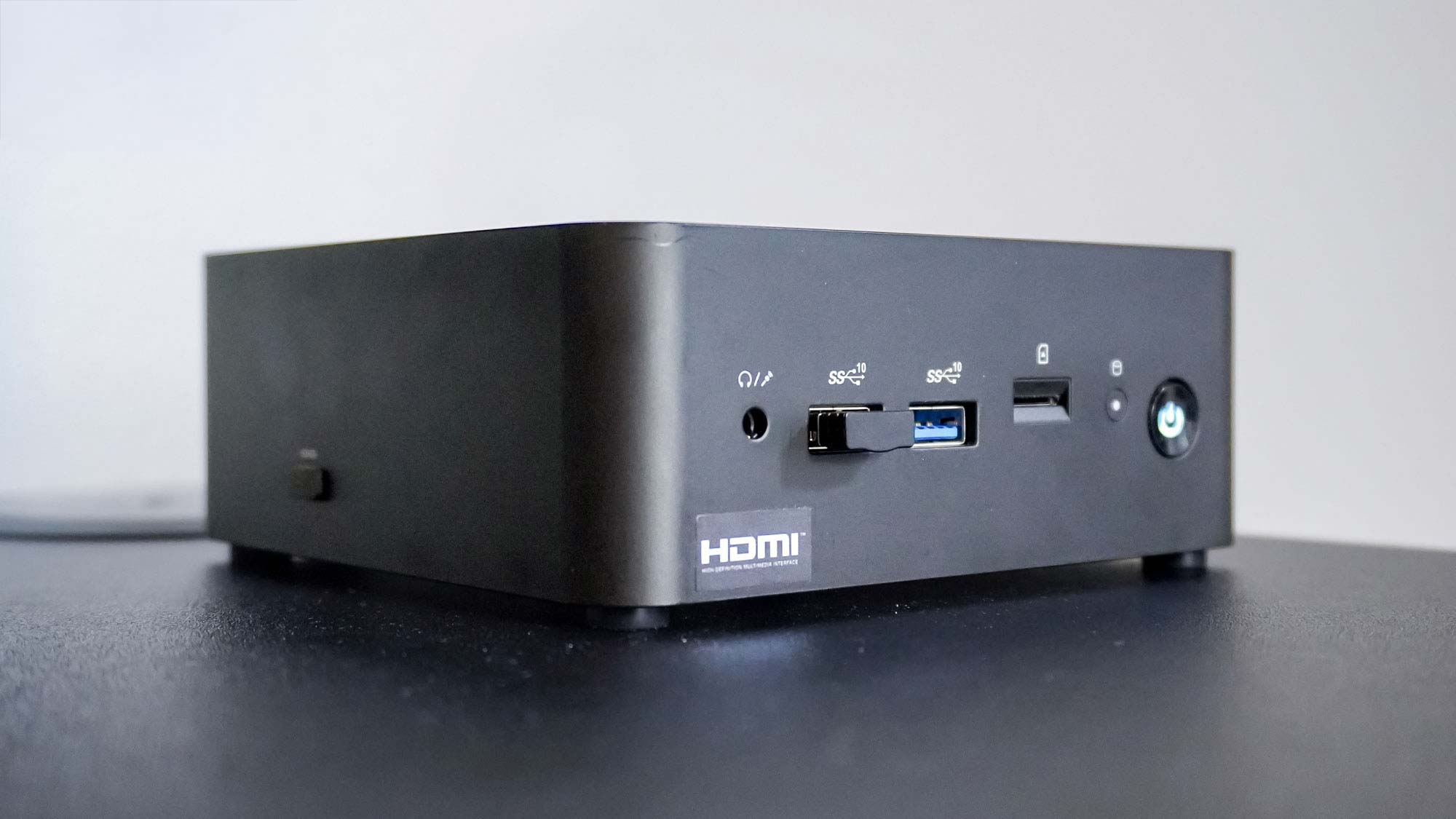
I tried this productivity-focused mini PC and it’s a fantastic desktop replacement — especially if you want to mount it behind your monitor
-

Best computers in 2025: our top picks tested and rated
-
Hurry! Mac mini M4 just fell to lowest price ever — save $100 right now
-

Best all-in-one computers in 2025: our top picks tested and rated
-
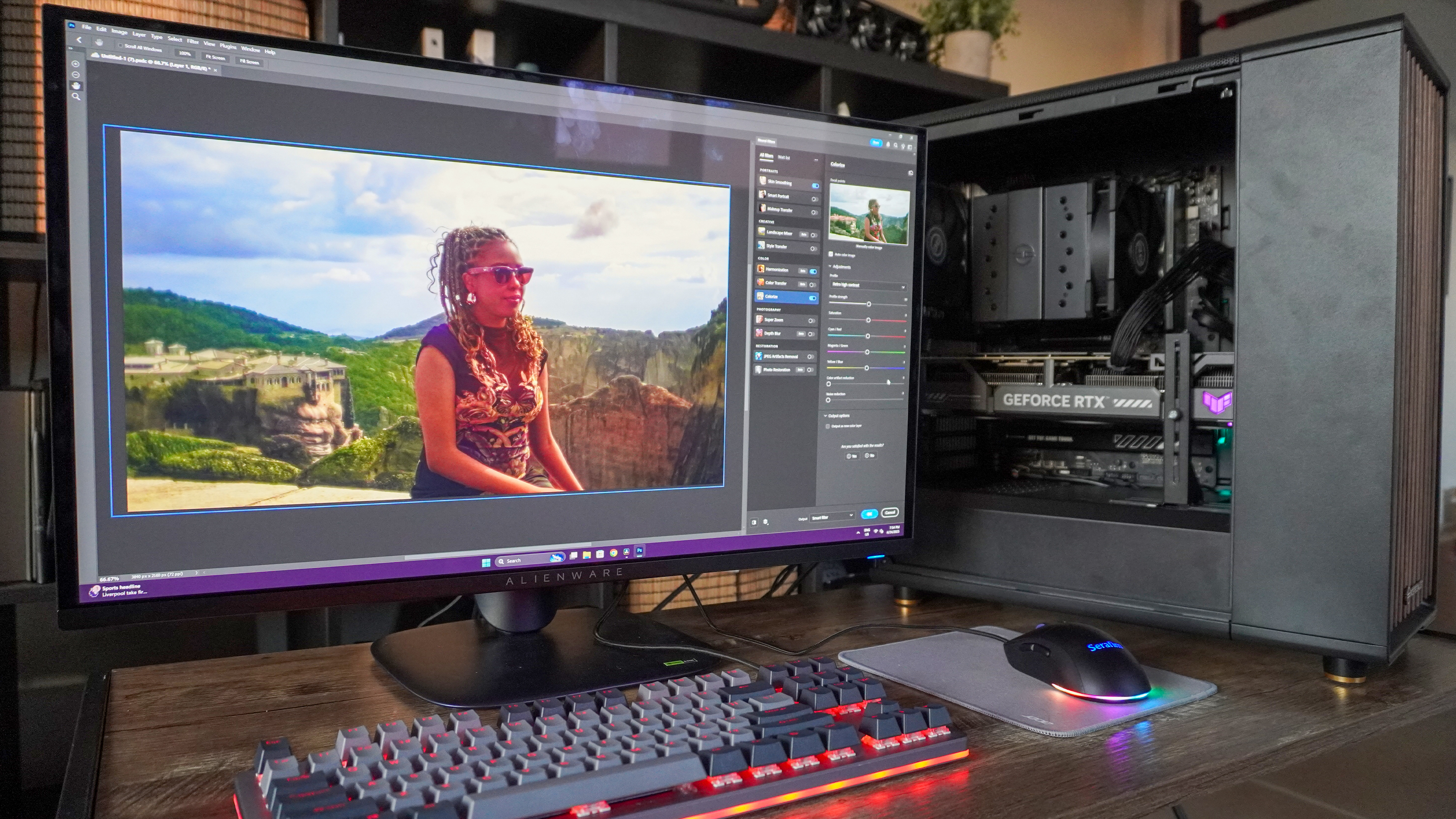
I tested an RTX 50 series gaming PC for everything but gaming — for content creation, it blew me away
-
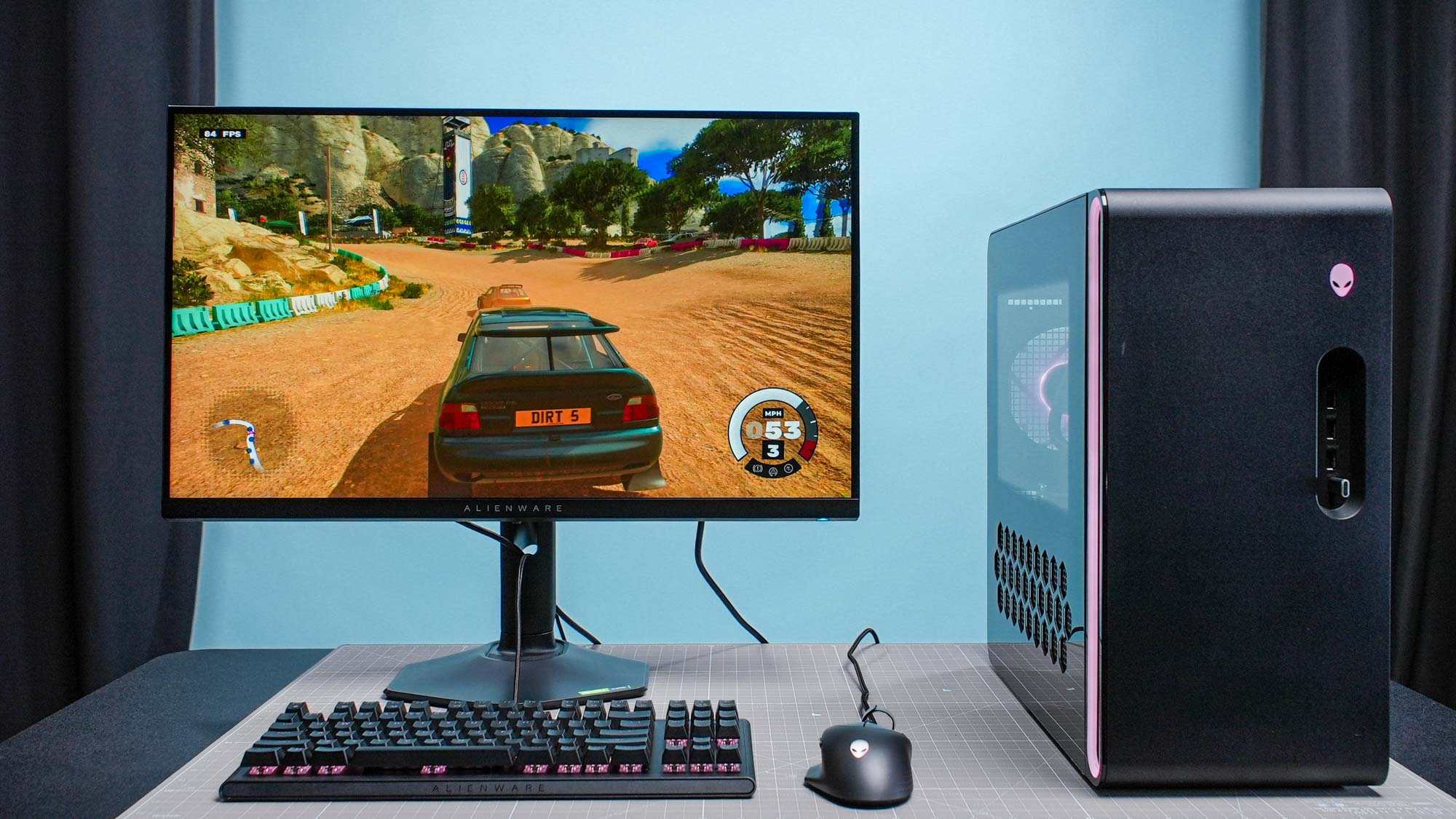
The best gaming PCs in 2025
-


-
-

Securely download Mullvad VPN with its new loader application
-
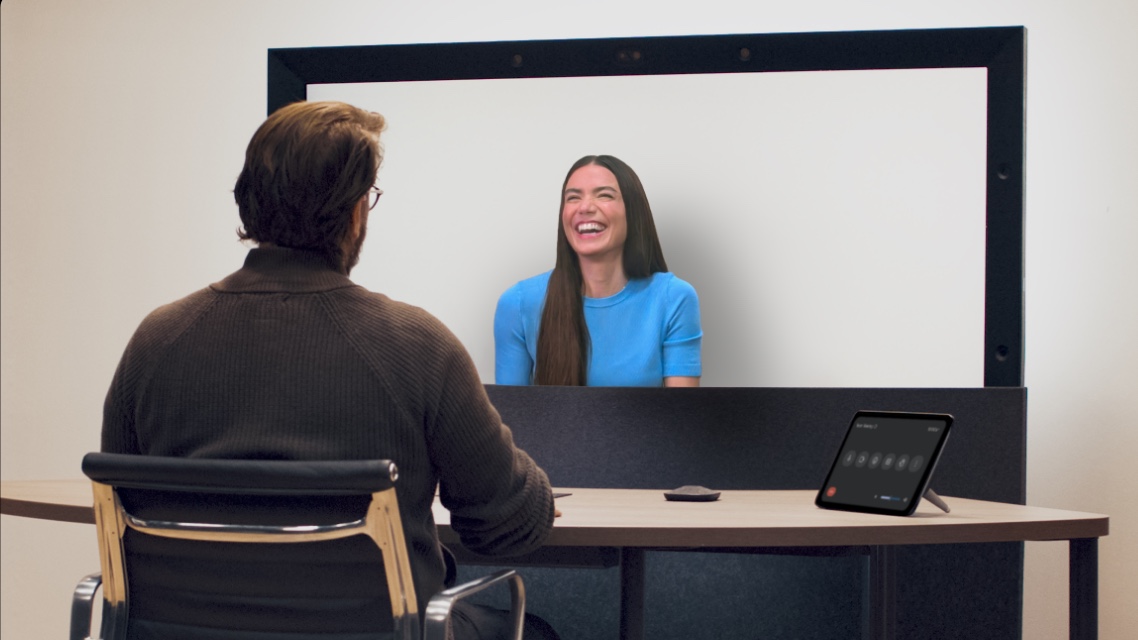
Google Beam brings 3D to video chat — here's how it works
-

NordVPN announces post-quantum encryption support for all applications
-

Proton VPN boss compares Switzerland to Russia and claims it could leave the country over proposed law
-
Windscribe VPN review
-

This new Defendnot trojan can get Windows to disable its own antivirus software
-

Top VPNs dealt major blow in France as Canal+ wins anti-piracy case
-
These popular browsers are hungriest for your data — here's how to avoid them
-

Do I need antivirus software for Windows 11?
-


-
-
Best Chromebook deals and prices in May 2025
-
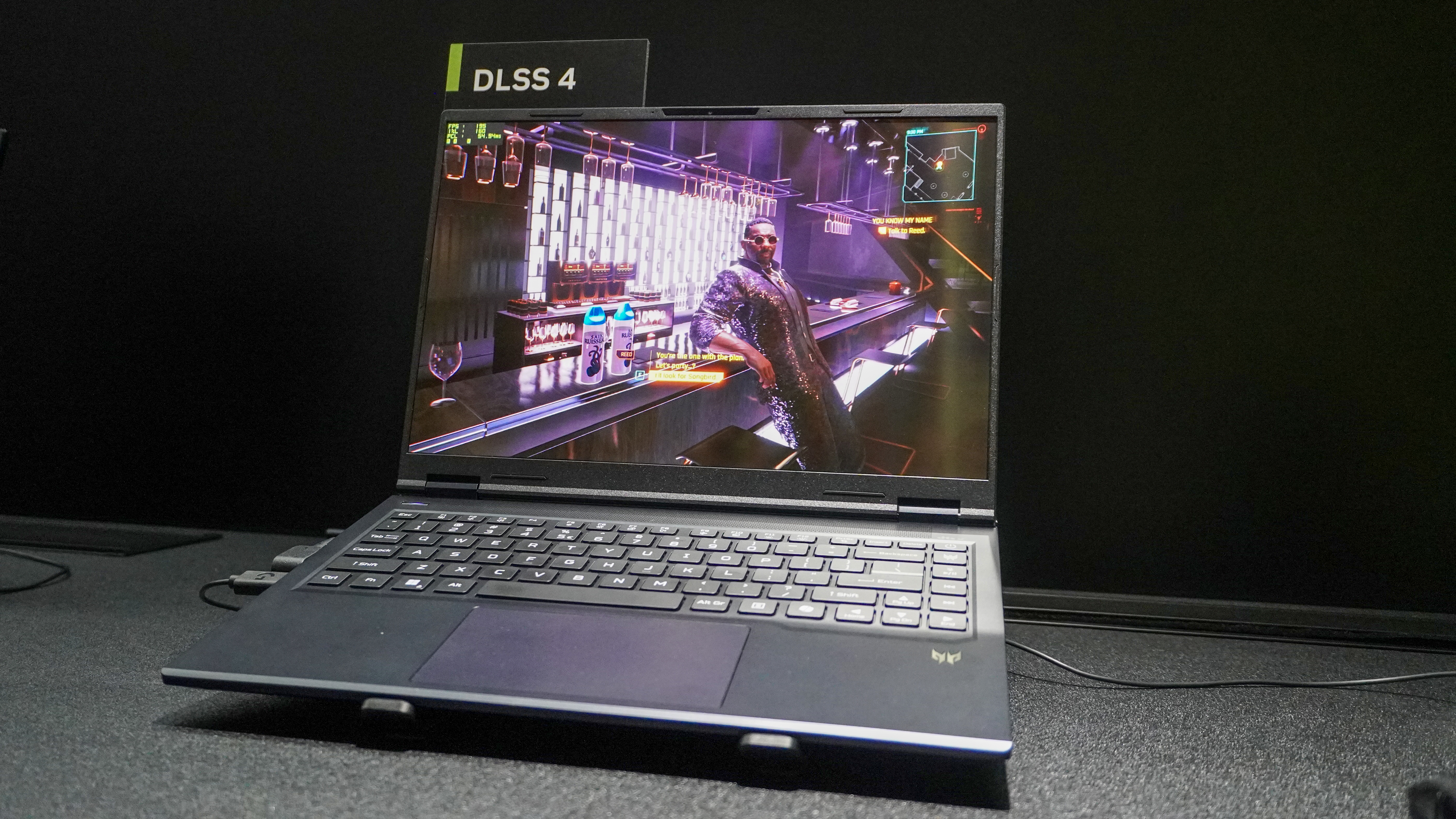
I just played games on an RTX 5060 gaming laptop — here’s why this is the right choice for most of you reading this
-
Your browser is draining your laptop battery — here's how to stop it
-

MSI just made the most beautiful laptop I’ve ever seen — here’s why the Prestige 13 AI+ Ukiyo-e Edition took my breath away
-
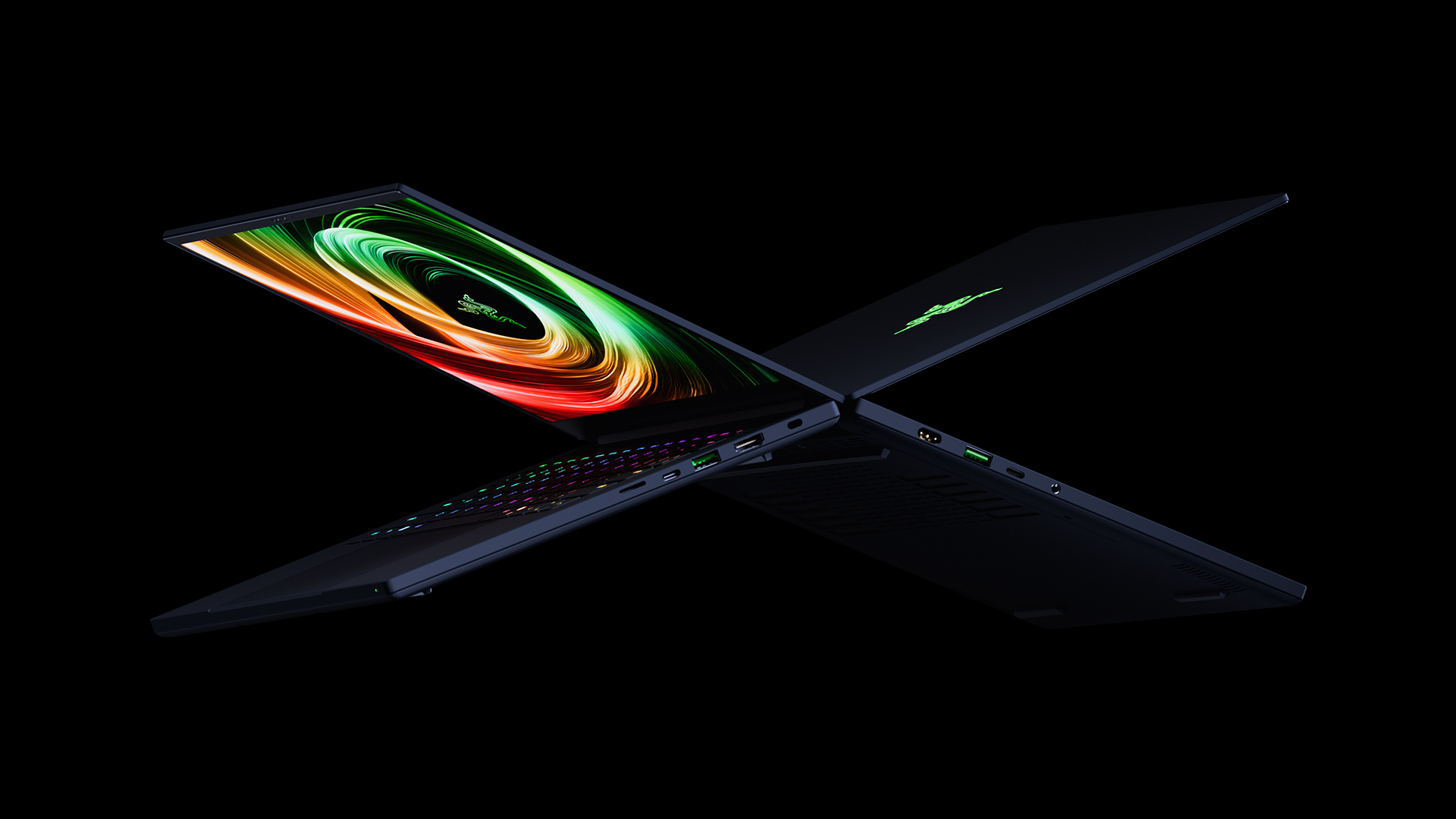
New Razer Blade 14 gets thinner and is built for more than just gaming
-

HP OmniBook 5 series laptops promise unbelievable battery life at a $799 starting price
-
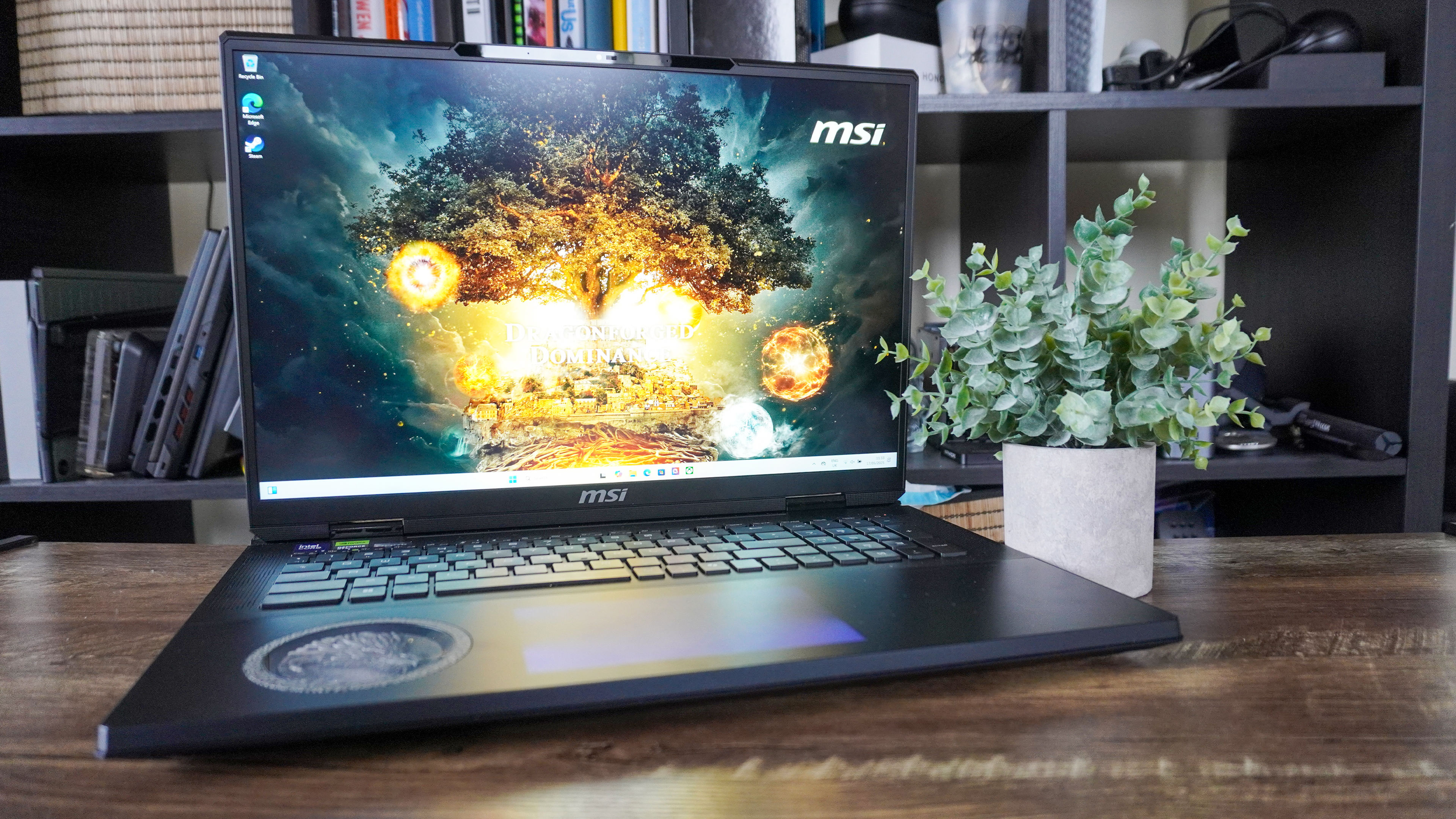
I tested the MSI Titan 18 HX — the power is wild, the price is wilder
-
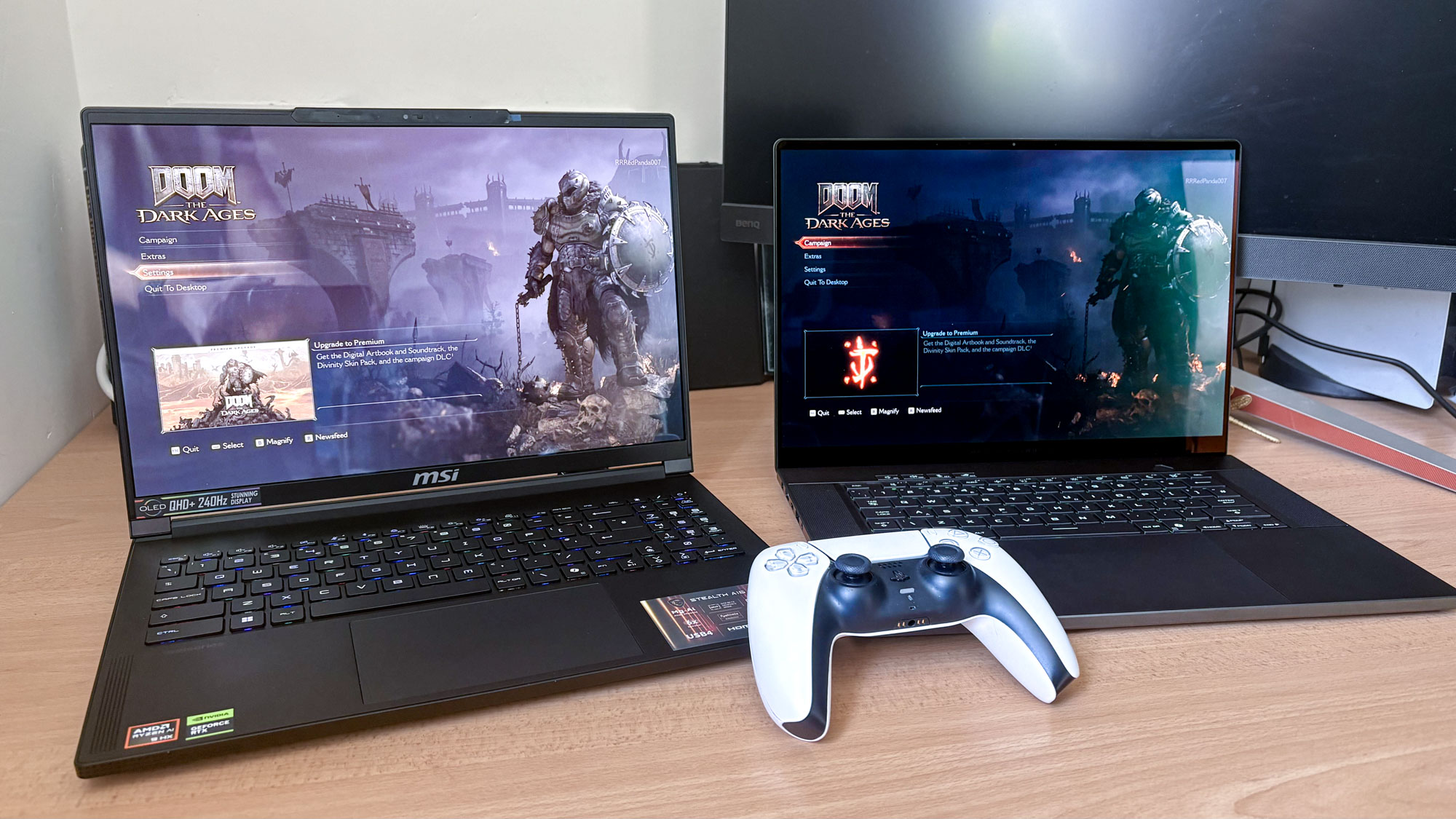
I played Doom: The Dark Ages on RTX 5080 vs RTX 5070 Ti gaming laptops — and the results surprised me
-

I've reviewed over 80 laptops and these are my top 7 laptops for college students
-


-
-

Android phones can now play the legendary Windows XP Space Cadet pinball game for free
-

You can finally make Google Translate the default on iPhone and iPad
-

Apple Pay was down — live updates on the outage
-
 Usenet
The best Usenet providers in 2025
-
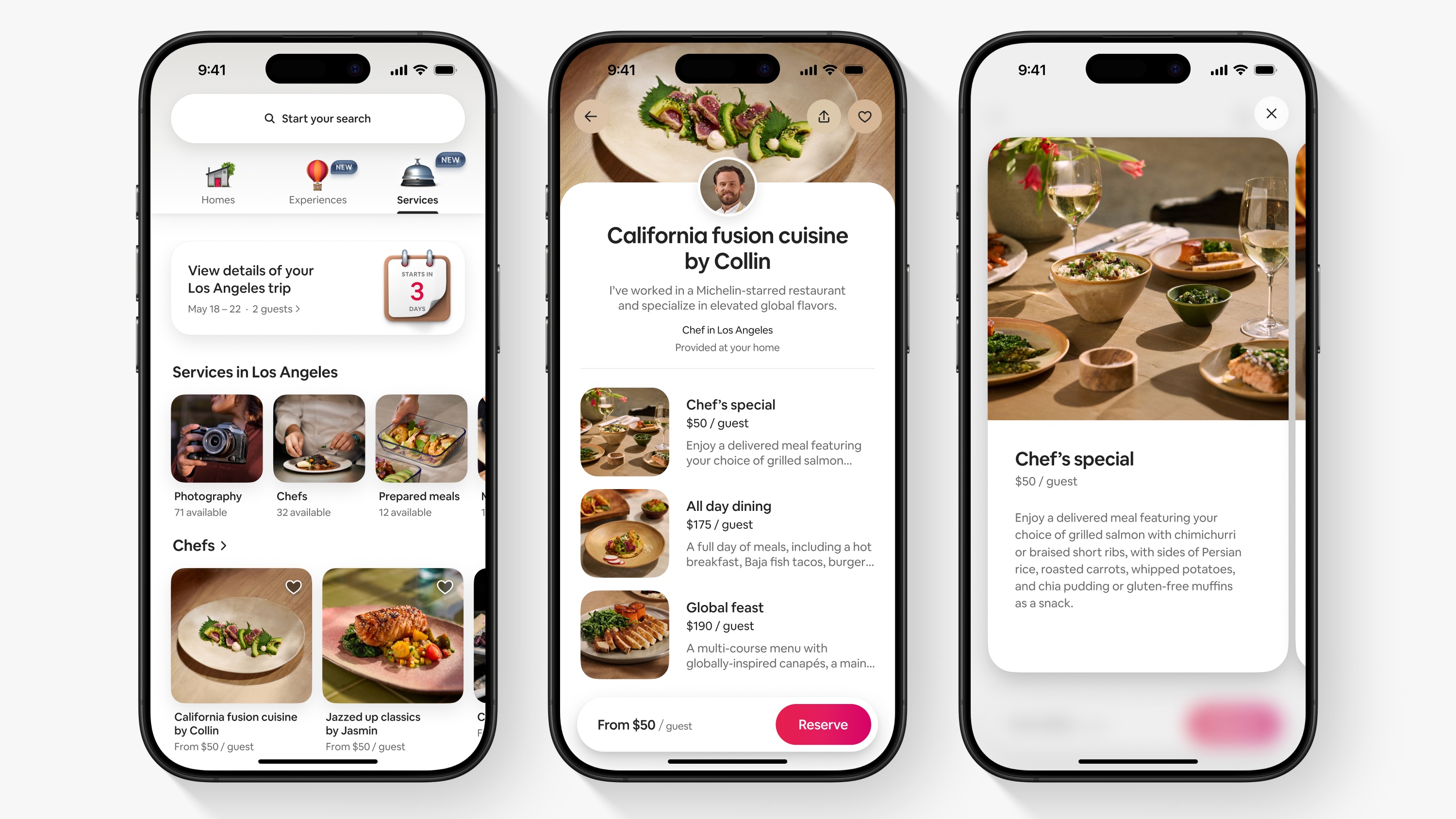
I’m not on vacation, but Airbnb’s latest update makes me want to plan one — here’s why
-
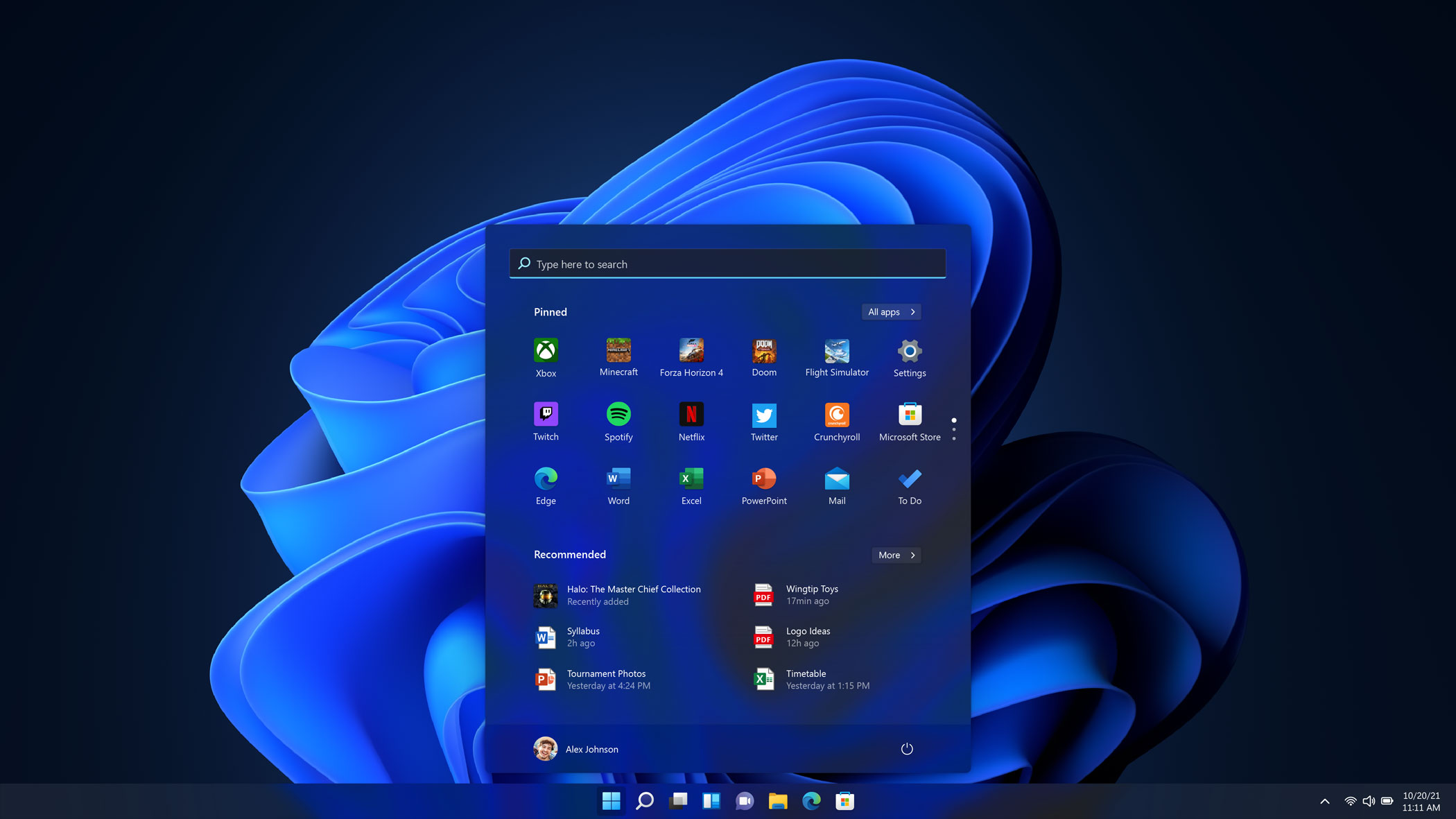
Windows 11 just got a new Start menu — here's what it looks like
-
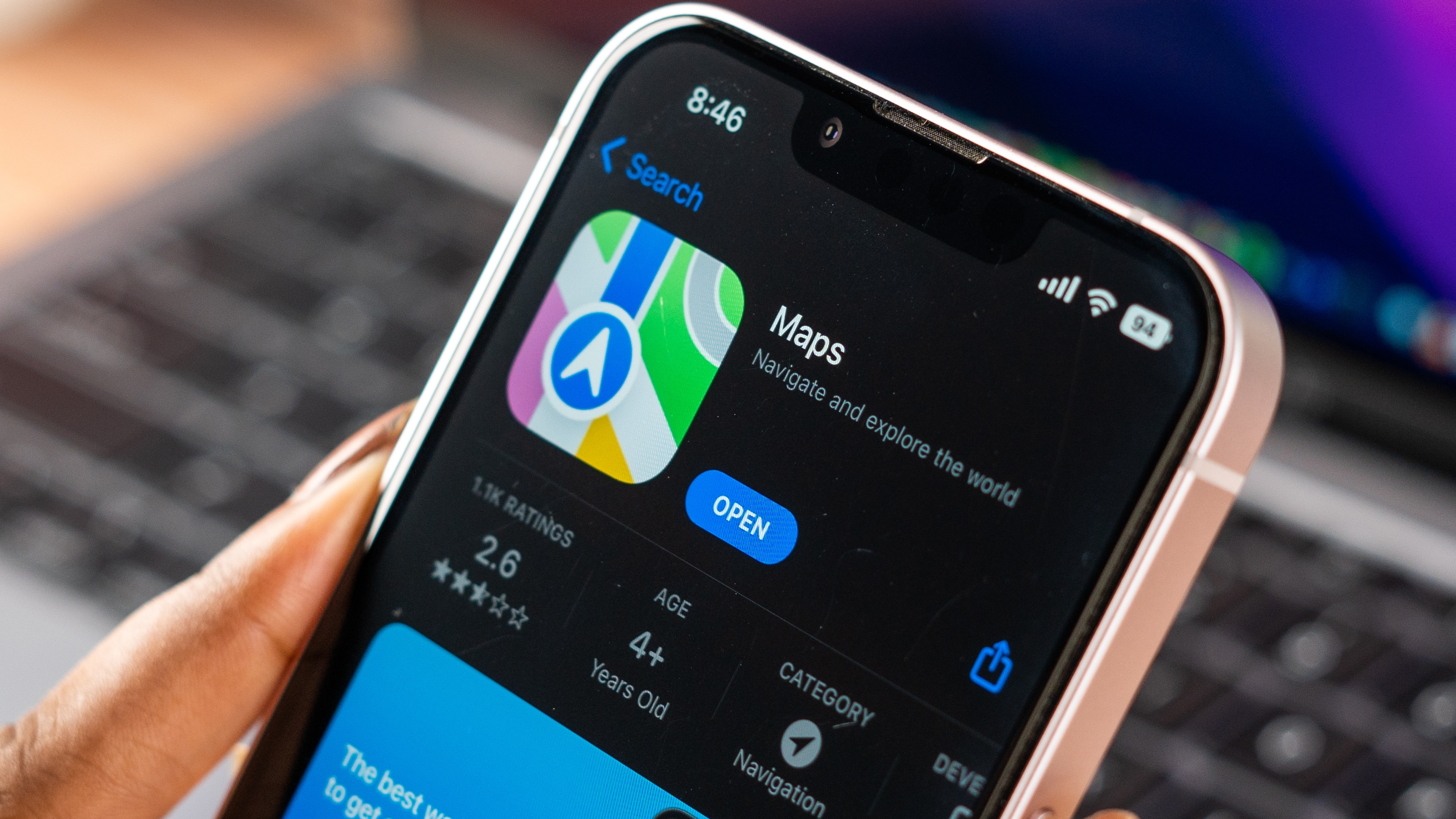
Hidden Apple Maps feature can make your life a lot easier — here's how to find it
-

Zelle was down for some — live updates on outage
-
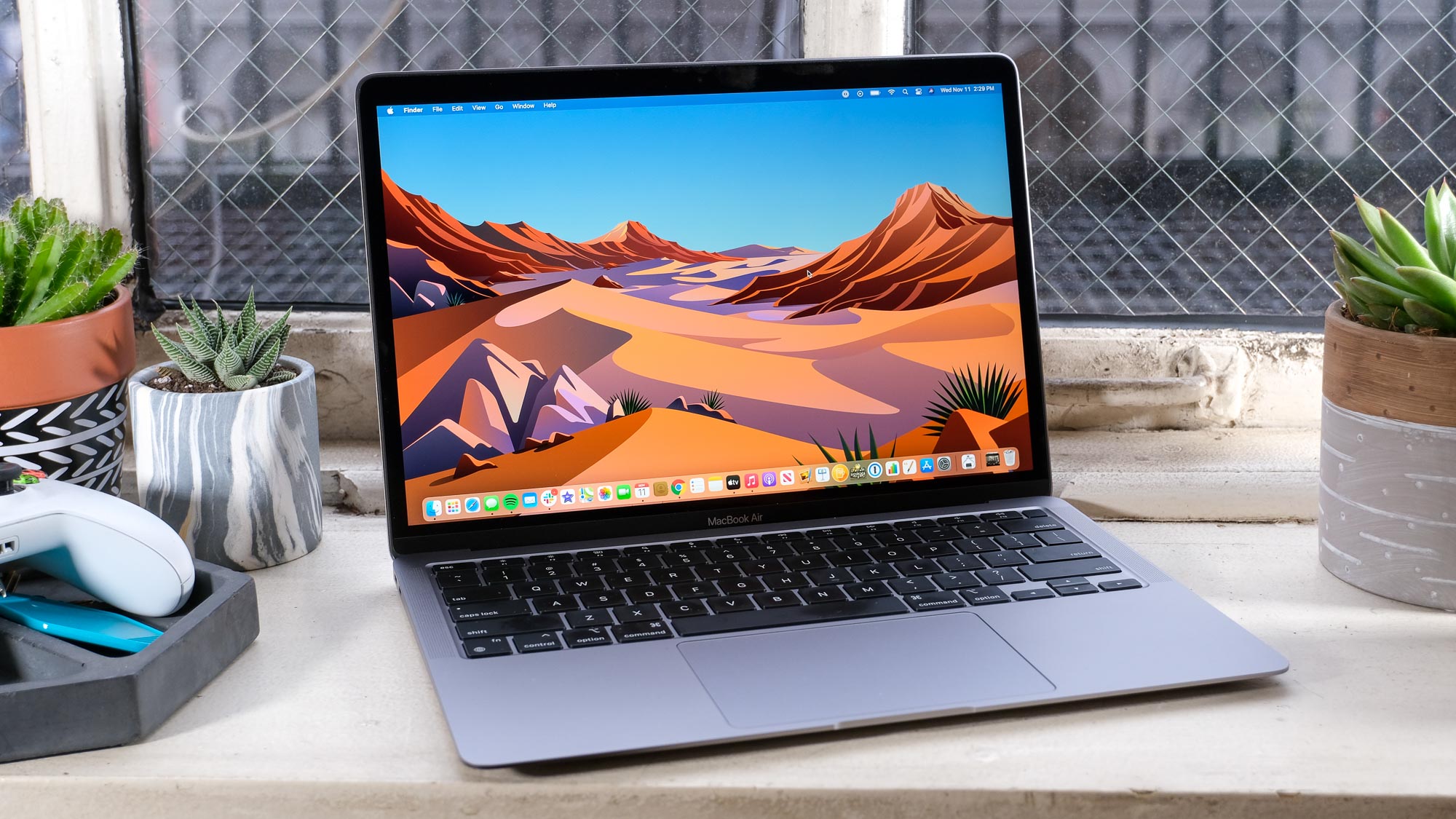
You can customize your Mac wallpaper in 5 easy steps — here's how
-


-
-
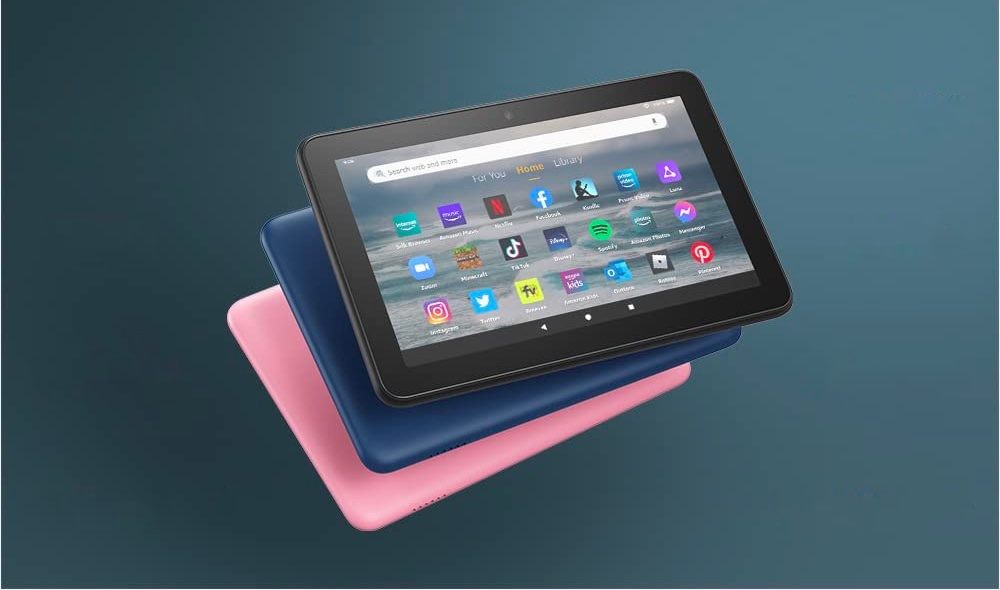
Amazon reportedly developing a foldable tablet that could launch as early as next year
-
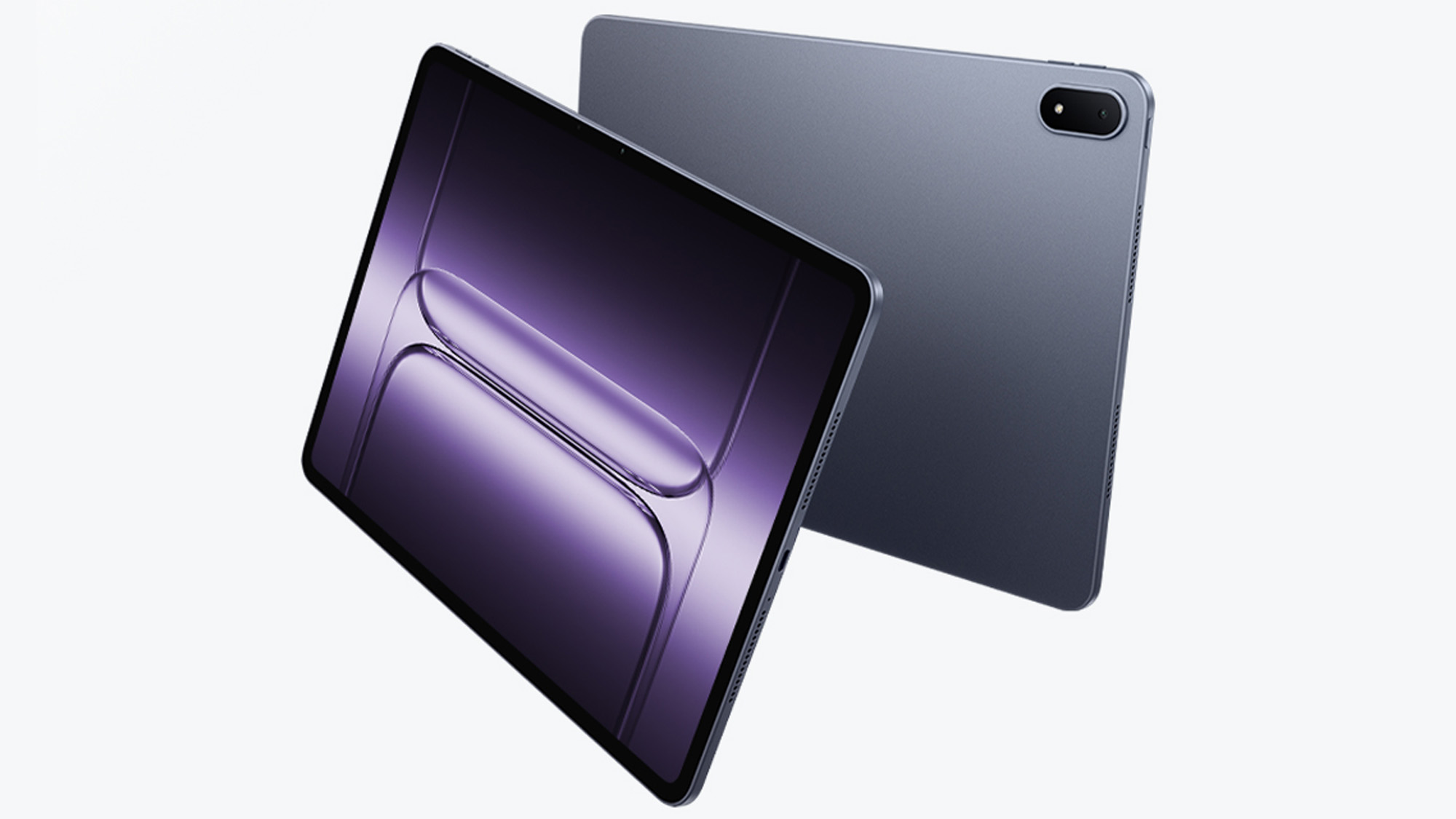
Exclusive: OnePlus Pad 3 launches in June with Snapdragon 8 Elite, a new design and 'remote Mac control'
-

Acer launches 2 new tablets at Computex 2025 to take on the iPad — meet the Iconia V11 and V12
-
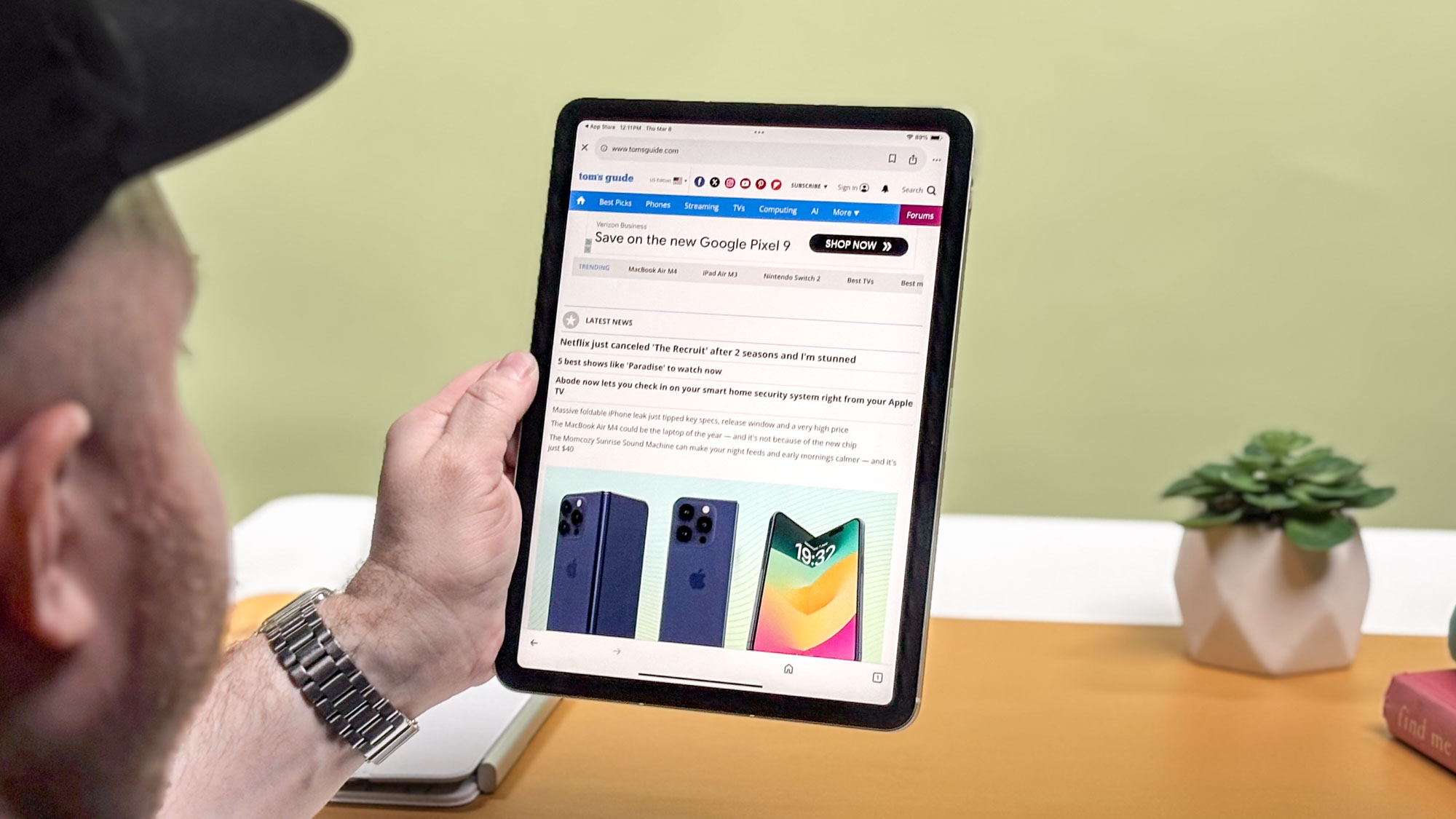
The best tablets on the market right now
-

The best iPads for kids in 2025: Our top picks tested and rated
-
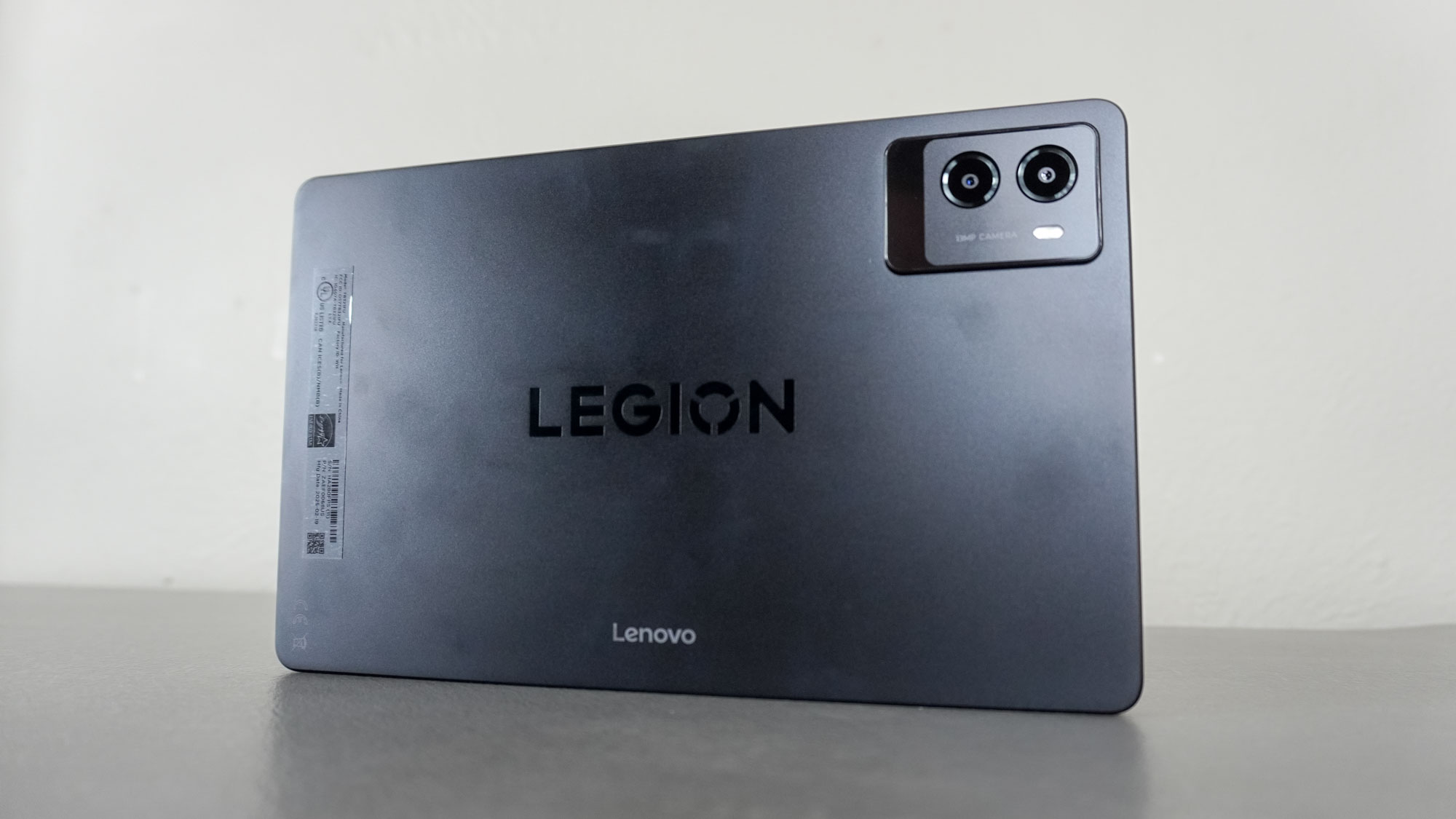
I thought the iPad mini was the perfect small tablet until I tried the Lenovo Legion Tab 3 — here’s why
-

Best iPad deals for May 2025
-
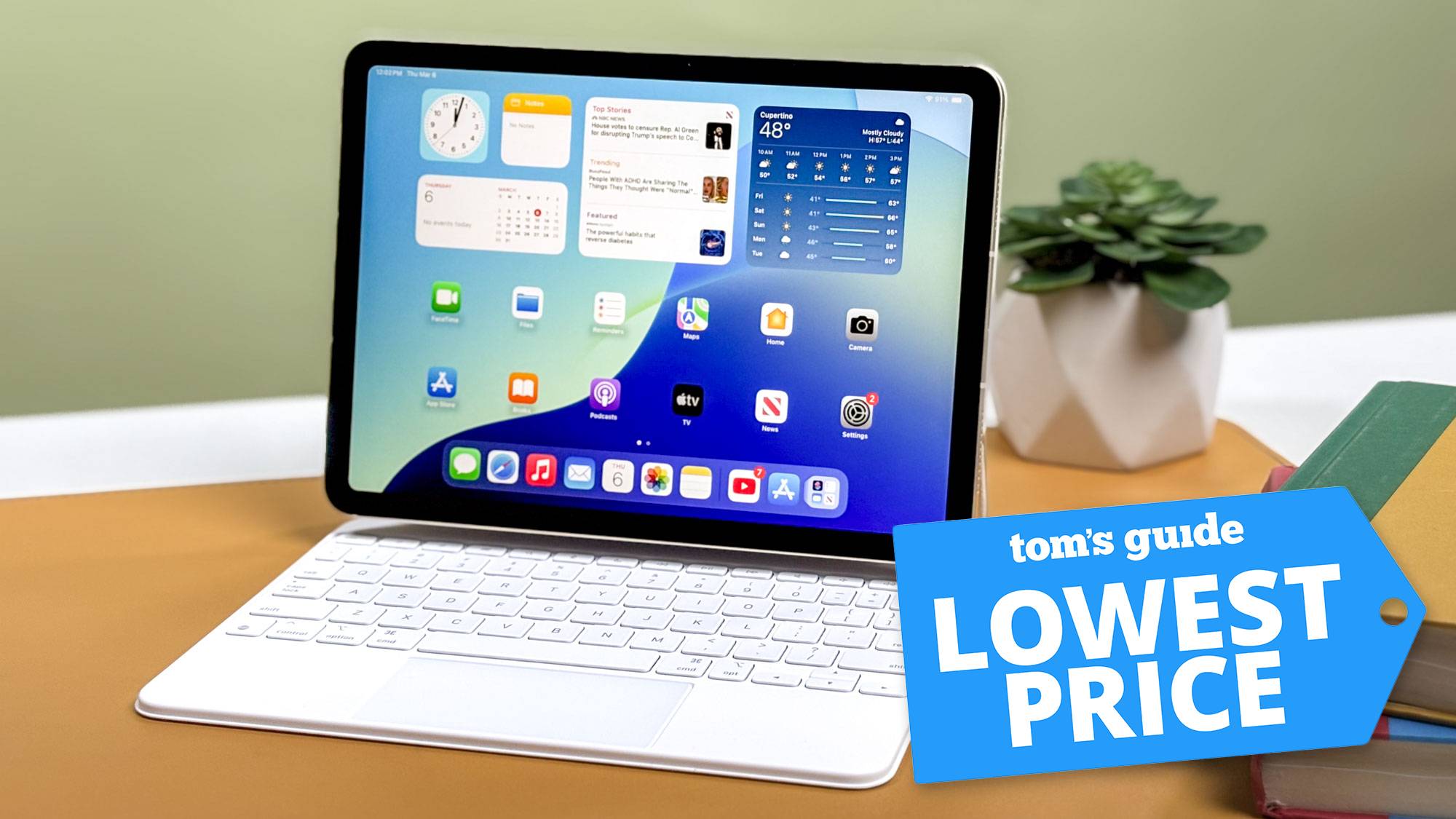
iPad Air M3 just got its biggest price drop yet — save $100 on the best tablet around
-

How to read library books for free on your Kindle or other e-reader
-


-
-
I tried out Samsung’s Project Moohan headset — Android XR won me over
-

I exercised with the Meta Quest 3 and FitXR for two weeks — 3 things I learned
-

Valve's answer to Meta Quest could launch very soon — here's what we know about Valve Deckard
-

Best Meta Quest 3 and Quest 3S accessories in 2025
-
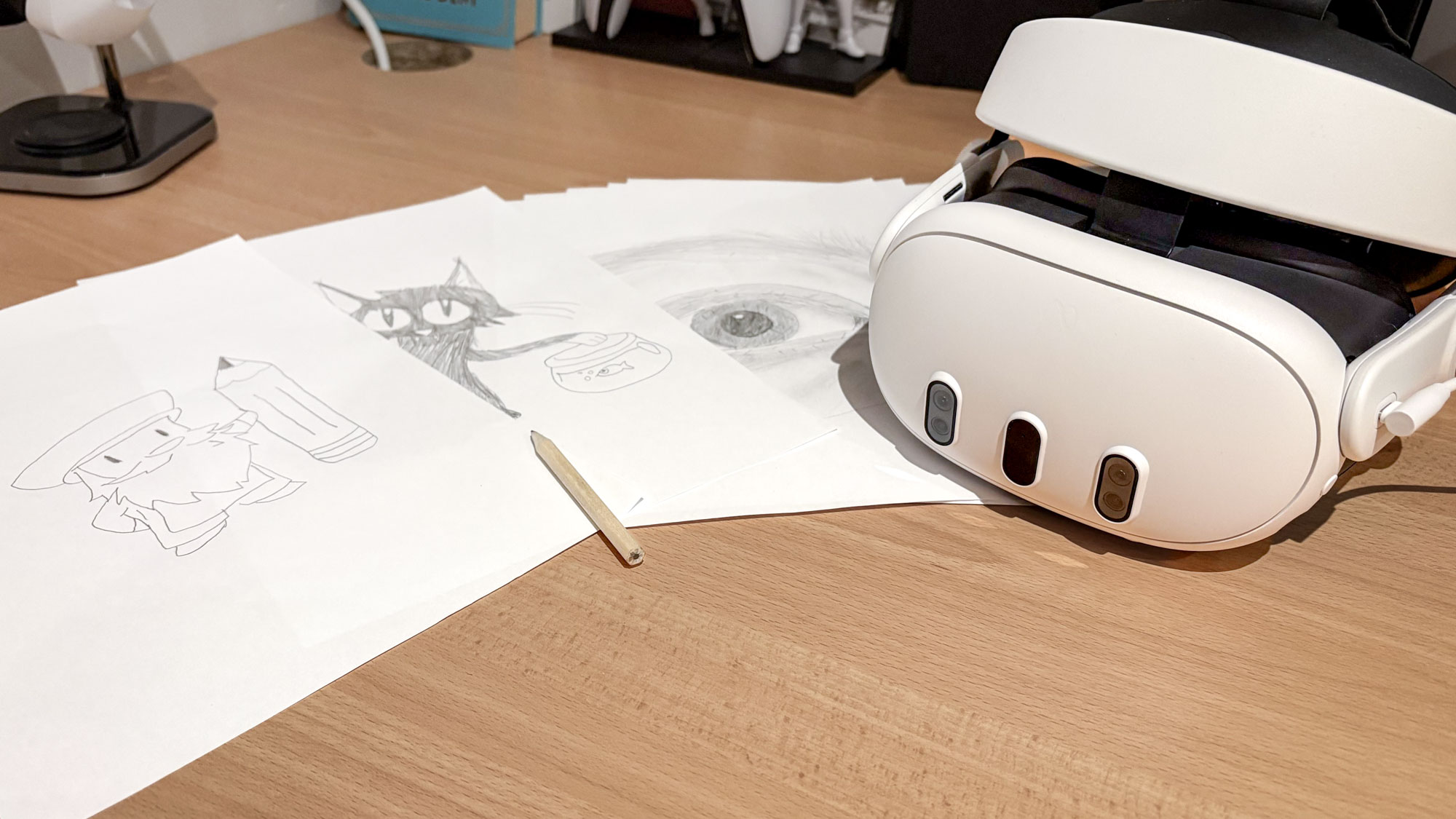
I have no artistic bone in my body, but this Meta Quest VR app just taught me how to draw
-
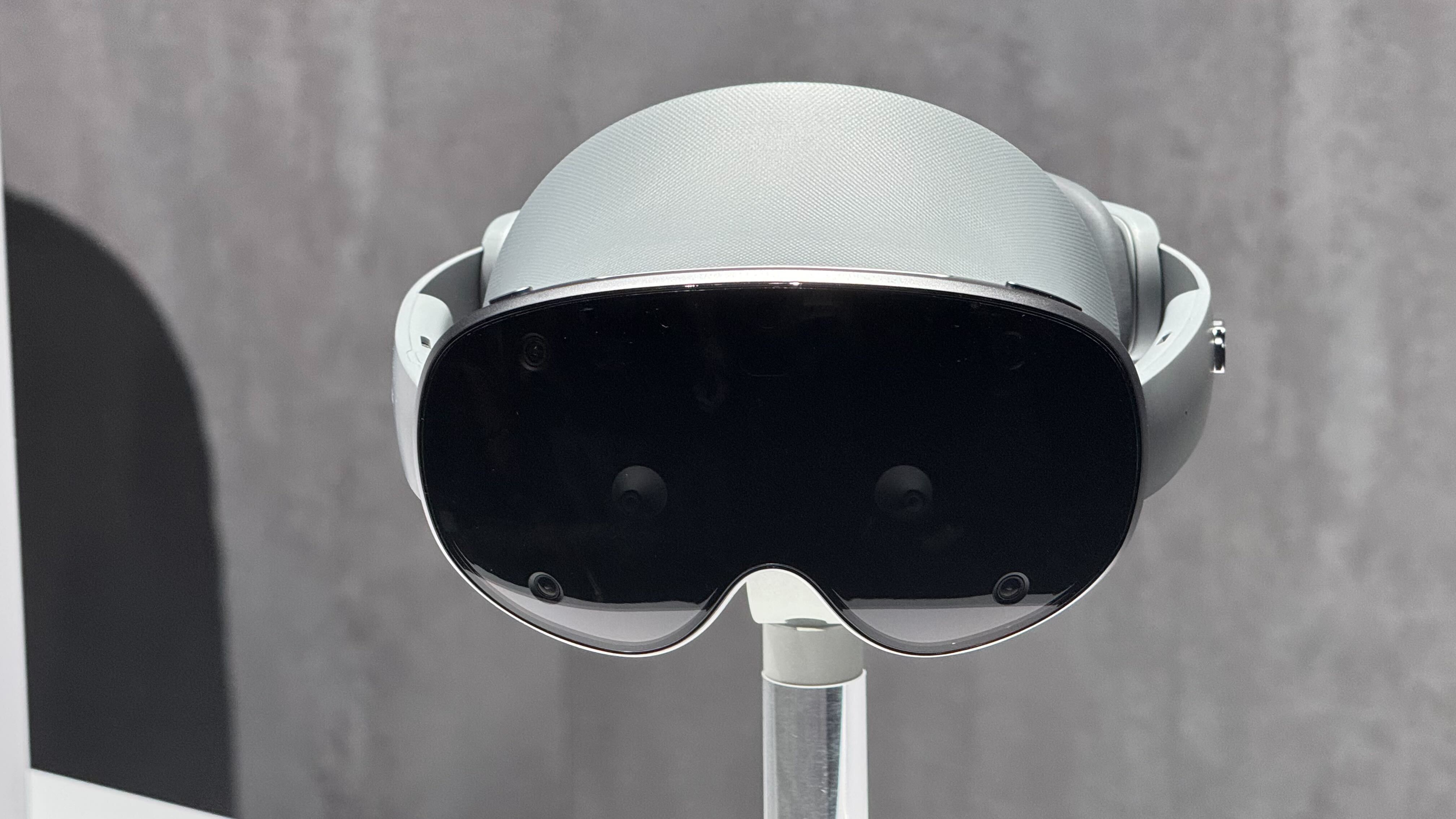
Samsung's Android XR headset now confirmed for 2025 launch — here's what we know
-

The next Apple Vision Pro could drop sooner than you think — it’s reportedly going to be lighter and cheaper too
-
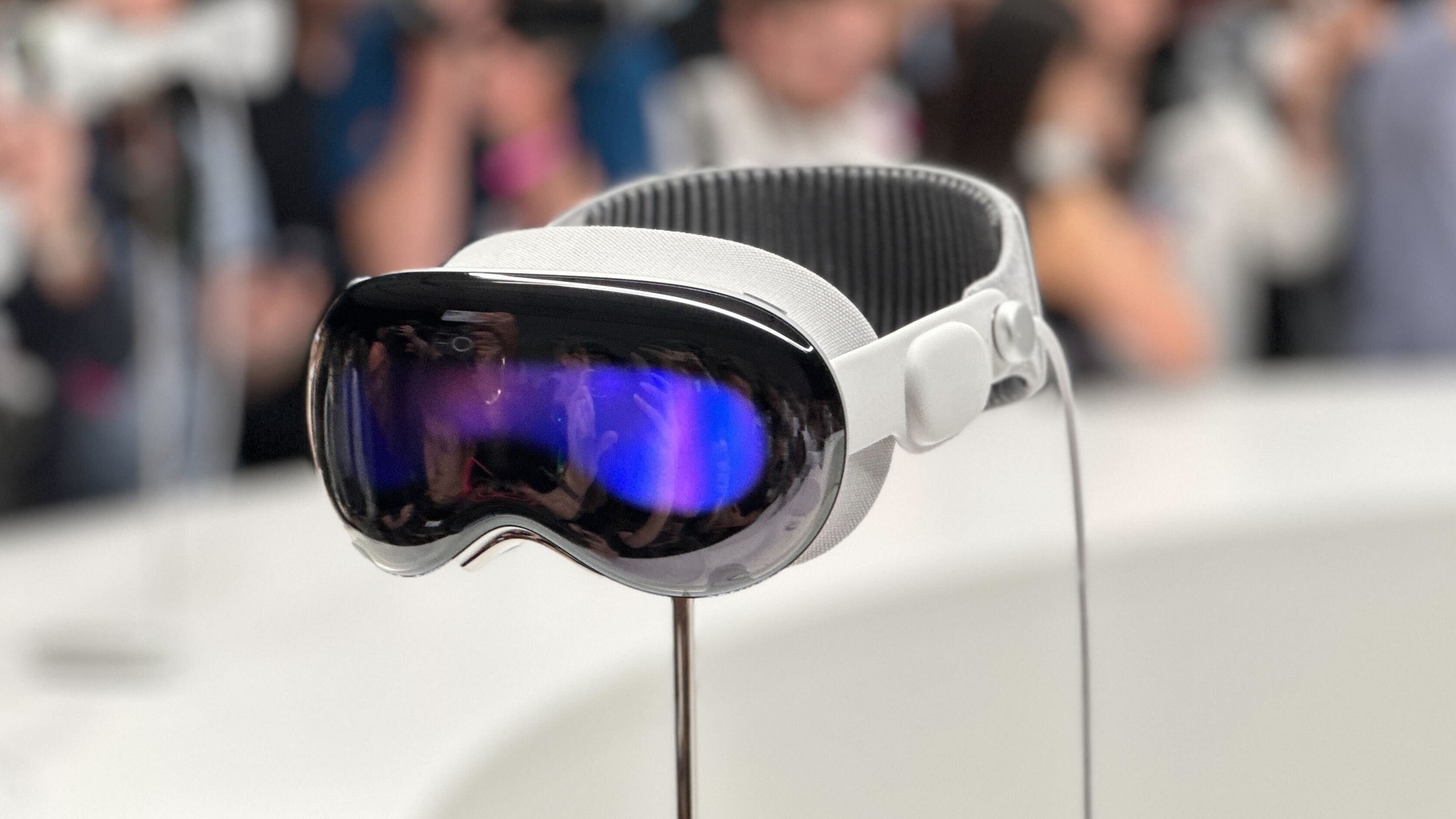
Apple reportedly working on 'Vision Air' headset — and it could be much lighter
-

Meta Quest 3S hits lowest price ever on Amazon — and it comes packed with my favourite VR game
-


