I biked around Seattle’s most famous glacial lake this weekend, a roughly 11-mile ride past houseboats, seaplane docks, gleaming corporate tech offices, rusting industrial remains, and grunge-era strip malls. The big finish is a captivating yet challenging 200-foot ascent that twists and turns for 1.5 miles through a towering, emerald-encrusted innercity forest.
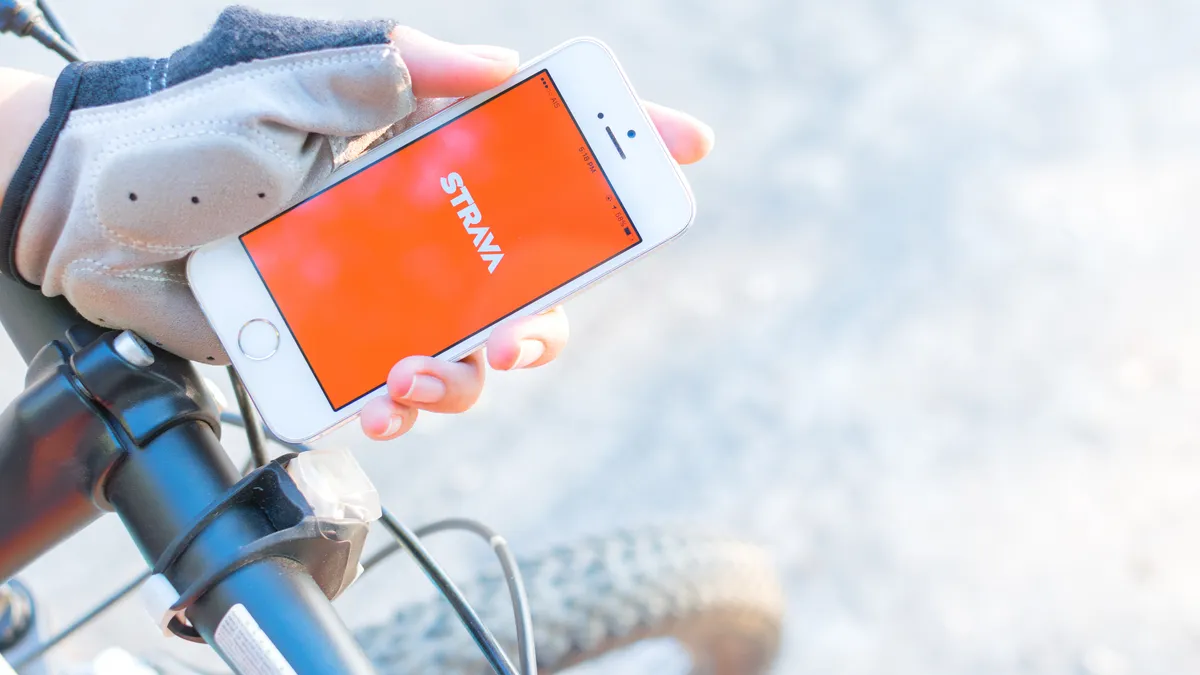
To log my journey, I recorded a biking workout on the Apple Watch Ultra 3 using Apple’s native Workout app and on my handlebar-mounted iPhone 16 Plus using the Strava app. After comparing the data from each post-workout report, these are the five biggest takeaways.
| Header Cell - Column 0 | Apple Workout app |
Strava app |
|---|---|---|
Device |
Apple Watch Ultra 3 (worn) |
iPhone 16 Plus (handle-bar mounted) |
Distance |
10.71 miles |
10.79 miles |
Workout duration |
56 mins 26 secs |
52 mins 58 secs |
Average speed |
11.3 mph |
12.2 mph |
Max speed |
19.9 mph |
25.8 mph |
Elevation gain |
680 feet |
677 feet |
1. Both apps recorded similar distances
Give or take a tenth of a mile, both the Apple Watch Ultra 3 running the Apple Workout app and the iPhone 16 Plus running the Strava app noted similar total distances for my Sunday bike ride, just shy of 11 miles.
It's worth noting that the Apple Watch Ultra 3, unlike some older models, doesn't piggyback off your iPhone's location or elevation data while tracking a workout.
2. Strava noted faster speeds overall
This isn't the first time Strava calculated not just a faster maximum speed for a bike ride against Apple's Workout app, but also a faster average speed. When I biked 12 miles last fall with the Apple Watch Series 10 versus the Samsung Galaxy Watch 8, using Strava as my control, the Apple Watch similarly had slower speed data than the other methods.
The results were also similar when I cycled 11 miles with the Apple Watch 10 versus the Garmin Forerunner 570 and Strava.
3. Apple and Strava measured nearly the same exact climb data
When it comes to elevation gain, the Apple Watch Ultra 3 running Apple's Workout app noted nearly the same exact total as Strava running on the iPhone 16 Plus.
This is a particularly refreshing result, as climb data is one of the primary metrics I use to assess the difficulties of my rides through Seattle, a notably hilly city.
To be honest, I somewhat expected the Ultra 3 to inflate my uphill efforts based on similar performance in recent walk test comparisons against the Samsung Galaxy Watch Ultra and again versus the Garmin Forerunner 570. Then again, those examples were walking; this is cycling.
4. Apple doesn’t provide a ‘moving time’ metric
Apple's Workout app doesn't provide a 'moving time' metric like the Strava app does for bike rides, which is a bit of a bummer. I find moving time to be a more useful metric, especially when you get stuck halfway through the ride at a raised drawbridge. Suddenly, your 55-minute adventure is closer to 75 minutes.
That scenario didn't play out this time around, but it's all too common when cruising around Seattle's Lake Union in the warmer months.
For what it's worth, Strava's elapsed or total time calculation for the ride was 54 minutes, 36 seconds, which is a little closer to Apple's measure. Note: I tried my best to synchronize each app's start and stop.
5. Strava remains my overall choice for biking
Ultimately, I'll continue to rely on Strava from the comfort of my handlebar-mounted phone as my primary bike workout tracking method. Not only does Strava provide more nuanced workout duration data, but I trust its speed data over that of the Apple Workout app, which consistently claims I'm moving slower than most other means of tracking.
Another notable reason I prefer Strava on the iPhone has nothing to do with data accuracy; rather, I simply find it easier to view my ride progress when it's displayed on a large screen almost directly in front of me, versus on a smaller, wrist-based one.

Follow Tom's Guide on Google News and add us as a preferred source to get our up-to-date news, analysis, and reviews in your feeds.
More from Tom's Guide