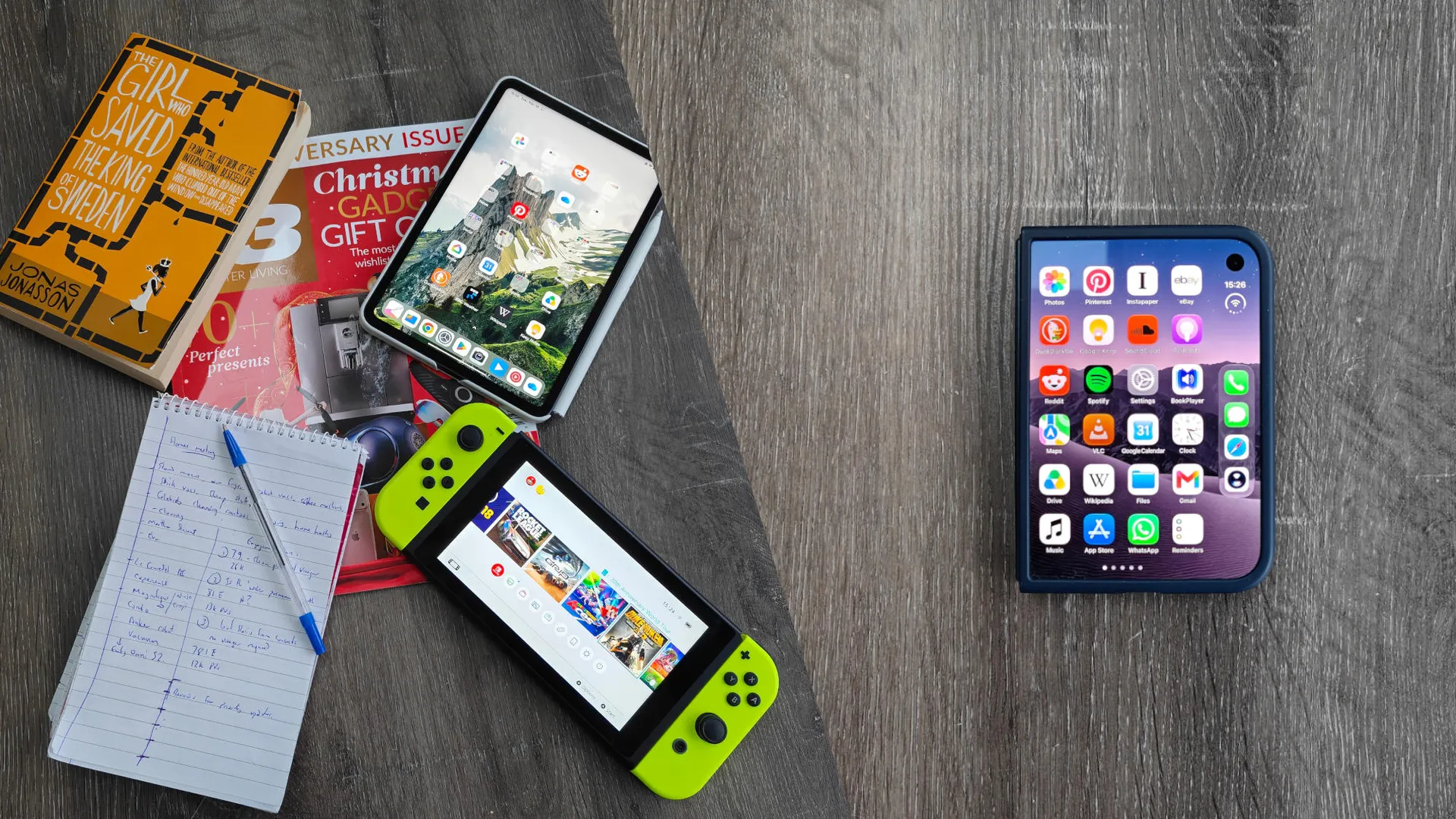
Do you remember that controversial iPad Pro advert a couple of years back? The one where a hydraulic press crushed the piano, the painting, the arcade cabinet and a bunch of other stuff into Apple’s super-slim premium tablet? It didn’t go down well at the time, but it’s crept into my mind a couple of times after having used the iPhone Duo as my daily driver for the last couple of weeks.
That’s because Apple’s foldable phone does such a good job of being a flexible everyday tool that it’s replaced a bunch of single-use items I carry in a typical day.
Then again, I'd expect nothing less from a device with a starting price of $2,000. And we can debate the benefits of dedicated devices vs. all-rounders, but the Duo has a couple of things going for it that some of the other best foldable phones may have struggled with.
For example, the software continuity is seriously impressive when you unfold because of the matched aspect ratio between the screens and the fact iOS 27 doesn’t restart whatever application you’re using when you switch. Therefore, app state, scroll position and active text entry remain completely consistent when you switch from the 5.4-inch closed screen to the 7.6-inch open display.
On top of that, the nano-texture coating on the interior screen makes a huge difference when it comes to reading and, eventually, writing. Especially if you plan to use the Duo outside. There’s very little reflective glare and the IP68 waterproofing means you don’t need to worry about getting it out in the rain.
So, let's dig into the five things I’ve (mostly) been able to ditch after going all-in on the Duo
The Notebook and Pen
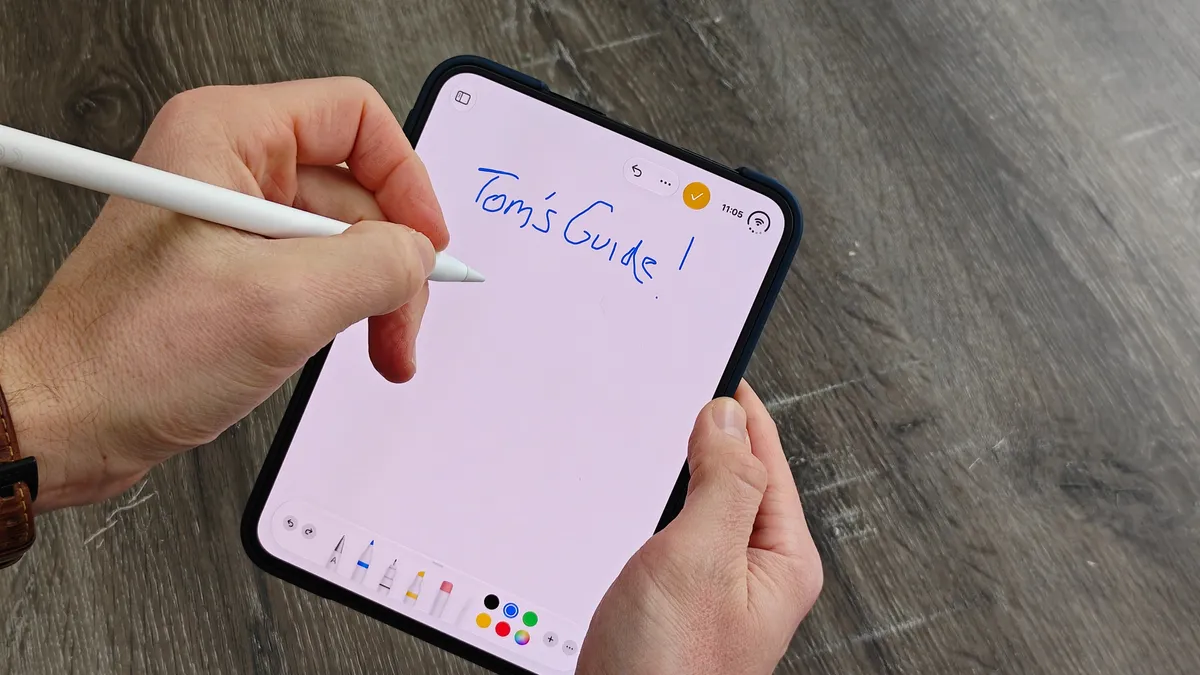
I’m starting this list off with something of an asterisk. Because, although the iPhone Duo now supports stylus input through iOS 27.2, only one Apple Pencil is actually compatible. That’s the Apple Pencil (USB-C) and not, frustratingly, the Apple Pencil 2nd Gen that I use with my iPad. It’ll set you back $79 if you do decide to pick one up, and I’m still weighing up whether or not to splash the cash. I’ll be keeping an eye on the Black Friday sales for that one.
Either way, a notebook and pen or pencil have been a staple of my day job for years. But unlike the Duo, my paper notebook won’t fold easily and it’ll stop working if it gets wet. Also, thanks to the Duo’s nano-texture display, you get a little bit more friction that feels more like writing on actual paper. The Duo will let you write in Notes, sketch in Freeform and, crucially, mark up screenshots and documents for easy sharing.
The Portable Games Console
I’m still rocking the original Nintendo Switch as my portable game console of choice and despite the excellent back catalog, it’s starting to show its age.
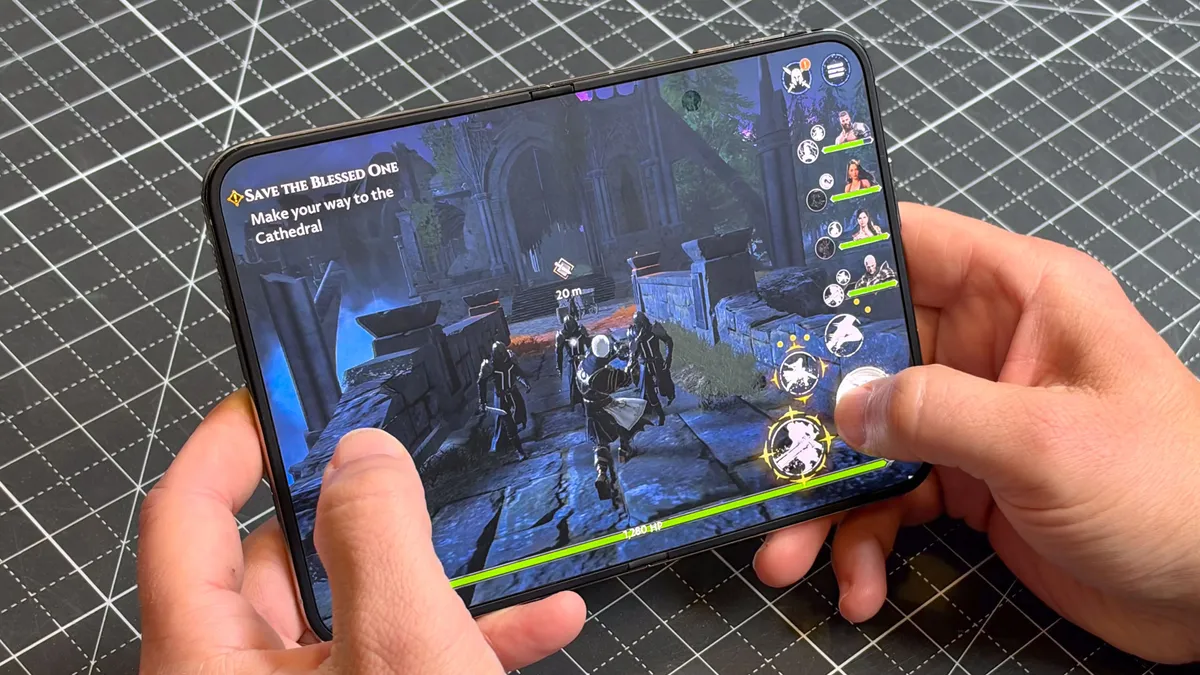
The Switch 1’s 6.2-inch, 60Hz display only boasts a 720p resolution and, obviously, doesn’t fold. So while it is a handheld, it can’t hold a candle to the iPhone Duo’s 7.6-inch Super Retina XDR OLED screen with a 120Hz refresh rate and 1878 x 2670 resolution. And if you’ve got an AirPlay-enabled TV you can mirror Duo games to your bigger screen Switch-style and play with a Bluetooth controller.
Apple’s own catalog is nowhere close to Nintendo, but performance is streets ahead thanks to the A20 Pro chip. The Duo can handle AAA games like the Resident Evil, Civilization VII and GRID series no problem. There are some fun Duo-optimised games like Battleship Duo that take advantage of the form factor.
My one complaint is that while the Netflix app has been adapted to the Duo, that doesn’t extend to the games. Which is a bummer as I’ve recently started out on the original Red Dead Redemption after finding it on Netlfix’s mobile game library.
The Paperback Novel
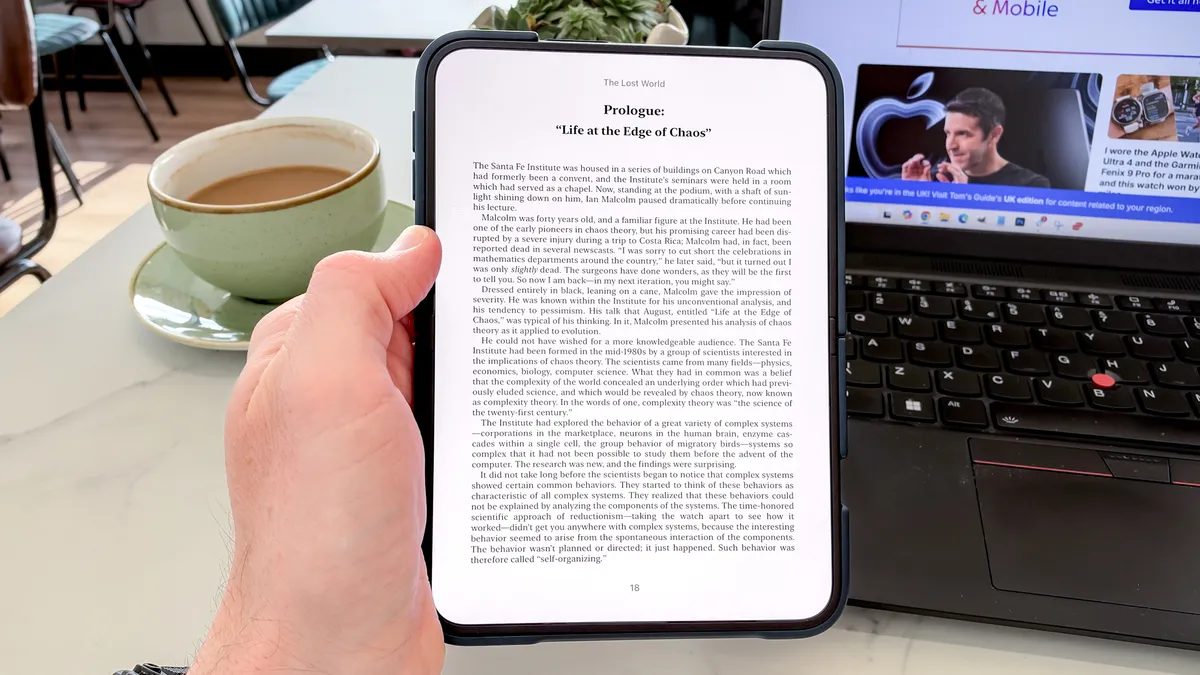
This one is a bit of a sliding scale, depending on the size, but I usually have a paperback with me for the commute. My colleagues Nick and Anthony both recommend the Xteink X4 e-reader as a more portable option, but the Duo nails this use case completely.
Apple Books is a joy to use on the nano-texture display, and the page-turning animation is both smooth and satisfying. You can even set up a Duo-specific shortcut that opens Books automatically when you unfold to minimize distractions and get straight to reading time.
The Glossy Magazine
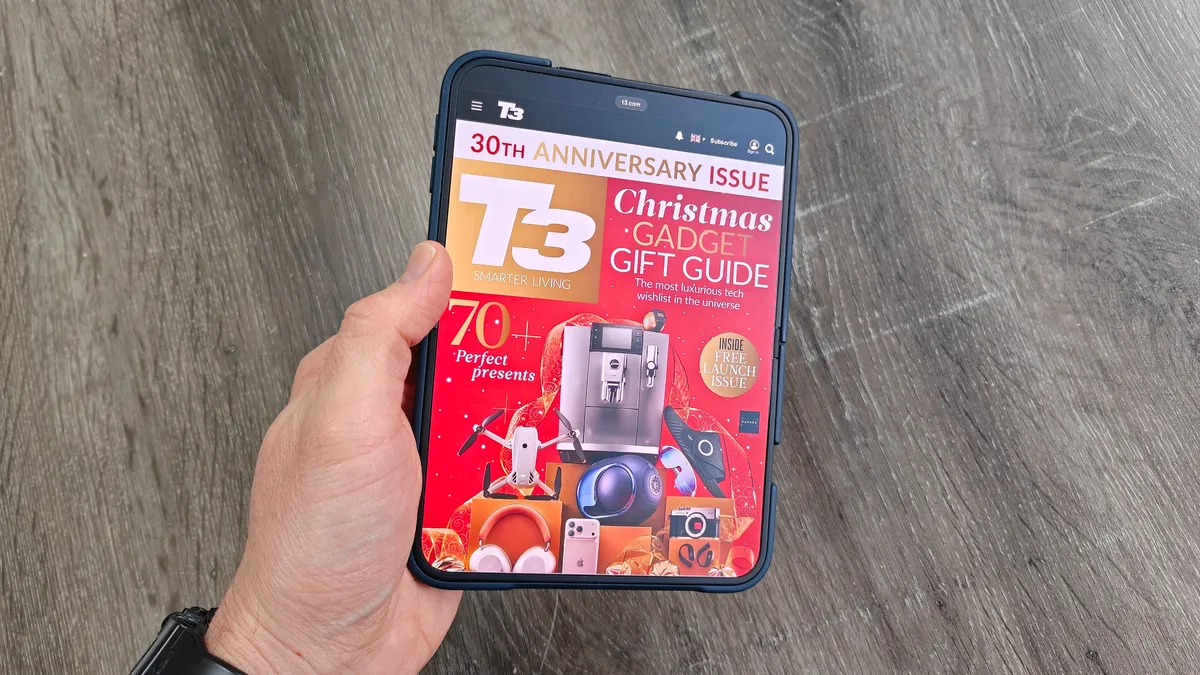
Even with the Duo in my pocket, I likely won’t give up paperback books altogether. Magazines are a different story, though. On the Duo, you can appreciate the visual element of a magazine and still pinch to zoom in to make that text a little easier to read. You can also screenshot and annotate certain parts to read later — great for a recipe or workout.
I’m a huge fan of magazines (Future Publishing, Tom’s Guide’s parent company, produces dozens of beautiful magazines every month), and being able to fold literally dozens away in my pocket is a trick I’ll never stop appreciating.
The Small Tablet
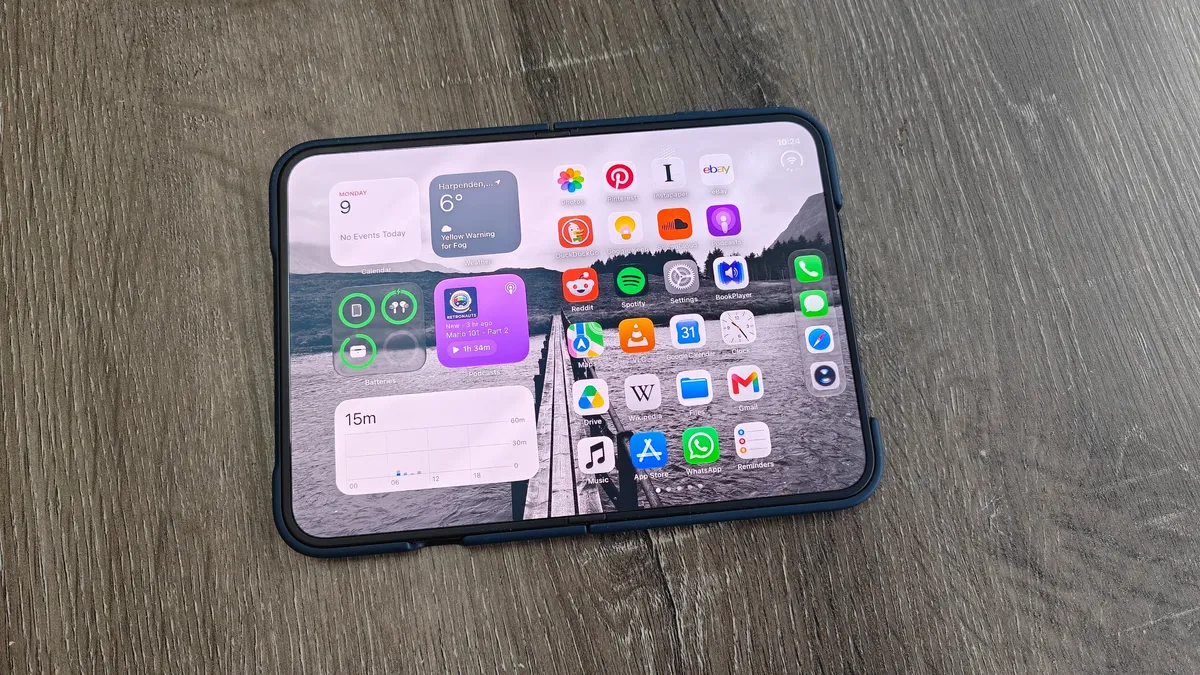
This is probably a bit obvious, but given the points above and the entire sentiment of this article, I’ve always liked smaller tablets. They sit right in that sweet spot between the laptop and the smartphone to give you a more immersive experience for reading and watching without taking up valuable bag space. I’ve had the Xiaomi Pad Mini for about a year and, after seeing the pricing for the new iPad mini 8, I’ll likely be using it a bit longer.
Except for the fact that the iPhone Duo completely overshadows small tablets for me. Since Apple’s folding phone arrived in my hands, it really has become the iPad mini alternative I’ve always wanted.
Bottom Line
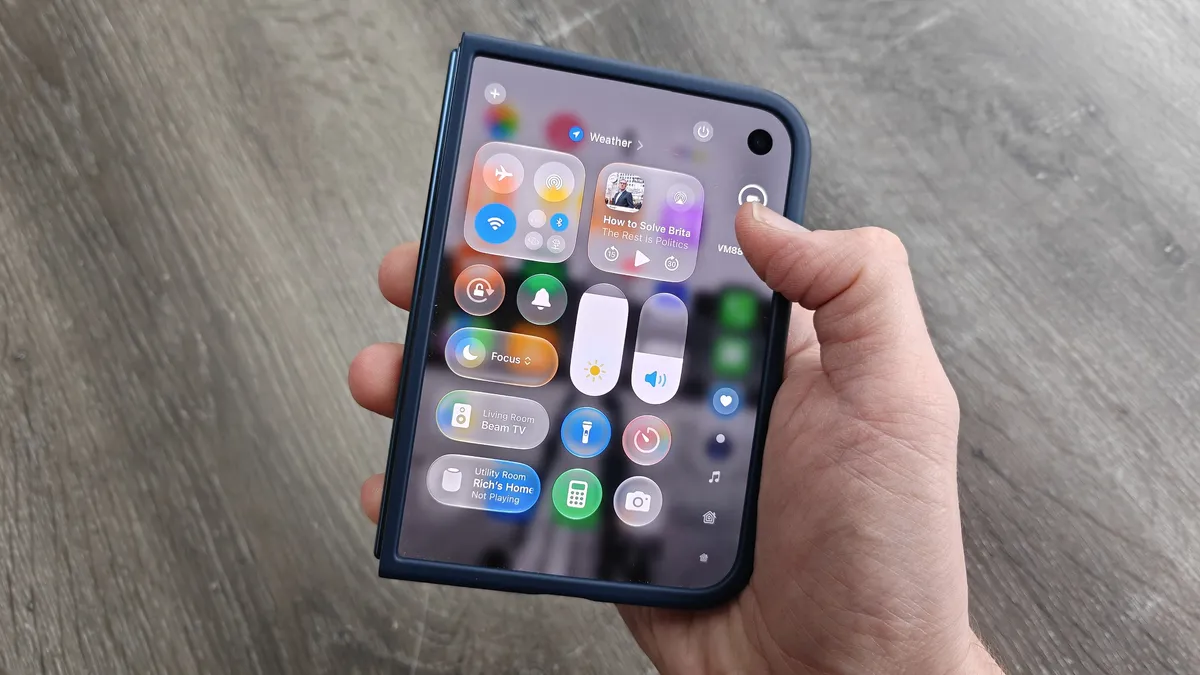
The iPhone Duo isn’t the first foldable I’ve used with regularity, but it’s the first one that genuinely feels like it can replace the dedicated devices I’ve used for years. Power and durability are one thing, but Apple’s decision to implement the matte, nano-texture coating on the interior screen is another big reason why — it’s honestly a game-changer for reading and writing. And there could have been a few other items on this list, like a bedside alarm clock or a camera tripod, without too much trouble.
What blows my mind is that, right now, the iPhone Duo is the worst it’s ever going to be. Apple will refine and improve the product with future iterations at the same time as developers optimize their apps (and bring out new ones) to let you use the Duo for even more tasks. No hydraulic press necessary.

Follow Tom's Guide on Google News and add us as a preferred source to get our up-to-date news, analysis, and reviews in your feeds.
More from Tom's Guide
- iPhone 20 could roll the Action Button and Camera Control into a single button — and I'm very excited to see if that actually happens
- $2,000 for black bars — these are the worst iPhone Duo apps that haven’t been optimized (and many are from Google)
- I’ve spent months testing the iPhone 18 Pro Max, Galaxy S26 Ultra, and Pixel 11 Pro XL — here's the flagship I recommend