




WWDC 2026 is just days away, and that means we're about to get our first glimpse at all the other software Apple has lined up for its growing device line-up — including iOS 27. The update will be rolling out to compatible iPhones later this year, and what we've heard so far suggests that this could be one of the most exciting iOS updates so far.
This could be the year that Apple finally starts catching up to its rivals in the AI race, thanks to the perpetually delayed and long-awaited Siri upgrade. The Gemini-powered AI is shaping up to be the star of the whole conference, but that's not the only upgrade we're expecting when Apple's next mobile OS starts rolling out.
Here are 11 of the biggest upgrades we expect to see with iOS 27.
Gemini-powered Siri

The biggest news for iOS 27 is that this should be the update that finally brings the new AI-powered Siri to iPhones. Originally announced back in 2024, this upgrade has been delayed multiple times and proved to be too much for Apple to handle solo in a short period of time. So it's partnered with Google, which has supplied Gemini models to power the new Siri experience.
The new Siri is expected to come with all the features you'd expect from a true AI chatbot. This includes conversational abilities, improved natural language skills, contextual awareness and an optional history feature that lets it learn about you and offer more personalized responses.
Other upgrades of note include a dedicated Siri app, with chat histories and other settings, as well as a "write with Siri" and "Ask Siri" features that work across all Apple operating systems. A new web search feature powered by Perplexity AI is also said to be included. That means Siri can search the web for you, and won't have to divert your answers to the likes of Gemini or ChatGPT.
However, the new Siri may be officially marketed as beta or preview software, suggesting that things won't be 100% complete by the time iOS 27 launches in the fall.
Choose your own AI with Extensions

Back when Apple Intelligence launched, Apple offloaded some of the more serious features to ChatGPT. This gave OpenAI's chatbot native support within iOS, letting it access various AI features like Writing Tools and Image Playground, as well as letting users control ChatGPT through Siri. iOS 27 is set to open this up to other third-party chatbots instead.
This new feature is called Extensions, and will allow other chatbots to be installed from the App Store and linked into Apple's native AI tools. Apparently, testing has involved both Claude and Google Gemini, but it sounds like Apple won't be locking out other AI chatbots. Whether it's Alexa, Meta AI, Copilot, Grok or whatever other model you prefer.
This is all separate from the deal Apple made to power Siri with Gemini models, though. Instead of simply utilizing Google models to power an AI, Extension will let you converse with Gemini (and other AIs) directly.
More AI photo editing tools

As far as I can remember, photo editing tools were among the first features to openly advertise their AI credentials on Android, but iPhones always felt like they were a little bit behind. iOS 27 could help turn that around, with a major upgrade to its suite of photo editing tools.
This update will include features called Extend, Enhance and Reframe. Enhance is fairly self-explanatory, while Extend will use AI to add additional image content beyond the boundaries of the original frame. Reframe is specifically designed for spatial photos, and will let users adjust the perspective of the image long after it was taken.
According to Bloomberg, Apple is also testing prompt-based photo editing, similar to that found on Pixel and Samsung Galaxy phones. This would let you use voice or text prompts to ask for specific edits, rather than having to find and use specific tools yourself. However, this may not be ready for the first iteration of iOS 27, and may arrive later.
Apple Wallet passes
Digital wallets are a great way to lessen your reliance, or even completely ditch, a physical wallet or purse. Of course, that becomes a lot harder if you need to carry around physical cards and passes that don't support Apple Wallet. Fortunately, iOS 27 should be about to change that with a feature that may let you digitize physical passes and store digital ones on your phone.
This is a feature Google and Samsung Wallet have both had for a while, so Apple is definitely behind the curve. But it's better late than never, and that means iOS 27 should give users the ability to convert things like membership cards, event tickets, gift cards and all the other scannable things you may need to carry that Apple Wallet doesn't natively support already.
Bill Splitting

There's no shortage of apps and services that can split bills and generate payment requests so everyone can cover their portion. Apple Wallet updates in iOS 27 could see Apple try and push those apps out of business, by offering a native option that connects to both Wallet and Apple Pay.
The feature will reportedly have the ability to scan receipts and assign different bill items to different people. The system will then tally up totals for each person involved and generate payment requests with Apple Cash. That way, fellow iPhone and Apple Watch users can approve those payments right away and ensure their dinner debts are paid in full.
Apple Health Plus
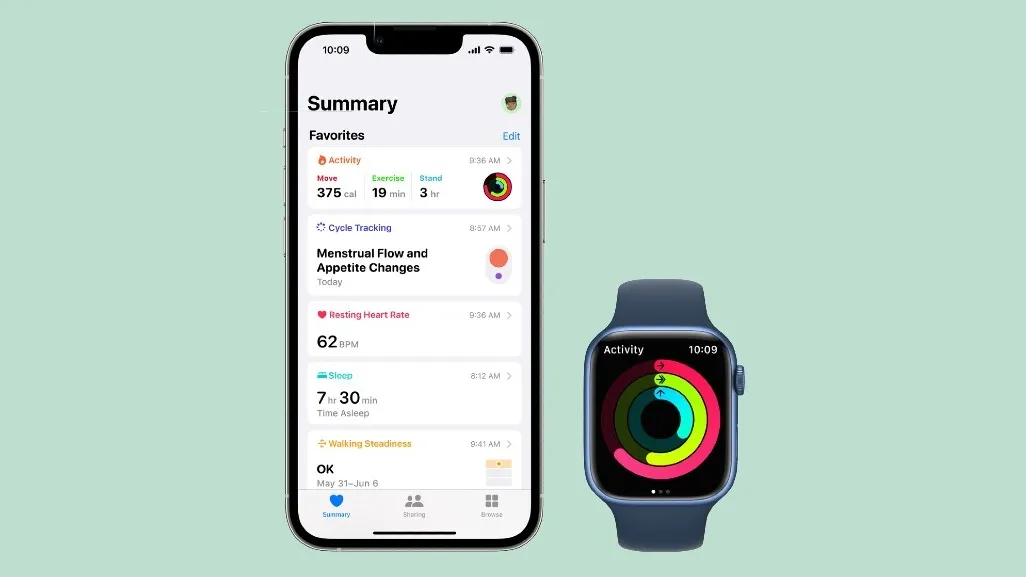
Another big addition reportedly coming to iOS 27 is the new Apple Health Plus service, which combines health and fitness with AI personalization. Originally, rumors suggested that this would be some kind of AI doctor, but apparently, this won't be the case anymore. Likely because Apple didn't want to have to deal with the legal intricacies associated with medical advice.
Instead, the idea is said to have had some elements "repurposed and introduced" with iOS 27. How much remains isn't clear, but the chances are this AI will monitor the health data that's collected by Apple devices — including Apple Watch. This will presumably lead to personalized recommendations on how to maintain a healthier and fitter lifestyle, either in terms of workouts or by alerting you to possible medical problems before they get serious.
Though I suspect it will fall short of making actual recommendations, and instead push you to visit a human doctor.
Improvements to Shortcuts
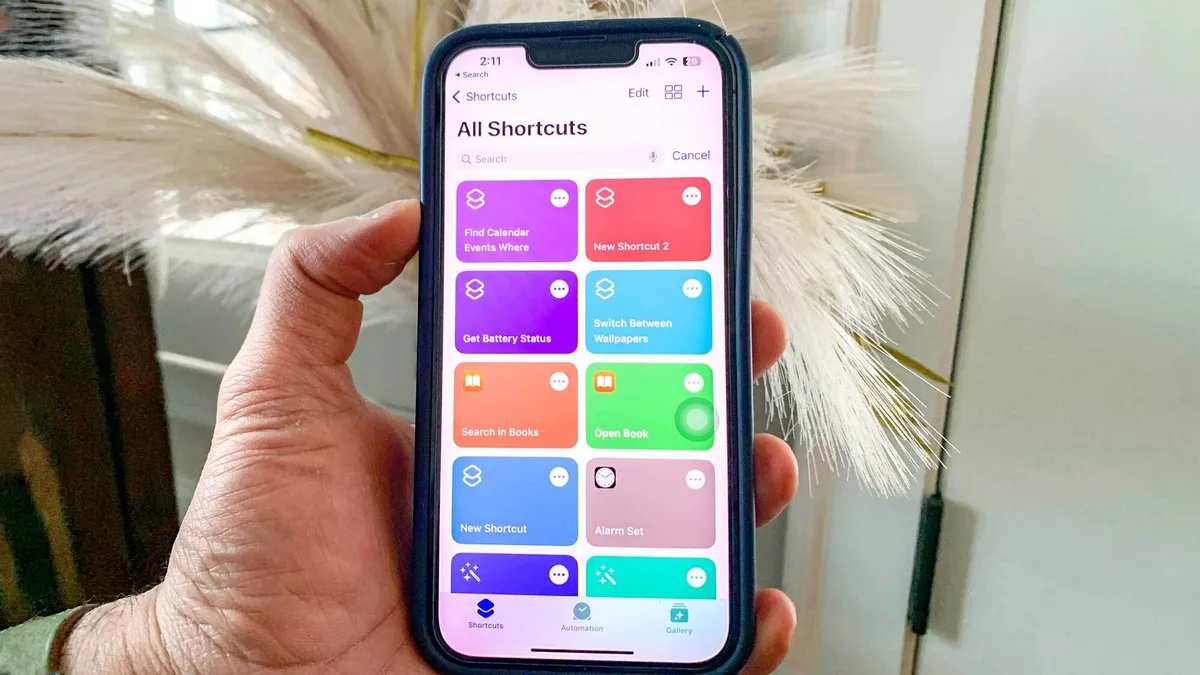
Shortcuts have been available on iOS for a few years, and are an excellent way to automate regular tasks to save you some time and energy. The downside is that the process is not very user-friendly, and unless you know exactly what you're doing, it can be rather intimidating.
iOS 27 is set to introduce much-needed improvements, with help from Apple Intelligence. Rather than configuring a shortcut all by yourself, this update will apparently let you tell your phone to do all the hard work for you. All you'll need to do is offer a short prompt describing exactly what you need to get done.
Professional camera features

There's no shortage of professional camera apps on the App Store, but all the good ones either cost money to download or rely on paid subscriptions. That could change with iOS 27, with reports claiming that the Apple camera app will add some more professional-style features.
Part of this change will apparently involve the ability to tweak extra camera settings, such as depth-of-field or exposure. These sorts of settings can be altered on certain Android phones and standalone cameras, so it's good to see that they're finally coming to the official iPhone app.
Similarly, Apple is apparently offering the ability to customize the app's interface to make it easier to find certain settings and modes. That includes the ability to add certain features to the camera widget bar.
AirPlay alternatives (EU only)
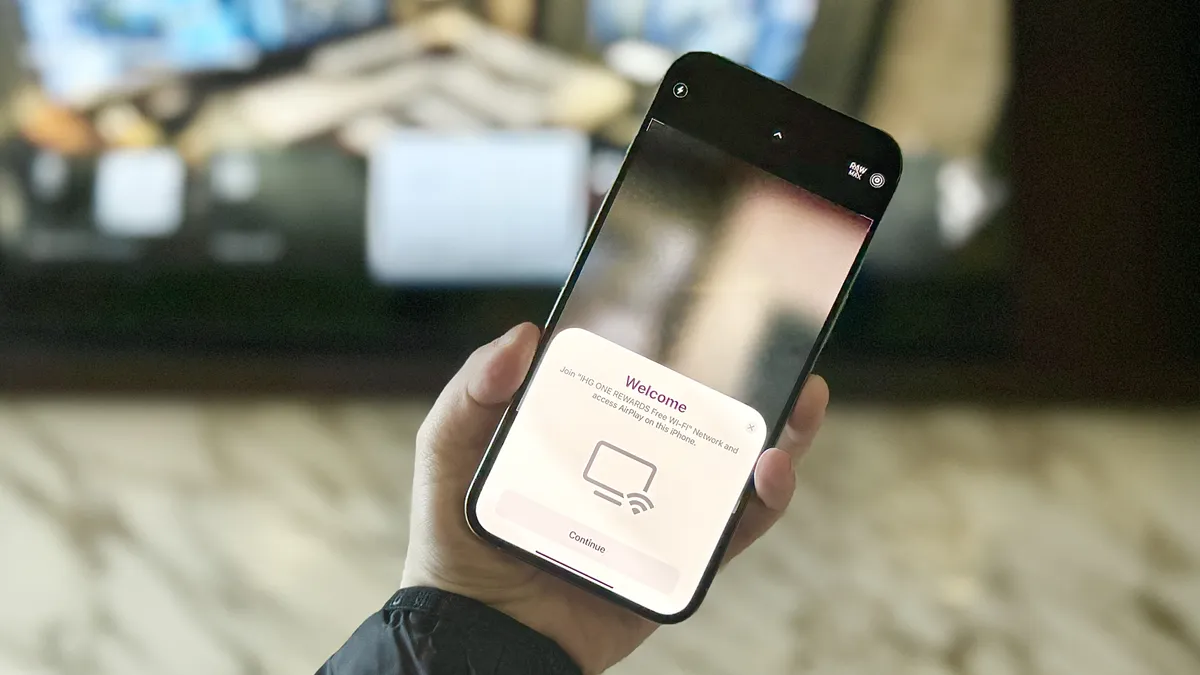
This update may only apply to users in the EU, because it hinges on Apple complying with the Digital Markets Act. But those new rules could see Apple AirPlay's monopoly over video casting crumble. Meaning that other casting protocols, like Google Cast, could get native support as part of the iOS 27 update.
Obviously, it's going to take time for developers to take advantage of those new rules, especially if it's only available in the EU. So while we don't know how long it will take for AirPlay alternatives to get their due, it might still happen in the near future. I just hope it doesn't stay exclusive to the EU for long.
Liquid Glass customization slider

Liquid Glass might be controversial among some groups, but it's not going anywhere anytime soon. However, iOS 27 is expected to give you some more power over how Liquid Glass looks, beyond the basic "clear" and "opaque" options that were made available in iOS 26's accessibility menu.
iOS 27 will apparently offer a slider that lets you fine-tune the Liquid Glass effects across your entire system. This was originally intended for iOS 26, but it seems Apple was struggling with the technical challenges of applying the slider to the entire system — and could only get it to work on the home screen clock. Which isn't exactly the most useful place to have customizable transparency.
Reports suggest this will be applied to app folders, home screen elements, navigation bars and other areas of the software.
iPhone Fold optimization
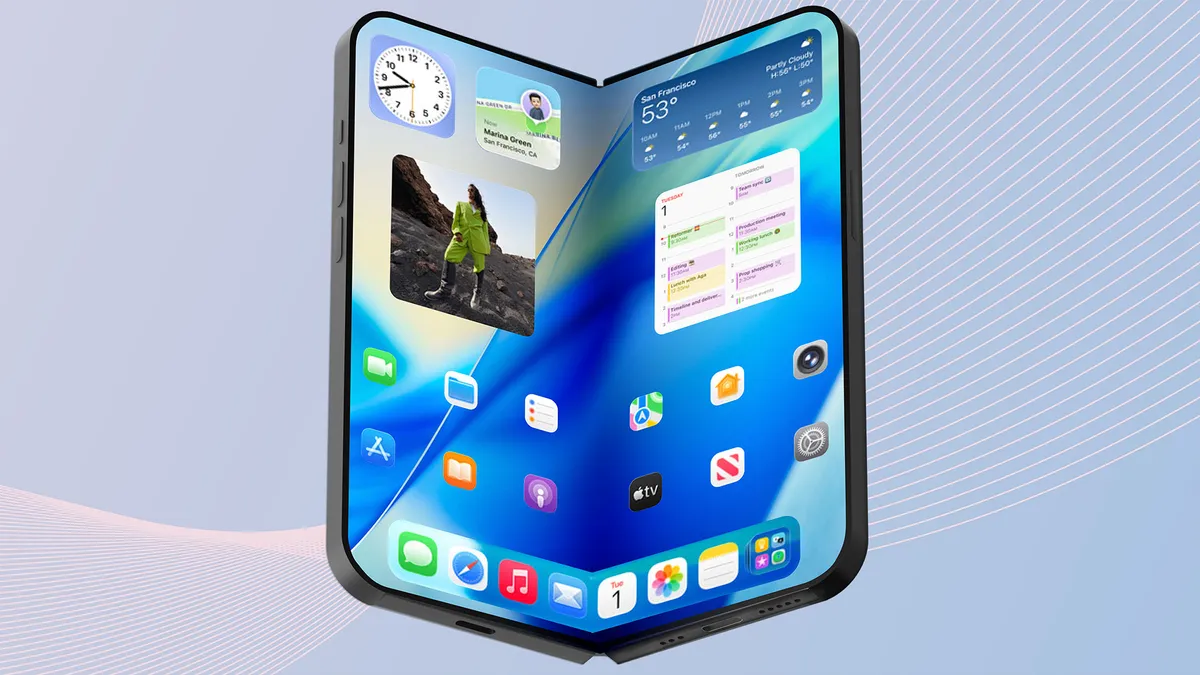
We are not expecting Apple to reveal any details about the upcoming iPhone Fold (or iPhone Ultra), but that doesn't mean the foldable's presence won't be felt in iOS 27. Since this is the very first foldable Apple has ever produced, the company is going to have to ensure iOS 27 can adapt to the Fold's unique design.
Specifically, the fact that the phone will feature two screens of wildly different sizes. iOS 27 will need to be able to transition between the 5.3-inch cover display and 7.8-inch folding display pretty seamlessly — either shrinking or expanding what's happening, depending on the context. iOS is also going to need to adapt to a different aspect ratio, since the screens are expected to be shorter and wider than traditional iPhones. Not to mention the fact that it's going to need iPadOS-esque multitasking support.
We don't expect Apple to directly highlight these changes before the iPhone Fold is revealed in September. However, eagle-eyed nerds may be able to spot a few hints on stage during the keynote, and even more after the iOS 27 beta releases later this month.

Follow Tom's Guide on Google News and add us as a preferred source to get our up-to-date news, analysis, and reviews in your feeds. Subscribe to Tom's Guide on YouTube and follow us on TikTok. Finally, you can visit our dedicated Tom's Guide Savings Squad hub for expert help on getting the best products for less.
More from Tom's Guide

