



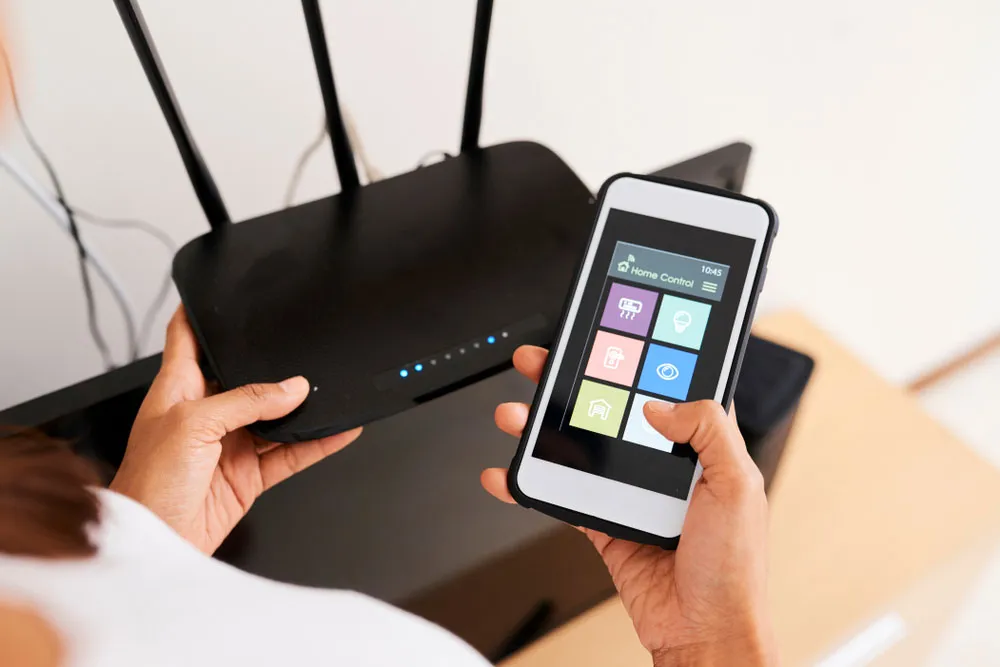
As summer temperatures soar, we aren’t the only ones suffering — your best smart home devices are feeling the heat, too.
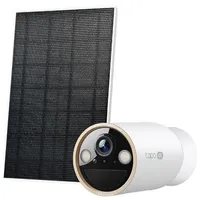
This is especially the case when they are exposed to extreme temperatures for long periods of time. While many assume it’s just our door/security cameras affected, you’d be mistaken.
According to a tech expert, many of our common smart home gadgets are prone to overheating in the summer.
From smart hubs, plugs, and indoor cameras, these can all affect their overall performance, and you might even notice things are running significantly slower or not at all!
Luckily, there are a few simple things we can do to minimize the risk of overheating and get the most out of our smart home gadgets this summer.
1. Keep smart devices out of direct sunlight

If any of your devices are placed near windows, be sure to move them out of direct sunlight.
“Devices placed near windows or in direct sunlight are most at risk, as glass can intensify heat significantly indoors,” advises Michael Fernandes, tech expert at Tapo.
“Similarly, hubs and plugs positioned in warm spots, like near radiators or in the kitchen, can struggle in the summer months even without direct sun.”
In addition, use window treatments such as blinds/curtains during peak sunlight to reduce excessive heat and maintain a cooler space.
2. Make sure you have adequate ventilation
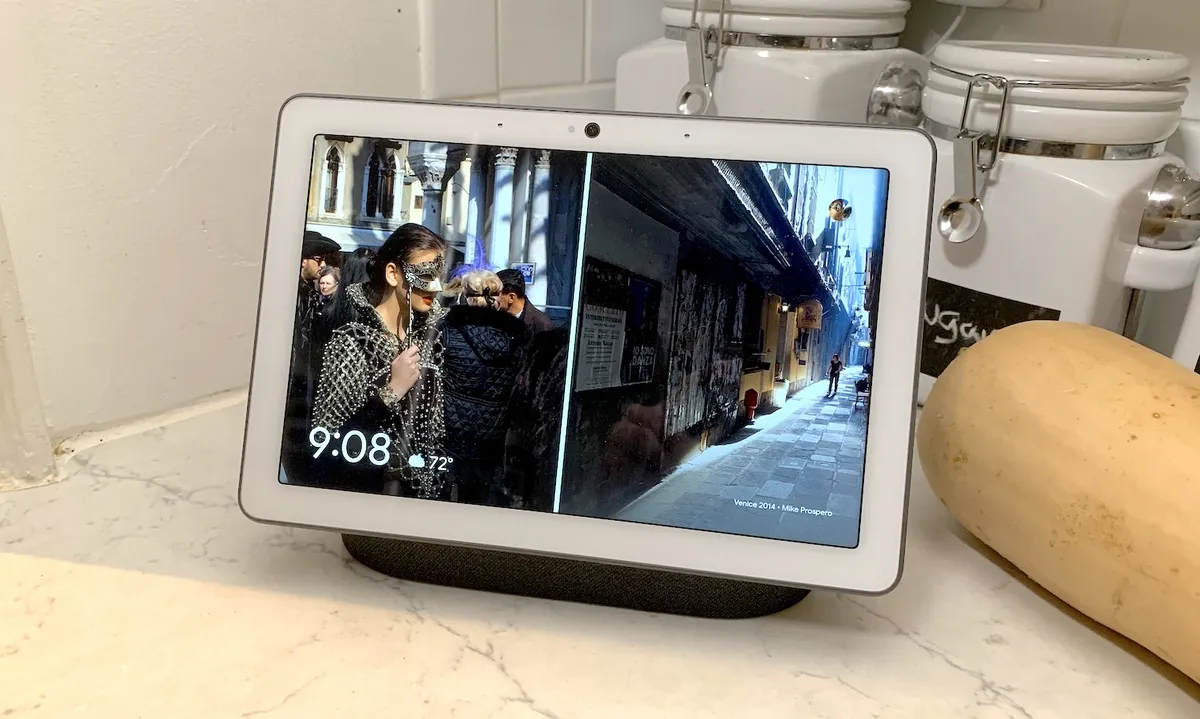
Another top tip is to avoid tucking your tech into cramped or small spaces — without proper airflow, heat builds up quickly as it has nowhere to ventilate and spread.
What’s more, this will likely cause your smart device to overheat quickly and start to malfunction.
“When a device overheats, you might notice reduced performance like running slower, disconnecting from Wi-Fi, or restarting unexpectedly,” adds Fernandes. “As well as affecting performance, heat can also accelerate battery degradation and can shorten their overall lifespan.”
For more top tips, be sure to check out these 6 easy ways to create a smart home.
3. Always switch off and unplug when not in use

While it’s quite common for us to leave our electronic devices on Standby, you should always switch them off and unplug during a heatwave.
Not only will this prevent overheating, but it can also preserve battery life as it puts less strain on the device.
“Smart home devices are built to handle a reasonable range of temperatures, but a little extra care during a heatwave, like keeping devices shaded and in well-ventilated spaces, can help reduce the risk of performance issues and support their long-term reliability,” adds Fernandez.
“We also recommend checking the specified operating-temperature range for your particular device.”
So if you want to ensure your smart gadgets are on top form during the summer heatwave, follow these 3 expert steps right now.

Follow Tom's Guide on Google News and add us as a preferred source to get our up-to-date news, analysis, and reviews in your feeds. Alternatively, you can read our content on the Tom's Guide app available now for iOS and Android. Subscribe to Tom's Guide on YouTube and follow us on TikTok. Finally, you can visit our dedicated Tom's Guide Savings Squad hub for expert help on getting the best products for less.
More from Tom's Guide

