



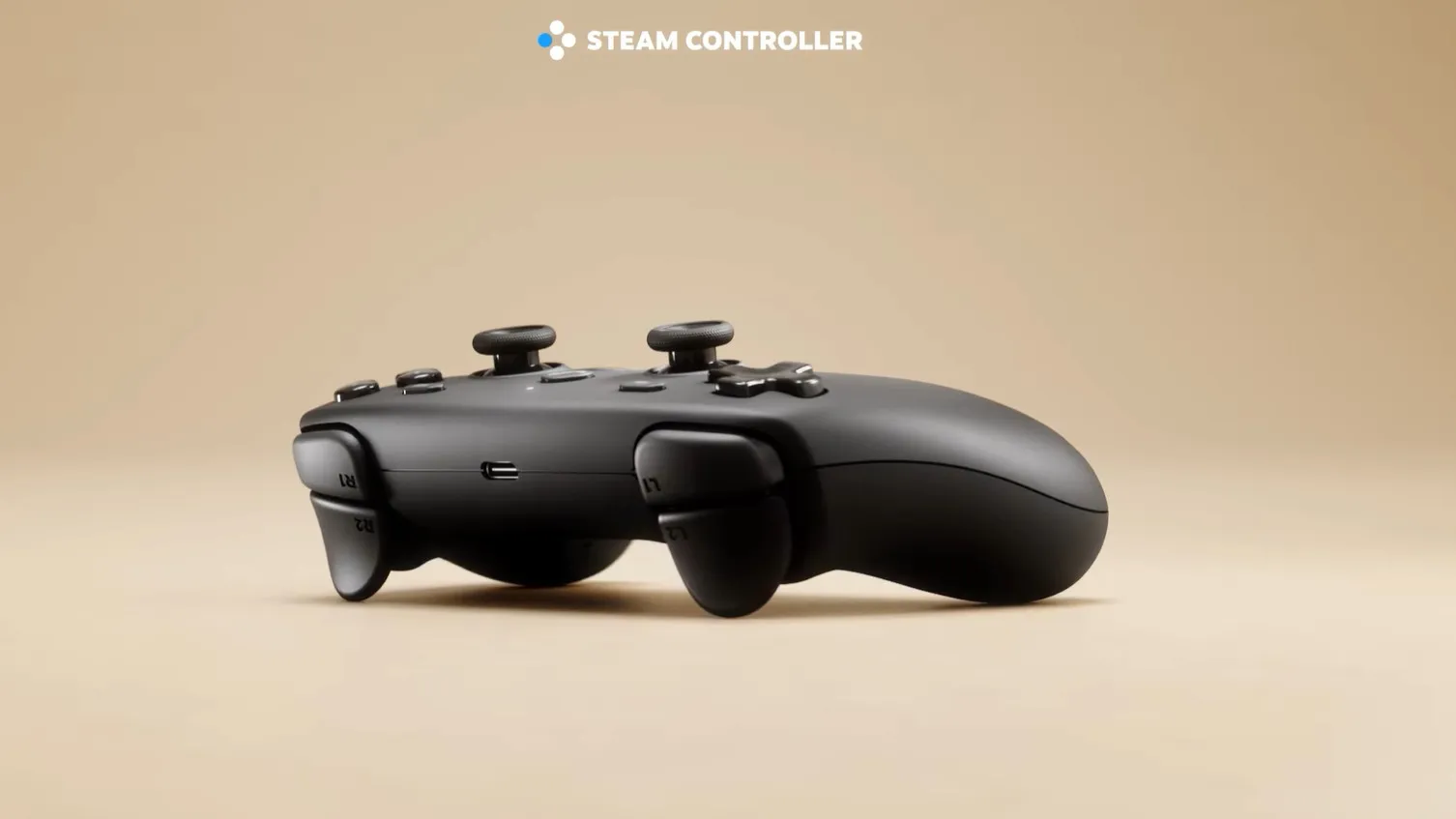
The Steam Controller is almost here, and I couldn’t be more excited. The first wave of Steam Controller reviews began circulating today (May 27), and they’re almost universally positive. I was already on board when Valve announced the controller and the Steam Machine, but after reading some reviews, I’m even more eager to get hands-on with this peripheral.
This isn’t the same Steam Controller from 11 years ago. It features a brand-new, more ergonomic design. Standout features include TMR thumbsticks, large touchpads, and a unique USB dongle that also serves as a charger. Though the controller looks large and unwieldy, reviewers say it feels extremely comfortable.
I’ll have a full review once I’ve had some hands-on time with the Steam Controller. For now, here are the three main reasons I’m excited to try it.
TMR thumbsticks
Hall Effect magnetic sticks and buttons have been all the rage for gaming controllers in recent years, but Valve has taken the next step by using more advanced TMR technology. In short, these sticks should be even less prone to stick drift because they use magnetic sensing with no physical contact, unlike traditional analog sticks. This should, in theory, keep the sticks performing like new for many years.
The Scuf Valor Pro controller I reviewed also features TMR sticks, which I find extremely smooth and responsive. Given that the Steam Controller uses the same technology, I’m expecting a similar experience. Thankfully, virtually all reviews I’ve seen say the sticks are great to use and extremely responsive.
I’ll need to test the controller’s thumbsticks for myself to see if they’re up to snuff, but I have faith they’ll be as great as I imagine. This alone could make the relatively steep $99 asking price more than worth it—but there are other features I’m excited about as well.
Customization
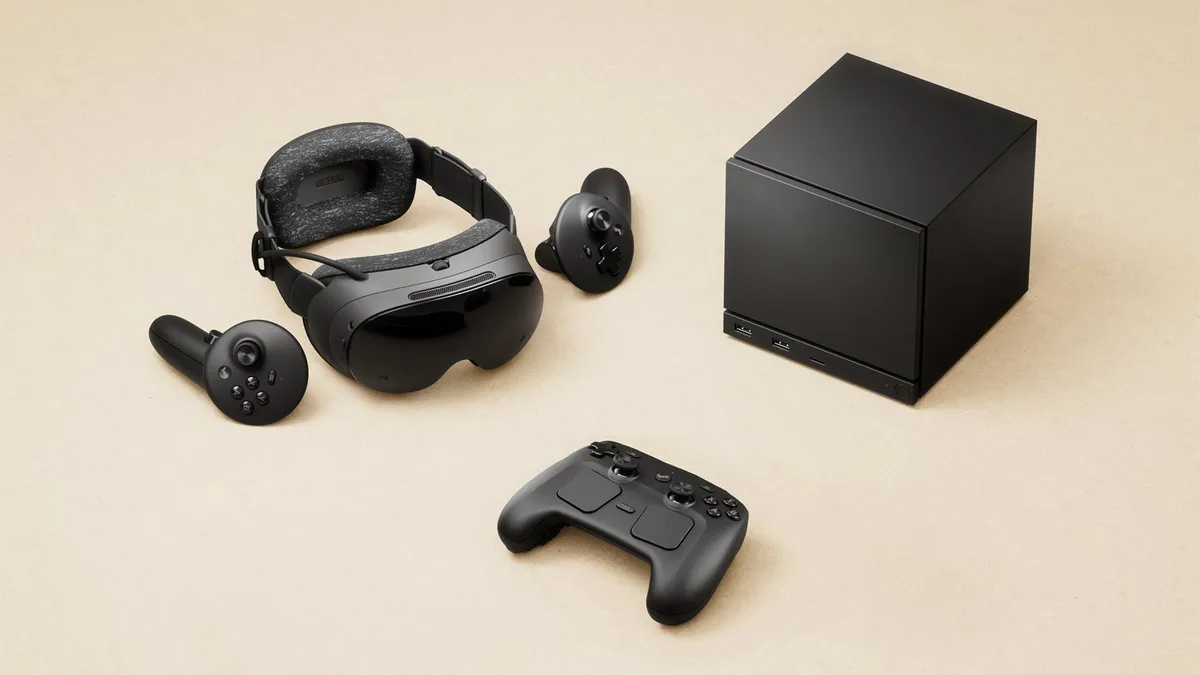
Since it’s designed for PC gaming, the Steam Controller is highly customizable and reprogrammable, so you can adjust it for whatever game you’re playing.
You can remap every digital control to virtually any PC input, such as keystrokes, gamepad buttons, mouse clicks, or more. Reviewers say that sensitivities for analog sticks, triggers, touchpads, and gyro are also adjustable. For instance, triggers support separate actions for half-pull and full-pull, allowing for more in-game actions.
Some reviewers say that programming the controller can be daunting because there are so many customization options. Given the numerous inputs, I’m inclined to believe this.
I’m eager to dive into the Steam software configurator to explore all the customization options. If said options are as robust as reviewers claim, it’s understandable why so many of them now consider this the perfect PC gaming controller.
Battery life and charging
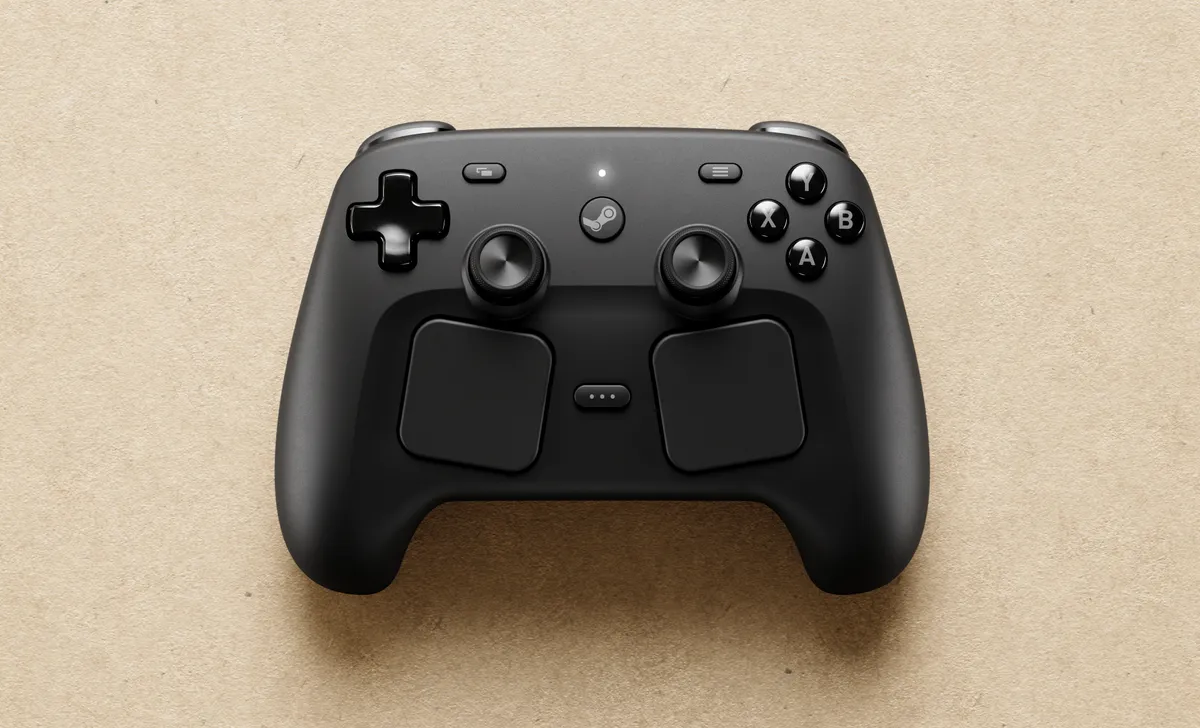
Valve claims the Steam Controller can last 35+ hours on a single charge. Reviewers who tested the controller said this claim isn’t just boasting, as none of them had the controller run out of power even during extended sessions. Considering how the PS5 DualSense lasts eight hours if you’re lucky, over 35 hours of endurance would be incredible.
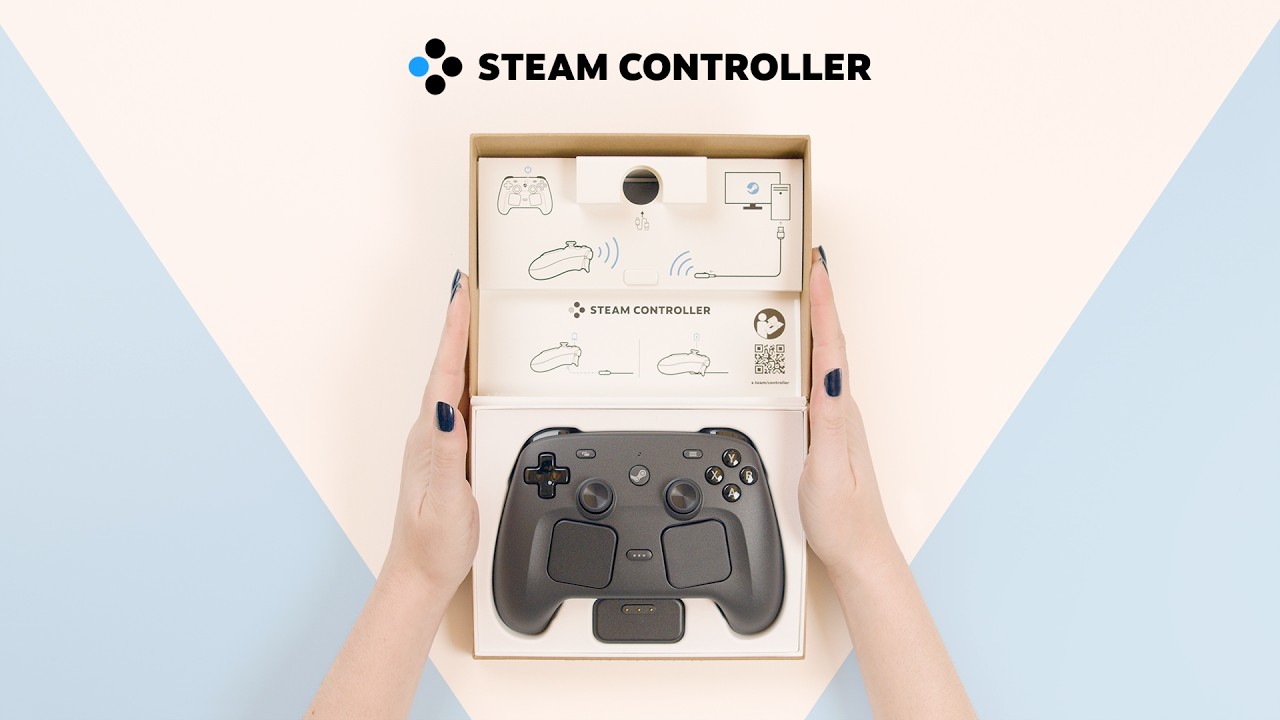
Charging the controller is interesting because it’s done via the included “Steam Controller Puck.” This is a small 2.4GHz USB dongle that doubles as a magnetic charging dock and snaps onto pins on the back of the controller. The puck connects to your PC or Steam Deck via a 5-foot USB cable. Before you ask, the cable connects to the puck via a USB-C port, in case you want to use a different length cable. Additionally, there’s a standard USB-C port on top of the controller if you want to charge it that way.
The only concern I have is that the puck reportedly connects only one way and can be finicky on some desks. Bluetooth is supported as a backup, but it’s not recommended for the best performance, as Gizmodo notes. This, like everything else, is something I’ll need to experience firsthand to see how it works.
Outlook
With most reviewers saying the Steam Controller is now their preferred way to play PC games, I’m very stoked to try it for myself. The original Steam Controller was unconventional and polarizing, so it’s good to see the company release a controller that has received so much universal praise.
Stay tuned for more updates on the Steam Controller, and let us know in the comments if this is a peripheral you’re interested in.

Follow Tom's Guide on Google News and add us as a preferred source to get our up-to-date news, analysis, and reviews in your feeds. Subscribe to Tom's Guide on YouTube and follow us on TikTok.
More from Tom's Guide

