




This week, Google is rolling out a set of new Gemini features for Google TV to help you get more information on topics that interest you. The features include "richer visuals", a "deep dive" button, and sports briefs.
Each feature gives you more detail or information on the topics you prompt Gemini about. Here's how they work:
Visual help
The first feature is a broader improvement of Gemini for Google TV. Now, when you search for things like a recipe or sports scores, it will pull up relevant videos, visuals and text elements to help you.
In the case of sports, for example, you'll get a live scoreboard and know where to watch the game. Gemini can also pull up a recap if needed. If you're cooking, it can pull up recipe tutorial videos and recommendations.
Deep Dives
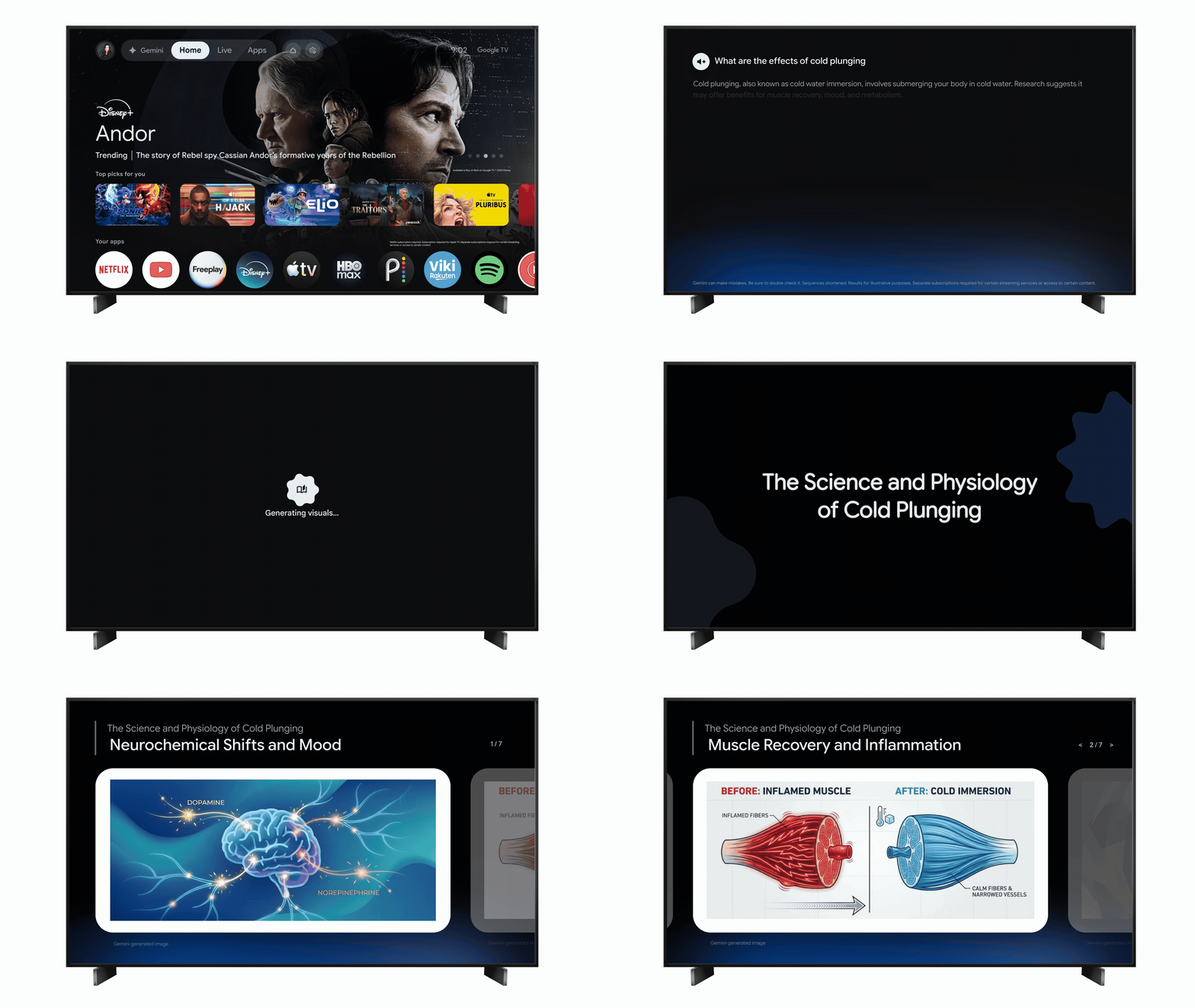
You can now take in PowerPoint lectures on your Google TV with Gemini. Using Gemini, you can ask the AI model to "Dive Deeper" on a topic or go to the Gemini tab and select "Learn."
Doing so creates visual breakdowns on a number of topics from health & wellness to technology and economics. As you go through the "interactive walkthrough," it will provide follow-up questions you can explore for more information.
In the example shown in the GIF above, you could look up the "science of cold plunging". Gemini provides infographics and links to relevant YouTube videos and more throughout the walkthrough.
Timely sports briefs

Finally, Google TV already has news briefs that are designed to help you catch up on the news. That tab is now expanding to cover sports.
It will provide "timely, narrated overviews" of your favorite leagues, teams and players. The sports briefs will provide game summaries, player news and scores.
Google says that the new Gemini features are rolling out starting today (March 25). As with every Google rollout, that doesn't mean you'll immediately have access to them. Give it a day or two, and you should see the update hit your Google TV.
Your device does need to be Gemini-enabled, though Google promises broader device support arriving later this spring.

Follow Tom's Guide on Google News and add us as a preferred source to get our up-to-date news, analysis, and reviews in your feeds.
More from Tom's Guide

