



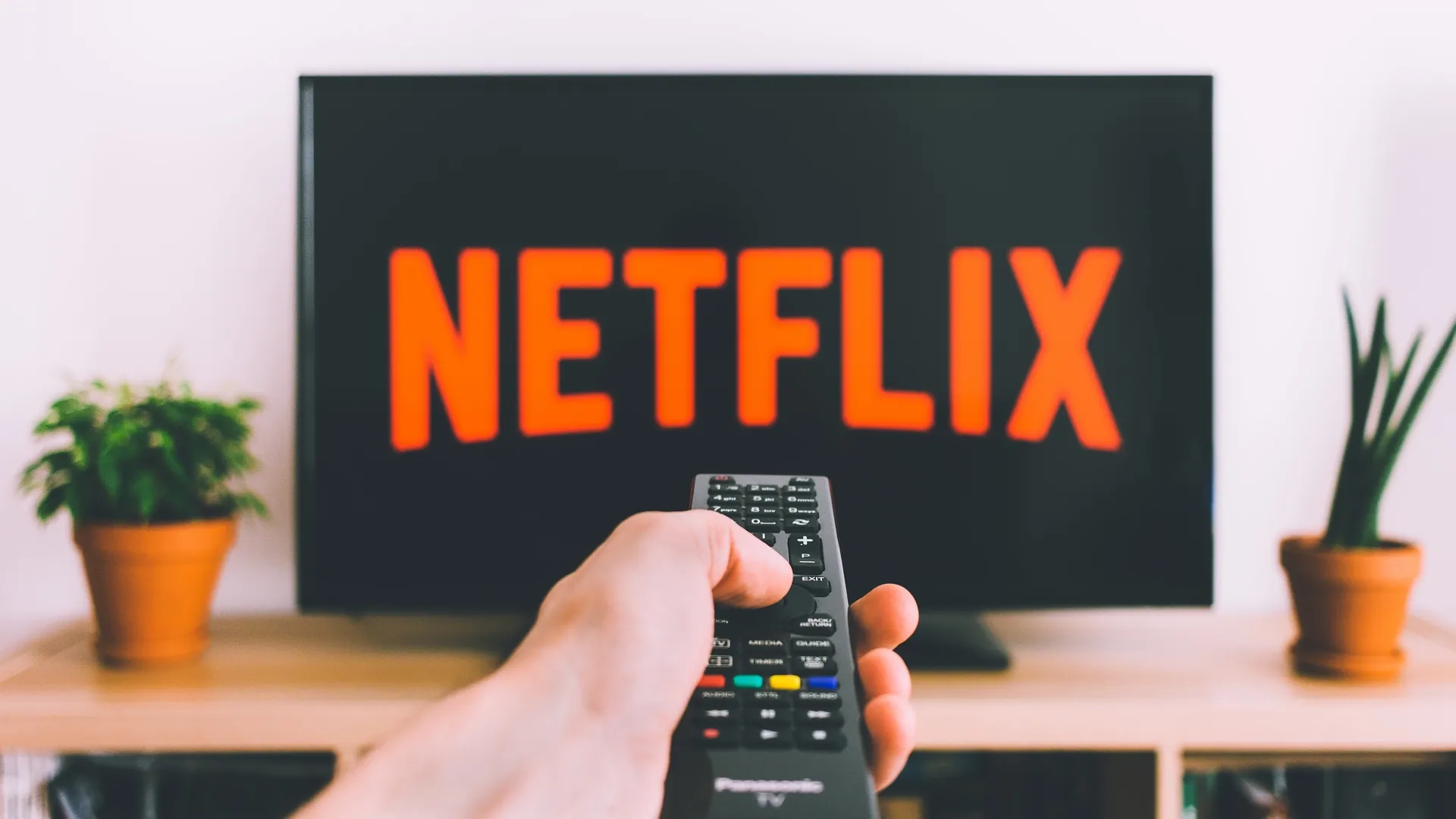
You have less than two weeks to enjoy the Netflix app on your PlayStation 3. Starting on March 2, the streamer is ending support for the long-running app on the nearly 20-year-old console. In addition, various smart TVs that are over 10 years old will be losing support for Netflix, as well as some older set-top boxes.
We haven't seen an official announcement from Netflix, but users on Reddit and X are posting that they're seeing a new message when they attempt to use the app on their PS3.
"Unfortunately, Netflix will no longer be available on this device after March 2, 2026. Visit netflix.com/compatibledevices to see a list of supported devices. (R40)," the message reads.
just tried booting up netflix on my PS3 and yeah it does infact give that message 3 pic.twitter.com/VcfQkj6bJVFebruary 3, 2026
Netflix and the PS3 go back to 2009, when you had to request a special Blu-ray disc to access the digital service due to an exclusivity deal the company had with Xbox for the 360. That deal expired in 2010 when the app finally became available. Over it's lifetime the PS3 sold more than 87 million consoles.
For a time, gaming consoles were the place to stream for streaming especially Netflix. The cheap price and the inclusion of Netflix sold more Wiis than the gimmicky controllers.
But TVs and streaming devices have become a lot smarter and more available since 2009.
As several Redditors have pointed out, the PS3 was one of the last ways to natively watch TVs and movies natively filmed in 4:3. Meaning you don't get the black bars on the sides of the image that you see on modern TVs.
That said, the PS3 doesn't support more current formats like Dolby Vision, HDR10+ or 4K streaming. It's also the last console from that generation to support the app. The Wii was discontinued a while ago, and since Microsoft shut down the 360 store, you can only use the app if you already had it downloaded on your Xbox 360.
Others said it was one of the few ways they could share Netflix with family since it had no location service and no ads.
Other devices losing Netflix
According to Flatpanels HD, smart TVs that are 10+ years old will be losing support for Netflix. This is because older smart TVs don't get the necessary OS upgrades to support newer versions of the Netflix app.k
In addition, Netflix will apparently stop working on various set-top boxes come March 4, 2026. This includes the BT TV Box (Z4) and BT TV Recordable Box (G4) made available from the UK broadcaster. Other older set-top boxes could be affected as well.
Back in 2025 we reported on first-generation Fire TV devices losing support for Netflix, which launched in 2014. So around 10 years seems to be the cutoff point.
Netflix device alternatives
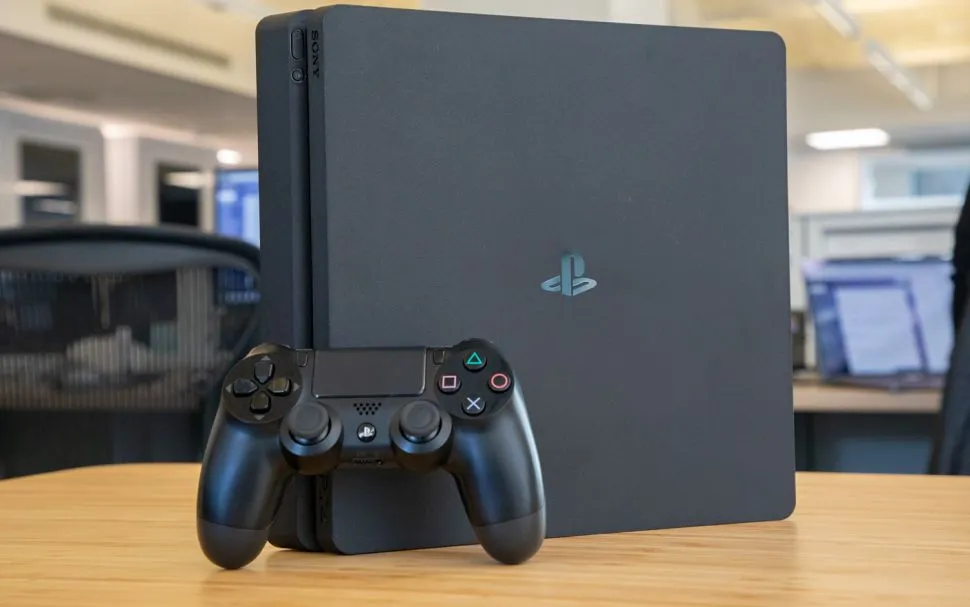
If you haven't upgraded from your PS3 you might want to explore some alternatives and they aren't all as expensive as buying one of the best TVs. Though even the best TVs under $500 have smart interfaces like Fire TV or the Roku smart TV platforms, which can access Netflix.
If you're like me and have a couple of "dumb" TVs still in use, the best streaming devices can be had for relatively cheap. Yes, the Google TV Streamer and Apple TV 4K will set you back at least $100 but I use the Roku Streaming Stick 4K, and it's only $40 and regularly goes on sale.
Additionally, the PS4, PS5 and Xbox Series S and X still offer Netflix support. Maybe Nintendo will finally add some streaming support for the Switch 2.

Follow Tom's Guide on Google News and add us as a preferred source to get our up-to-date news, analysis, and reviews in your feeds.
More from Tom's Guide
- Meta’s new digital afterlife patent is the most Black Mirror thing I’ve ever seen — I want to be remembered, not replicated
- Netflix just added a mind-bending psychological drama movie — and it’s a surreal ride full of strange twists
- Netflix has a Jason Statham movie in the top 10 — but his action-thriller on Prime Video is the one you should stream

