



An analysis of VPN accounts has revealed a number of VPNs allow you to sign up using insecure and easy-to-hack passwords.
At least seven VPNs we tested accept "password" and "12345678," but others have far stronger requirements. Having a minimum character limit, and using a mixture of letters, numbers, and symbols, are some of the rules users have to abide by.
When signing up for an account with one of the best VPNs – and any account for that matter – we recommend using complex, secure passwords.
The best password managers help you generate and store secure strong passwords, and leading VPNs, including NordVPN and ExpressVPN, include password managers in their plans.
VPNs are champions of digital privacy and online safety, so we'd expect them to follow strict rules when it comes to password creation. Some do, but others don't – and some big names failed our tests.
What did we test?
Apart from some notable exceptions, most VPNs require you to create an account to sign up for a subscription. This usually requires a username and password. It's important this password is as secure as possible, and we'd expect VPNs to champion password safety.
Tom's Guide tested 25 VPNs, creating accounts and entering passwords to see what rules each enforced. We asked:
- Did the VPN display password rules?
- If yes, how many rules does a VPN have?
- Are these rules enforced?
- Does the VPN allow you to have seriously unsafe passwords?
- Is 2-factor authentication (2FA) an option?
Our test passwords were:
- password
- 12345678
- 1234pass
- @1234567
We should stress that this analysis concerns user account security – the password you create to log in via app or website. We are not remarking on the security of VPN servers, and how well each VPN protects your data.
The worst offenders
We identified four VPNs which allowed insecure passwords and had no option for 2-factor authentication (2FA):
- FastestVPN
- Hotspot Shield
- OysterVPN
- ZoogVPN
FastestVPN didn't display any rules prior to entering a password. Once typing, it says passwords must be a minimum of eight characters. There were no other rules, and we entered all test passwords without issue. There was also no 2FA. This was the same for OysterVPN.
Hotspot Shield only had one rule – your password must be at least six characters long. All our test passwords could be used, and there was no 2FA.
ZoogVPN's one rule was minimum character length, and it wasn't visible up front. When we started typing, it said at least five characters were needed. We tried five, and it then said six were needed. This was the only rule, all our test passwords were accepted, and there's no 2FA.
Three VPNs accepted one or more of our test passwords, but did support 2FA. These were AirVPN, CactusVPN, and TorGuard.
AirVPN only required a minimum of three characters, accepted "password" and "12345678". CactusVPN allowed us to enter anything, even a single character. TorGuard only asked for a minimum of four characters. It blocked "password", but accepted "12345678" and others.
How did the best VPNs fare?
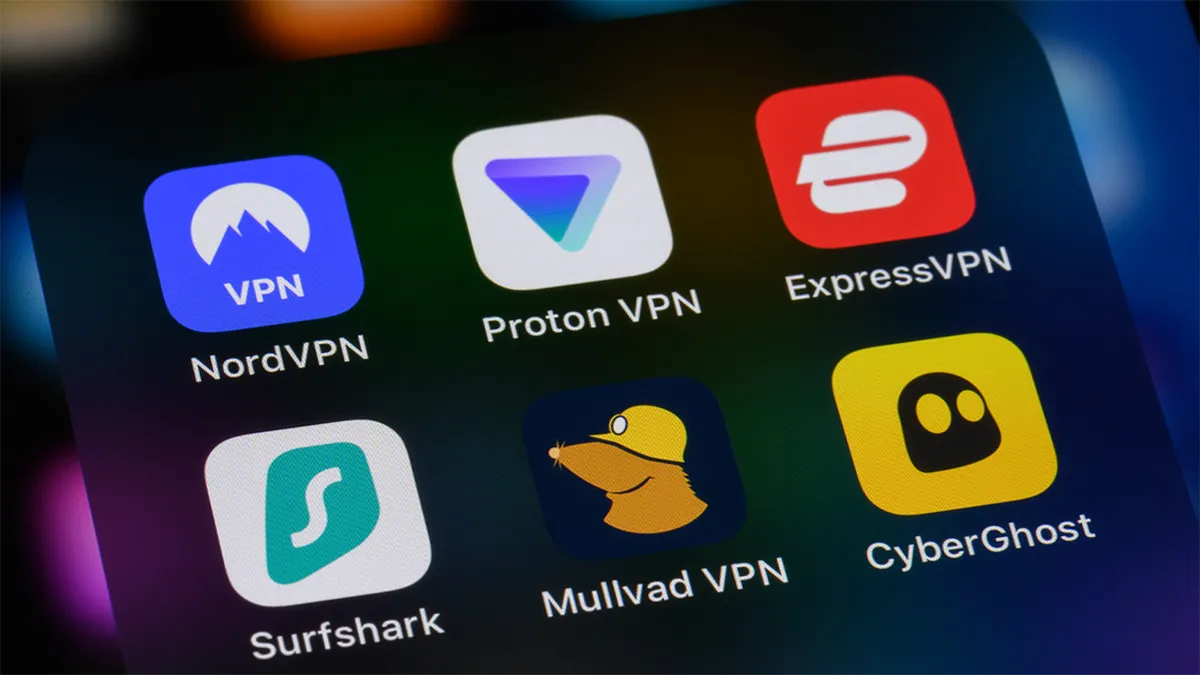
The five VPNs included in our best VPN guide were all analyzed:
- NordVPN
- Surfshark
- ExpressVPN
- Proton VPN
- Private Internet Access (PIA)
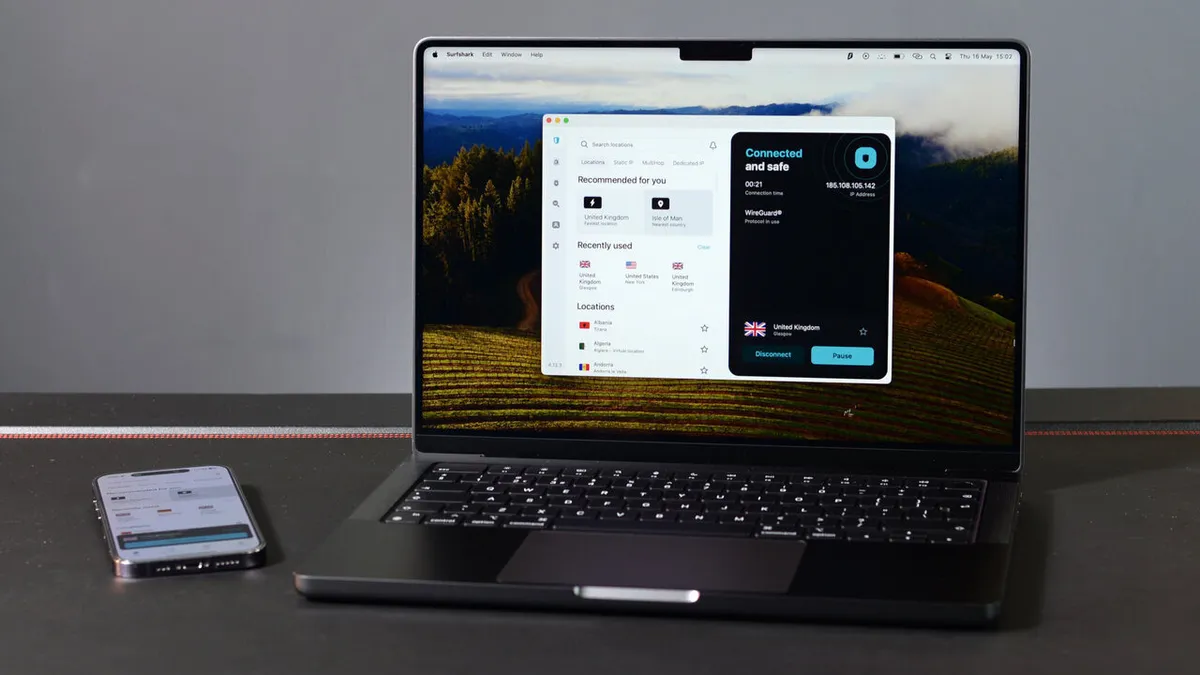
Surfshark was the most impressive VPN out of the five. It enforced six rules, with passwords requiring at least:
- 8 characters
- 1 uppercase letter
- 1 lowercase letter
- 1 number
- 1 symbol (e.g., ! @ # ?)
All our test passwords were blocked, clearly stating why. 2FA is supported for additional security.
Surfshark also completed a "non-breached password" check. This identifies any passwords that have been exposed online, and makes it difficult to enter common passwords with minimal changes.
For example, @Password1 follows the rules, but Surfshark doesn't allow it. Surfshark's results were impressive, and it clearly makes a considered effort to ensure its users' accounts are protected with stronger passwords.
NordVPN and PIA enforced standard password rules. A minimum of eight characters were needed for both, along with the inclusion of numbers, lowercase and uppercase letters. NordVPN also required a symbol to be included. Both VPNs support 2FA and each blocked our test passwords.
ExpressVPN didn't enforce as many rules as we'd have liked. Passwords have to be between eight and 124 characters and contain at least one symbol. We'd have preferred to see more rules, such as letter and number requirements.
It blocked our four test passwords, but due to the lack of letter requirements, @1234567 was accepted. 2FA is supported.
It's worth noting that ExpressVPN will often send a code to your associated email address to log in, rather than you entering a password.
The lack of rules is a slight downside, but the 124 character limit is impressive, as is 2FA and the option to log in via code. ExpressVPN's account security is more "different" than inherently good or bad.
Of our top five picks, Proton VPN was arguably the biggest disappointment. It warns you of vulnerable passwords and provides detailed suggestions. There's 2FA support, and it even provides a secure password generator.
However, this is all advice, not enforced rules. The only requirement is a minimum eight-character length. Both "password" and "12345678" were accepted.
While Proton VPN should be commended for offering great advice, and providing the necessary tools to secure your account, none of it is enforced. The VPN allows you to enter some terribly weak passwords.
Other notable results
Alongside Surfshark, PureVPN was a top performer. It enforces four rules:
- 8-52 characters
- A mixture of uppercase and lowercase letters
- A mixture of letters and numbers
- The inclusion of at least one special character
All our test passwords were blocked, and PureVPN explained why. A secure password generator is provided and 2FA is supported. PureVPN does an excellent job at helping users protect their account and we can't ask for anything more.
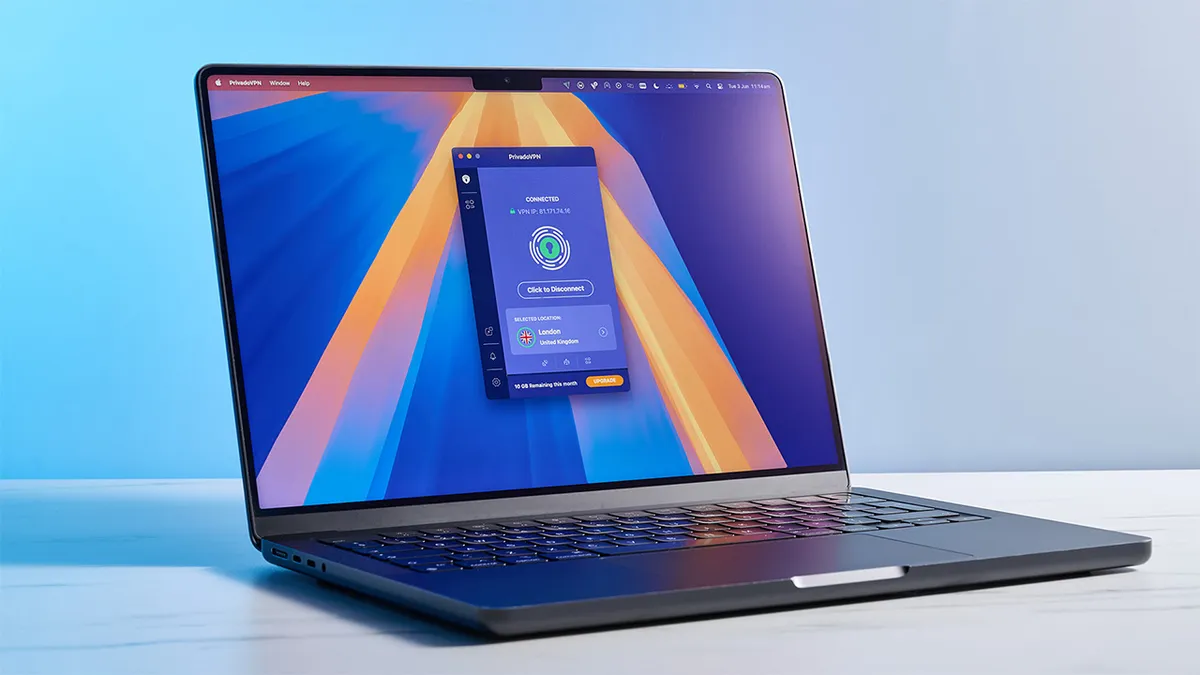
PrivadoVPN also performed well, and enforced more rules than most – six in total. Passwords must include at least:
- 8 characters
- 1 uppercase or lowercase letter
- 1 number
- 1 special character from %[]&!-@_#$^&*(){}=+;.,<>/~ symbols
The first character must be a letter or number, and passwords can't contain non-english characters or a space.
PrivadoVPN clearly states which rules are being broken, as well as identifying where any problems are. All our test passwords were blocked, but 2FA isn't supported.
We tested numerous other VPNs, and most performed as we'd expect. They enforced standard password rules, covering character limits, the inclusion of numbers and symbols, and blocked our test passwords.
IPVanish, Norton VPN, CyberGhost, and Hide.me all fell into this category. Norton VPN and Hide.me support 2FA, while IPVanish and CyberGhost don't.
We were happy with how most VPNs performed, with a handful going above and beyond. Some major names could do better, while others need to seriously improve their password requirements.
We'll again stress how important it is to protect your accounts with complex, secure passwords. It is the first line of defence when protecting your online accounts.
We test and review VPN services in the context of legal recreational uses. For example: 1. Accessing a service from another country (subject to the terms and conditions of that service). 2. Protecting your online security and strengthening your online privacy when abroad. We do not support or condone the illegal or malicious use of VPN services. Consuming pirated content that is paid-for is neither endorsed nor approved by Future Publishing.

