







With the MacBook Neo priced at $599, budget laptops now face stiff competition from Apple. For years, the best Chromebooks dominated the sub-$600 laptop space. That era is over, which begs the question: Is a Chromebook still worth buying?
While the MacBook Neo is arguably the best budget laptop right now, we shouldn’t completely dismiss Chromebooks. For some people, these ChromeOS-driven notebooks might actually be the smarter choice. This is doubly true if you mostly use Google's apps, like Docs, Drive, and YouTube.
Below, I'll detail some of the Chromebook options out there, along with the pros and cons of these budget laptops. Are Chromebooks worth getting over a MacBook Neo, or is Apple's affordable laptop the new budget king? Read on to find out!

The $200 tier
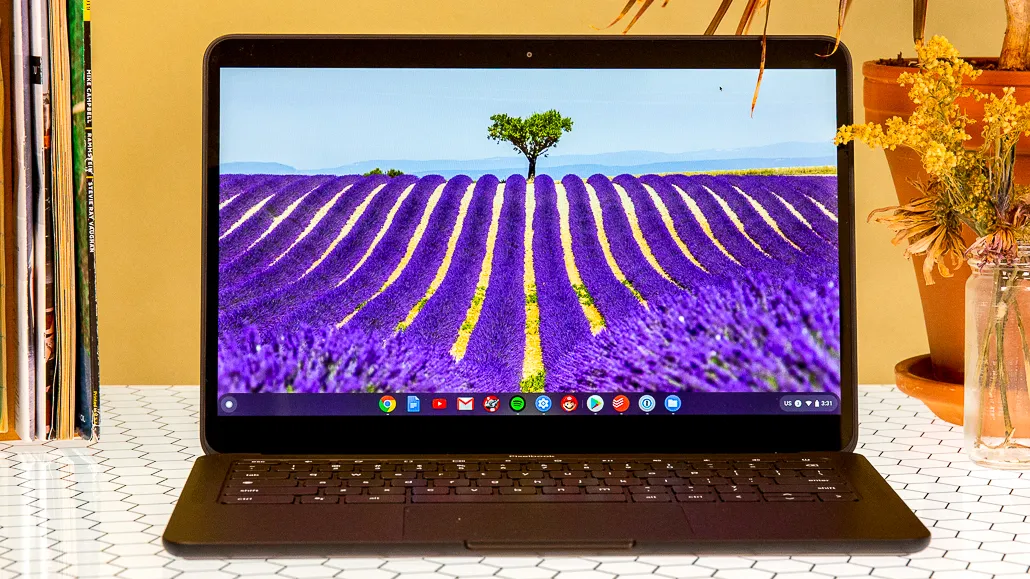
The MacBook Neo is the most affordable MacBook ever, but Chromebooks can still be significantly cheaper. Models like the Acer Chromebook 315 and HP Chromebook 14 cost $150–$250 less than Apple’s colorful new laptop, making the Neo two to three times as expensive at that price point.
One big advantage these cheap Chromebooks have is that they’re expendable. They’re the laptops you hand to a kid or toss in a backpack without a second thought. They handle Google Docs, YouTube, and email just fine.
That said, the daily experience isn’t great, thanks to their dim 250-nit screens, slow Celeron processors, and an overall cheap feel. The Neo’s brighter display and faster A18 Pro chip make it far more future-proof than a Chromebook you’ll probably replace in two years.
Unless you’re on an extremely tight budget, it’s worth spending a few hundred bucks more for the noticeably better experience the Neo delivers.
The $600 tier

This is where things get truly interesting. For the same $599, you can grab a more “premium” Chromebook Plus like the Lenovo Chromebook Plus 14. On paper, it can actually look like the wiser pick.
Chromebooks at this price give you several advantages the Neo skips: 2K OLED touchscreens, backlit keyboards, and even 2-in-1 designs that flip into tablet mode. The base Neo is a straightforward clamshell with no touch support and no backlit keyboard.
So if you work at night a lot or you’re an artist who wants stylus support, something like the Asus Chromebook Plus CX34 still offers more everyday versatility—even if macOS is the more robust operating system overall.
Chromebooks: Pros and cons
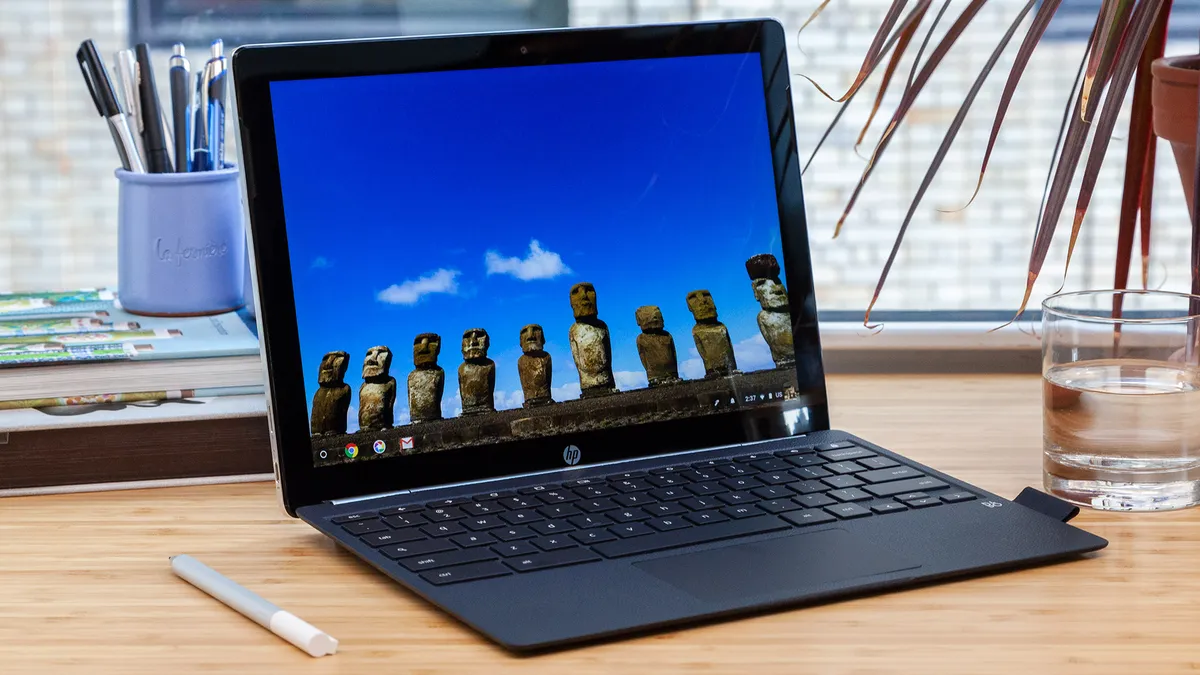
Here’s a quick breakdown of what Chromebooks give you over the MacBook Neo, and what Apple’s laptop delivers that Chromebooks can’t.
Pros: Why you’d still pick a Chromebook
- Hardware perks: Touchscreens, OLED panels, and backlit keyboards.
- 2-in-1 options: Many mid-range Chromebooks convert to tablet mode.
- Port variety: HDMI, USB-A, and microSD slots are common.
- Simplicity: If you mostly live in Google’s apps, ChromeOS is basically all you need.
Cons: Where the MacBook Neo wins
- A18 Pro performance: Apple’s chip runs circles around the Intel Core i3 or i5 chips in most Chromebooks.
- Resale value: A four-year-old Mac still has solid trade-in value; a four-year-old Chromebook is usually e-waste.
- Native apps: Real desktop versions of Photoshop or Final Cut simply aren’t possible on ChromeOS.
- Build quality: Even “premium” Chromebooks lean on plastic; the Neo is precision-milled from aluminum end to end.
MacBook Neo vs. Chromebooks: Which one should you buy?
If your budget is locked under $300, a basic Chromebook is still a smart, practical choice, especially if you mainly stick to Google’s apps. If you can spend $600 and really want a touchscreen, backlit keys, or tablet mode, machines like the Lenovo Chromebook Plus 14 offer a more versatile physical experience than the base Neo.
Chromebooks still serve a purpose, but for most people, the MacBook Neo is the stronger long-term pick. Sure, it skips a few features, but it makes up for those gaps with strong performance, more-than-all-day battery life, broader app compatibility, and seamless integration with the Apple ecosystem. That combination is hard to beat when you’re shopping in the budget space.

Follow Tom's Guide on Google News and add us as a preferred source to get our up-to-date news, analysis, and reviews in your feeds.
More from Tom's Guide

