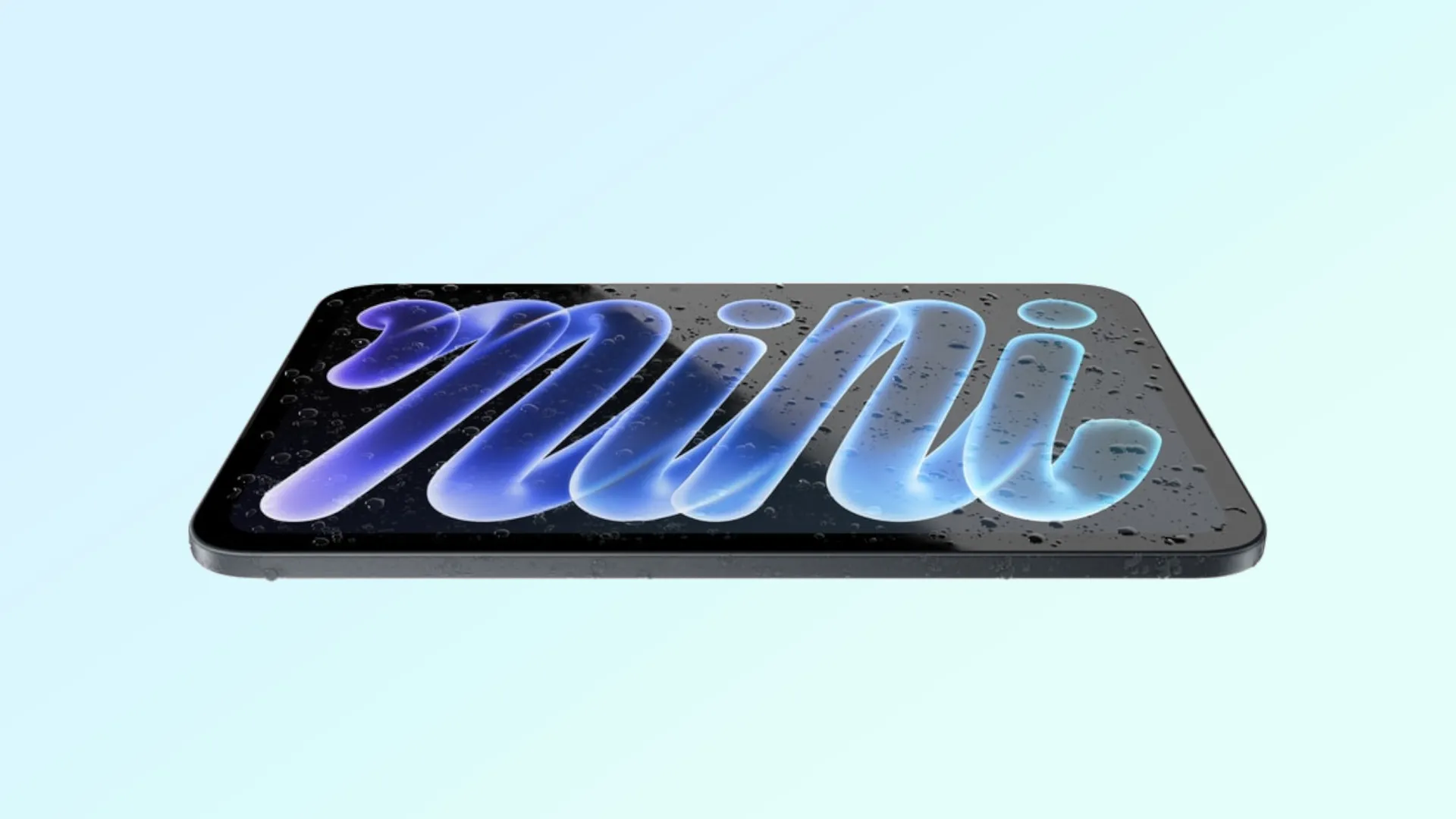
Apple just announced the upgraded iPad mini 8, the first small Apple tablet with an OLED display, as part of the company's "Pro and Tell" event. New MacBooks should be announced later this week.
The update is huge but also comes with a $100 price increase, meaning the new iPad mini starts at $699, or $58.25 per month for 12 months. Fortunately, Apple also increased the trade-in value for older iPads.
It's not a massive increase — $20 more than previous rates at most — but it might help take some of the sting away from the new price tag.
Model |
Estimated value |
|---|---|
iPad Pro |
up to $915 |
iPad Air |
up to $525 |
iPad |
up to $300 |
iPad mini |
up to $340 |
As a reminder, this depends on the model. A newer iPad mini 7 will get you more money, and the tablet's condition matters, too. The numbers we're showing here are potentially what you can get if everything is in good shape.
MacBook trade-in values
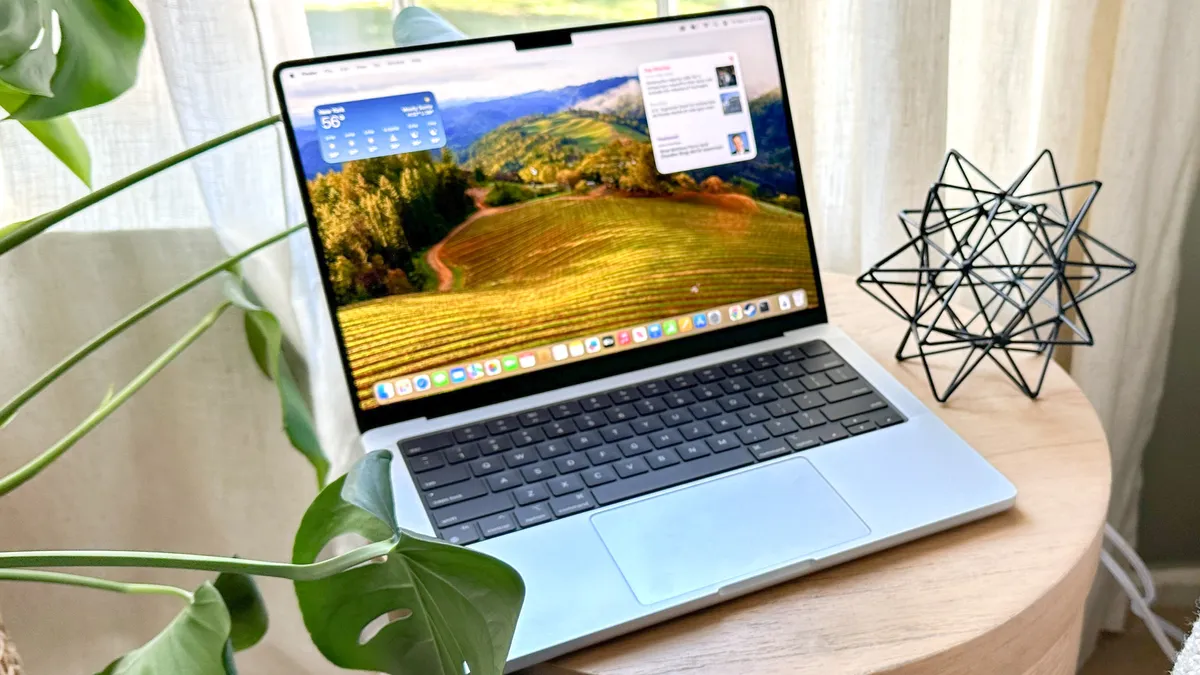
This week we're expecting Apple to introduce a new version of the MacBook Pro, likely featuring the M6 chip that we just tested in the updated Mac mini. Additionally, like the iPad mini 8, we should also see a new MacBook Pro with a touchscreen OLED display, a first for Apple.
Like the iPad trade-in program, the Mac and MacBook version will also get a bit more money. Unfortunately, that suggests that the new MacBook Pro and MacBook Ultra will be far more expensive than last year's models.
We're looking at a potential $3,000 price tag for the OLED MacBook.
With that in mind, here's what you could get for trading in your MacBook or Mac.
Model |
Trade-in value |
|---|---|
MacBook Pro |
up to $1,435 |
MacBook Air |
up to $795 |
iMac |
up to $440 |
iMac Pro |
up to $340 |
Mac mini |
up to $645 |
Mac Studio |
up to $1,700 |
Mac Pro |
up to $2,560 |
Right now, we know that pre-orders for the iPad mini 8 will open up on Wednesday, October 28, with shipping beginning on November 6. Presumably, the new MacBooks will have a similar pre-order and shipping window.
How to trade in your iPad or Mac
If you haven't traded in with Apple before, you can swap out your device online or at an Apple Store.
In-store is pretty straightforward. You'll want to unpair any accessories, back up the device and sign out of services like iCloud, iTunes and the App Store. For an iPad, you don't need to erase anything as an Apple specialist will help you with that.
On a Mac, however, Apple requests you erase your hard drive and reinstall macOS. Once those are done, take it into an Apple Store where a specialist will inspect the device and give you a value; if it has no value, Apple will recycle the device.
If you go the online route, you'll need your device's serial number. Plus, you'll do it as part of purchasing a new Apple device. Adding the device is part of the checkout process. Apple will send you a trade-in confirmation email with instructions for backing up your data and prepping the device.
Finally, you can mail the device in or drop it off at an Apple Store. The company will include step-by-step instructions for this part in the confirmation email.

Follow Tom's Guide on Google News and add us as a preferred source to get our up-to-date news, analysis, and reviews in your feeds.
More from Tom's Guide