Your earbuds work hard. They accompany you through workouts, commutes, calls, and countless hours of music listening. All that use means they're constantly exposed to moisture, skin oils, and the natural wax your ears produce for protection.
Most people never think about earbud hygiene until they notice muffled sound quality or feel uncomfortable wearing them. By then, months of buildup have already taken their toll, with the accumulated debris affecting audio performance.
Regular cleaning isn't complicated, but doing it wrong can damage expensive earbuds or push debris deeper into sensitive components. The key is knowing which tools are safe to use and which areas require extra care to avoid costly mistakes.
Here's how to clean your earbuds safely.
What you'll need
- A microfiber cloth
- Cotton swabs
- Alcohol-free disinfectant wipes
- Mild soap and water
- Paper towels
1. Clean external surfaces and handles first

Start with a dry microfiber cloth to wipe down all external surfaces, removing surface oils, fingerprints, and loose debris. This prevents you from accidentally pushing surface grime into crevices during deeper cleaning.
For stubborn residue, lightly dampen the cloth with distilled water — emphasis on lightly here, as excess moisture can seep into electronics and cause damage. Focus on areas that get handled frequently, like AirPod stems or earbud control buttons, where skin oils tend to accumulate.
The external cleaning step often reveals how much buildup occurs from regular handling. These oils can gradually break down plastic and rubber materials, so regular external cleaning helps preserve your earbuds' longevity.
2. Target speaker mesh and wax buildup

Use a dry soft-bristled toothbrush to gently brush the speaker mesh in circular motions, which effectively dislodges built-up earwax without pushing it deeper into the drivers. Work slowly and avoid applying pressure that could damage the delicate mesh.
For particularly stubborn wax, breathe lightly on the mesh to add minimal moisture, then brush again. This technique loosens debris without introducing enough moisture to cause water damage to internal components.
Clean cotton swabs can also help with detailed work around speaker openings, but avoid pushing cotton fibers into mesh holes where they might get stuck.
3. Remove and deep clean ear tips separately

If your earbuds have removable silicone or foam tips, take them off for thorough cleaning. These components are designed to handle moisture and can be cleaned more aggressively than the electronic portions.
Soak silicone tips in warm soapy water for 10-15 minutes, then rinse thoroughly and pat dry. Allow them to air dry completely overnight before reattaching to prevent moisture from getting trapped inside your earbuds.
Foam tips are more delicate. Gently squeeze them in soapy water rather than scrubbing, then rinse carefully and allow extended drying time. Properly cleaned ear tips will return to their original color and lose any sticky or grimy texture.
4. Don't neglect the charging case
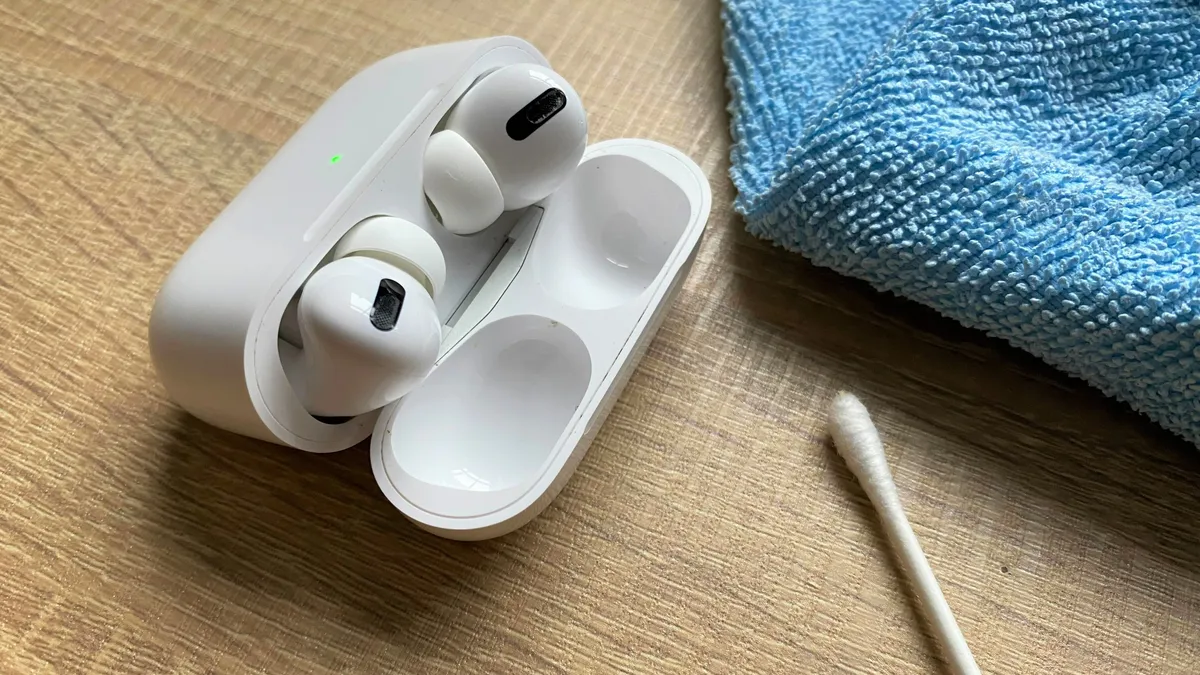
Clean the charging case interior using cotton swabs to remove lint, dust, and earwax that accumulates over time. Pay special attention to charging contacts, which can develop residue that interferes with proper charging.
Use a folded microfiber cloth edge to clean tight spaces and charging ports, being careful around electrical components. A dirty case immediately recontaminates clean earbuds, so this step is crucial for maintaining long-term cleanliness.
Consider this an opportunity to check for any damage to charging contacts or case hinges that might need attention. Regular case cleaning also prevents the buildup of debris that could prevent your earbuds from seating properly for charging.
5. Establish a maintenance routine
Implement a simple weekly cleaning schedule such as a quick wipe-down with a microfiber cloth after workouts, weekly speaker mesh cleaning with a soft brush, and monthly deep cleaning of cases and removable tips.
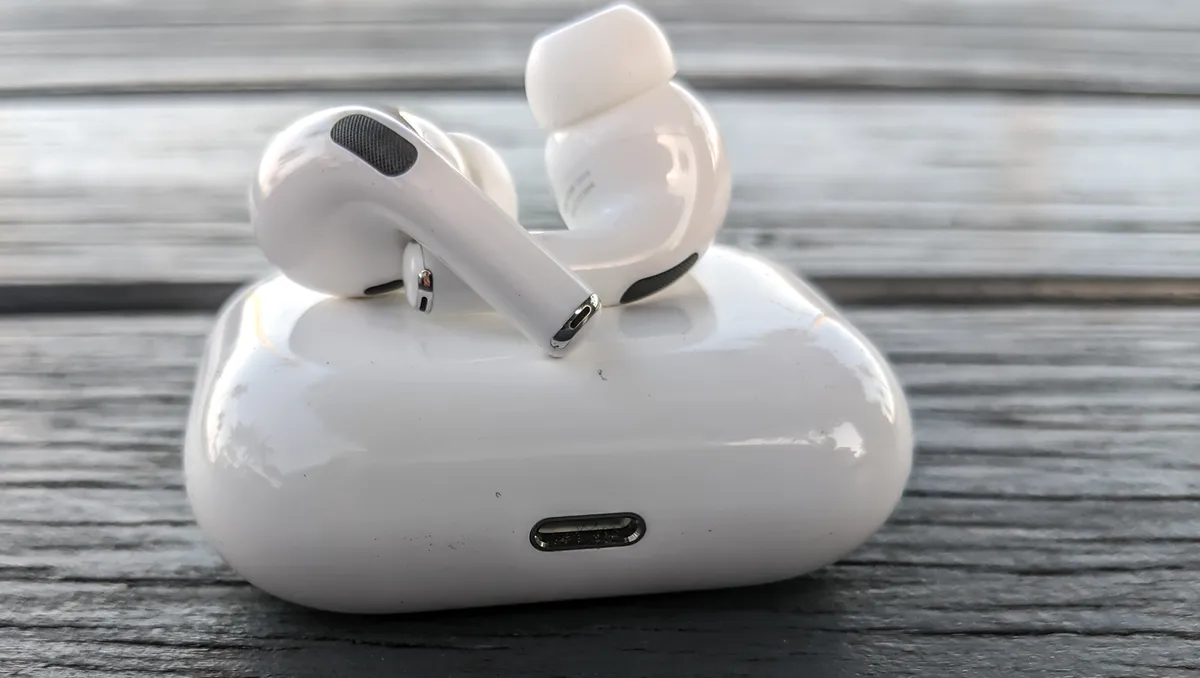
When not in use, make sure to store earbuds in their case rather than loose in pockets or bags where they collect lint and debris. This simple habit dramatically reduces the frequency of deep cleaning needed.
Regular maintenance not only preserves sound quality and hygiene but also extends the life of your earbuds by preventing the buildup of corrosive oils and wax that can damage components over time.
Follow Tom's Guide on Google News and add us as a preferred source to get our up-to-date news, analysis, and reviews in your feeds. Make sure to click the Follow button!
More from Tom's Guide
- AirPods Pro 3 Live Translation — here's how to use it
- 5 wireless earbuds mistakes you're probably making
- Sonos doesn't make earbuds for movies — so here's why I use AirPods instead