AI browsers have seen a sudden rise in popularity this year, and as we close out 2025, one of the most anticipated options in the market is now available to the public.
Neon, an AI-powered browser from Opera, has been in a private testing period since October 2, but now there are no waitlists, and anybody is able to sign up and use the service.
Just like OpenAI’s ChatGPT Atlas, this is an agentic browser, designed for people who want to combine AI with their internet browsing. It can perform tasks on your behalf, and even code web apps rather than just display web pages.
Opera describes its offering as “Chat, Do and Make”. In other words, it works as a chatbot, an agentic agent, doing tasks on your behalf, and it has integrated tools for making, such as an in-built image generator.
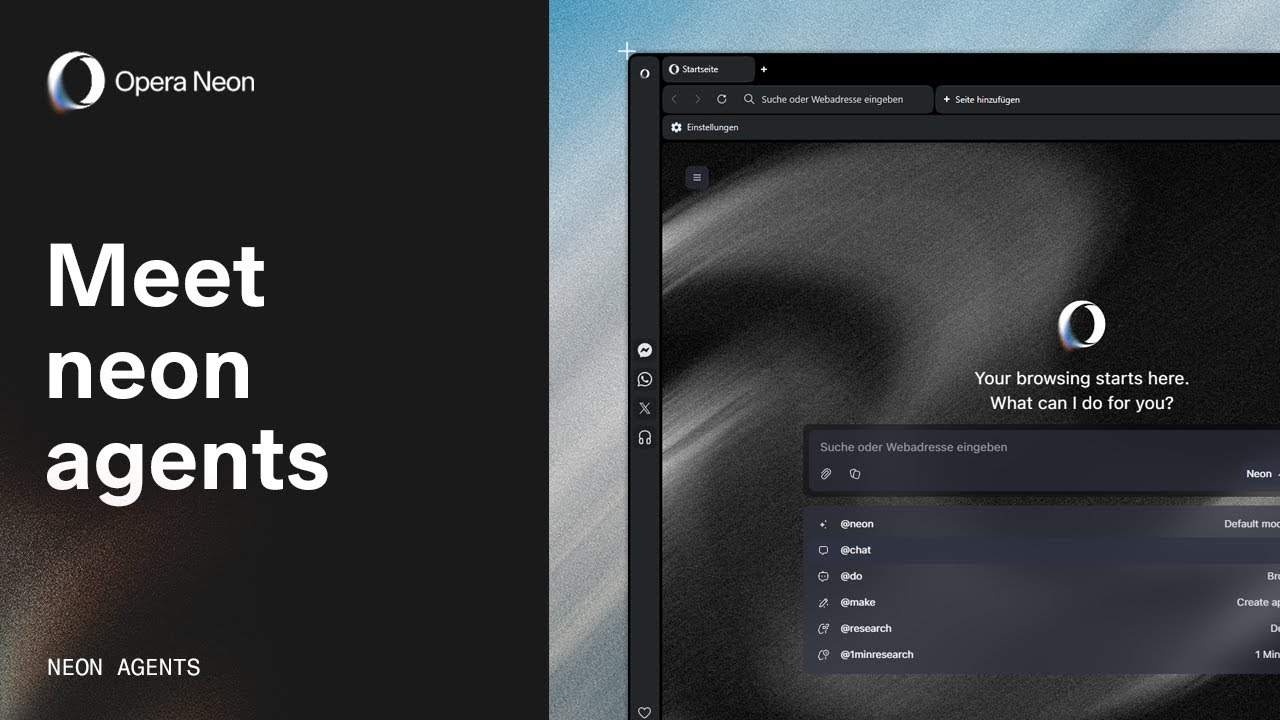
“Opera Neon is a product for people who like to be the first to the newest AI tech. It’s a rapidly evolving project with significant updates released every week. We’ve been shaping it with our Founders community for a while and are now excited to share the early access to it with a larger audience,” said Krystian Kolondra, EVP Browsers.
To download the Opera Neon browser, head to the company’s website. While it is now publicly available, it's also behind a paywall. If you want to use the browser, you’ll need to spend $19.90 a month.
Included in this price, along with the use of the browser itself, is access to tools like Gemini 3 Pro, GPT-5.1, and Veo 3.1. It also includes a new 1-minute deep research tool for quick and deep analysis.
What is it like to use?

During the early testing period, my colleague Jason England had the chance to test out the tool.
He was impressed by the browser’s performance, especially when it came to its speed of handling these tasks. He tested the three parts of the tool — Chat, Do, and Make. All three performed extremely well in pre-testing.
Unlike other major AI browsers, like ChatGPT Atlas or Perplexity Comet, Neon isn’t built on top of another browser. Opera has built the tool from the ground up, using its own browsing tool.
This gives the company a lot more control over the experience, offering more customization than its competitors.
This isn’t completely unique, especially considering Microsoft’s Copilot is pushing a lot of similar functionalities (and not charging a high fee either). However, Opera Neon is packed with a lot more features, and its agentic browsing seems to be one of the more advanced around right now.

Follow Tom's Guide on Google News and add us as a preferred source to get our up-to-date news, analysis, and reviews in your feeds.
More from Tom's Guide
- AI browsers can be tricked into stealing your data — here's how to protect yourself
- The one trick that makes AI way more useful — and no, it's not a prompt
- The most useful thing ChatGPT can do isn’t what you think — and it’s incredibly simple