Google’s flagship AI assistant, Gemini, has quickly become one of the most widely used tools in the space. Now, Google is expanding its reach with Google Vids — an AI-powered video creation tool designed for professionals who want to turn ideas into polished visual stories.
With help from Gemini, Google Vids lets Workspace users generate storyboards in seconds, choose from ready-made templates and even record themselves directly into videos for more personalized content.
Since launch, the platform has steadily added new features, including multilingual avatar voiceovers, expressive 2D and 3D cartoon-style avatars and built-in text-to-music generation powered by Lyria 3.
Now, Google is rolling out another wave of upgrades — including customizable, directable avatars, integration with its latest video model Veo 3.1 and more.
Now you can set your avatars up in specific scenes
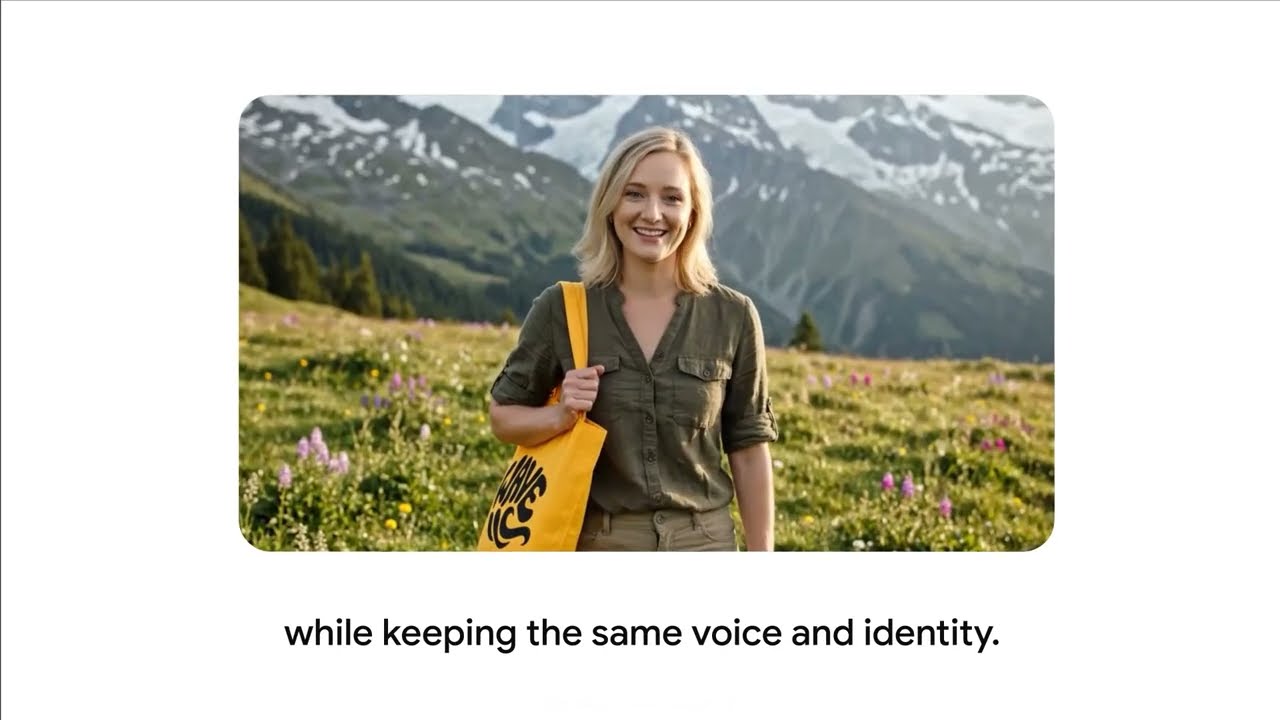
Google Vids will now allow users to direct their avatars by placing them in specific scenes. Alongside that option, you’ll get to tell them what to interact with through text prompts that point them towards the objects you’ve uploaded into your video. Google Vids promises that the facial animations and vocal delivery tied to your avatars will stay consistent across the entirety of your video’s frames and present them in as much of a polished state as possible.
Speaking of avatars, Google Vids now lets you generate fully customizable avatars with text prompts. You can make further changes to them by adjusting their physical appearance, changing their clothing, and altering the locations they’re confined in to match the theme of your video.
Upload vids faster with YouTube integration

Veo 3.1, the most advanced model of Google’s AI video generator, is now a part of Google Vids. Users can now generate 8-second clips inside Vids via Veo 3.1, with 10 free video generations per month. Google AI Ultra or AI Ultra Access subscribers will have access to 1,000 Veo generations per month.
As for YouTube integration, you can now publish your completed videos directly to the video-sharing service from Vids instead of being forced to download your footage and upload it the old-fashioned way.
And finally, a new Chrome extension called Google Vids Screen Recorder will let users capture footage through Google’s web browser. And as expected, the accompanying video and audio will come right along with your newly recorded video.
Bottom line
Google has a treasure trove of AI tools that work for several useful functions. Gemini stans tall as the tech giant’s central chatbot, Nano Banana Pro represents its main image generator, NotebookLM works as a high-quality research companion and Google Labs hosts a collection of experimental AI tools.
With the latest round of improvements for Google Vids, working professionals will have even more tools and shortcuts at their disposal whenever they create their next work-related tutorial, performance showcase, business proposal and more.

Follow Tom's Guide on Google News and add us as a preferred source to get our up-to-date news, analysis, and reviews in your feeds.
More from Tom’s Guide
- I used Gemini to find 7 overlooked tax write-offs — these are the ones that can help you save money
- You can now order Grubhub and Uber Eats with Alexa+ — here’s how it works
- Farmers are putting AI collars on cows — and it could change your grocery bill