






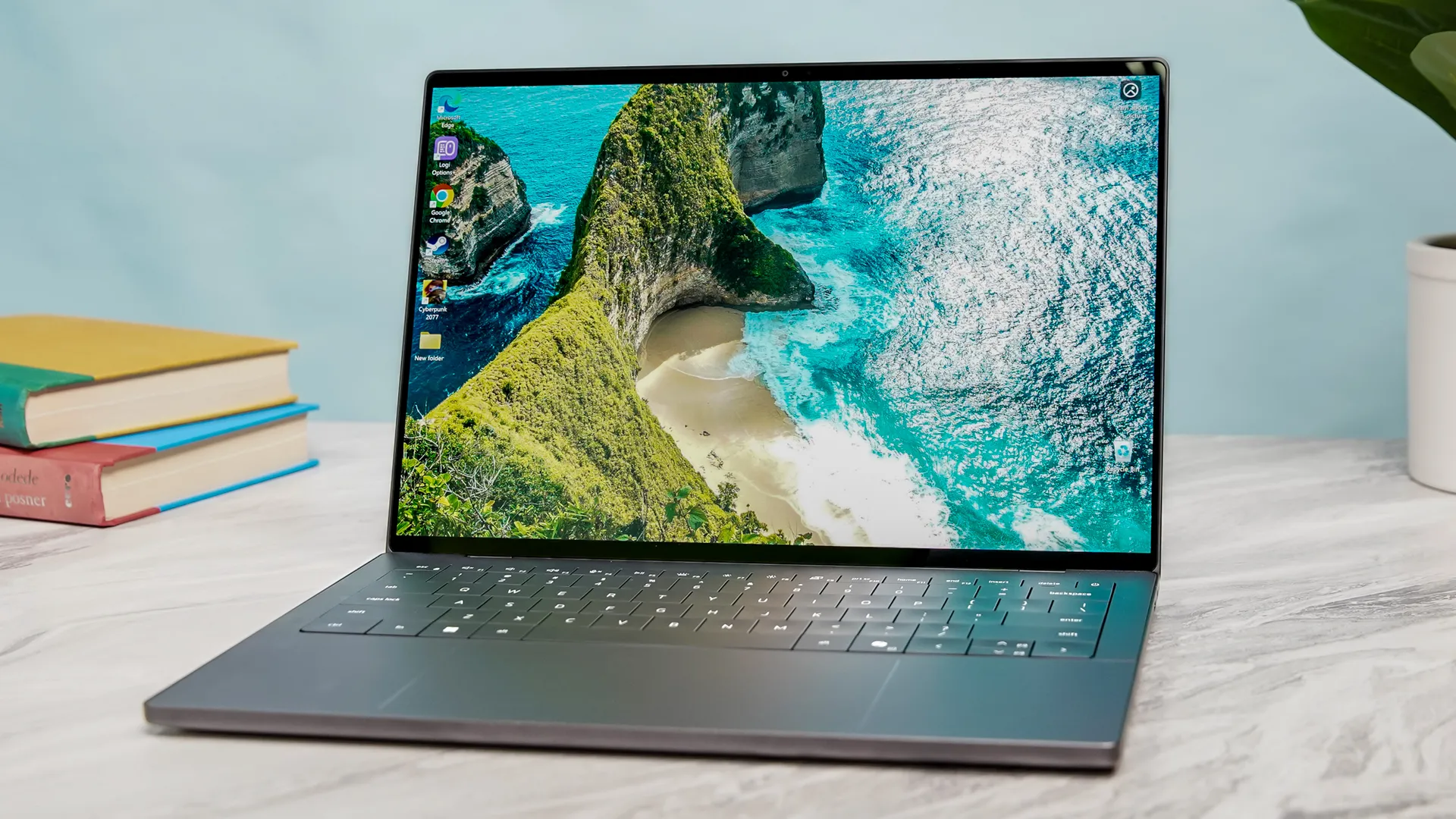
If you’re a Windows 11 user, you’re already familiar with the Blue Screen of Death (BSOD) — popping up when a critical error forces the operating system to stop. Normally, the blame falls on Microsoft (although its team is working hard on improving Windows soon). But if you’ve been seeing this happen on your Dell PC, it turns out the culprit is so much more ironic.
As spotted by Neowin, Dell’s own SupportAssist software (the company calls it “your personalized PC support experience”) is causing some Dell PCs to hit a BSOD every 30 minutes after a recent update. So far, we’re seeing confirmation that the following laptops are affected:
- Alienware M16 R2
- Dell Pro 16 Plus
- Dell Pro 14 Plus
- Dell XPS 16
- Dell XPS 15
- Dell XPS 14
- Dell XPS 13
This is based on what Dell forum members are saying, but given it’s widespread, I wouldn’t be surprised if it’s a far wider problem than this. If you’re one of these folks who just installed the Dell software update and are seeing this issue, there is a simple fix.
Just uninstall SupportAssist
The situation was revealed after keen-eyed users took a look into the system log to see what was going on. It was identified after some people reported their laptops “kept randomly rebooting” roughly every 30 minutes. This suggests that the SupportAssist is trying to check system health on a regular half-hour schedule, where it hits a corrupted piece of code and crashes it.
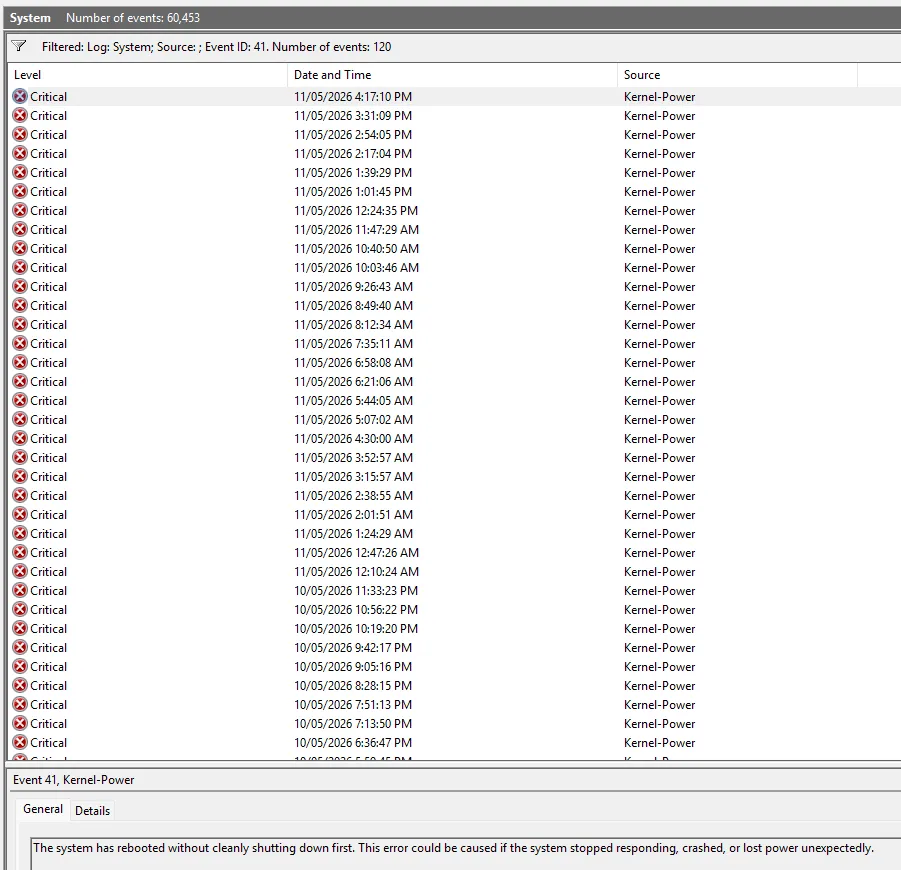
As you can see, there’s a lot of critical errors at the Kernel-Power level — basically the system level — and after a check, the critical process that dies has consistently been the “Dell SupportAssist Remediation” service. Giving a “CRITICAL_PROCESS_DIED (0xEF)” code, it’s taking down the entire operating system with it.
And it’s not the first time this has happened, with a similar SupportAssist problem happening at the end of 2024. Luckily, just like the last time, the issue is simple. Go to Settings > Apps > Installed Apps, find Dell SupportAssist, select More > Uninstall.
Users who have already done this are reporting that it fixes the issue and they’re not seeing any more random BSOD crashes.
Can we cool it with the bloatware?
Windows 11 already has a RAM problem. It’s inherent to how the OS prioritizes preloading parts of apps into system memory before you click them, but what that means is all these little additions actually harm the experience rather than enrich it.
Things like Dell SupportAssist take up another chunk of that precious RAM that could be better used elsewhere on apps people actually use. And while the Windows K2 project may be aiming squarely at tackling some of these challenges at an OS-level, I can only imagine that the additional bloatware won’t help the situation.
So I beg of you, Dell and others, please just let us have a clean install, so we don’t have to uninstall all the unnecessary heft!

Follow Tom's Guide on Google News and add us as a preferred source to get our up-to-date news, analysis, and reviews in your feeds. Subscribe to Tom's Guide on YouTube and follow us on TikTok. Finally, you can visit our dedicated Tom's Guide Savings Squad hub for expert help on getting the best products for less.
More from Tom's Guide

