







Google now has two notebook-style AI tools, and if you’ve been confused by the overlap, you’re in good company. At first glance, Gemini Notebooks and NotebookLM sound like the same thing. They share similar names, both help organize information and both promise to make your work easier.
But after getting to know the newest of the AI tools, Gemini Notebooks, I realized they’re designed for two very different jobs.
To put it simply, NotebookLM is better for grounded research and understanding complex information. Gemini Notebooks is better for creating, refining and shipping finished work. Once I learned what each of them does well, I discovered something even more useful — how to use them together for a seamless workflow.
If you’re juggling tabs, PDFs, messy notes or half-finished ideas, here’s when to use each tool and how combining them can save serious time.
When to use NotebookLM

Let's start with an old favorite. Google NotebookLM has been around longer and has had several updates that make it one of my favorite tools. Of the two, it's better when you are doing a deep dive into a subject, learning something new or when accuracy matters most.
Think of it as your research zone. NotebookLM is great when you need to upload sources such as PDFs, Google Docs, websites, notes or transcripts, all at once. From there, you can ask questions based on those materials or add sources from the web to accompany your research. That source-grounded approach helps reduce the random wandering that can happen with standard AI chats.
Here’s where NotebookLM shines
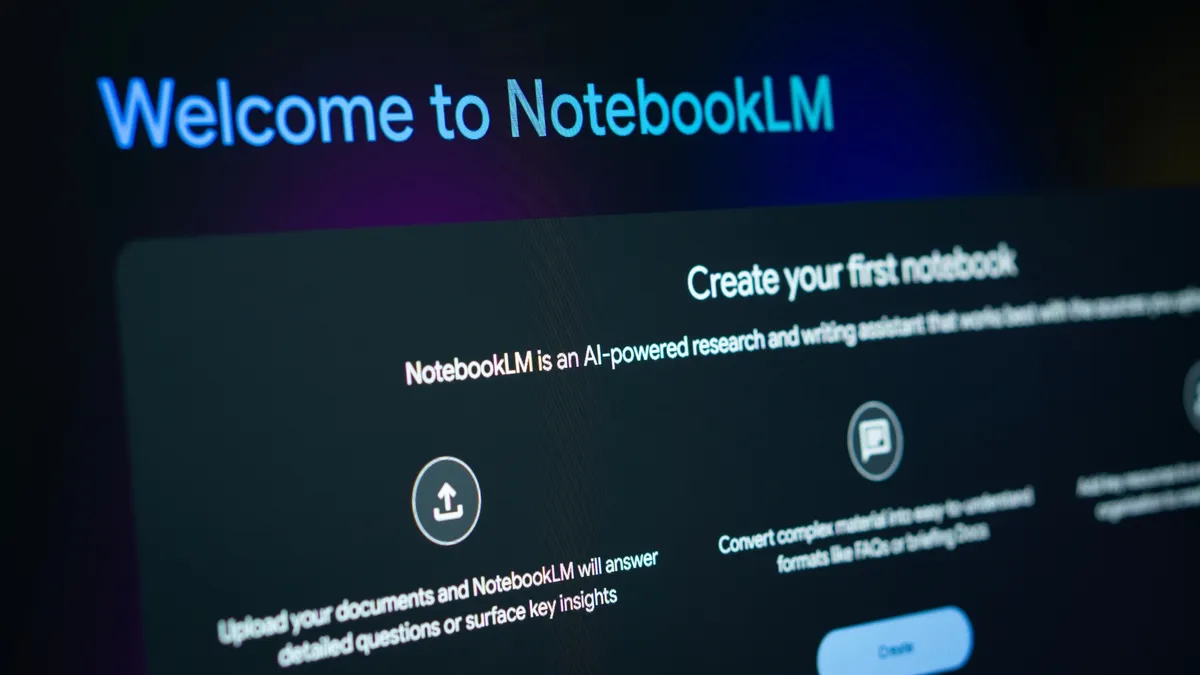
- Understanding long documents. If you’re staring at a 40-page report, class material or meeting transcript, NotebookLM can summarize the key points quickly and help you ask follow-up questions.
- Finding where information came from. NotebookLM can cite the source material it used, which is extremely useful when you need to verify facts or locate a specific quote.
- Turning information into easier formats. One of its most popular features is Audio Overviews, which can transform source material into a podcast-style conversation you can listen to while walking, commuting or cleaning the house.
- Studying or briefing yourself fast. NotebookLM can also generate FAQs, study guides and summaries based on your uploaded materials.
When to use Gemini Notebooks

The more I play around with Gemini Notebooks, the more I have fallen in love with how it helps my creative workflow.
Instead of staying tightly locked to source material, it’s designed to help you think, write, organize and build from your notes. It's essentially the next step after the research stage is finished.
In other words, once you've gotten everything from NotebookLM, bring those notes or rough draft to Gemini Notebook.
Here’s where Gemini Notebooks makes more sense:
- Writing first drafts. Once you know what you want to say, Gemini can help turn rough notes into blog posts, emails, outlines or presentations. I like that it keeps everything organized so I could save a blog post in a Notebook and eventually turn it into a presentation.
- Combining notes with fresh information. Because Gemini connects more broadly with live tools and current information, it can be more useful when you need context beyond your uploaded documents.
- Brainstorming new ideas. Gemini is often stronger when you want angles, headlines, campaign ideas or multiple creative directions from one starting point.
- Finishing and exporting work. If your goal is to turn ideas into something shareable, Gemini often feels like the faster final-mile tool.
The winning workflow: use both together

This is where everything clicked for me. Instead of choosing one tool and forcing it to do everything, I now split the process into two stages. My workflow looks like this.
- Step 1: Use NotebookLM for research. I am always combing through AI research, peer reviewed studies and articles. To keep everything organized and in different categories, I upload all my PDFs, notes, transcripts, spreadsheets and links. Then, I ask questions, generate summaries and make sure I actually understand the material.
- Step 2: Move to Gemini Notebooks for creation. From there, I take the cleaned-up insights and use Gemini to turn them into polished output — articles, presentations, emails, scripts or plans.
- Step 3: Refine and finalize. I use Gemini inside Gemini Notebooks for edits, better structure and layout or to ensure my messaging is clear.
Real examples of how this helps

If you are a professional, try using NotebookLM to review meeting notes and project docs. Then use Gemini to build a presentation or email recap. Save everything in your Gemini Notebook to refer to it later or track progress.
Students can use NotebookLM to break down study materials. Then, use Gemini to create flashcards, practice questions or an essay outline. Using Gemini Notebooks to keep everything in place prior to an exam can help reduce scrambling at the last minute when nerves might get in the way.
Beyond my professional life, I use NotebookLM to organize travel confirmations, schedules and even household documents (mortgage information, bank statements, school documents and other important information I want to keep in one place). Then I switch to Gemini to turn it into a usable plan or spreadsheet.
The takeaway
If you’ve been wondering whether Gemini Notebooks or NotebookLM is better, the answer is both. They are both great for productivity and organization.
Simply put, use NotebookLM when you need to understand information. Use Gemini Notebooks when you need to create something from it.
Once I separated research mode from creation mode, both tools became far more useful — and my pile of open tabs finally started to disappear.

Follow Tom's Guide on Google News and add us as a preferred source to get our up-to-date news, analysis, and reviews in your feeds.
More from Tom's Guide

