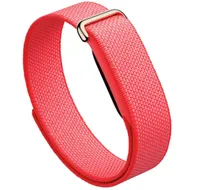
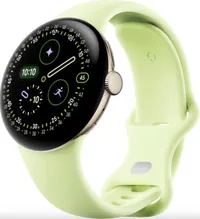
I pitted the $99 Fitbit Air against the $349 Pixel Watch 4 in a head-to-head fitness tracking comparison to determine which is the more precise Google wearable. The results genuinely surprised me.
The Fitbit Air is a lightweight, screen-free fitness tracking band that's as easy on the wallet as it is comfortable on the wrist. The Pixel Watch 4 is Google's flagship smartwatch, with a large, bright display and features galore, including a handy, voice- or gesture-activated Gemini AI assistant.
To find out which of these flagship Google products is the more competent fitness tracker — at least when it comes to step-counting — I walked 4,000 steps with the Fitbit Air on my right wrist and the Pixel Watch 4 on my left. My primary control metric for the comparison is total steps taken. To ensure a precise tally on my end, I manually counted my steps, noting every hundred with a click of my old-school tally counter.
As a control for distance, pace, and climb, I brought along my iPhone 16 Plus and logged the walk using the Strava app. Find the results of the Fitbit Air vs Pixel Watch 4 walk test below.
Fitbit Air vs Pixel Watch 4: fitness tracking accuracy compared

When it comes to tracking outdoor workouts, it's important to note a key difference between the Fitbit Air and Pixel Watch 4. The former lacks onboard GPS, so for location-based insights, you need to carry along a paired smartphone.
In addition to piggybacking off of your phone's GPS antenna, the Fitbit Air also relies on its altimeter for elevation data. The Pixel Watch 4, meanwhile, boasts both an onboard GPS antenna and a barometric altimeter.
Now, on to the test results!
Fitbit Air vs Pixel Watch 4: Walk test results
| Header Cell - Column 0 | Fitbit Air |
Pixel Watch 4 |
Control |
|---|---|---|---|
Steps |
3,993 steps |
3,985 steps |
4,000 steps (manual count) |
Distance |
2.15 miles |
2.09 miles |
2.14 miles (Strava) |
Climb |
184 feet |
288 feet |
255 feet (Strava) |
Average pace |
18 mins 02 secs |
18 mins 33 secs |
17 mins 51 secs (Strava) |
Average heart rate |
114 bpm |
121 bpm |
n/a |
Max heart rate |
147 bpm |
161 bpm |
n/a |
Calories burned |
284 calories |
303 calories |
n/a |
Battery usage |
3% |
4% |
n/a |
I took exactly 4,000 steps (manually counted) during my 38-minute walk, including a stroll up Seattle's steepest block (for old-time's sake). While both wearables noted step count totals within 15 steps of my actual count — a seriously impressive result and well within a reasonable margin for error — much to my surprise, the Fitbit Air was a little bit closer than the Pixel Watch 4.
The Air and Pixel Watch 4 also beat Strava, which logged 3,978 steps.
The Fitbit Air's distance data is additionally more in line with the control; the same goes for pace. However, the Air's climb data is woefully inaccurate, a result I noted in my previous walk test with the Fitbit Air vs Apple Watch 11.
When it comes to heart rate and calories, the Air logged a slightly less aggressive workout compared to the Pixel Watch 4. The Air also used marginally less battery — not surprising, since it lacks a display.
Fitbit Air vs Pixel Watch 4: Winner
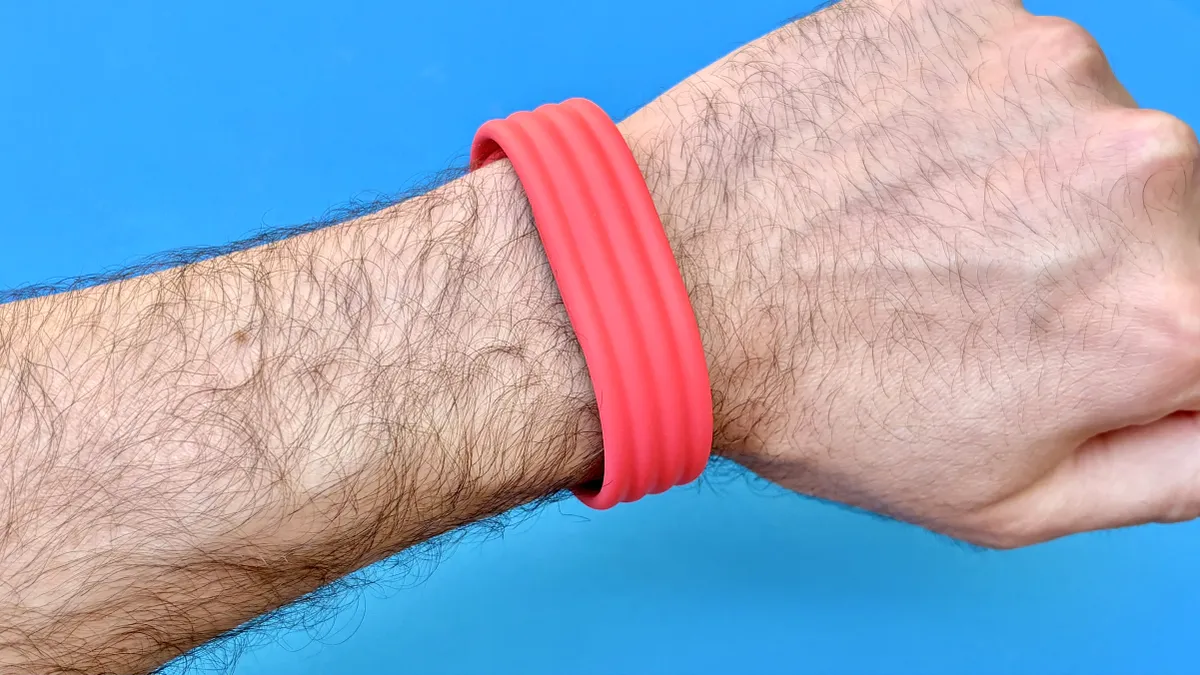
And the winner is... the Fitbit Air, thanks to a slightly more accurate step count total, pace metric, and distance data. That said, the Air's win versus the Pixel Watch 4 comes with an asterisk due to disappointing elevation tracking performance.
The Pixel Watch 4, meanwhile, performed with acceptable accuracy across the board, including measuring my climb. For this reason, as someone who loves mountain sports, I'd likely opt for the latest Pixel Watch over the Fitbit Air for logging my next adventure. What do you think? Let me know which Google wearable you prefer in the poll below.
Which fitness trackers or smartwatches should I test head-to-head next?

Follow Tom's Guide on Google News and add us as a preferred source to get our up-to-date news, analysis, and reviews in your feeds.
More from Tom's Guide
- I walked 3,000 steps with the Fitbit Air vs Garmin Forerunner 70 — and I’m seriously amazed by the results
- Oura vs Whoop vs Fitbit Air — 5 questions to ask yourself before buying a screen-free fitness tracker
- Exclusive: Google design director says Fitbit Air reception proves they 'made the right decision' going screen-free