







Making my own iPhone icons is a neat new iOS 14 feature that I loved ... before it made my iPhone look a bit slow.
Yes, if you haven't heard one of iOS 14's more popular changes gave users the ability to customize their home screens, and our guide to iOS 14 home screen ideas shows how far people are taking it. But it didn't appeal to me at first.
- iPhone 12 vs. iPhone 12 Pro: What's different?
- 15 hidden iOS 14 features that will make your iPhone even better
Last week, one of my favorite podcasts, Do By Friday, released its own set of custom icons for its Patreon subscribers. This set of callbacks to old podcast episodes were the first set of unique icons that made me want to sign up.
So, I used my colleague Kate Kozuch's invaluable guide for how to make custom iPhone widgets and app icons with iOS 14 to actually set them up. If you haven't experienced this yet, it's not entirely easy (and I thank her for helping explain it). You import the photos for the app icons into the Files app (using iCloud Drive), and then you use the Shortcuts app to make new icons that are essentially shortcuts to the actual app. It's like how you can make an alias version of an app for your desktop in Windows 10 or macOS.
A short (but not that short) while later, as I rewatched Hannibal (one of the best Netflix shows), I was done. I turned 16 icons into app buttons, and had replaced my whole home screen. The peculiar app icons looked weird in a good way, as if I had an alien version of all these apps. For example, a drawing of a keychain is now my Settings app: and I love it.
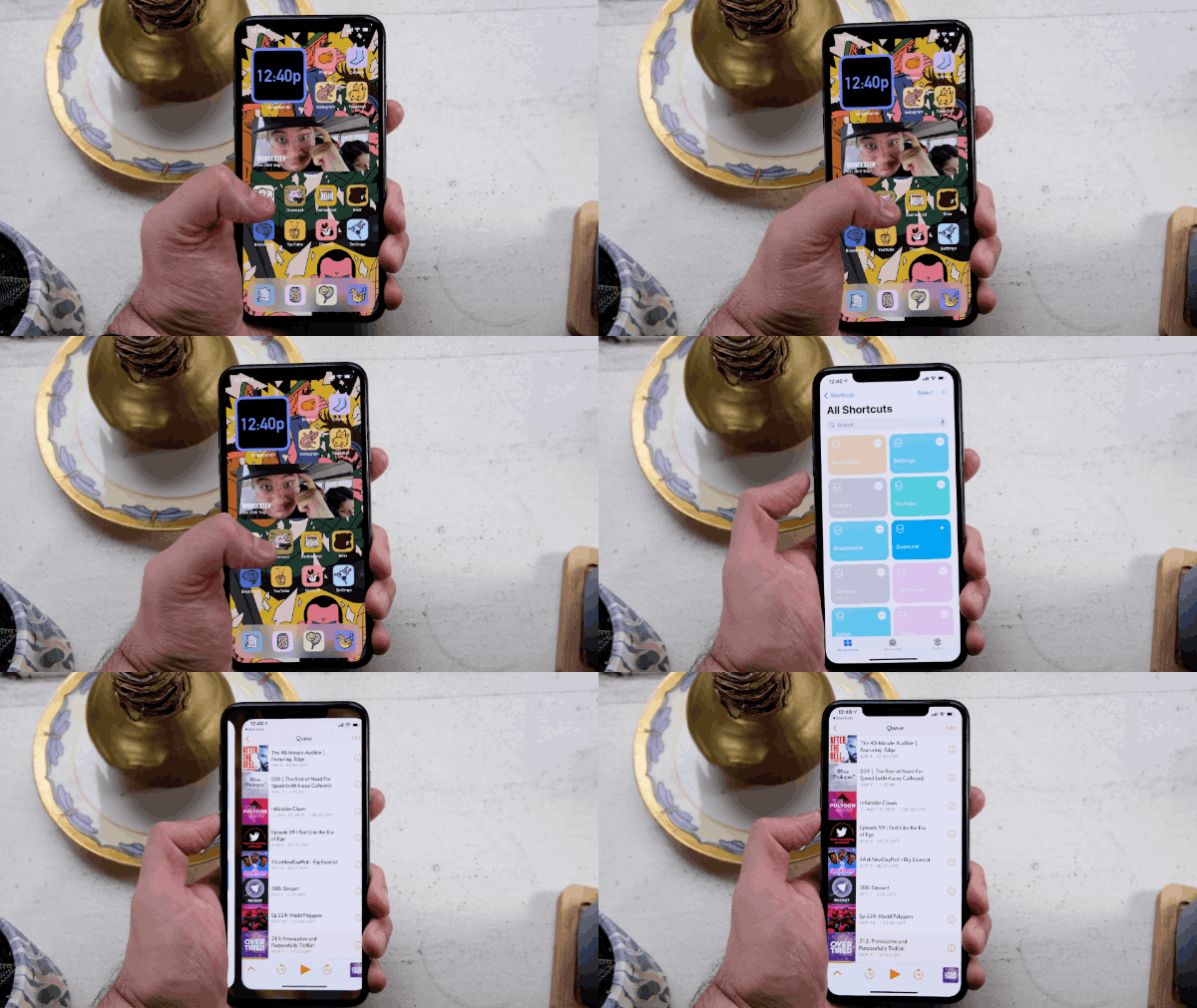
But then it all went wrong. Once I actually tested one of these custom app icons, I noticed how iOS 14 adds a step in the middle, sending you to the Shortcuts app briefly. This momentary pause shows you how the Shortcuts app is opening the app you've linked the custom icon to.
And it's not like I have an older iPhone. I've got an iPhone 11 Pro Max, which is pretty speedy. In fact, iOS 14 seemingly loads my absurdly large iCloud Photo Library faster than iOS 13 did. But this weird pause makes it seem like the iPhone is having trouble directing me through to the apps I've linked in Shortcuts.
Fortunately, there's going to be a happy ending. As reported by Chance Miller at 9to5Mac, this pause and loading moment is gone in iOS 14.3 beta 2. We just don't know when iOS 14.3 comes out, and I can't play with it yet as I'm not a huge fan of testing software for a company that doesn't pay me.
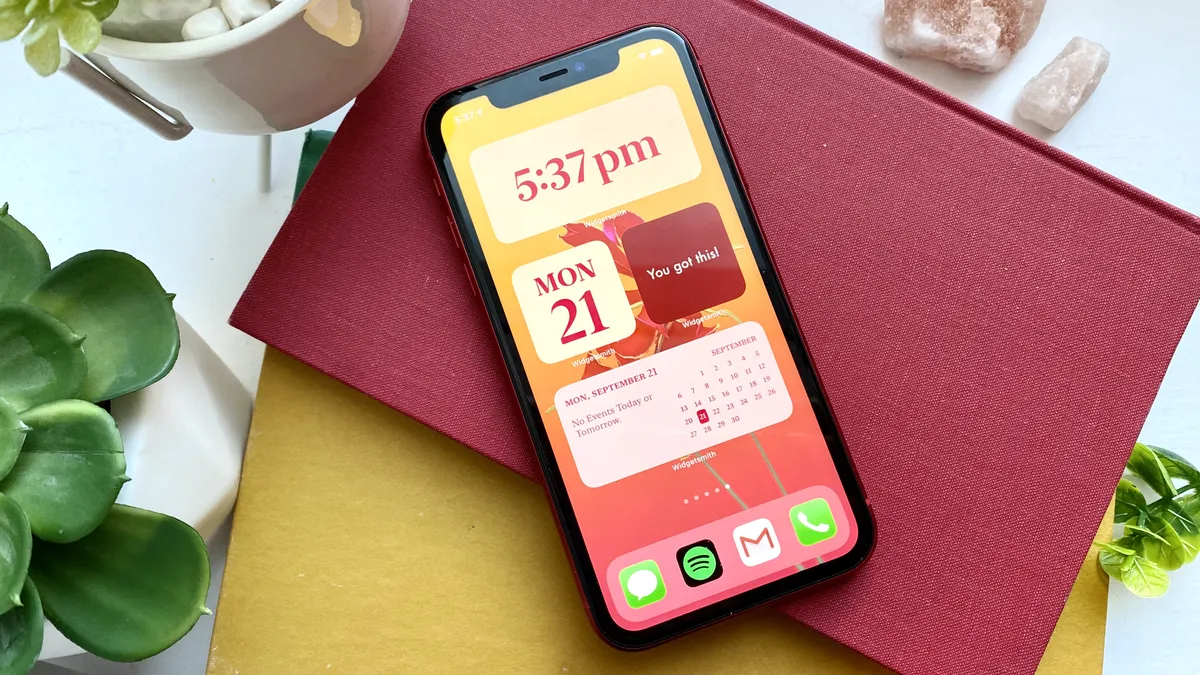
Apple's move to tie these custom app icons' launching so tightly with Shortcuts isn't a big fail or anything, but its decision to change course is a good sign of where things are at Apple. They're apparently seeing how we use their features, and what just doesn't look right. As they'd tell you — and our iPhone 12 review backs up — the iPhone A14 Bionic is a super-fast processor, the fastest in any phone, and faster than some laptops have. It's just about making sure that iOS 14 doesn't make it look any slower.

