




Streaming Sticks make up some of the best streaming devices largely because they're easy to set up while still providing you access to the best streaming services. However, if you have awkward-to-reach or tight HDMI ports, they can be hard to plug in directly.
Fortunately, Roku is quietly offering a free HDMI extender to relieve that annoyance. As reported by Cord Cutter News, Roku doesn't offer extenders with its devices ike the Roku Streaming Stick 4K or Roku Streaming Stick Plus, opting instead for an "on-demand approach."
If you're unfamiliar, the HDMI extender is a short cable that connects your streaming stick to the HDMI port without blocking other ports or requiring an awkward position. It creates a bit of space between your TV and the Stick and could help it perform better by allowing it dissipate heat better thanks to more airflow.
Unlike Amazon's Fire TV Stick 4K Max, which comes with an HDMI extender, Roku apparently wants to reduce packaging costs. That said, more recent Roku streaming sticks are much slimmer, so you may not need the extender as much.
How to claim your free HDMI extender
It's pretty simple, thankfully. All you have to do is fill out a form.
Click here for the Roku Free HDMI extender short online form. The form will ask for your address, email, the serial number of your device, and a telephone number.
Here are several ways to find your device's serial number:
- Check the bottom of your Stick; it should be labeled SN.
- In the Roku mobile app, go to the devices page, tap the three dots next to your device and then select View System Info.
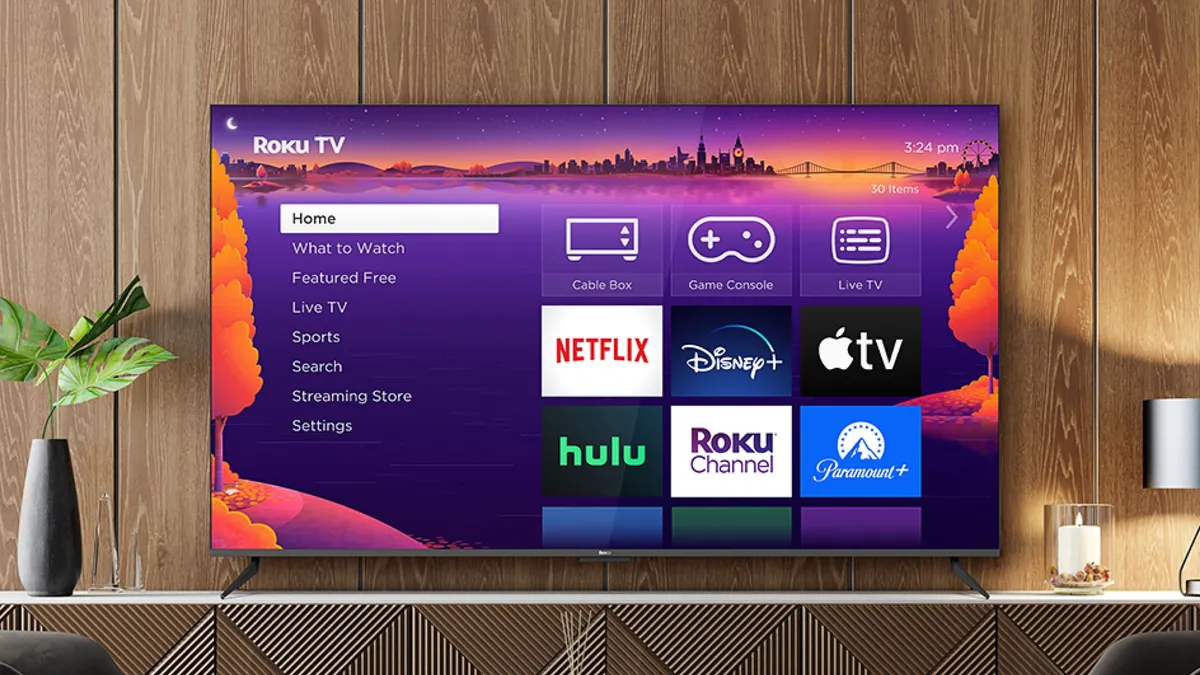
- On your TV, go to the home screen, then select Settings, then System, and finally About. The serial number will be below the model name.
That's it; you can send the request and get your HDMI upgrade at no cost.

Follow Tom's Guide on Google News and add us as a preferred source to get our up-to-date news, analysis, and reviews in your feeds.
More from Tom's Guide

