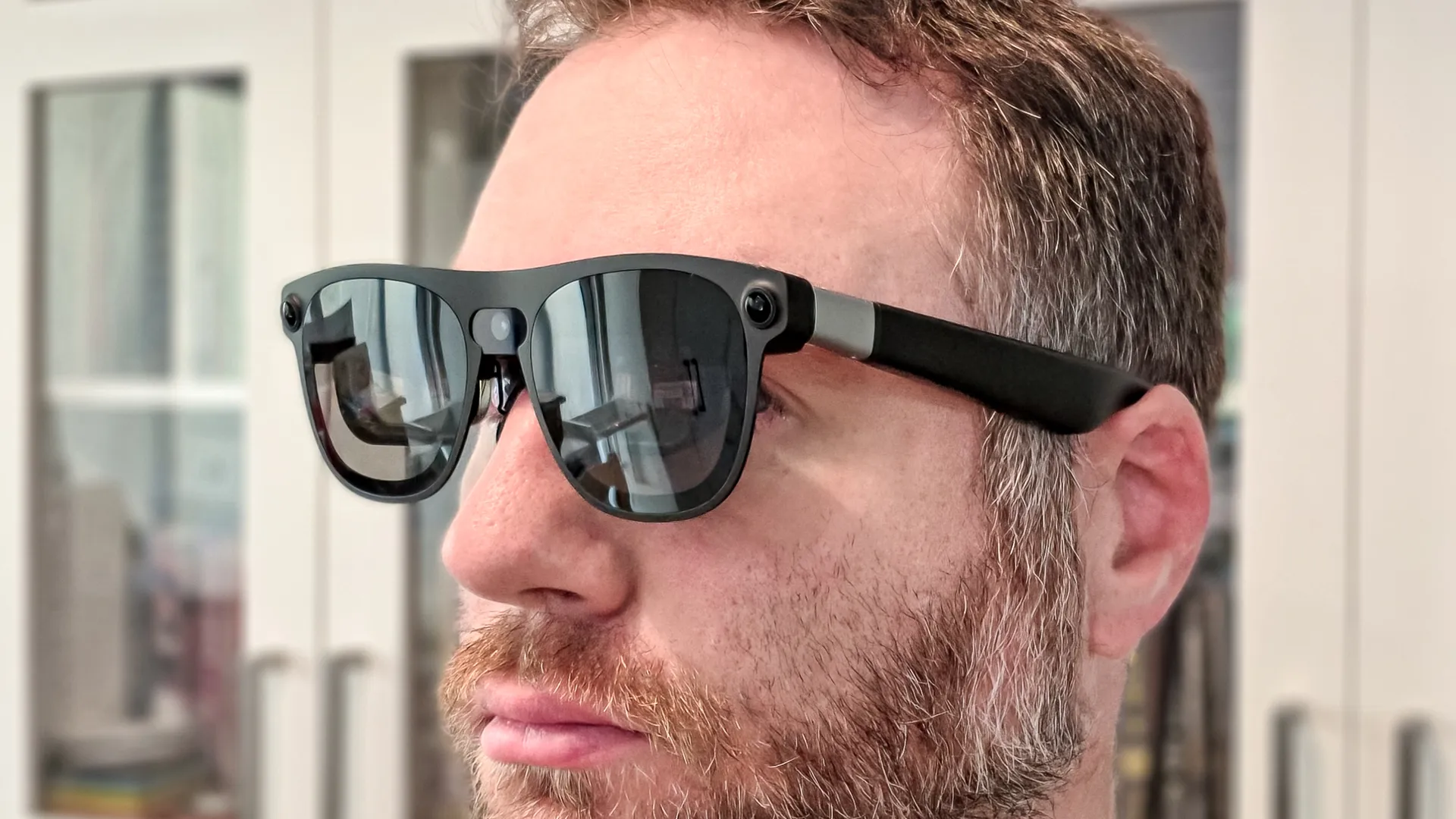
Google and Xreal's spatial computing AR glasses have finally arrived and I've been wearing them for just a few days. They're an interesting hint at the future of both computing and wearables.
In the smart glasses space, there isn't anything like the Aura's. They're not quite a VR headset, but they're far more advanced than display glasses like Xreal's own One Pro Plus.
Xreal's only potential rivals exist in tech that has yet to actually hit shelves: the Snap Specs (which are supposed to ship "this fall") and the Meta VR Glasses that don't drop until sometime in Spring 2027.
There's a lot going on here, and we'll have a full review soon, but here are some early first impressions. As we dig into the glasses, if there's something you want to know reach out to scott.younker@futurenet.com or leave a comment below!
Design
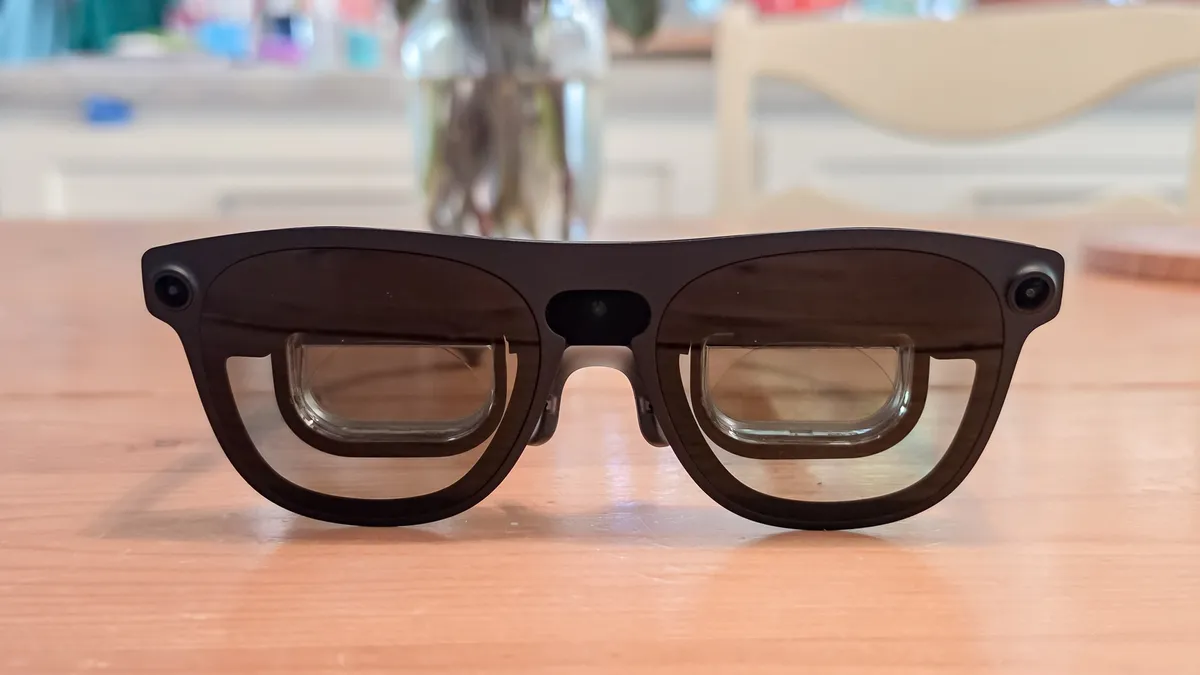
Beyond the puck, the Xreal Aura glasses won't look out of place next to any other display spectacles made by the company. There is an aesthetic to this kind of glasses and you can see it mirrored in Xreal's rival Viture with the recent Pro 2 glasses.
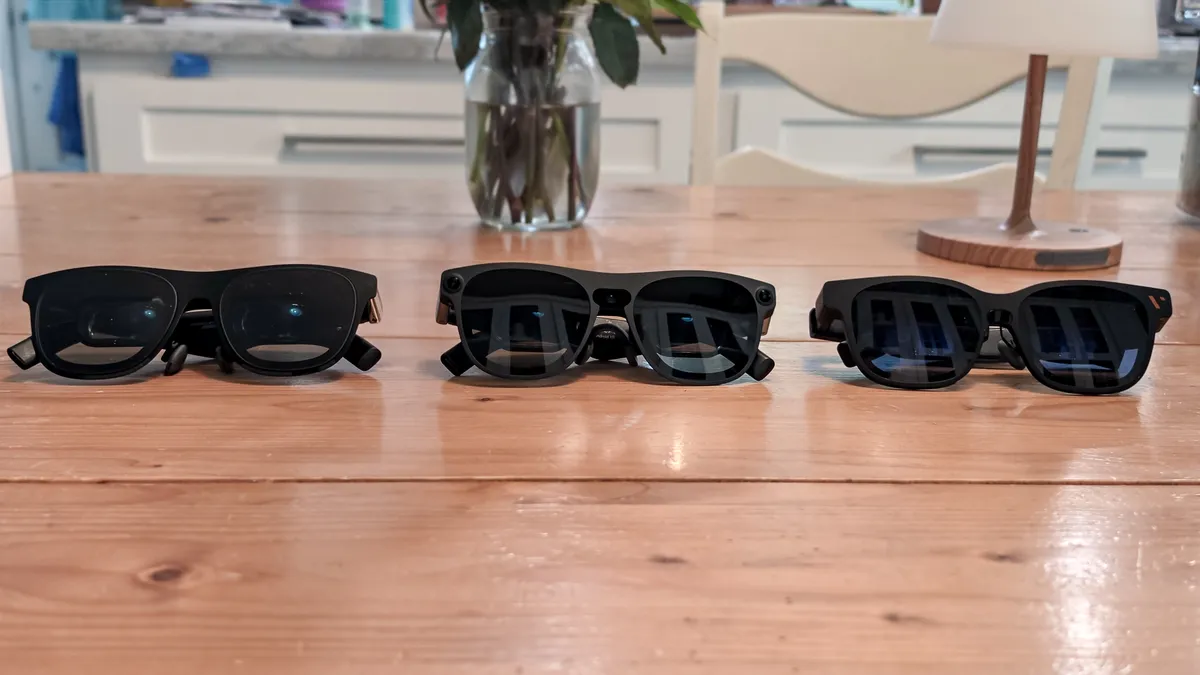
Where you'll notice the difference is in the cameras. Like the best smart glasses, the Aura features cameras at the temples plus one on the nose bridge. These are built to enable the gesture controls and 6DoF spatial computing, something no other Xreal glasses have natively.
The Aura sits somewhat between Meta's VR Glasses and Snap Specs; mostly, it comes down to software and cameras. Meta glasses have more cameras that can "see" your hands even if they're in your lap.
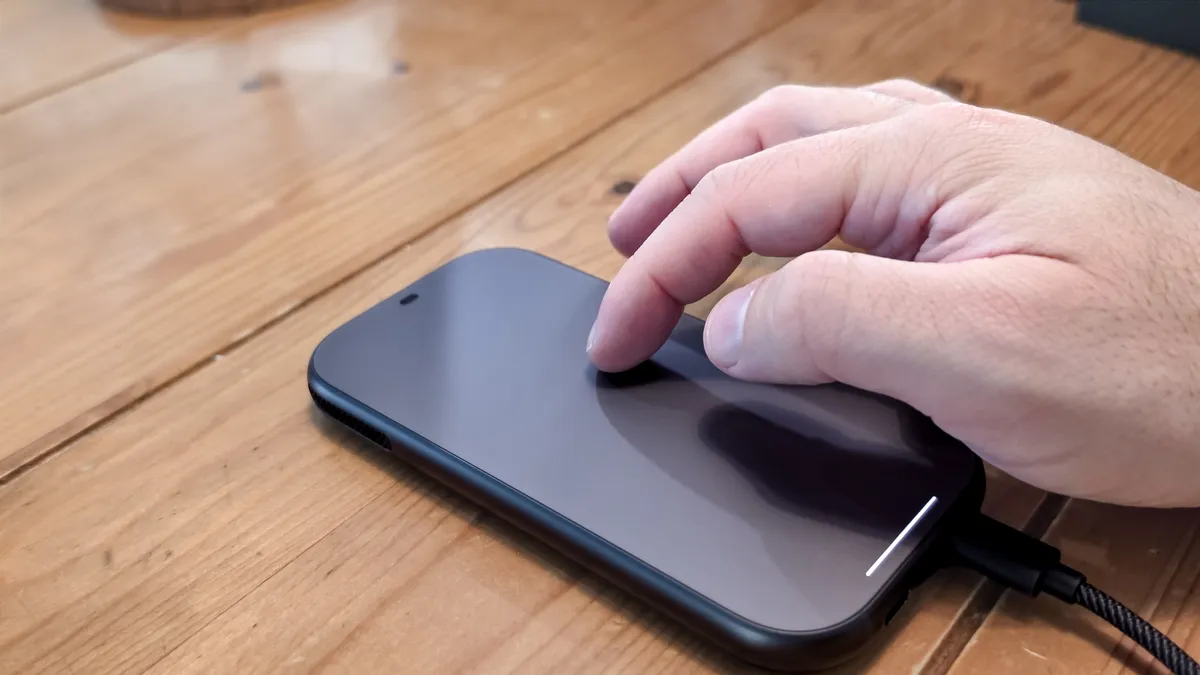
With the Aura's, moving your hands down to your lap means you're most likely using the puck as a trackpad, which works pretty well.
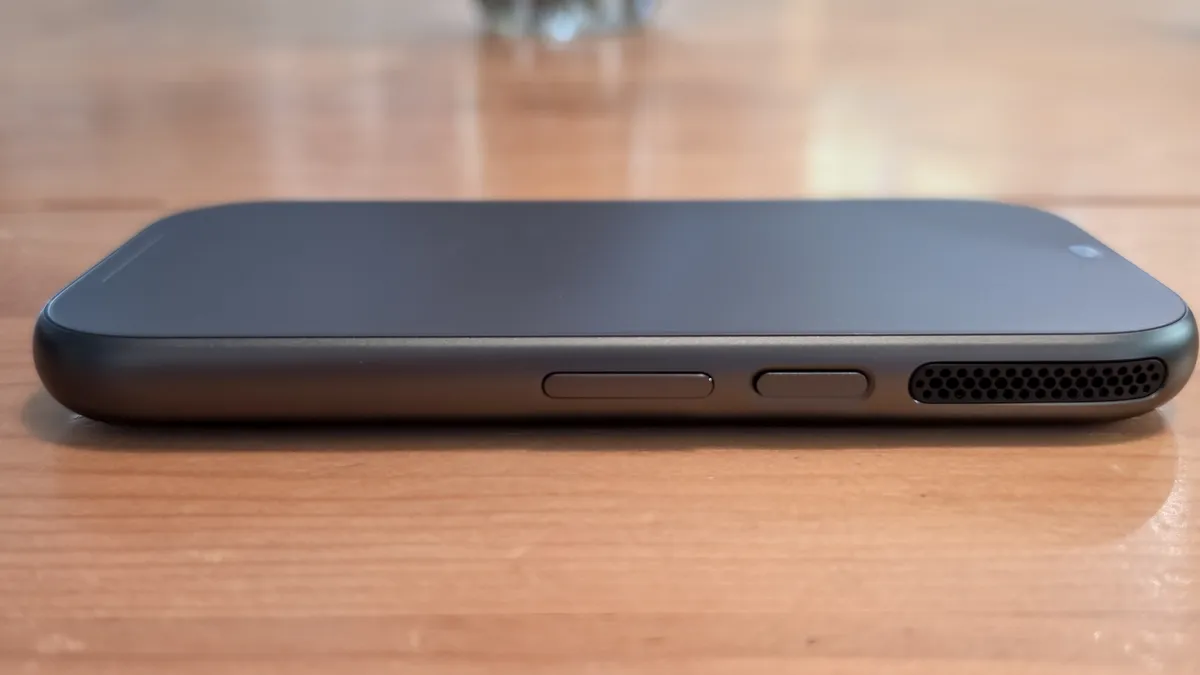
The puck is a computer for the glasses thanks to the powerful Snapdragon Reality Elite chipset. If you work in the Google suite, you have access to all of the Google apps and services you could want. Plus, it comes with Gemini AI, which you can access via voice controls.
Nicely, you don't need the puck for mirroring. You can connect the glasses to any device, save the Switch 2 (more on that below), and they will work like your normal Xreal glasses.
If you've worn a pair of Xreal glasses, the Aura feels about the same. I think they're fairly comfortable, and they do come with different nose pad sizes. Plus, the arms can be adjusted by three levels, which helps settle the glasses.
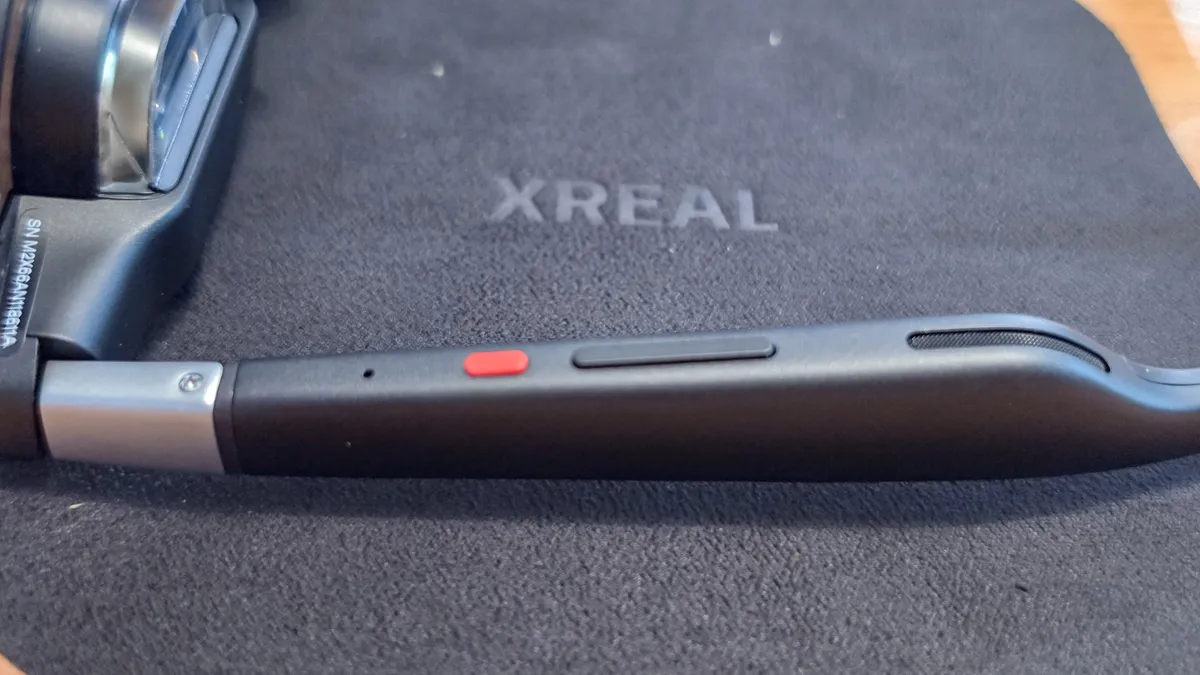
I want to highlight the speakers in the Aura. I hate speakers in display glasses and often find them tinny, preferring to use headphones. Also, especially since I travel or use the glasses to not disturb my partner at night even if the speakers are siloed, sound still leaks out.
Now, the Bose speakers in the Aura won't beat the best headphones, but they sound way better than any other glasses I've tested.
Battery life
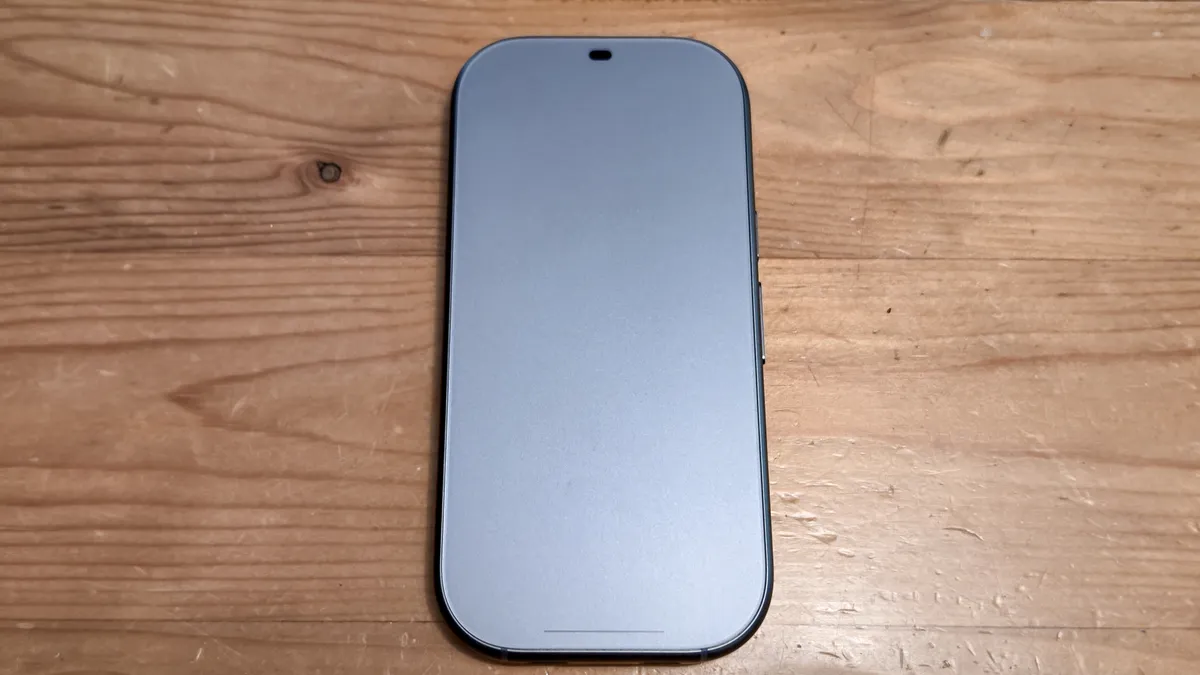
The included puck has both the computing chipsets and the battery. The puck is about the size of a thick iPhone 16, and does have some heft. You could use the included belt clip so that you don't have to hold the puck when you're out and about (which gives cellphone belt guy vibes).
The Xreal Aura are rated for about 3 hours of continuous use. I haven't done a full rundown test yet, but in my usage I've found that to be fairly accurate.
Perhaps that's for the best. I've found that the portion of the glasses that rests on your eyebrows gets warm. Not uncomfortably so, but noticeably enough that I wonder how that settles out over the long term. The puck, however, does seem to dissipate heat fairly well, and I never felt it get warm.
Software

Xreal partnered with Google on the Aura and you can feel Mountain View's presence in the Android XR platform that lives in the puck. If you've ever tested the Samsung Galaxy XR headset, then you've seen the Android XR interface before.
It's the exact same here, with fewer capabilities thanks to fewer cameras and a little less power. The Aura also has a smaller FOV of 70 degrees. VR enthusiasts won't like that, but I think most people will find it more than usable.
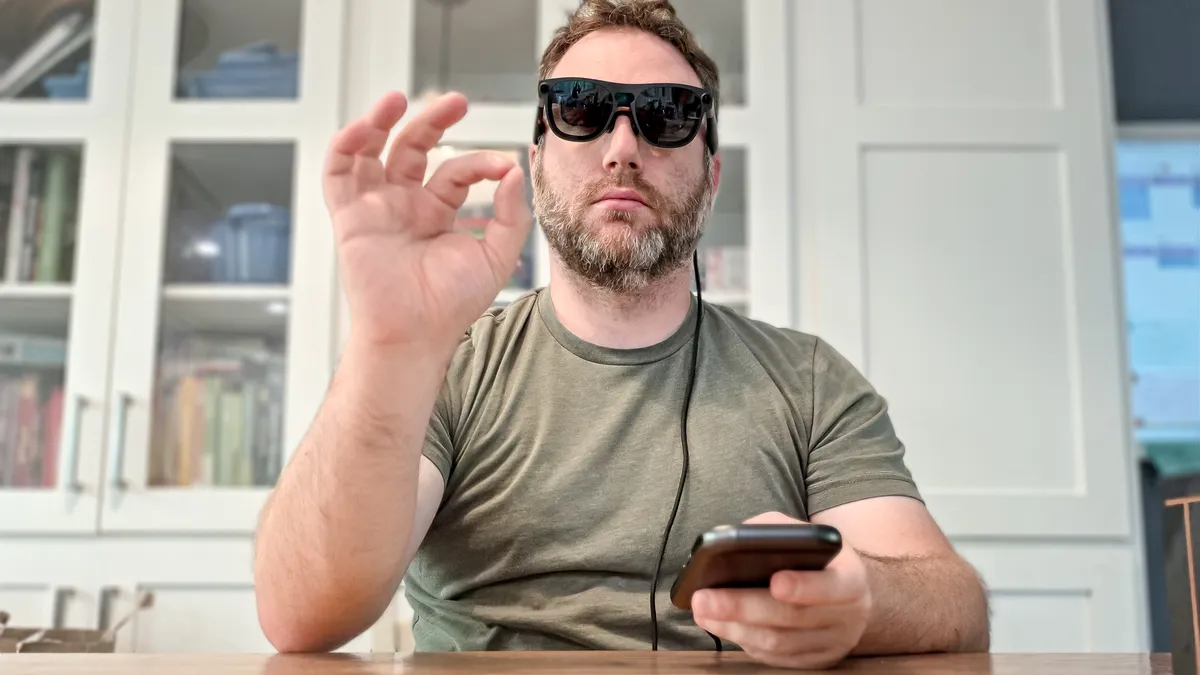
You can use pinch gestures or the trackpad puck to control the interface. So far I've found the gesture controls smooth and intuitive. The Aura comes with a delightful setup process that teaches you how to use the gesture controls and puck so you can open the glasses up ready to go. It's honestly one of the better startup tutorials I've come across.
In previous hands-on sessions, the gesture controls felt a bit laggy at times, but whatever work Xreal and Google have done in the meantime has really made the controls much better.
Honestly, it's not as exciting as the eye-tracking in the Meta VR Glasses, but it works well, so I'm not knocking it too much.
Gaming
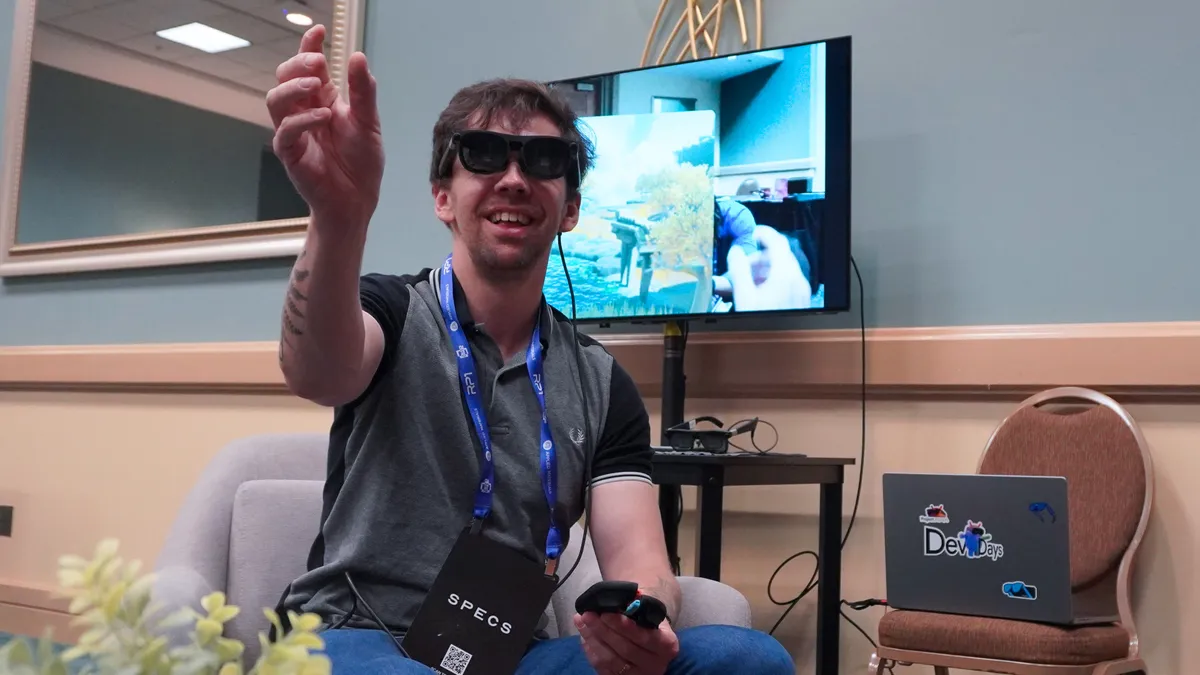
Since the system runs on Android XR there are a lot of AR (and some VR-lite) games that you can play on the Aura. Xreal recommended the excellent Demeo, which is available in the Play Store.
I've already enjoyed Demeo in VR and the AR translation is a delight, using pinch controls to move the map, zoom in, and make choices. You'll need to pay attention to your hand position so the cameras can catch it.
I do think you'll need a controller to enjoy the most out of what the Aura can do or a mouse and keyboard. Fortunately, you can connect a surprising number of accessories to the Aura via Bluetooth (more on that below).
But what makes the Aura standout is the connectivity. As mentioned, you can just use the glasses to run a Steam Deck or mirror using a cable on your laptop. Have I been running WoW: Forever through the Aura glasses? Yes. Should I? That remains to be seen.
We got a sneak peek during AWE 2026 back in June, but the Xreal Aura is one of the few glasses that can connect to the Switch 2. Compared to the mini dock and larger pro dock that Viture makes, the Aura puck is lighter, smaller and does more than just act as a passthrough and battery pack. And it does so through the USB-C connection into the puck.
It's a delight to pop in Mario Kart World or the Ocarina of Time remake on the glasses. I still don't know how Xreal and Qualcomm got this to work, but I'm happy it does.
Accessories
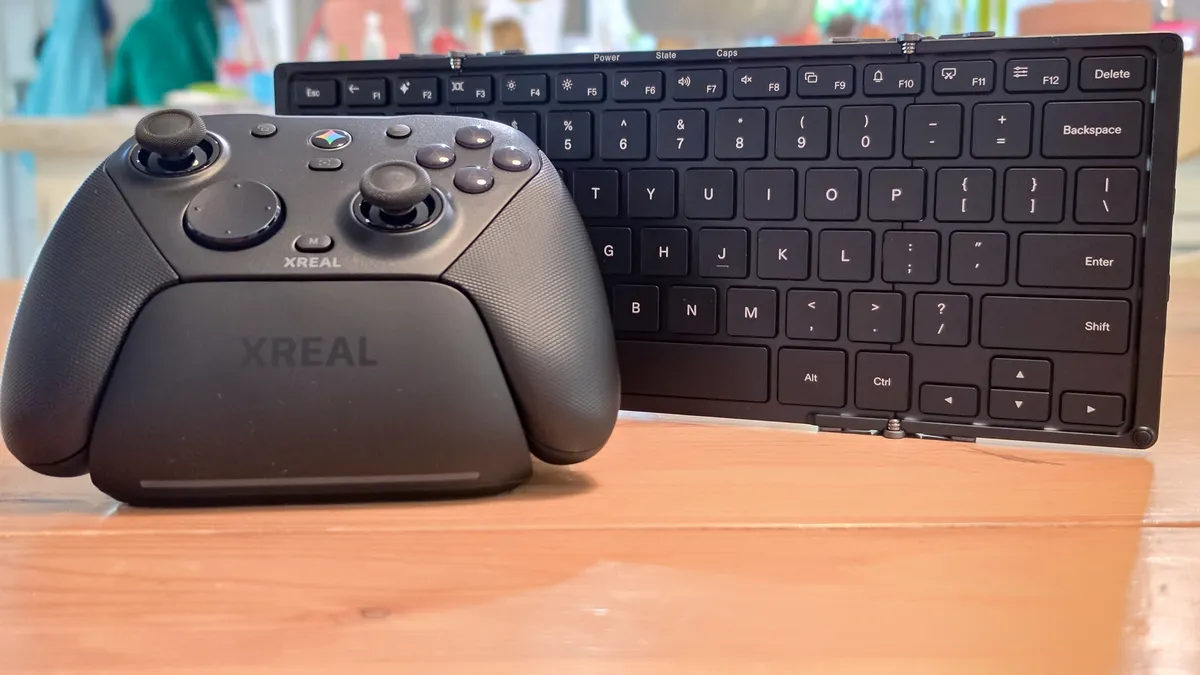
Xreal has said that you can accessorize the Aura with peripherals to enhance your use. With that in mind, the company did send us a wireless gaming controller built by GameSir, a wireless folding keyboard and a USB-C DP-in for mirroring external devices.
All three add an extra cost on top of the initial $1,299 glasses price. The GameSir controller costs $99 and can be used wirelessly or wired and has an AI button.
GameSir makes good controllers and the Xreal one is pretty decent. However, if you already have an Xbox, PlayStation or other Bluetooth controller, the Aura will support them. You won't have the Gemini button, but if you're like me and don't use that anyway, it shouldn't be a problem.
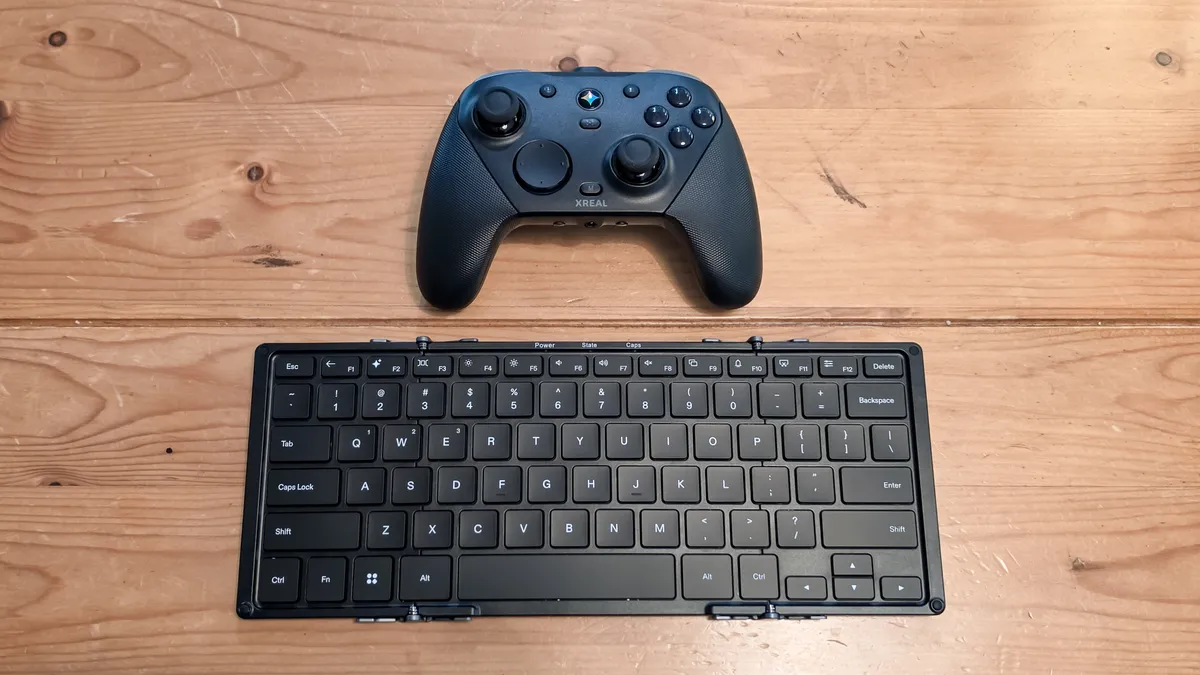
The Xreal keyboard is $79 but comes with Aura-specific keys in the FN row that enable you to control the glasses like you would your monitor on a laptop. It's actually a pretty comfortable keyboard, and the foldability for travel makes it an excellent companion. Honestly, so far you should add the $79 as part of the cost of getting a pair of Auras. You can also pair it with other devices, including laptops and tablets.
The cable is a Silkland USB-C one that costs $12.99. If you already have a USB-C DP in cable, it should work, but you're not out too much if you're looking to do wired mirroring.
Early verdict
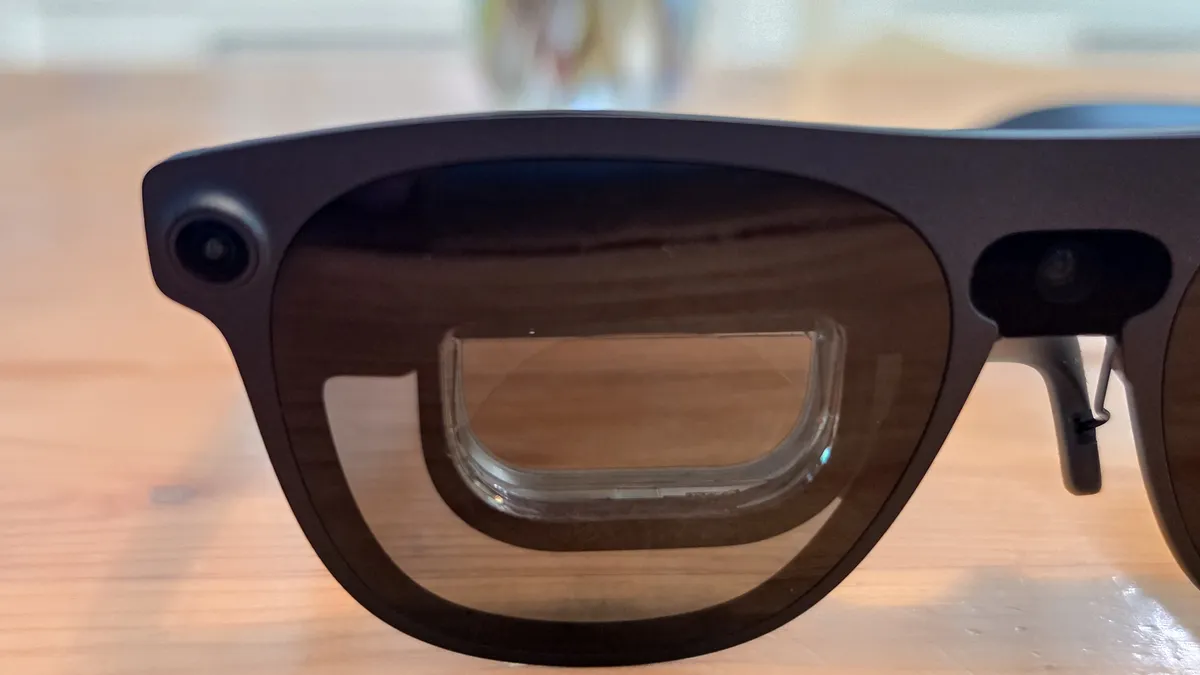
At over $1,000, the Xreal Aura is pretty expensive, but these glasses are a lot of compute shrunk down into a pair of glasses and a cell phone-sized puck.
I don't know that everyone needs these glasses, and it's not quite the super portable laptop replacement yet, but it is an exciting glimpse at the future of AR glasses. Between the Aura, Snap Specs, and Meta VR Glasses the next generation of glasses has some true potential.
There's also room for the Aura to grow from both a software and hardware perspective.
We're not there yet, but the Aura feels like a true step toward the sci-fi eyewear that we saw in movies and shows as kids.

Follow Tom's Guide on Google News and add us as a preferred source to get our up-to-date news, analysis, and reviews in your feeds.
More from Tom's Guide
- Apple’s first smart glasses are finally taking shape — here are 3 big ways it will stand out
- I tested the Halliday G2 AI smart glasses and they turned me into a walking 'cheat sheet' — but everyone could tell
- I got a tarot reading from Google’s smart glasses at Gentle Monster’s wonderfully weird pop-up