




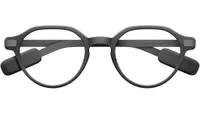
I’ve been obsessed with my Even Realities G2 for the past few months, mostly because they don’t look like a piece of “spatial computing” hardware glued to my face. But there’s a problem — CEO Will Wang’s mission is to make these the “most useful thing you will ever wear.” Namely, he wants them to be an all-day “personal companion,” but they’re not.
The feature set, while useful in saving me in clutch moments when I drift off and stop listening to my Fiancée, is limited. These become a “wear every once in a while” kind of thing that can make that $599 price tag sting.
But now, Even Realities has just had its iPhone App Store moment by introducing the Even Hub. On top of that, the conversational cheat code known as Conversate just got a huge update with Prep notes. Both of these combined have turned these into the personal companion I always wanted the glasses to be.
For a few days, when I was testing these new features, it all felt a bit sporadic as I got lost in the apps and couldn’t figure out how to seamlessly string them all together in my day-to-day life. But then, it clicked. In just one day, I managed to:
- Gaslight my boss into thinking I’m a high-functioning human being
- Feed my Tamagotchi and play chess while a stranger on the bus chats some nonsense
- Actually look like I have a gym routine
- Genuinely multitask in a way that feels effortless
So let me take you through this day where it all came together for me.
9 AM — the productive deep work

Working remotely with a multi-monitor situation can be overwhelming with multiple tasks flying at you. I’m also lucky to be in a position where I can blast music to focus. I’m starting with a blank Google Doc (this doc, actually) and feeling spaced out on ideas.
Normally, I’d be wasting a few minutes skipping tracks on Spotify — followed swiftly by the ultimate distraction of TikTok doomscrolling. Now, I have the DisplayMusicPlus plugin, which lets me use the R1 ring to skip tracks as I work and even get scrolling lyrics on my HUD if I want to sing the classics (don’t judge me).
As for every other service (like Slack and Gmail) desperately clamoring for my attention, that’s where G2 Bridge comes in. Instead of having to flip my attention between screens so sharply, I use this to capture my voice, transcribe it accurately through Whisper AI and route what I say directly in response to whoever’s trying to get my attention. All while my eyes never leave the screen.
12 PM — the D1 athlete gym session


By 12 PM, I’m walking to the gym, and confession: I have no idea what I’m doing. I’ve had the same routine for over a year, and there’s never been any material change to my composition in any way that I do. Stuck with this, I opened up the Gym app and prompted it to generate a new lifting routine using AI.
Up on the HUD, I got a step-by-step guide through all my sets and rests. I actually looked like a man with a plan, even though I have the fitness IQ of a sourdough starter. And none of this involved me getting my sweaty mitts all over my phone. Plus, nobody noticed I was wearing smart glasses — shout-out to the subtle design for that!
2 PM — the meeting overload

Then comes the afternoon when the U.S. team clocks on. Given the time difference, this usually means I get the morning to lock in and do stuff — followed swiftly by an avalanche of meetings.
My main issue with back-to-backs is that there’s usually never room to breathe and prepare for the next meeting. On top of that, there are a fair few meetings on the calendar where I come out thinking “this could’ve been an email” (sorry, boss). So I have two missions here:
- Look like I actually prepared for the meetings I’m in
- Use the meetings where nothing really happens as a chance to take a break
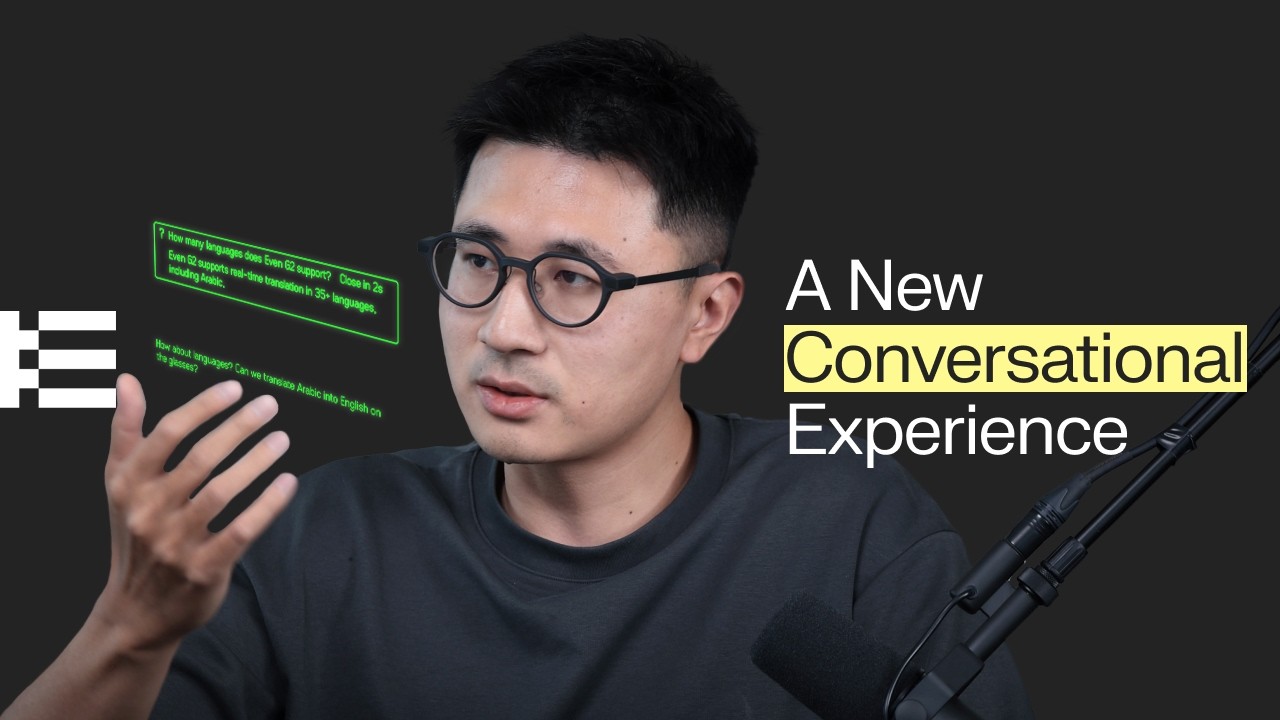
That’s where Conversate 2.0 comes in. As you know, I’m already a fan of this feature (to a point — I don’t want to replace my ability to actually listen with AI all the time), but the second iteration gives you the chance to upload prep notes.
Adding quick reference points in text form and important documents for each meeting means I walk in ready. AI cues are much more accurate because of it; the real-time contextual support is faster, and the summaries feel more detailed with this combination of information. I even managed to fact-check my boss on some key details because of it!

And second, in the throes of a 4 PM meeting where I hear the word “synergy” for the fourth time, I can be guilty of clocking out mentally. This is the perfect time to look like I’m paying attention while playing Even Chess, which engages my mind. Either that or I’m feeding my Tamagotchi, and nobody realizes!
Opting out of reality?

Is there a chance this goes too far? Absolutely. I absolutely did just stress-test it in this scenario, and you will absolutely have to find your balance in using these, because as we move from “gadgets” to “companions,” it’s very easy for these to become a second memory, doing the work for you.
That’s not the fault of Even Realities, as the CEO’s mission is to make these “human-first.” Self-restraint will be key here, because the more you rely on AI summaries and prep notes, you may start feeling what psychologists call digital amnesia — where finding your first memory just feels a bit foggy. And distracting yourself extensively with games in key situations isn’t going to be great for your attention span either.
One thing is clear, though — Even G2s have just had a bit of an iPhone moment, as the company opens the floodgates to truly make them “the most useful thing you will ever wear.” It’ll be a fun Wild West at first, while coders figure out what to make with it, and people find their right balance of how much to use it.
But ultimately, this is a bit of a breakthrough for smart glasses, and something I expect you’ll see the likes of Meta quickly start doing.

Follow Tom's Guide on Google News and add us as a preferred source to get our up-to-date news, analysis, and reviews in your feeds.
More from Tom's Guide

