






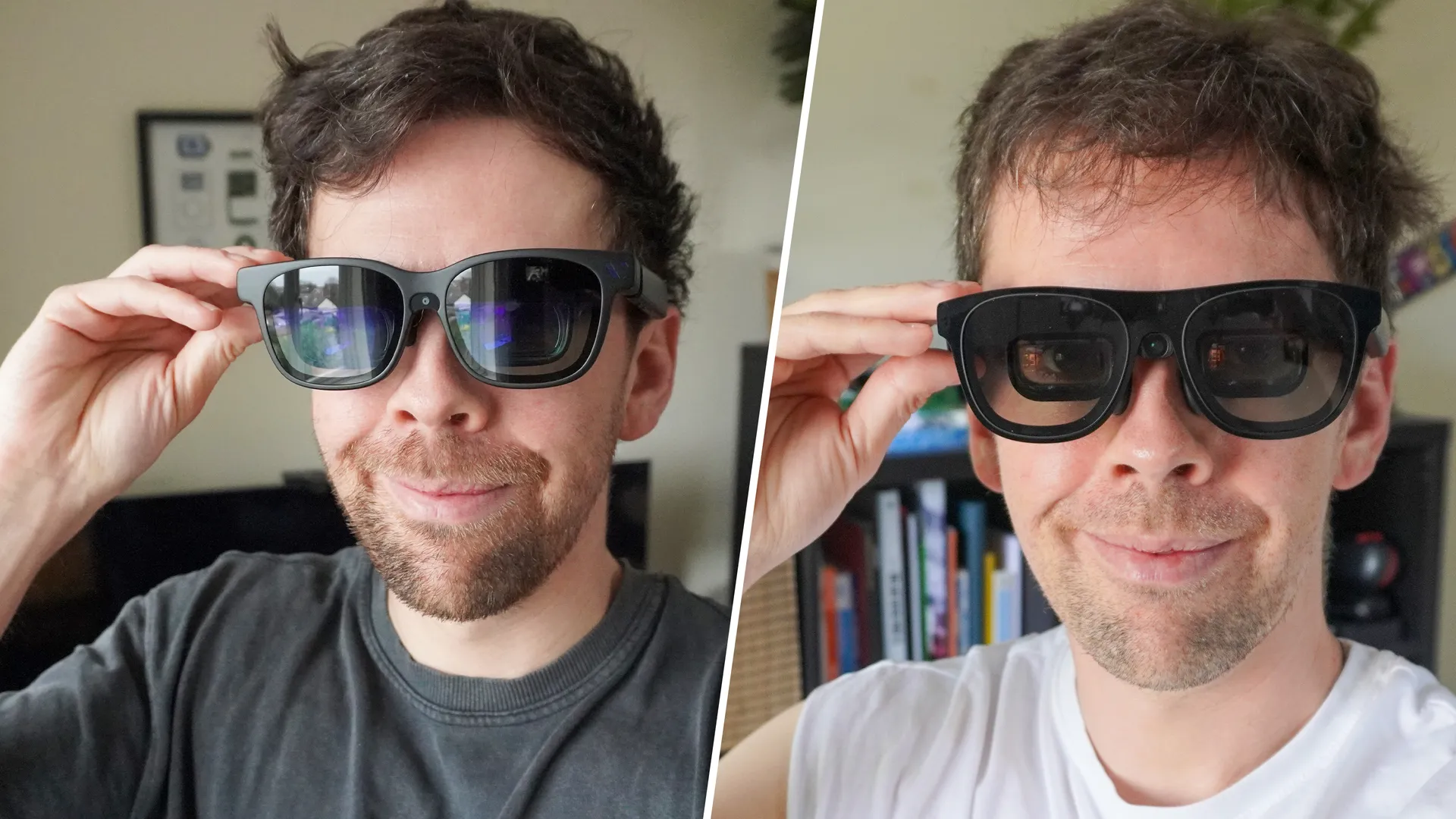
Xreal just announced its top tier One Pro AR glasses have a “new forever price of $599,” which is a permanent $50 saving on one of the best premium pairs of AR glasses. Now, while everyone else is reporting the great news (and it indeed is good news), they’re missing the important question — why now?
Well, in two words: Viture Beast. As you’ve probably read already, they’re set for a launch on April 27 with all their features present (even though you could buy them already). But at $50 less than this new lower price of the One Pros, and with similar (or better) specs on paper than Xreal’s glasses, the competition is mighty.
So let’s take this battle out of the courtroom and over to the products you can buy. I have both pairs — and this seems as good a time as any to break down the differences and which one you should choose.
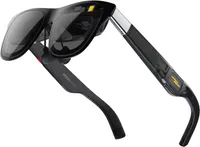
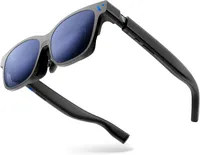
Xreal One Pro vs Viture Beast: Specs
Spec |
Xreal One Pro |
Viture Beast |
|---|---|---|
Price |
$599 |
$549 |
Display tech |
Sony Micro-OLED |
Sony Micro-OLED |
Resolution |
1920 x 1080 per-eye |
1920 x 1200 per-eye |
Field of view (FOV) |
57 degrees |
58 degrees |
Peak brightness |
700 nits |
1250 nits |
Refresh rate |
120Hz |
120Hz |
Tracking |
3DoF (native) / 6DoF (with Eye camera) |
3DoF (native) / 6DoF (with Spacewalker app) |
On-device tech |
X1 spatial chip |
VisionPair customization |
Dimming |
3-level Electrochromic |
9-level Electrochromic |
Audio |
Speakers tuned by Bose |
Speakers tuned by Harman |
Weight |
91 grams |
98 grams |
Buy the Xreal One Pro if…
- Productivity is the name of the game
- You need feature tweaks on-device
- 3D is a must for you
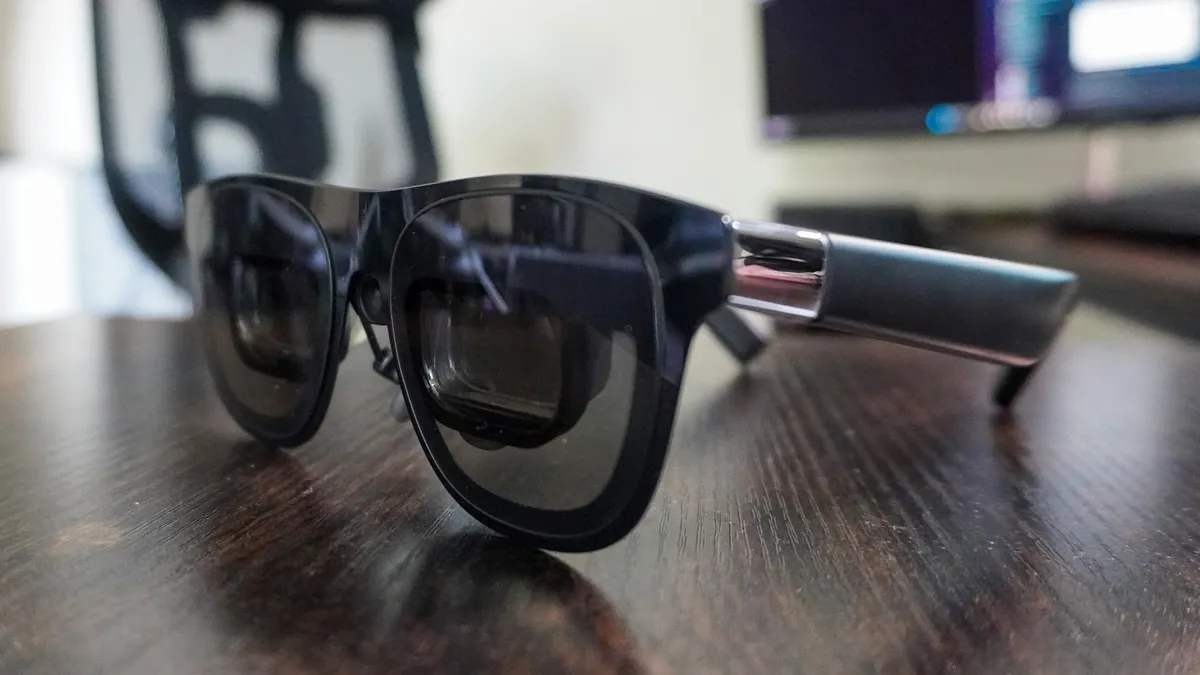
Whenever I go on press trips and know I’m only going to be working on flights, there’s a reason why I reach for the One Pros. The flatter color science provides a more accurate canvas for Final Cut Pro and Photoshop work, and while there are some tiny hints of edge blurring, the managed vividness does eliminate a lot of the chromatic aberration.
Throw in the X1 chip and you’ve got a lot of on-device ways to mess with the screen to your liking. There are similar options on the Viture Beast, like the ultra-wide display and screen-by-screen 3D. But for more versatility, you need the SpaceWalker app, whereas the One Pros can do more on-device — alongside real-time 2D to 3D content transformation.
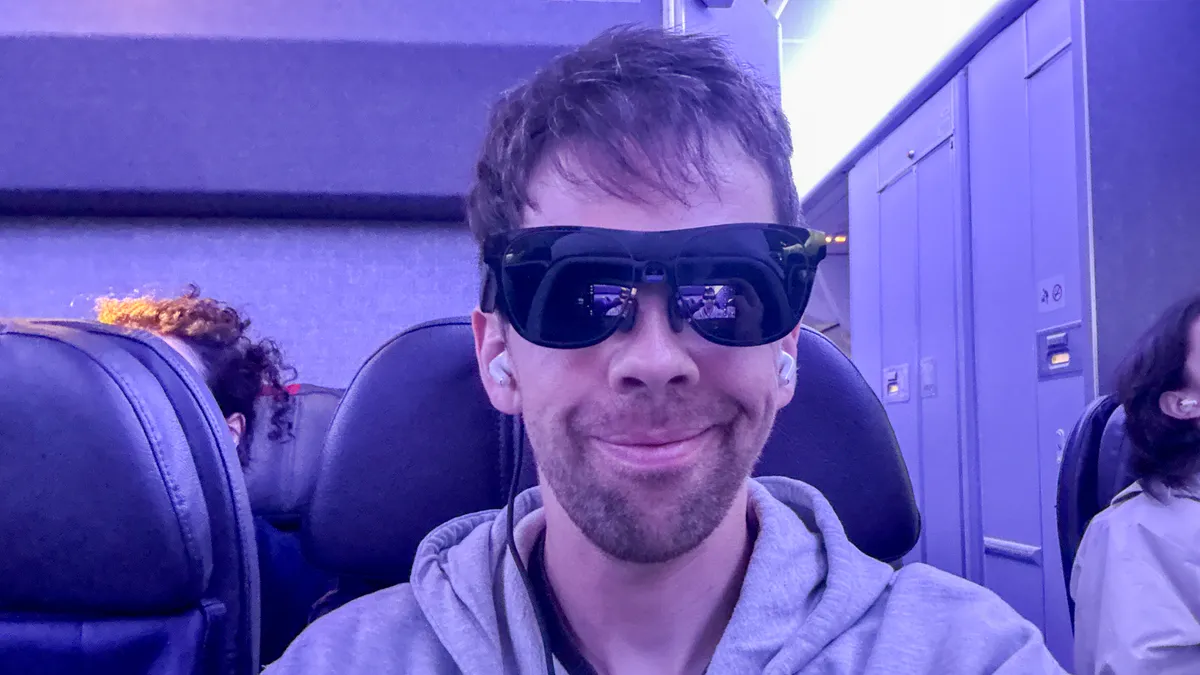
That’s not to say there aren’t some issues here. While the color accuracy may be better for getting stuff done on the One Pros, the cooler tones are noticeable when gaming. And this price is for the glasses without the optional Eye camera, which can impact tracking a little bit — not massively, as it’s just a step down from 6DoF anchoring to 3DoF on paper, which for context:
- 6 Degrees of Freedom (6DoF) is the spatial experience — locking a screen to a physical coordinate in your room based on what the Eye camera can see.
- 3 Degrees of Freedom (3DoF) is the swivel chair experience — pinning a screen to a specific direction and tracking head rotation only.
But without the visual aid of the Eye camera, it can get bamboozled a little bit on moving transport.
Buy the Viture Beast if…
- You want the best picture quality for gaming/streaming
- Screen tracking/anchoring really matters to you
- You want more versatility in the ways to use it
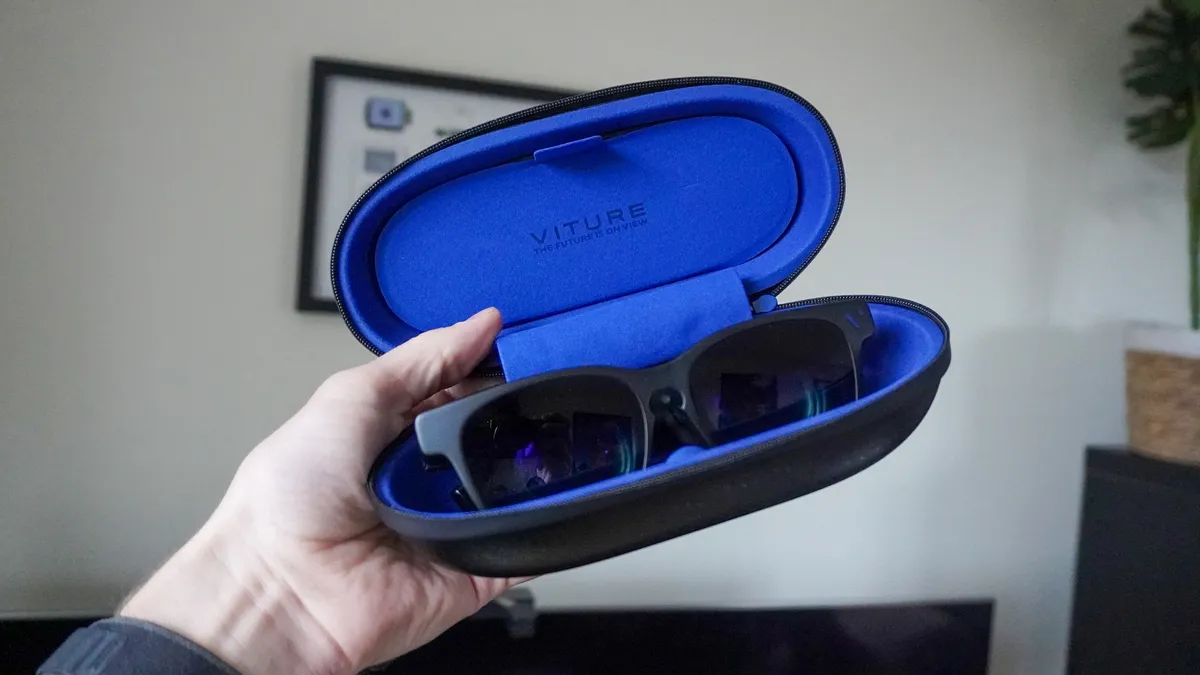
The Viture Beast had a rocky start back in January, but all of the issues I spoke about have been fixed, and all the features are now here. And after really putting them through their paces, I can confirm that they are indeed beasty. With a slightly wider 58-degree field of view, improved sharpness, better brightness and better color production for gaming/streaming, these are the best for entertainment.
Productivity takes a slight backseat, and while you can customize the color in the on-device menu to be more accurate, the One Pros do scrape slightly ahead in the work field. With this color boost comes some more noticeable chromatic aberration around the far edges, though clarity of details is better here. It’s different strokes for different folks in the screen department.
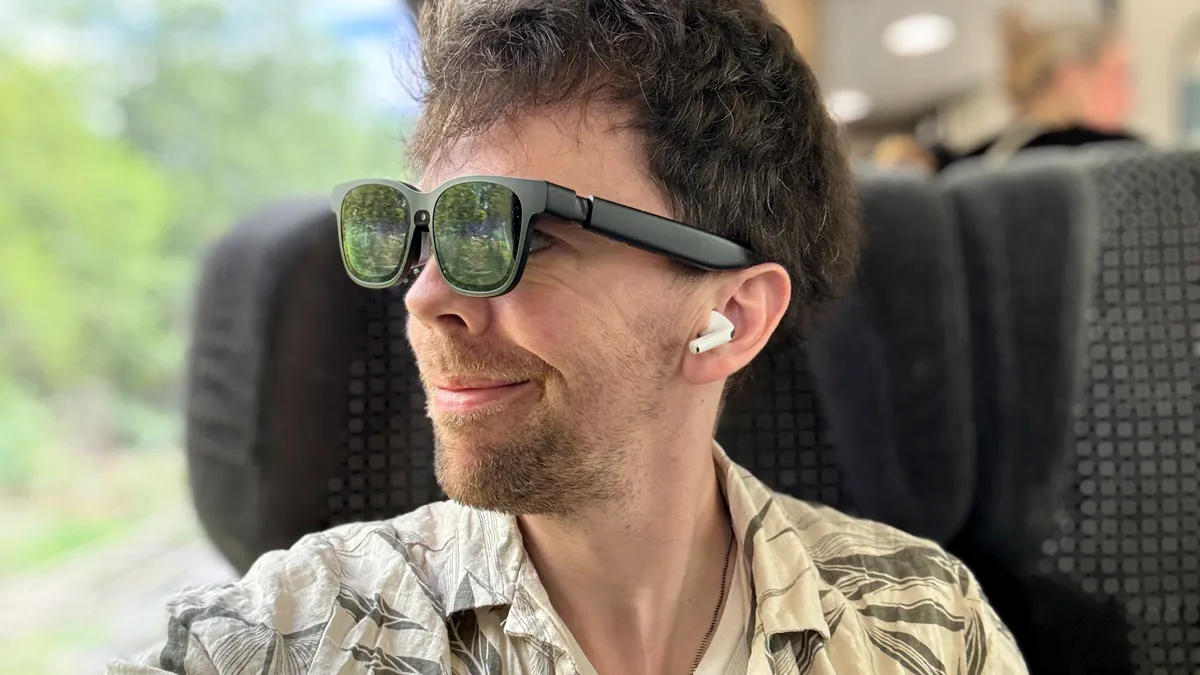
As for the versatility, there is an ultrawide monitor mode built into the glasses itself, as well as impressive 3DoF tracking. But for everything else, you’ll have to go the software route with Spacewalker for multi-screen support and 6DoF tracking, and Immersive 3D for AI driven 3D content conversion.
That does make for some potential compatibility issues, and on phones, features are locked into the app’s UI itself rather than being across different apps (if you want 3D in Netflix, you have to use Viture’s browser rather than the Netflix app for example).
But in tandem, they do add a nice added level of versatility to the ways you can use your Beasts for work and play, whereas Xreal seems to have left its own app — Nebula — in the past. Though, there are third party options to workaround that somewhat.
For the rest of you
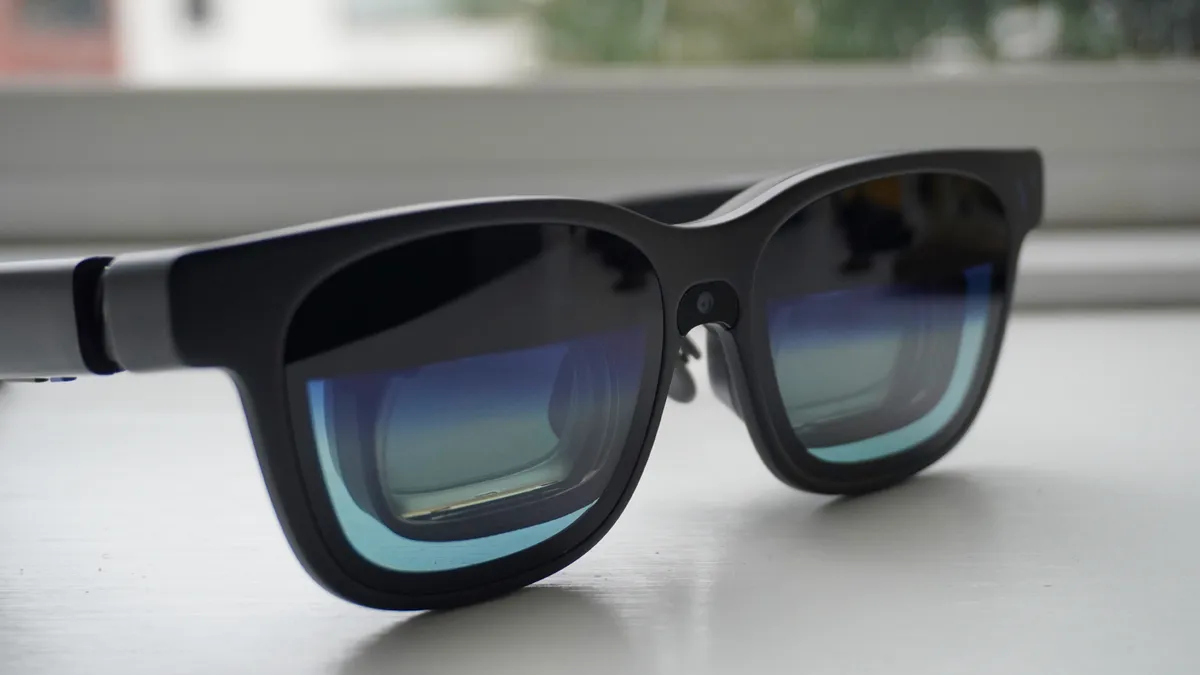
So as someone who’s tested AR glasses for five years, I’d edge more towards the Viture Beast taking the win — that $50 saving for better display quality with a slightly wider FOV and more versatility in tuning them is crucial.
But of course, these are the cream of the crop — the answers to what happens when companies throw everything and the kitchen sink at making the best AR glasses you can wear. Both have excellent electrochromic dimming on the lenses, strong audio and comfortable wearability for hours at a time.
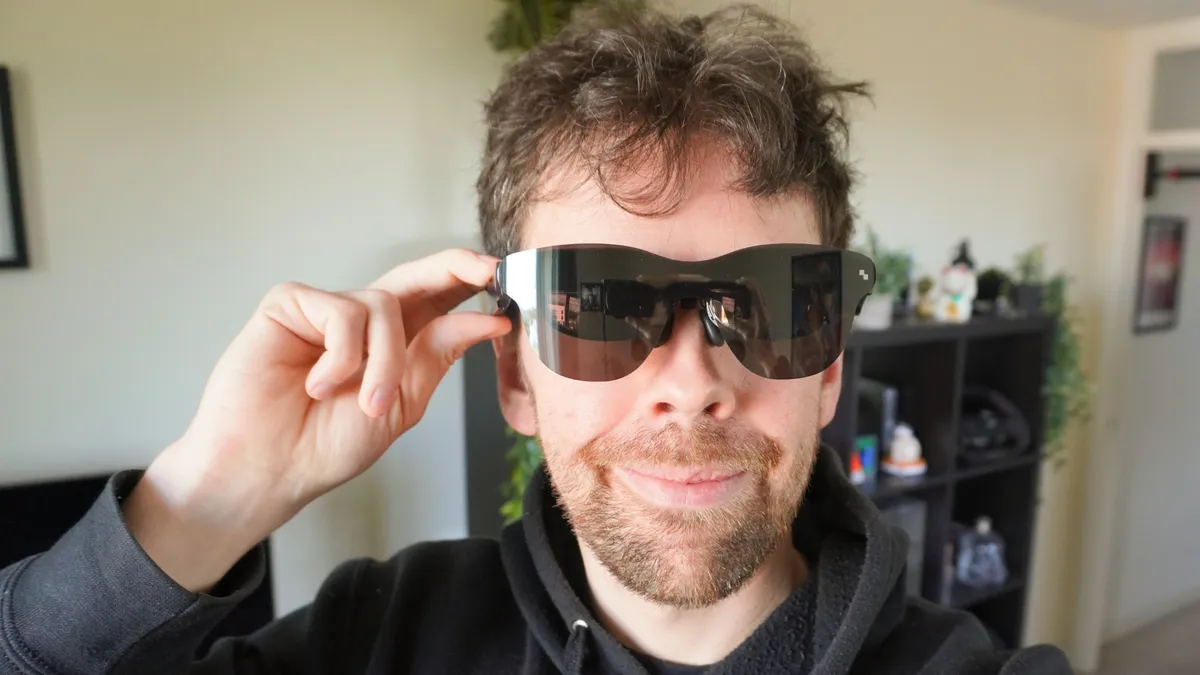
However most of you reading this need this much capability? Honestly, no. You can get better bang for your buck with cheaper models in this economy, and you can see companies responding to this. Xreal’s recent IPO has revealed “Project Helen,” which looks set to be the $400 entry-level model, and I would not be surprised if Viture is cooking up a lower-end pair of Lumas too.
As of right now, RayNeo is dominating this space and a lot of you can get away with the $299 Air 4 Pro. And while Viture and Xreal steam ahead with paving the way in display tech — hitting that premium tier — I hope they don’t forget about the rest of us.

Follow Tom's Guide on Google News and add us as a preferred source to get our up-to-date news, analysis, and reviews in your feeds. Subscribe to Tom's Guide on YouTube and follow us on TikTok.
More from Tom's Guide
- I traveled 5,000 miles with Rokid Glasses — this Meta Ray-Ban Display rival impressed me
- Exclusive: Viture Co-founders are planning ‘invisible’ AI glasses to rival Meta
- Snap CEO dunks on Ray-Ban Metas and teases Snap Specs as his 'alien vision' for the future of computing — sounds weird, but I’m on board

