Getting a security code sent via text to gain access to your Gmail account will soon be a thing of the past as Google will reportedly stop using SMS codes in favor of another form of two-factor authentication (2FA).
As reported by Forbes, the search giant is preparing to “move away from sending SMS messages for authentication” and plans to replace them with QR codes instead. The reason here is twofold: not only are SMS codes less secure but they also make it easier for cybercriminals to abuse Google’s services.
The move makes a great deal of sense overall and Gmail spokesperson Ross Richendrfer compared it to moving beyond passwords in favor of passkeys in a statement to Forbes.
We don’t have a set date for when this change will go into effect yet but Richendrfer confirmed that it will be rolling out over the next few months. Like with all big changes though, this one will likely arrive for some Gmail users for testing first before it becomes generally available.
Here’s everything you need to know about this major Gmail change and how QR code authentication will work when it becomes available.
The problems with SMS authentication

If you’ve been following our security coverage here at Tom’s Guide, then you’re likely aware of the dangers posed by SMS authentication. If not, here’s a brief rundown.
Whether it’s Android malware or even iPhone malware, hackers will often use malicious software installed on your smartphone to intercept SMS codes. With these codes and your passwords in hand, they can then take over your online accounts.
At the same time, just like with your other sensitive data, SMS codes can be stolen in phishing attacks.
Hackers have another clever way to get their hands on your SMS codes, too. Through a process known as SIM swapping, they can trick your cellphone provider into transferring your phone number onto their SIM card. This allows them to intercept your SMS codes and once again, use them to take over your online accounts.
Finally, there’s one other big downside to using SMS codes for authentication: you might no longer have access to the device or the phone number they’re being sent to. This makes it impossible to log into your accounts
How QR codes will work in Gmail
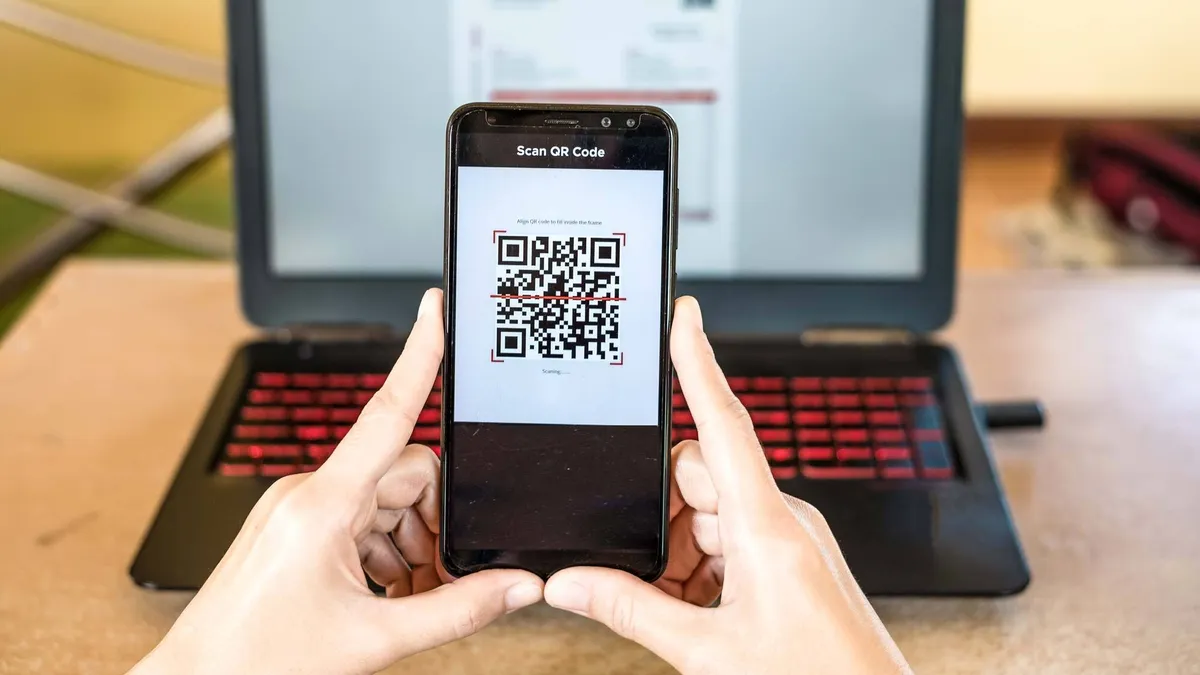
Once this change does roll out, you’ll no longer be able to use an SMS code to gain access to your Gmail account. Instead, a QR code will be displayed on your computer or laptop which you will then need to scan with your smartphone’s camera app to access your Gmail account.
In the past, we’ve seen malicious QR codes used in cyberattacks but this implementation of them will work more like how they’re used with passkeys.
In Google’s eyes, this change will help keep Gmail users safer from phishing attacks where a hacker tricks someone into sharing their security codes. Even if you were tricked into sharing the QR code displayed by your Gmail account (and I don’t even think you’d be able to), a new code will be generated for each device and login attempt.
Switching to QR codes will also make Gmail users less reliant on their cellphone providers for anti-abuse protections.
This major Gmail change will certainly take some getting used to if you rely on SMS codes for authentication. It’s worth noting that you can already use a trusted device like your phone or tablet to log into your account so that you don’t have to be bothered with entering an authentication code each time you log into your account.
As a Gmail user myself, I plan on keeping a close eye on Google’s rollout of QR codes for authentication and I’ll update this story if and when we find out more on when this new security feature will become available.
More from Tom's Guide
- Hackers are posing as Apple and Google to infect Macs with malware
- Macs under attack from dangerous malware targeting digital wallets and Apple’s Notes app
- Don't click this — malicious ads impersonating Google Chrome spreading dangerous malware