







Ever gotten so lost in a book series that you don't remember a particular character's arc or the ending of the last novel? Thanks to an AI-automated summary feature for Kindle devices, you’ll be back on track in no time.
Simply known as Recaps, the new feature acts like a "Previously on…" television segment, giving readers a quick refresher on storylines and characters before reading the next book in a series. This feature, however, is only available for books borrowed (aka via Prime Reading or Kindle Unlimited) or purchased from the Kindle Store and, of course, across ebooks in a series.
Users can access the new feature by downloading the 5.18.1 update on a 10th-gen or newer Kindle device. Once updated, readers should look for the “View Recaps” button in the series page in the Kindle Library or the “View Recaps” item within the series grouping three-dot menu. If the "View Recaps" button isn't available, the feature is inaccessible for that series.
Tap, tap the side to turn
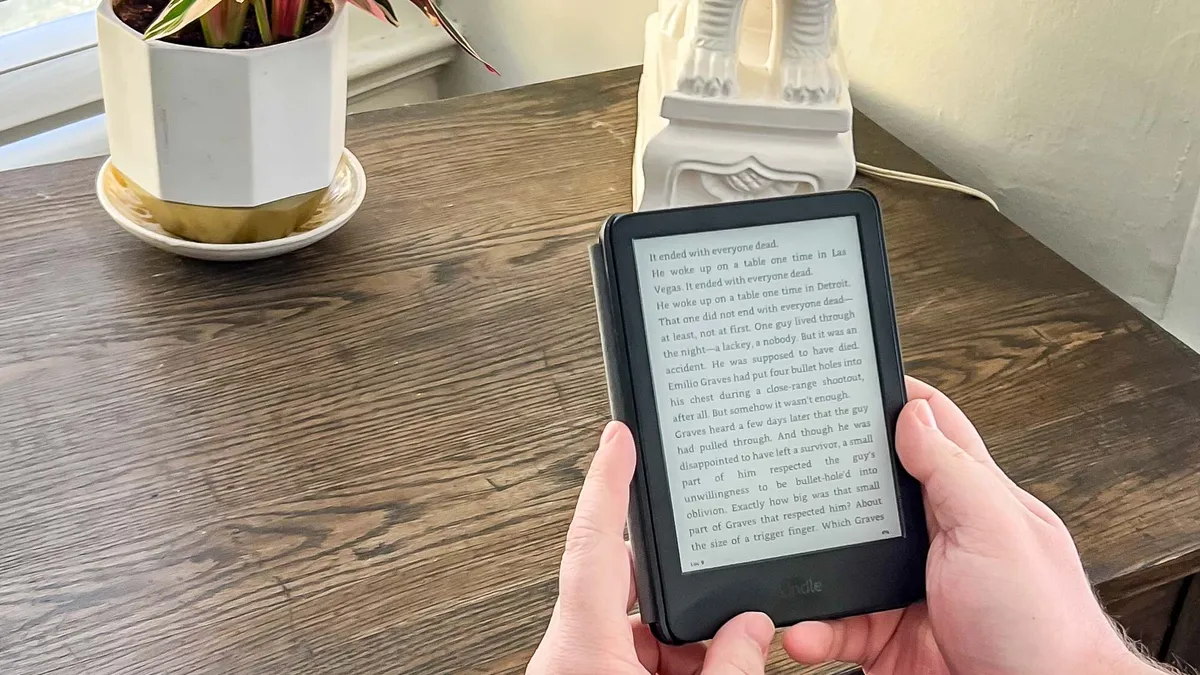
Another great feature included in the latest software update is Double Tap to Page Turn. As the name suggests, the feature can be switched on in Kindle settings, and instead of pressing the screen, users can double-tap the Kindle's frame to turn a page or scroll down (i.e. on the Home or Library screen).
This is a fantastic new addition that makes Kindles with no physical page-turn buttons easier to use in one hand. There’s one disadvantage though: you can only move forward with double taps when reading, and users will have to rely on the usual screen taps to go back.
Both of these features are a real page turner for Kindle users, as they allow forgetful readers (like me) to recap a previous book or flip through pages without smudging the device's screen. So far, Double Tap is available globally, whereas Recaps has only rolled out on Kindle devices in the US and on the iOS app. Amazon has not confirmed when it will be accessible for readers globally.
How does Recaps work?
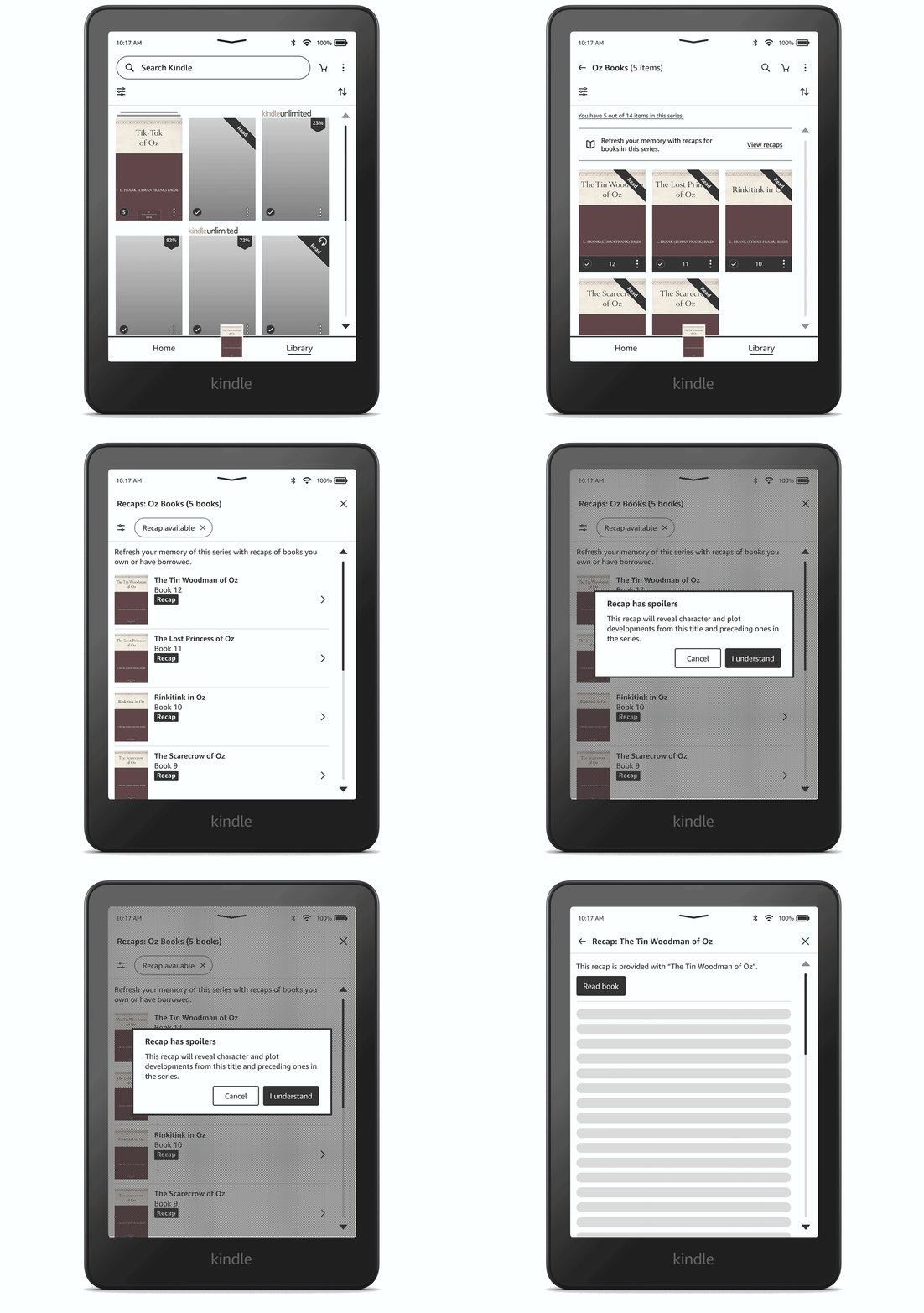
While the company's press release doesn't explicitly mention the use of AI in Kindle's new feature, it has been confirmed in a statement to TechCrunch. As per an Amazon spokesperson, "we use technology, including GenAI and Amazon moderators, to create short recaps of books that accurately reflect book content".
This isn't Amazon's only foray into using AI across its devices. The Kindle Scribes have AI summaries and handwriting recognition, while Ring cameras recently introduced a Smart Video Search for premium subscribers, using text-to-image prompts to scour saved footage.
Readers have raised some red flags on Reddit about these AI-powered features, with concerns about recap accuracy and how Amazon plans to ensure that moderator checks are actually completed. The company claims recaps do accurately reflect content, but we have reached out for verification of these processes. We'll keep you updated on how this narrative pans out.

