







If you’ve been holding off on updating your Samsung phone, now is the time to do so, as the Korean hardware giant has released a new security update with fixes for four critical Android security flaws.
While the best Samsung phones will now run the latest software after this update is installed, Forbes points out one glaring omission: a patch for a Pixel zero-day that hackers already use in their attacks.
Last month, when Google released a fix for this zero-day for its own phones, it appeared that this issue was isolated to Pixel devices. However, that no longer seems to be the case as many of the best Android phones, including Samsung’s, are vulnerable to this flaw.
Here’s everything you need to know about this new security update from Samsung and some tips on keeping your Android phone safe from hackers.
Pixel zero-day also affects Samsung phones
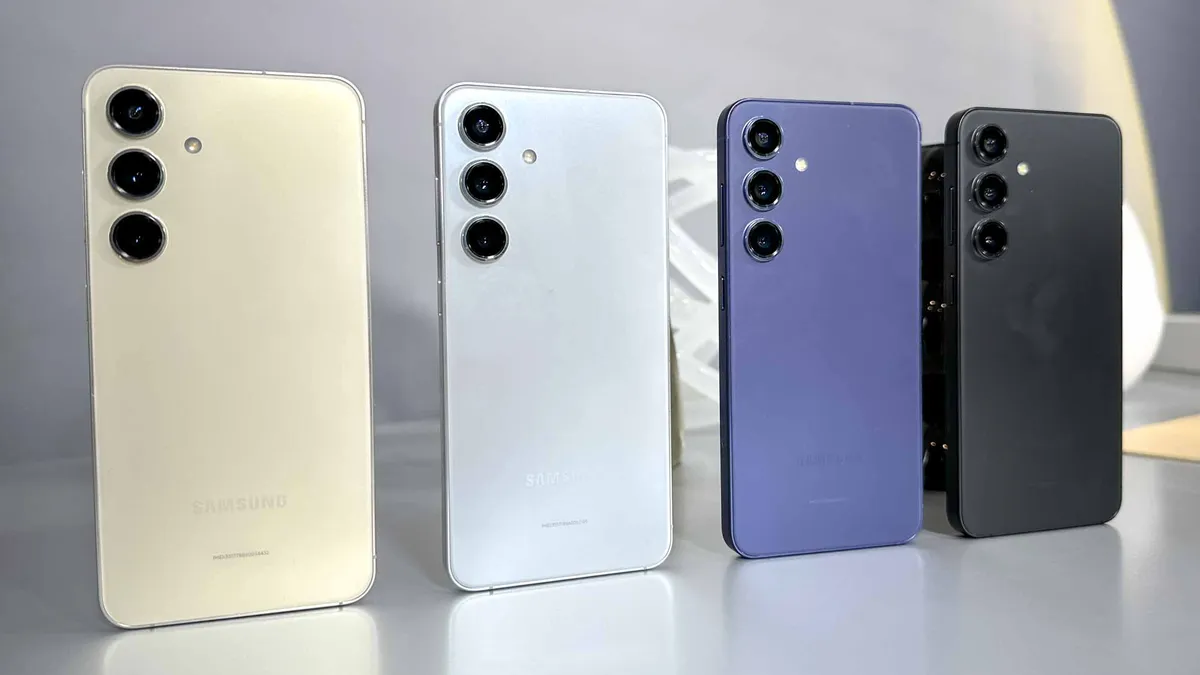
Samsung’s July 2024 security patch fixes 25 Android vulnerabilities as well as 33 security flaws that affect its phones and tablets. Four of these 25 Android flaws have been given a critical security rating, while the rest are considered high-risk.
If you own a Samsung phone, you should install this new round of security updates as soon as possible since hackers love to target devices running outdated software in their attacks. Still, though, that unpatched Pixel zero-day remains a cause for concern.
Tracked as CVE-2024-31320, the zero-day is an elevation of privilege (EoP) flaw that can be exploited by hackers in their attacks. In fact, in its June Pixel Update Bulletin, Google revealed that it has seen indications that this particular vulnerability “may be under limited, targeted exploitation” already.
From there, things got so bad that the U.S. government warned all federal employees about this vulnerability, urging them to update their Pixel devices by July 4 or stop using them altogether. Now, though, it appears that this issue is much more widespread than initially thought.
In a statement to Forbes, a Google spokesperson confirmed that this zero-day impacts the entire Android platform. The search giant is working with its OEM partners to roll out a fix for other smartphones besides Pixel devices.
How to keep your Android phone safe from hackers
While we don’t know when a fix for this issue will arrive, given how seriously the U.S. government has responded to this particular threat, you will want to update your Samsung smartphone as soon as it’s released. In the meantime, though, there are some steps you can take to keep your Android phone safe from hackers.
Keeping your smartphone updated and running the latest software is of the utmost importance, but you also want to ensure that you periodically update all of your apps. Likewise, it’s always a good idea to go through your phone and limit the number of apps you have installed. This is because you might have a malicious app on your phone and not even know it.
After that, you want to ensure that Google Play Protect is enabled on your phone, as it scans all the new apps you download and your existing apps for malware. For extra protection, though, you might also want to consider running one of the best Android antivirus apps alongside it. Plus, many Android antivirus apps include helpful extras like a VPN or even a password manager.
Hackers are always looking for new ways to access our smartphones and their sensitive data. Vulnerabilities and especially zero-day flaws make things even easier for them, so you want to install the latest security updates as soon as they’re released and not put off doing so.
More from Tom's Guide
- Medusa banking trojan returns to steal your passwords and cash — how to stay safe
- Hackers are now using 'malware cluster bombs' in their attacks
- Downloading this new browser could leave your Mac with a nasty malware infection

