We learned all about the Samsung Galaxy Z Fold 6 when it debuted at the latest Galaxy Unpacked event yesterday. But now that reviewers have started to try out the new foldable, another weird feature — or, possibly, a bug — has revealed itself.
For whatever reason, the Galaxy Z Fold 6 doesn't prompt you to set up a fingerprint log-in when setting up. A PIN's still required, but you can otherwise progress straight to the home screen without being asked to scan a finger.
In fact this happened to me personally as I moved into a Galaxy Z Fold 6 review unit yesterday. What's worse is that it took me a couple of hours to realize I was logging in with my PIN every time I opened the phone. I can be a bit slow on the uptake sometimes...
Something just doesn't scan
You could try and justify this scanner skip as a customizability setting, not forcing users to set up fingerprint authentication if they don't want to. Or alternatively as a way for Samsung to speed users through set-up so they can try out the Galaxy Z Fold 6's new features faster. But chances are this is a strange error that will be corrected by the time the phone ships out to regular customers on July 24th.
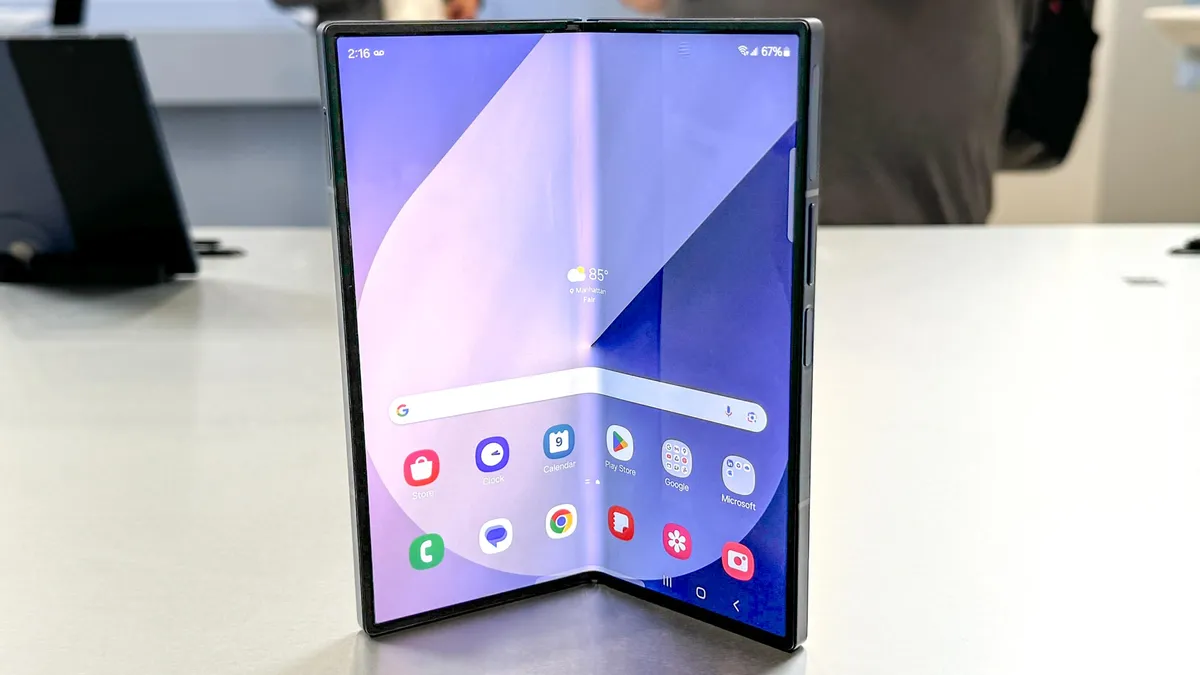
If the bug's still active by that point, and you've already got your Galaxy Z Fold 6 pre-order in, then fear not. You can simply open the Settings menu, open up Security and Privacy options, and then select Lock screen followed by Fingerprints to set it up manually.
To learn more about the new Z Fold's headlining features, like its refreshed design, brighter displays and bevy of new AI toys, have a read of our Galaxy Z Fold 6 hands-on, and stay tuned for a full review. You may also be interested in our thoughts on the other new announcements, in which case you can check out our Galaxy Z Flip 6, Galaxy Ring, Galaxy Buds 3 Pro, Galaxy Watch Ultra and Galaxy Watch 7 first impressions too.
More from Tom's Guide
- Samsung Galaxy Z Flip 6 vs Flip 5: Biggest differences
- Google is making it easier to see if your info is on the dark web — here’s how
- Samsung Galaxy Watch 7 vs. Galaxy Watch Ultra: Biggest differences explained