




Verizon is giving away free Nintendo Switch consoles to new Fios home internet customers this holiday season. If you've been considering upgrading your internet or switching providers, this deal sweetens the offer considerably — you get a popular gaming console worth $300 just for signing up.
The promotion applies to select Verizon Fios internet plans and includes a 5-year price lock on your monthly rate. If you already own a Switch, Verizon offers alternative freebies like a Samsung tablet or TV. There are some requirements to qualify and keep the gift free, including how long you need to maintain service. Here's what you need to know.

1. Sign up for one of the qualifying plans
To get the free Nintendo Switch, you need sign up for new Verizon Fios home internet and choose one of three plans below.
Fios offers fiber-optic internet with speeds ranging from 300 Mbps to 2 Gig, which handles multiple devices streaming, gaming, and browsing without slowdowns. The 5G Home Ultimate plan provides unlimited data with the fastest 5G speeds in your area.
If neither is available where you live, the LTE Home Plus plan offers basic internet with speeds up to 50 Mbps. Plans start at $35 per month. Most importantly, this promotion only applies to new customers — if you're already a Verizon home internet subscriber, you don't qualify.
2. Keep your account for 14 days
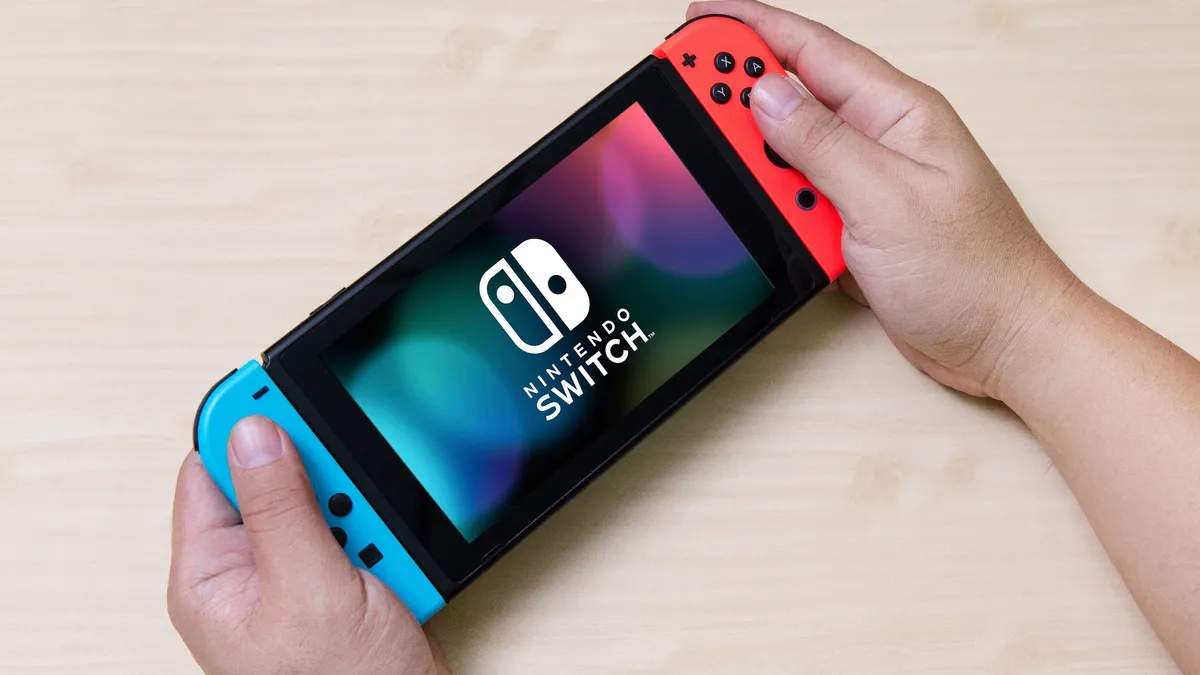
Once you sign up, your account needs to remain in good standing for at least 14 days before Verizon sends your free Nintendo Switch. This means paying your first bill on time and having no service issues.
However, there's an important catch: if you cancel your internet service within 180 days (six months) of signing up, Verizon will charge you the full retail price of the Switch — around $300. Essentially, you're committing to six months of service to keep the console free. The same cancellation policy applies to the tablet or TV alternatives.
3. Choose an alternative if you prefer

Already have a Nintendo Switch or not interested in gaming? Verizon offers two other options: a Samsung Galaxy Tab S10 FE 5G tablet or a 43-inch Samsung Q7F TV. The tablet works well for streaming, browsing, or productivity on the go, while the TV is sized for bedrooms, offices, or smaller spaces.
You can only choose one free item per Verizon account, and the same six-month service requirement applies. If you cancel before 180 days, you'll be charged the full retail price of whichever item you selected.
4. Act quickly before the Switches sell out
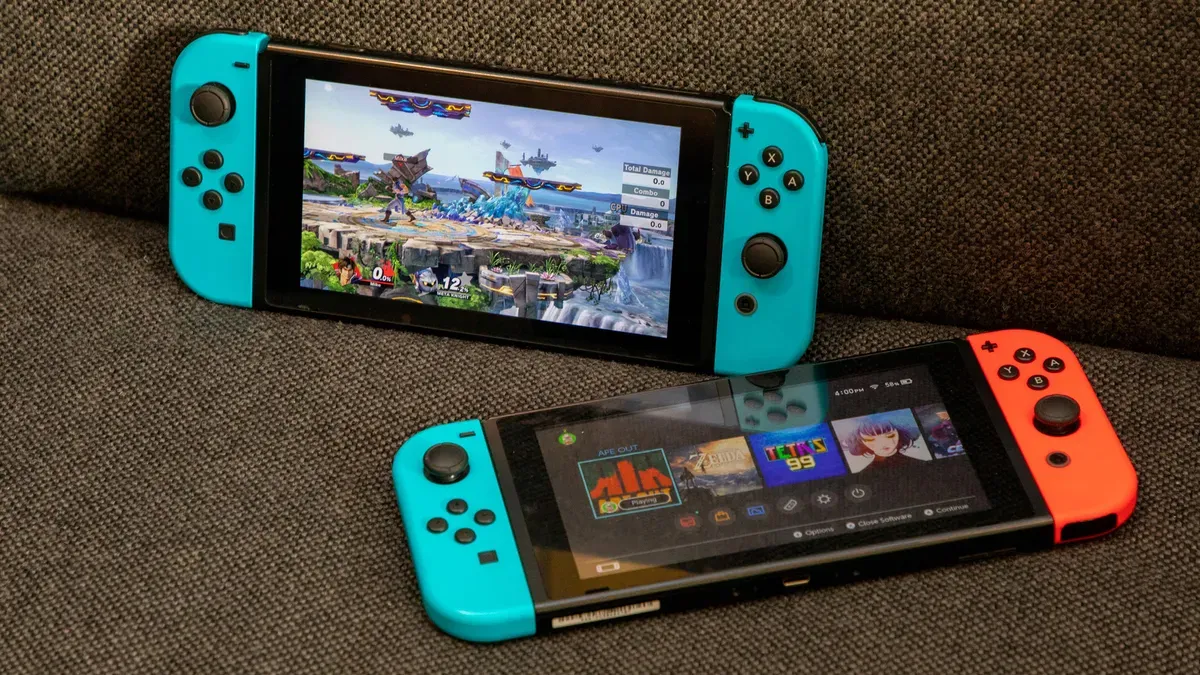
The promotion officially runs through December 23, 2025, but there's a limited supply of Nintendo Switch consoles available.
Since the Switch is one of the most sought-after gaming consoles, inventory will likely run out well before the end date. If you want the console specifically (rather than the tablet or TV), sign up as soon as possible. Once Switch supplies are depleted, Verizon may only offer the alternative gifts or end the promotion entirely.
You're also limited to one free item per account, so you can't get multiple gifts even if you sign up for service at multiple addresses.
5. Understand the 5-year price lock

In addition to the free gift, Verizon includes a 5-year price lock on qualifying plans. This guarantees your monthly rate won't increase for 60 months, which is unusual since most internet providers raise prices annually. The price lock gives you predictable costs and protects you from rate hikes during that period.
Just make sure the plan you choose has enough speed for your household's needs, because if you upgrade to a faster tier later, the price lock may not transfer to the new plan. Factor in whether the internet service itself meets your needs for the next few years, not just whether you want the free console.

Follow Tom's Guide on Google News and add us as a preferred source to get our up-to-date news, analysis, and reviews in your feeds. Make sure to click the Follow button!
More from Tom's Guide
- Nintendo Switch Guide: tips, tricks and hidden features
- How to connect your Switch directly to TV — no dock required
Verizon is paying out $100 million — how to check if you're getting paid

