




I've tested plenty of the best tablets, and when it comes to devices made specifically for kids, I usually look for things like a chunky case, parental controls, colorful apps and hardware that's hopefully durable enough to survive whatever a 5-year-old throws at it.
The AT&T amiGO Jr. Tab 2 has all of that, but after giving it to my 5-year-old, the feature I ended up appreciating most wasn't what the matte screen, the lack of AI or the variety of entertainment options. In fact, it's something that other tablets like the Fire Tablet lacked. It has stylus.
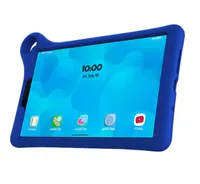
A stylus is a rare feature for a kids' tablet

To be completely honest, my son was using the tablet for a few days before I even realized it had a stylus. But, tucked in a tight pocket on the back of the cover is a crayon-like stylus perfect for little hands.
Combined with the tablet's matte display, this simple accessory has turned the amiGO Jr. Tab 2 into something my son can use to draw, trace and practice some of the same fine motor skills he's working on as he learns to write better.
It's not perfect, In particular, I wish its protective bumper stayed attached more securely and I wish there was a way to keep the stylus better tethered to the case. If there's one universal truth about giving a small accessory to a 5-year-old, it's that its eventual home will probably be somewhere between the couch cushions. I'll admit, we lost it within days, but ended up finding a third-party crayon-like stylus on Amazon, that worked just as well. It comes in a pack of two so there's a backup. (If you know, you know).
However, after watching my son use the amiGO Jr. Tab 2 day after day, it's clear that some thoughtful decisions went into designing this tablet for younger kids.
Set up was a breeze
Setup is easy, the parental controls don't feel unnecessarily complicated and, refreshingly, the tablet isn't trying to shove generative AI in front of a young child. You'll actually find no AI on this tablet unless you choose apps or use Google on it. (All of which can be disabled).
I kept it connected to my account rather than giving my 5-year-old free rein, which meant I could control what he had access to without constantly hovering over him. I could decide which apps he could use, set limits around screen time and lock down features I didn't want him wandering into.
That simplicity is one of the things I appreciated most. There's no chatbot waiting for him to start a conversation, no AI image generator and no AI assistant encouraging him to ask it questions. For a device aimed at younger kids, I really appreciate that the amiGO Jr. Tab 2 mostly stays in its lane: games, videos, books, drawing and the apps a parent decides to put there.
The cost is reasonable for a quality tablet
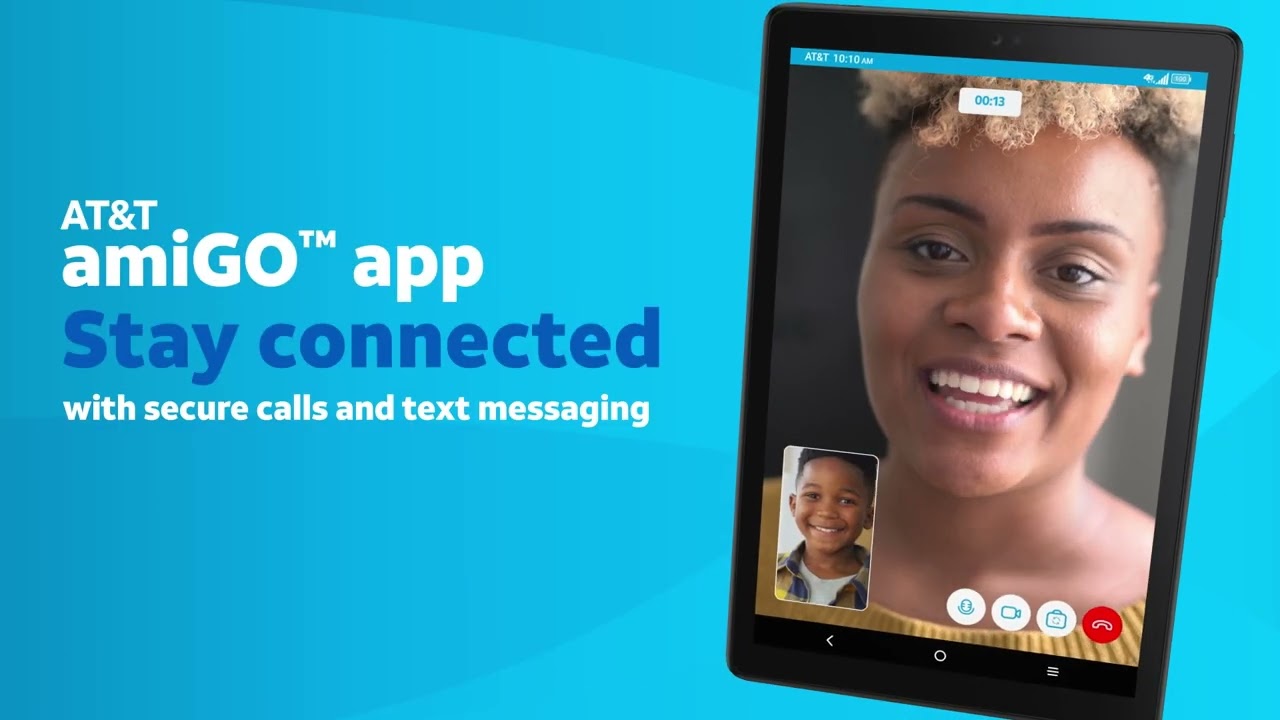
We are an AT&T family but you don't have to be. It just seemed to make things easier. Through AT&T's amiGO app, parents can use location tracking and communication tools designed to help them stay connected with their child. It's an especially useful addition if the tablet is going to leave the house, since it gives parents another way to keep tabs on both the device and the child using it.
The amiGO Jr. Tab 2 is available now at AT&T for $239.99 outright or $4.99 per month over 36 months with a qualifying new line. It has an 8.7-inch anti-glare display, a 6,000 mAh battery and 64GB of storage, giving younger kids plenty of room for apps, games, books and downloaded videos without making the tablet feel unnecessarily big or heavy.
The bigger upgrade over the original amiGO Jr. Tab is connectivity. The Tab 2 supports AT&T 5G rather than relying primarily on Wi-Fi, which means kids can use it in the car, while traveling or anywhere else you have a cellular connection. That connectivity also powers some of the best features.
The matte screen is the real star
One of the first things I noticed about the amiGO Jr. Tab 2 was its display. It isn't shiny like an iPad or Fire Tablet, instead it has a matte, anti-glare finish. It might not sound like a major feature, but put a tablet into the hands of a 5-year-old and the benefits become obvious quickly.
It cuts down on reflections, and fingerprints aren't nearly as noticeable — useful when the primary user tends to touch every square inch of the display. More importantly, when a child uses the stylus, the slight texture on the surface supports easy movement of the stylus. So, instead of sliding across slick glass, there's a slight pull, which makes a surprisingly big difference.
When he draws or traces letters, the matte screen provides just enough resistance to keep the tip from shooting across the display. I can see him slowing down and making more deliberate movements with his fingers and hand.
He's still 5, of course. Sometimes he's carefully tracing a letter, and sometimes he's furiously scribbling across the screen. But I've found myself encouraging him to grab the stylus rather than simply use his finger because it gets him holding and controlling an actual writing implement.
This brings me to durability. My son is a thrower. Meaning, when he is done with something he will throw it. He has special needs and we are working on it, but for the sake of helping parents understand the durability of this tablet, I have to say, this thing can take a blow. My kiddo threw it off our porch onto the driveway as we were headed for a long road trip. (Don't ask me why, he's 5). And the tablet survived like nothing happened. I haven't spoken to AT&T about how they stress test the tablet, and I certainly don't recommend throwing it, but just know, when the cover is on, it can take a hit.
Keeping the cover on
The tablet is very sturdy as long as the cover is on. The bumper gives it the chunky protection I'd expect from a device meant for young kids. The problem is that it comes away from the tablet too easily around the edges.
My 5-year-old quickly discovered he could get his fingers underneath it and start peeling it away. And once a 5-year-old discovers that something can be peeled, there's essentially no going back.
That's frustrating because this is exactly the age when I want a protective case that stays firmly attached. It's not enough to ruin the experience, but I'd like to see a tighter-fitting bumper on the next version.
Endless activity
Since it runs Android/Google Kids Space, the games depend on what you approve and install rather than being limited to an AT&T-specific game library. For my kiddo, a few of his favorites include:
PBS KIDS Games — lots of simple educational games featuring Daniel Tiger, Wild Kratts, Curious George and other PBS characters.
LEGO DUPLO World — building, vehicles, animals and open-ended play aimed specifically at younger kids.
Toca Boca World — imaginative, dollhouse-style play where kids create characters and stories. He enjoys playing this one with is siblings.
Sago Mini World — very preschool-friendly mini games and activities without complicated instructions.
Khan Academy Kids — reading, numbers, drawing and early-learning activities presented as games.
Crayola Create & Play — kids can draw, color and do creative activities that work nicely with the stylus.
Minecraft — this available through Google Play, although it's obviously a much more involved game.
YouTube Kids / streaming apps — it can also function as a regular video tablet when you allow those apps.
My son bounces between games, videos and drawing apps, and the stylus is particularly useful for coloring, tracing and other activities that required more precision than tapping the screen with a finger.
Verdict
The AT&T amiGO Jr. Tab 2 gets something right that a lot of technology designed for children doesn't: younger kids don't simply need a watered-down version of an adult device and they do not need AI.
My son doesn't care about processor benchmarks or the latest AI assistant. He cares that he can pick up his tablet and immediately use it. I care about whether I can control what he accesses, whether it can withstand life with a 5-year-old and whether it offers something beyond keeping him entertained.
That's why the amiGO Jr. Tab 2 is parent and kid approved. From the matte screen and chunky stylus to straightforward parental controls, 5G connectivity and a refreshingly AI-free core experience, this feels like a tablet that knows exactly who it's designed for.
Follow Tom's Guide on Google News and add us as a preferred source to get our up-to-date news, analysis, and reviews in your feeds. Subscribe to Tom's Guide on YouTube and follow us on TikTok.

More from Tom's Guide

