







Meta has blessed us with another feature nobody requested: Instagram Instants. Just when you thought your DMs were chaotic enough, Instagram now lets people send you disappearing photos that vanish after you view them, cluttering your inbox with a persistent notification stack.
This is the same company that gave us Threads (their Twitter alternative), Reels (their TikTok answer), and Stories (inspired by Snapchat). Now it's created Instants, because apparently there weren't enough ways to share photos yet.
The feature launched last week and immediately started appearing in users' DMs whether they wanted it or not. If you're already annoyed by it, here's what to do next.
Head to your Instagram settings...
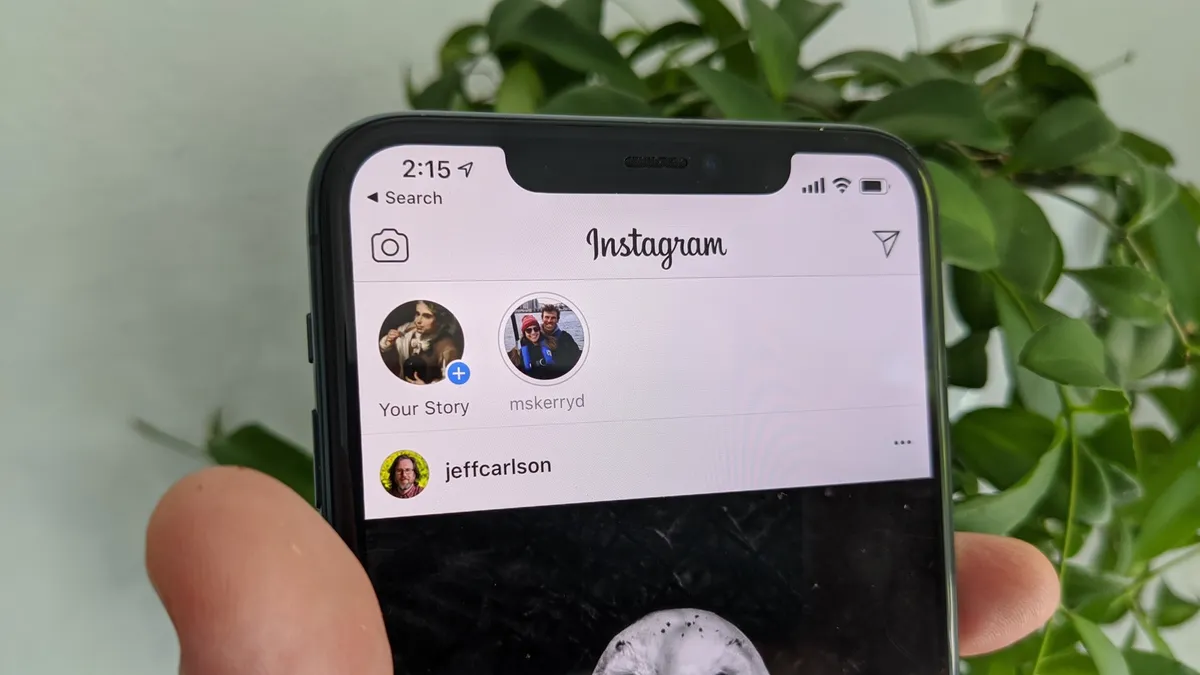
Open Instagram and tap your profile picture, then tap the three horizontal lines to open your menu. From here, select "Settings and privacy" from the menu and scroll down to "Content Preferences."
Find "Hide Instants in Inbox" and toggle it on. Once enabled, the photo stack vanishes from the bottom corner of your inbox immediately. People can technically still send you instants, but you'll never see them, and Instagram won't notify you about them.
Honestly, instants feels like another feature destined to join the graveyard of Instagram additions nobody asked for. I also think this recycling of functionality is quite comical. The platform already had Vanish Mode, where your messages and photos disappear once the chat is closed.

Follow Tom's Guide on Google News and add us as a preferred source to get our up-to-date news, analysis, and reviews in your feeds. Subscribe to Tom's Guide on YouTube and follow Tom's Guide Entertainment on TikTok and Instagram. Finally, you can visit our dedicated Tom's Guide Savings Squad hub for expert help on getting the best products for less.
More from Tom's Guide

